

Out of Memory Error - what else can I try?
I'm running into an Out of Memory error in After Effects 24.2.1 that I just can't fix and am looking for solutions.
Here are the errors, they always happen together, there's usually about 30 of them that pop up back to back:
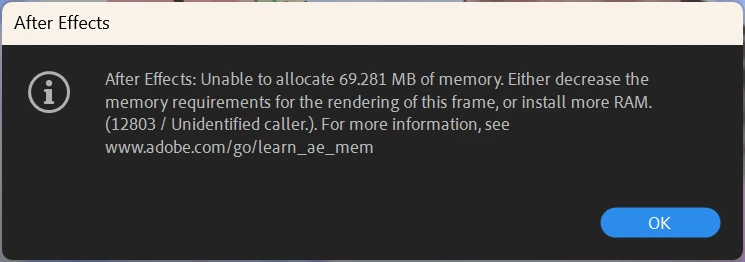
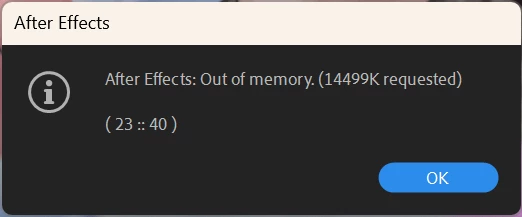
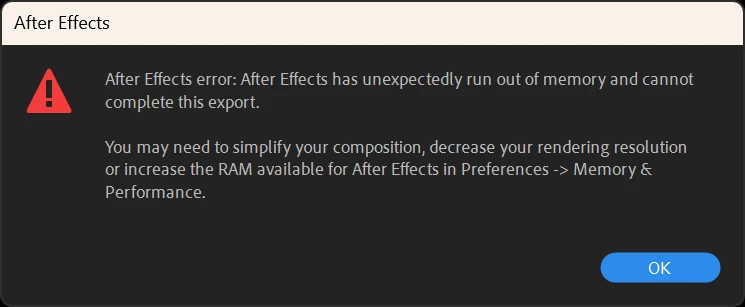
This happens on all of my projects, when I render a video or just RAM Preview my project in AE. There is no specific frame that kills it, rather, it appears that AE uses more and more memory until it fails. In the past when I would RAM Preview my projects in AE I could watch as it reached the limit of how much it could render and earlier parts of the timeline would lose their rendered status as new frames were rendered. This does not happen anymore, once I reach the limit of my memory the program just crashes and gives me these errors.
Memory while rendering, fills up and then crashes AE:
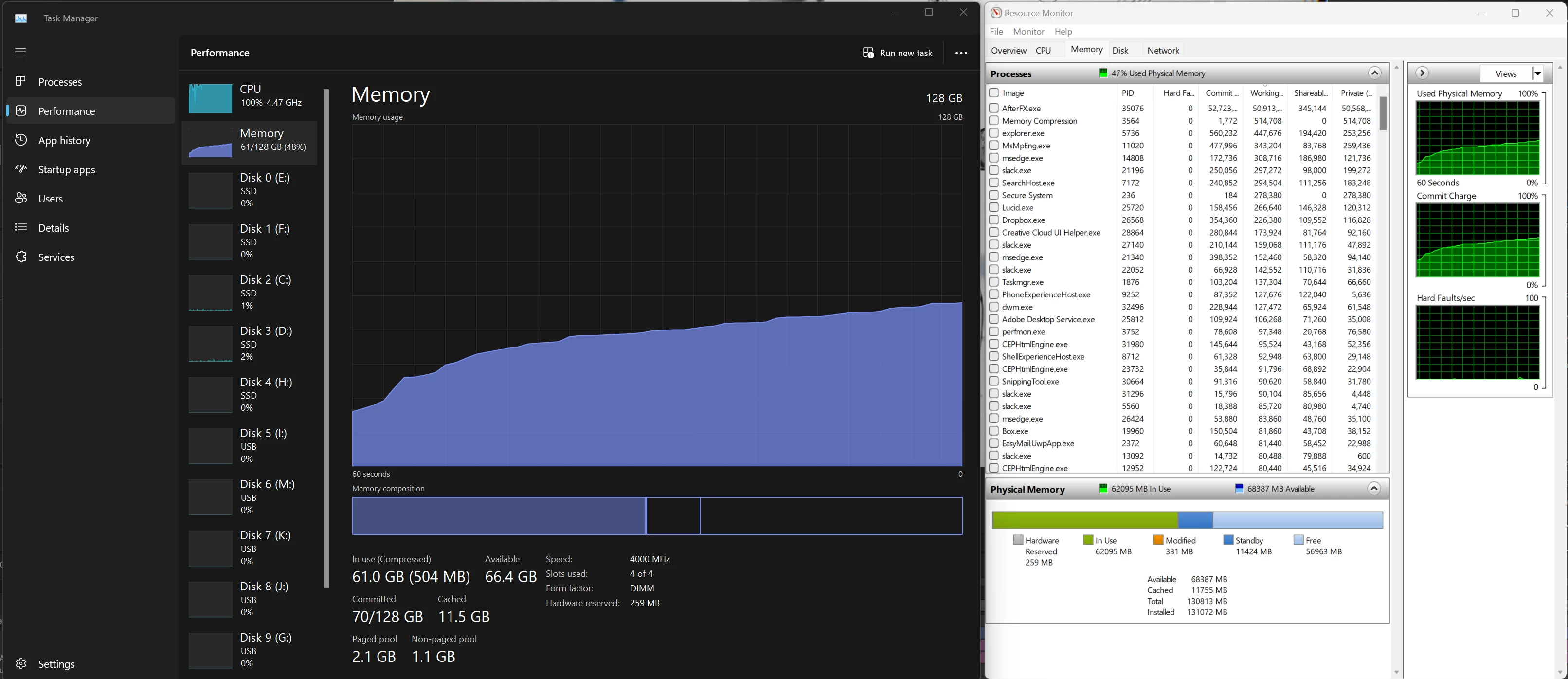
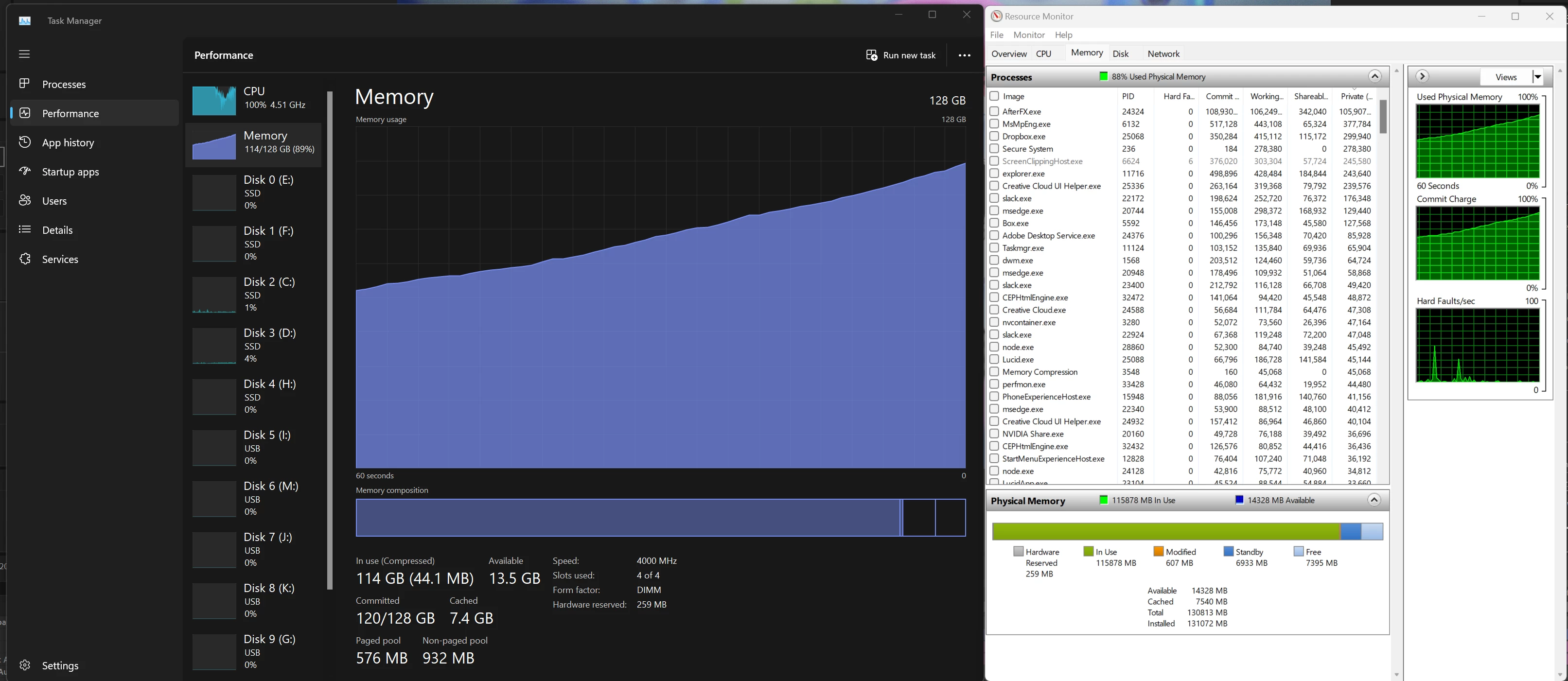
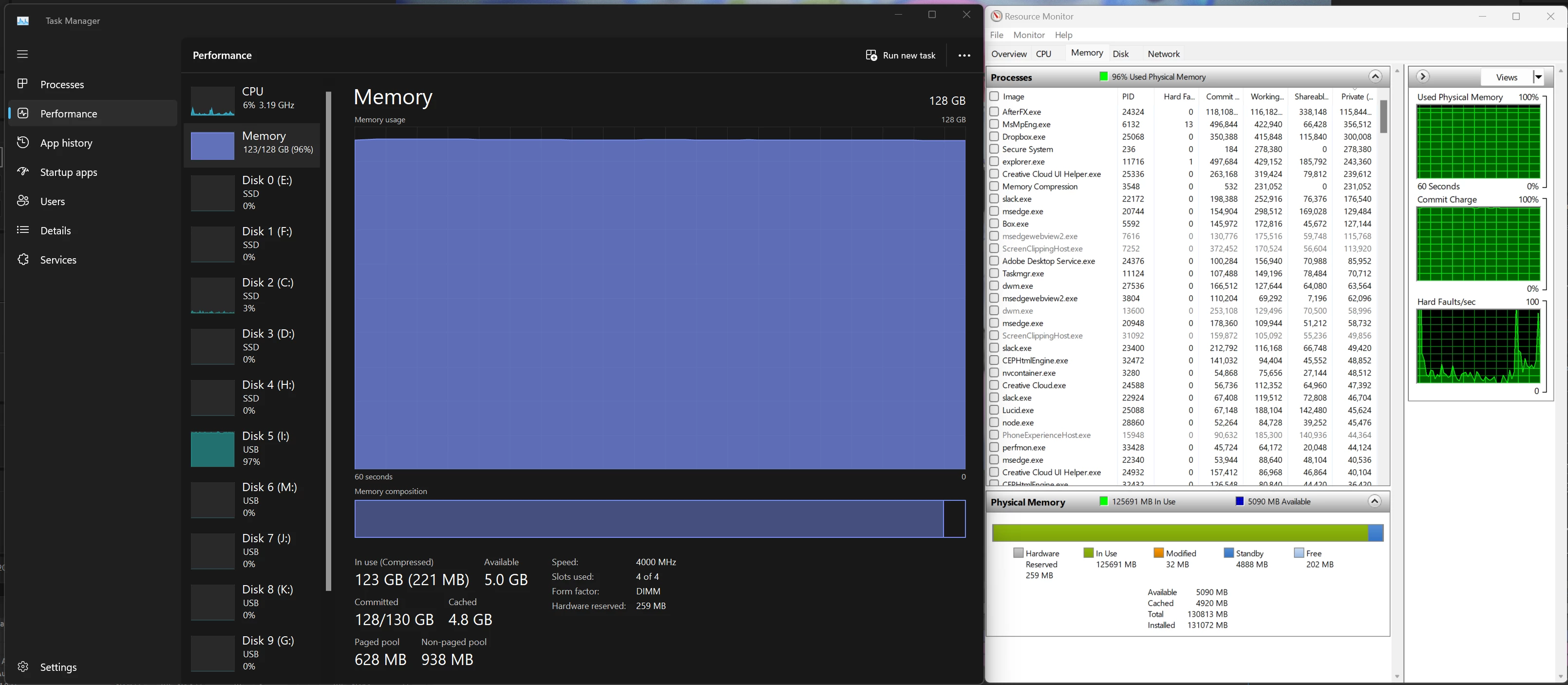
Solutions I've tried (purging memory and disk cache and restarting AE in bettween each attempt):
- Restarting my comp.
- Turning Multiframe Rendering on/off
- Turning CUDA on/off
- Updating my Nvidia Studio drivers to the latest version.
- Resetting preferences
- Starting in safe mode
- Turning off the Layer Cache in Preferences > Secret and setting the Purge Ever ___ Frames During Make Movie to 300.
After all that I tried a fresh install of AE and a new project to see what would happen.
- I uninstalled AE, removing all preferences/plugins.
- Restarted my comp and installed a fresh copy of AE
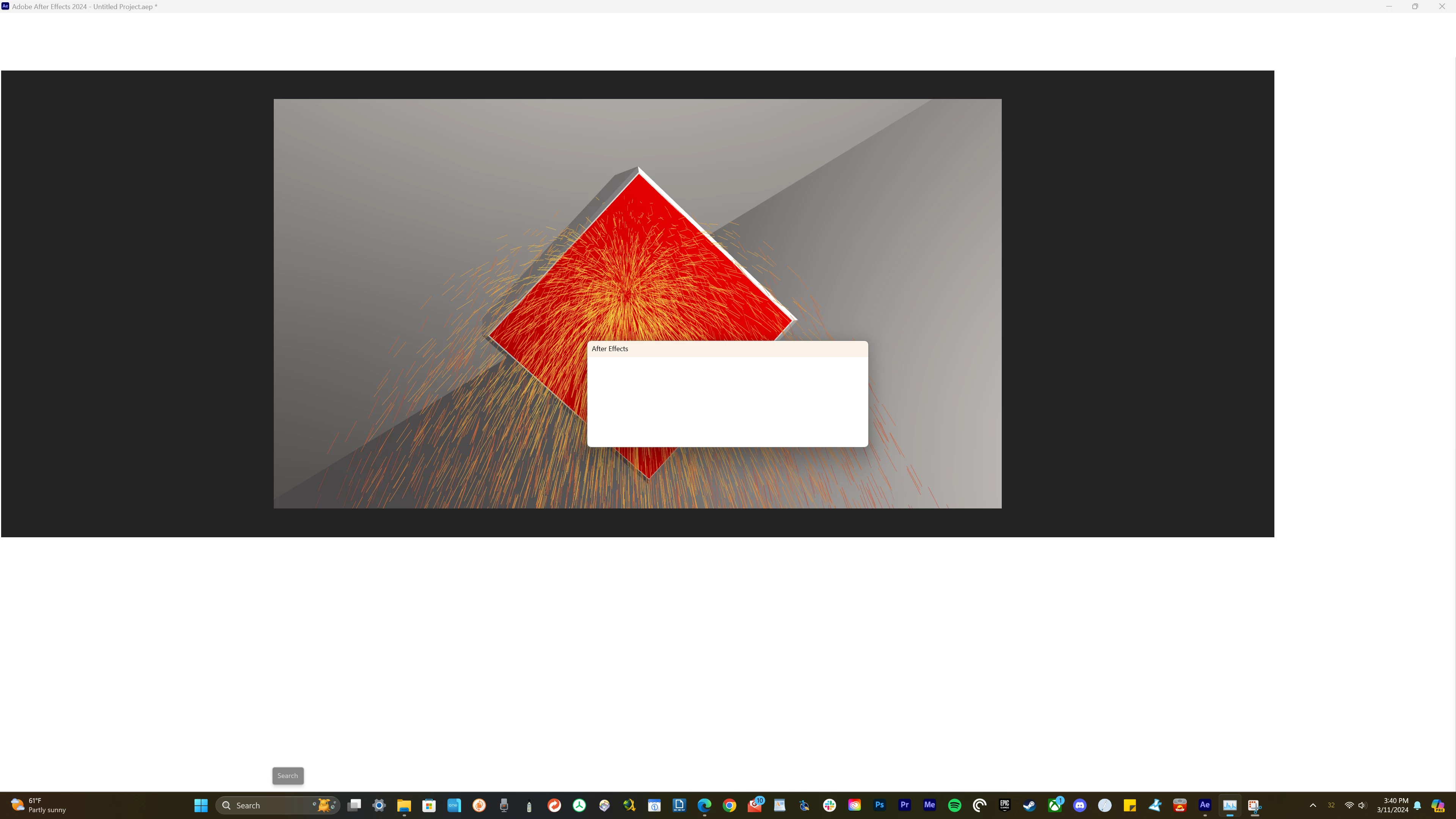
- Setup a scene of a rotating 3d cube with CC Particle World on another layer spitting out particles and did a RAM preview.
- Once the memory was fully used up my monitors went blank, then came back on with an error message I couldn't read, I assume it was the Out of Memory error.
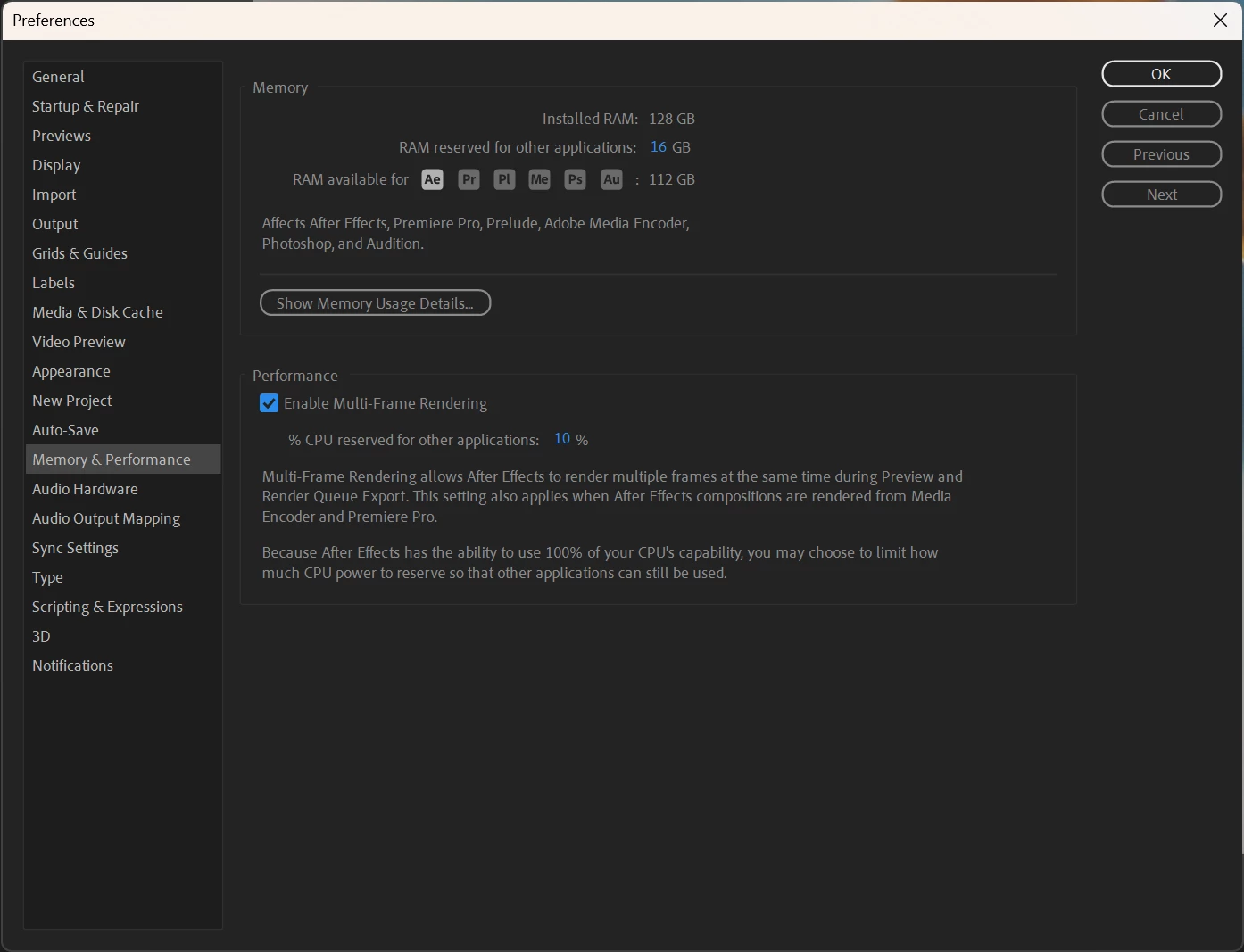
Here's what I have my memory preferences set to, it's what AE defaults to:
Comp specs:
Windows 11
12th Gen Intel Core i9-12900K 3.20 GHz
128 GB RAM
GeForce 3080TI
At this point I have no clue what could be the problem or how I could fix it without a fresh install of my entire OS. Any help is appreciated.
 AdChoices