

denstoremario
Participant
March 28, 2020
Question

Paint on transparent

  • March 28, 2020
  • 1 reply
  • 1971 views

Help

Im trying to do the blotter media effect with glowing lines but when i click paint on transpararent the whole screen goes black and all the lines dissappear 
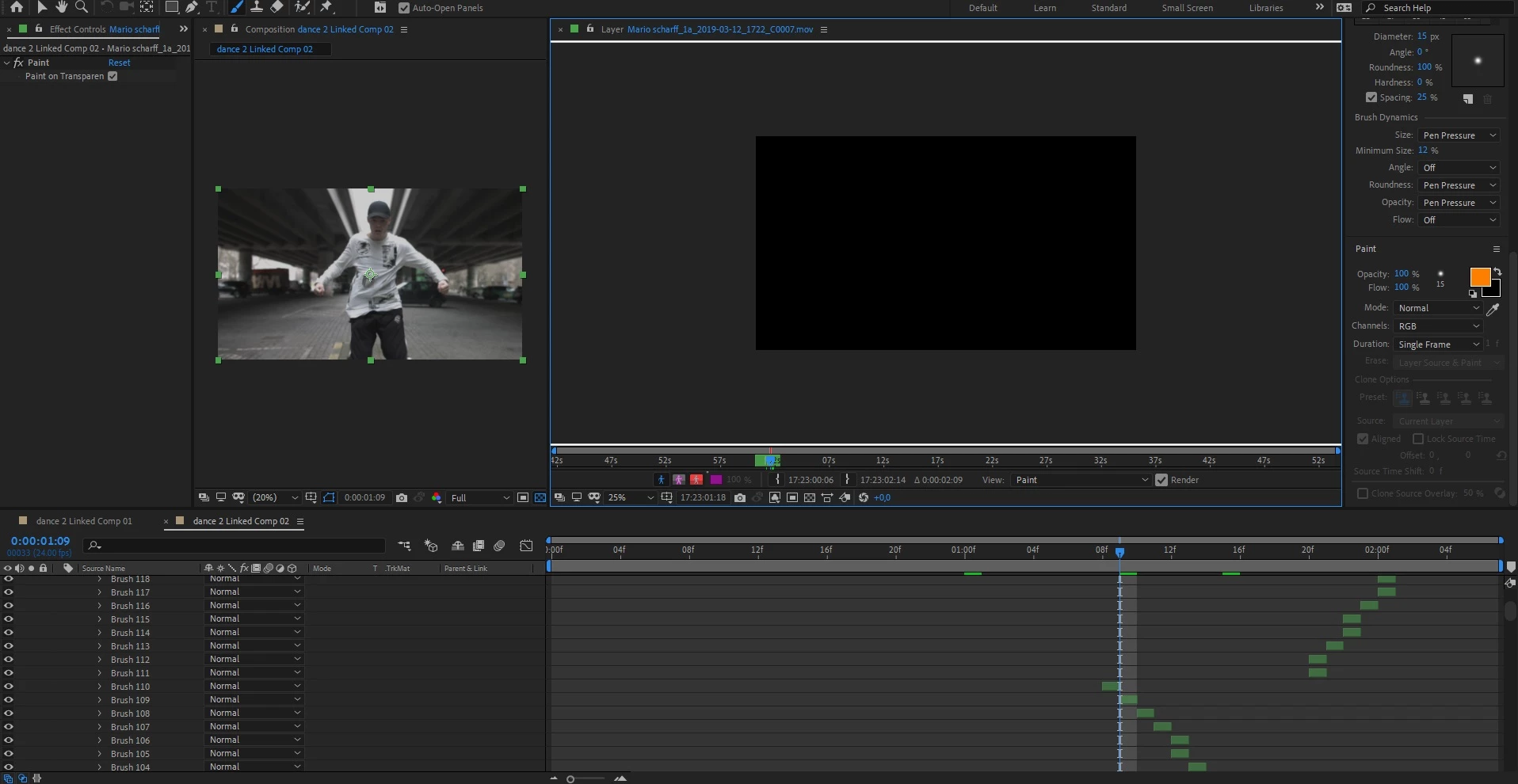
 

First picture with the glow effect off and paint on transpararent off
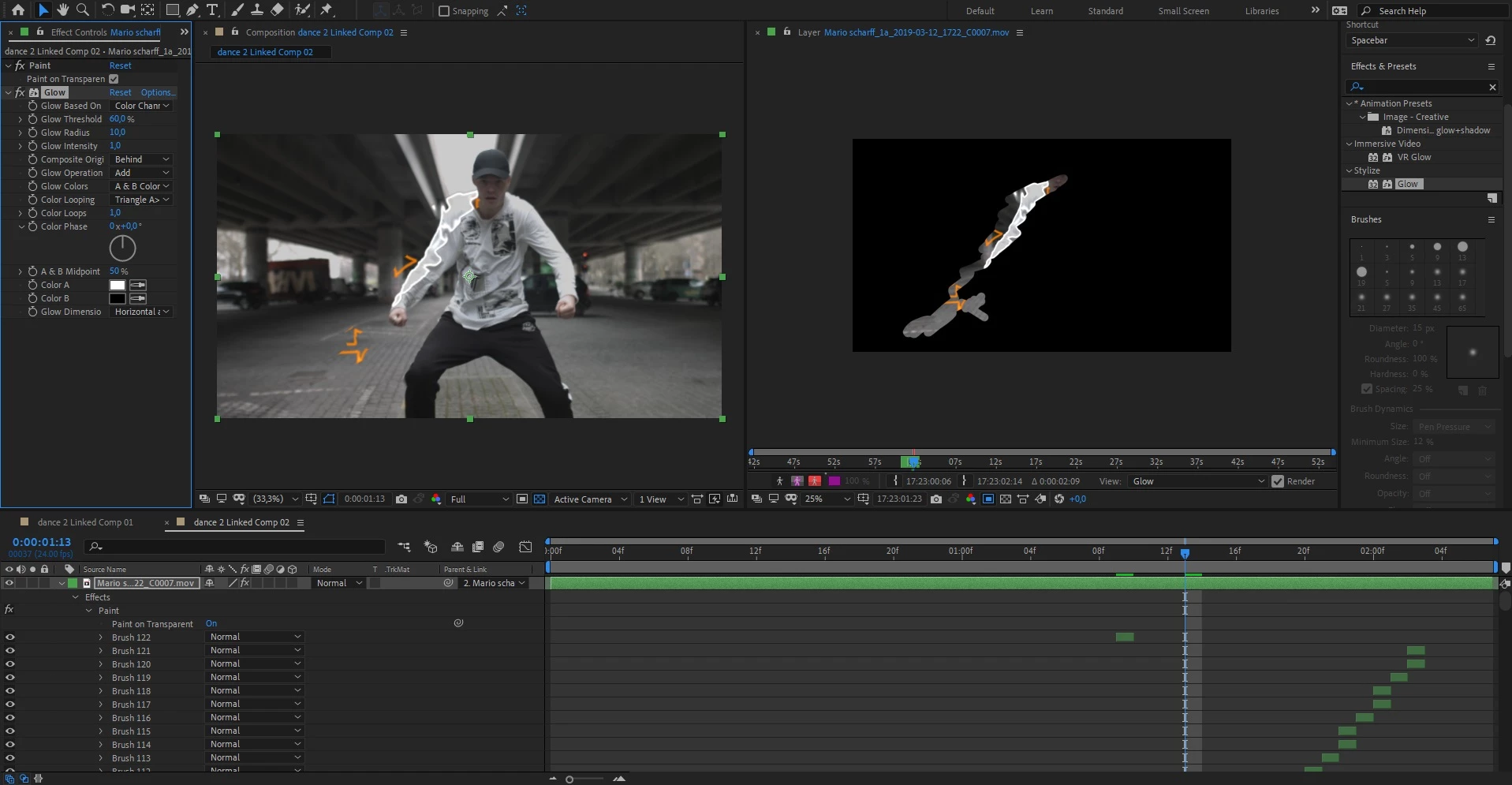
Second picture withe the glow effect on and paint on transpararent on
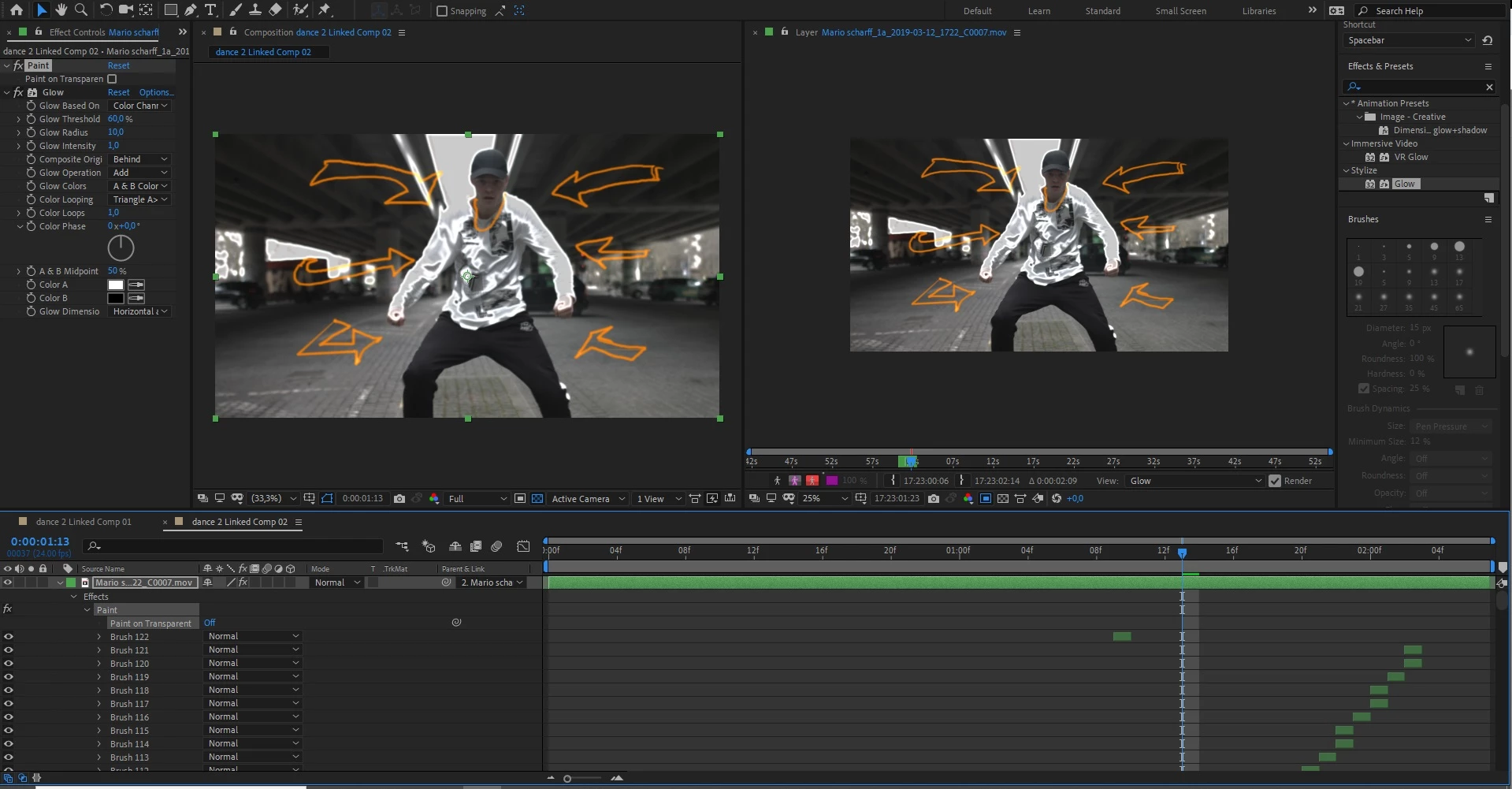
 

last picture is paint on transparent off and glow effect on 

This topic has been closed for replies.

1 reply

Community Expert
March 29, 2020

Your brush is set to RGB. If you want Paint On Transparent to work you have to have the brush set to RGBA so the alpha channel is also filled with pixels. This is a very common mistake that people make. Fortunately, you won't have to redo all of the brush strokes. Select the timeline, press the ~ key to fill the screen with the timeline, type Channels in the Search field, drag a selection around all of the Stroke Options channels and then change the settings. Something like this:

Participant
February 26, 2021

I am having the same problem but am using RGBA... any idea what else it could be? I can only see the lines I have drawn when I use the Paint on transparent option.


Community Expert
February 26, 2021

You are seeing correctly. You can only see one layer in the Layer Panel so if you have Paint On Transparent selected you will not see anything but the brush strokes. 


The normal workflow is to just do the painting, then go back to the comp panel and select Paint On transparent in the timeline. If you are using the clone tool then you'll need to select a duplicate layer as the source for your brush strokes.