

Question
Paths and vertices not displaying when starting a new project.
Hey everyone I have a random issue. I will try to explain it the best I can. Whenever I import AI files and convert them to shapes the paths and path vertices are not displaying even when I have the option "Display Layer Controls" enabled. This only happens when I start a completely new project. When I import the AI files and convert them to shapes in an existing AE project then the paths and vertices are displaying correctly. I have attached a screenshot for reference. As you can see in the photo that I have the layer and shape path selected but I cannot see the paths or path points. What is causing this?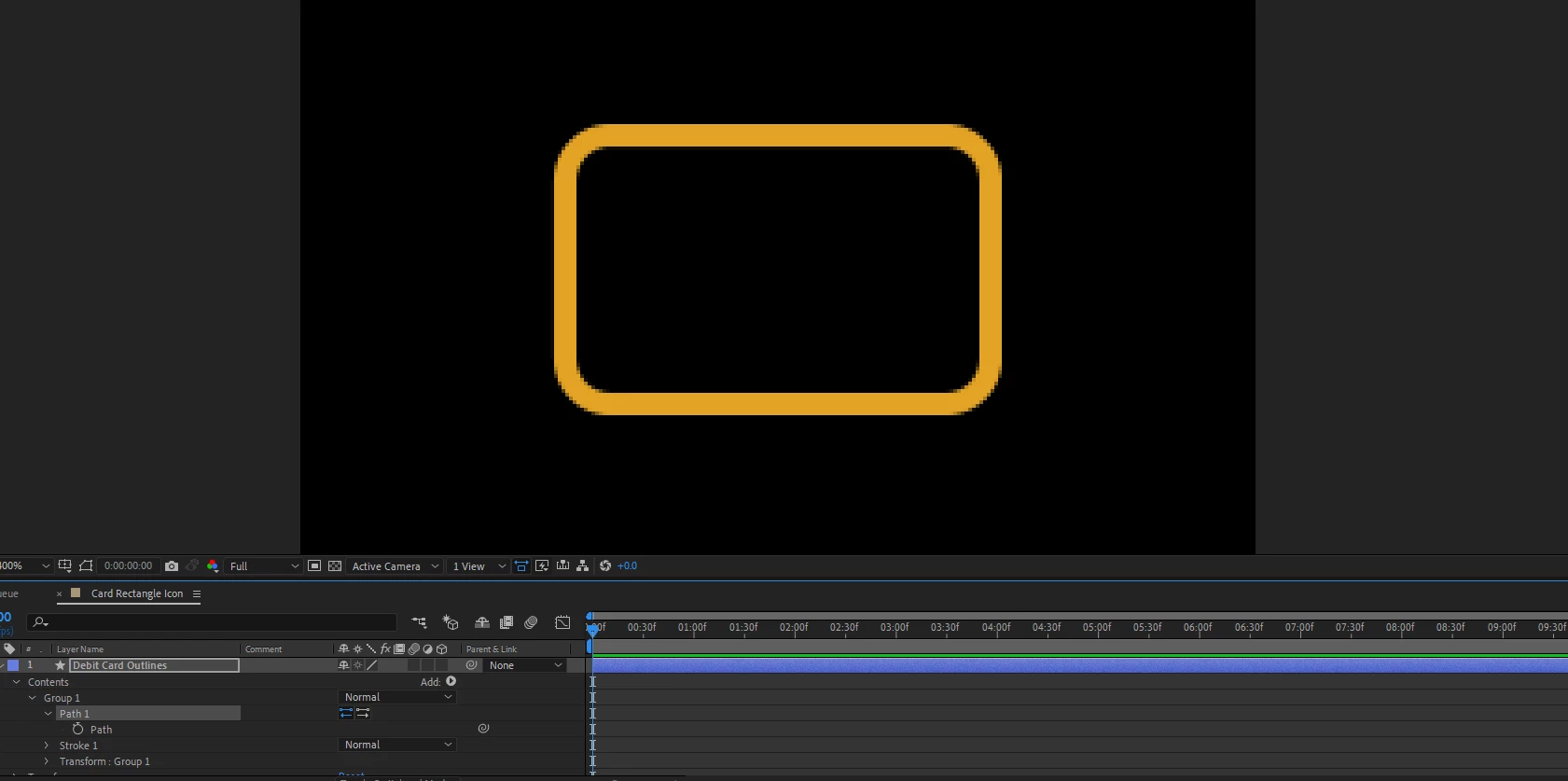
 AdChoices