
Question
Photoshop to After Effects: Colors between layers don't import properly
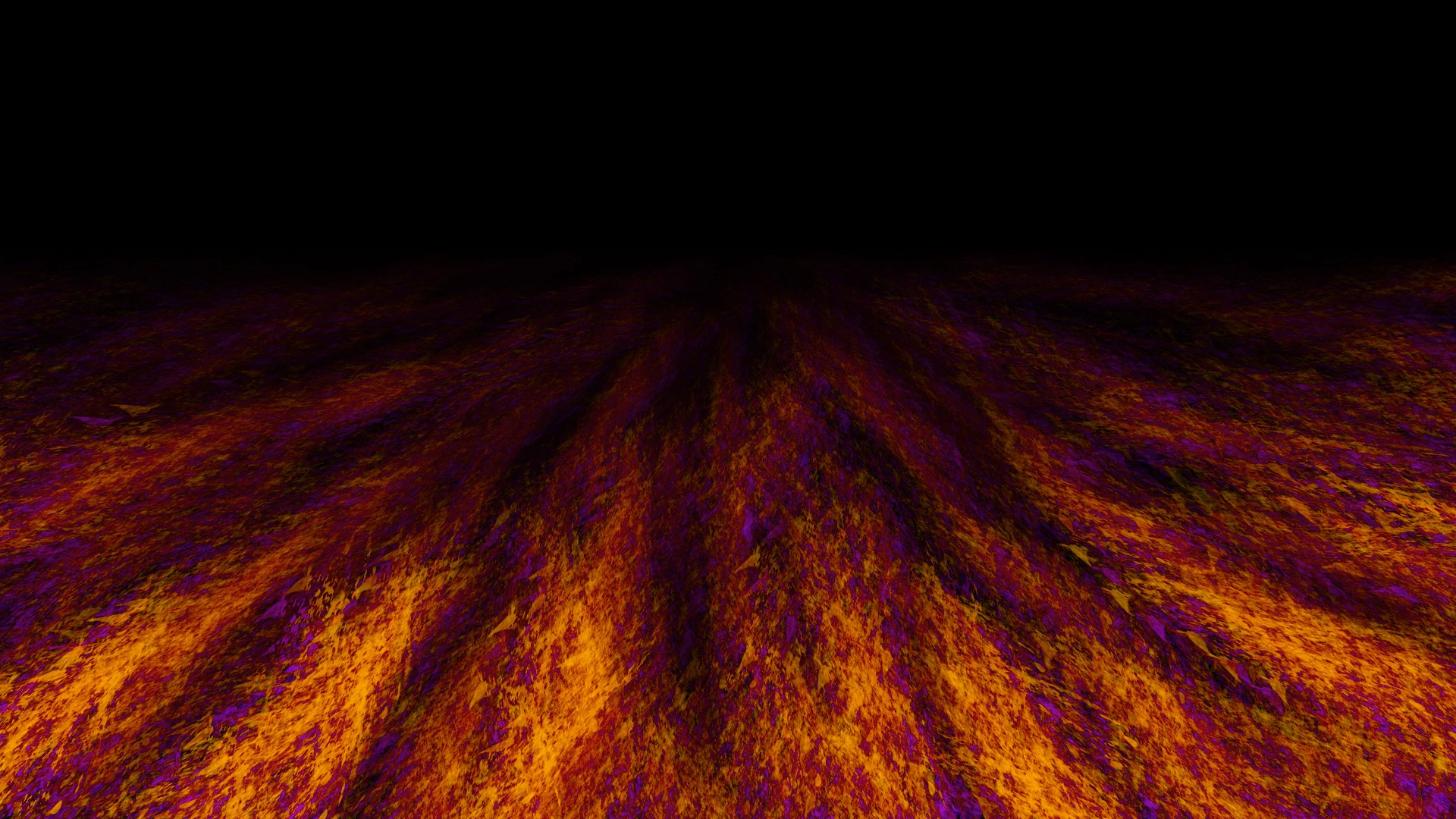
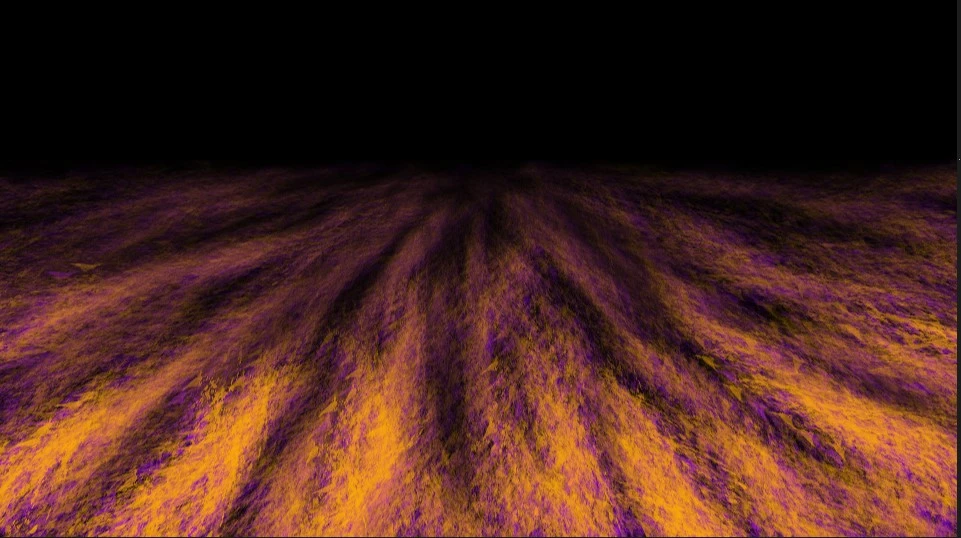
I'm trying to upload a PSD to an After Effects project for an animated short film I'm working on. This file is for a background where it's a shot of the floor. It has a pair of layers with simple brush textures. (Layer 1: orange)(Layer 2: purple). When I view this in Photoshop, it has the intended effect where the purple and orange mix together in the texture to make red highlights. When I import this same file to After Effects, the orange and purple do not mix.
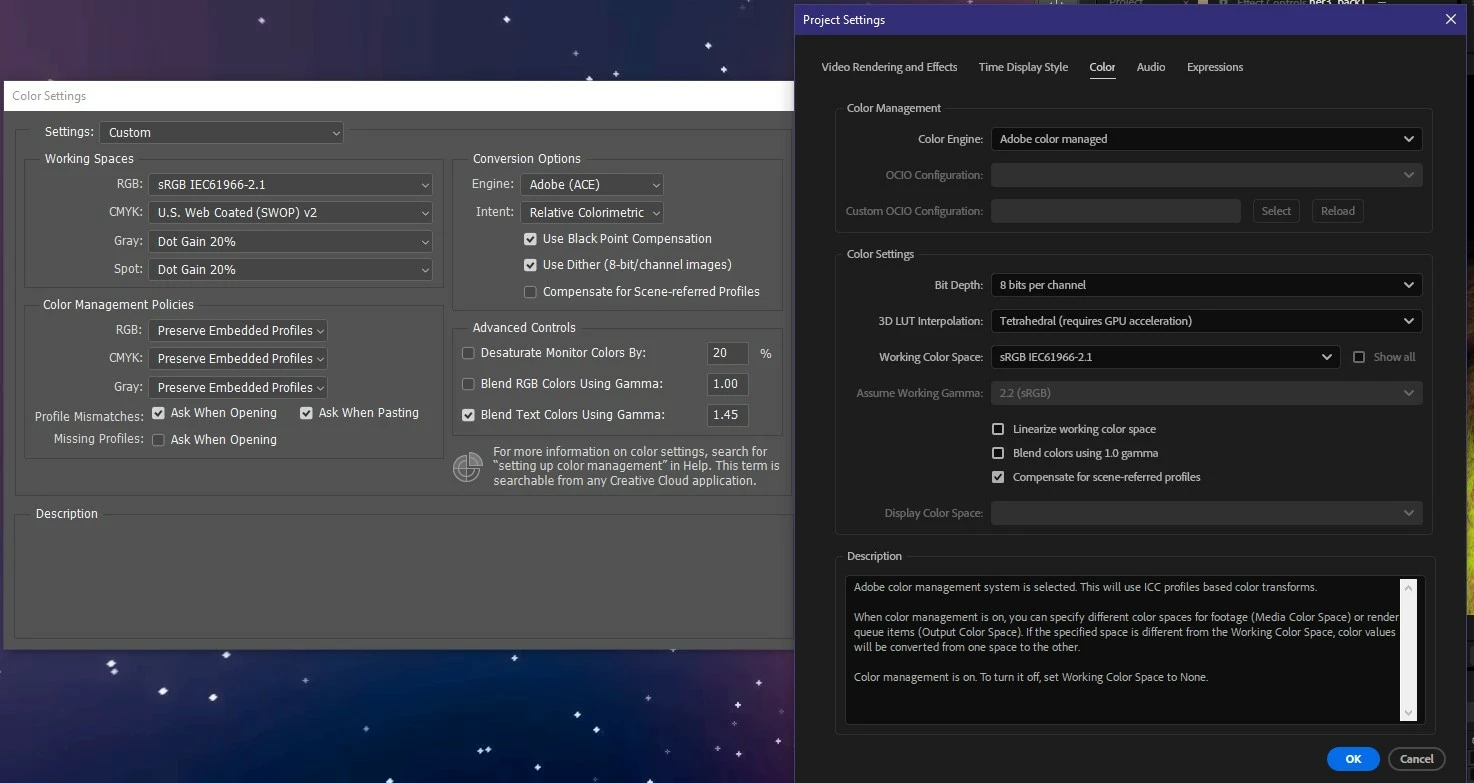
I thought this must be an issue with the color profile, but I've been screwing with it for a while and nothing works. I'm importing the PSD through "Composition - retain layer sizes" and then "Editable Layer Styles" if that means anything.
 AdChoices