



Pixelated Particle Rendering Problem
So, all the updates that happen tend to confuse me, and whenever I look up a problem similar to mine, it's not quite the same, or a different version of After effects, and either someone thinks they know, but I have no idea what it means, or not everyone knows.
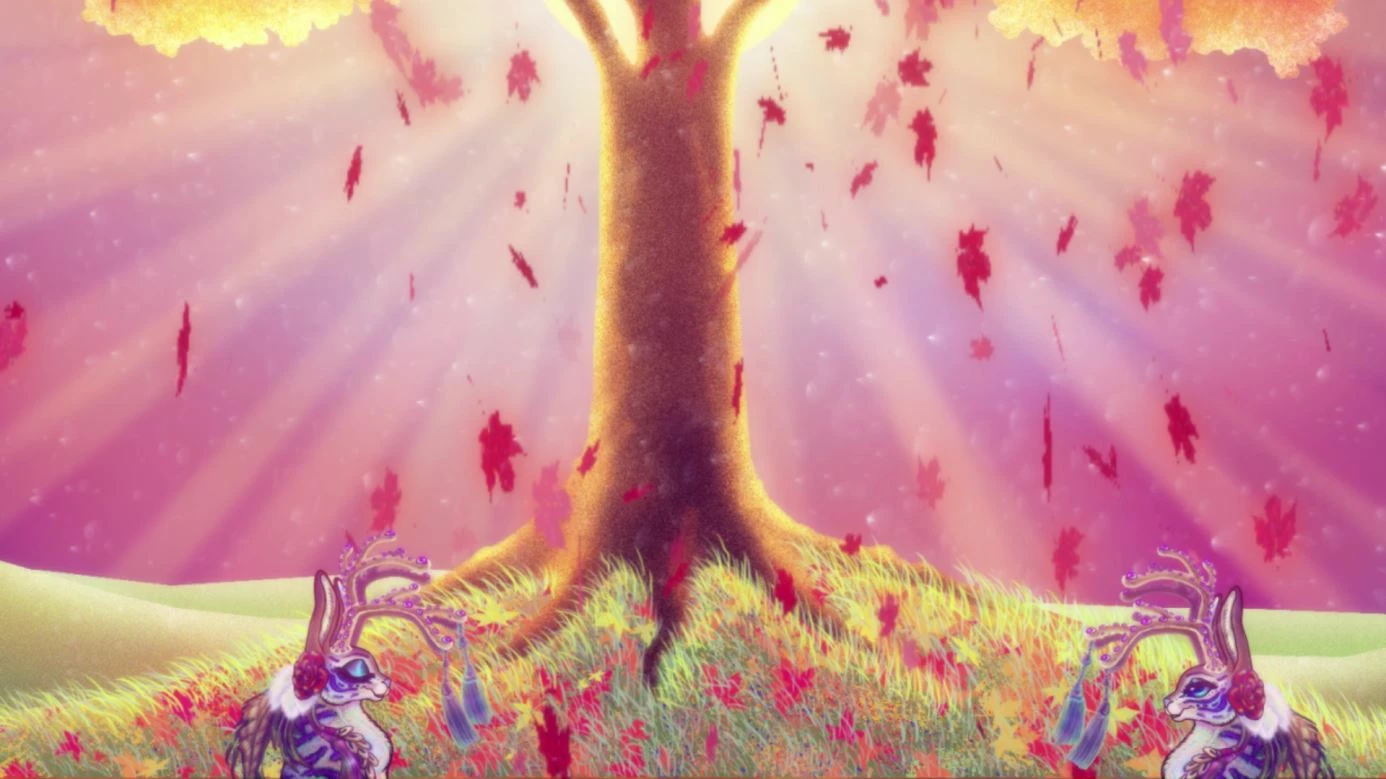
I got some help with particles back in the summer HERE and that worked out fine.
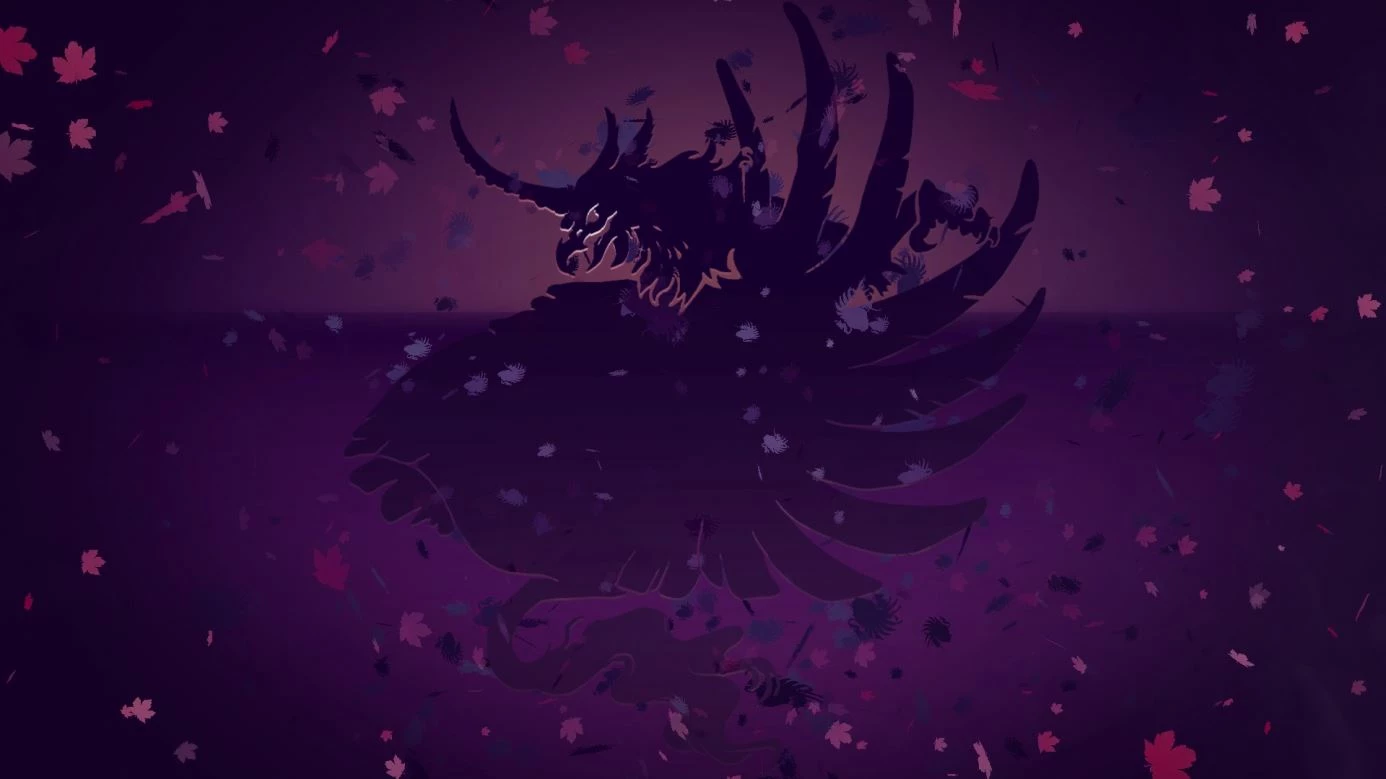
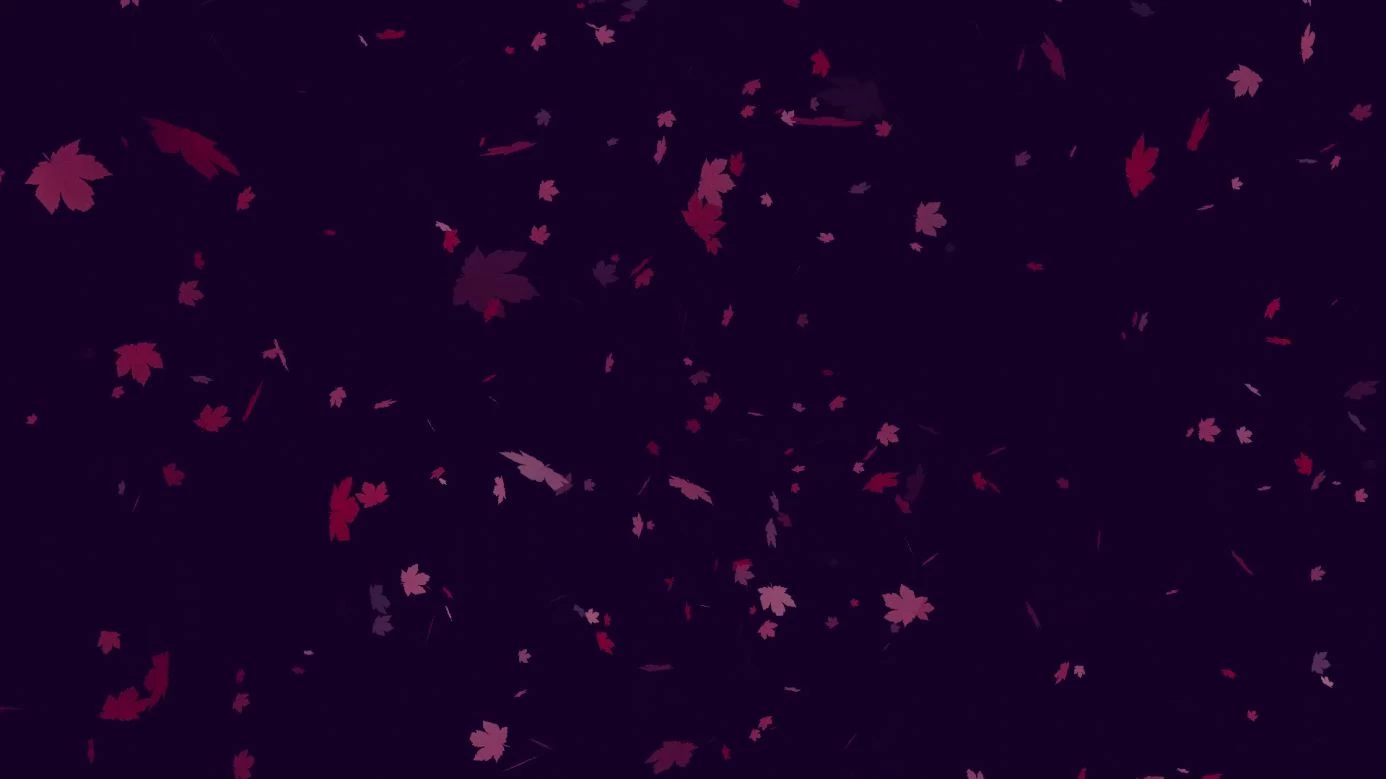
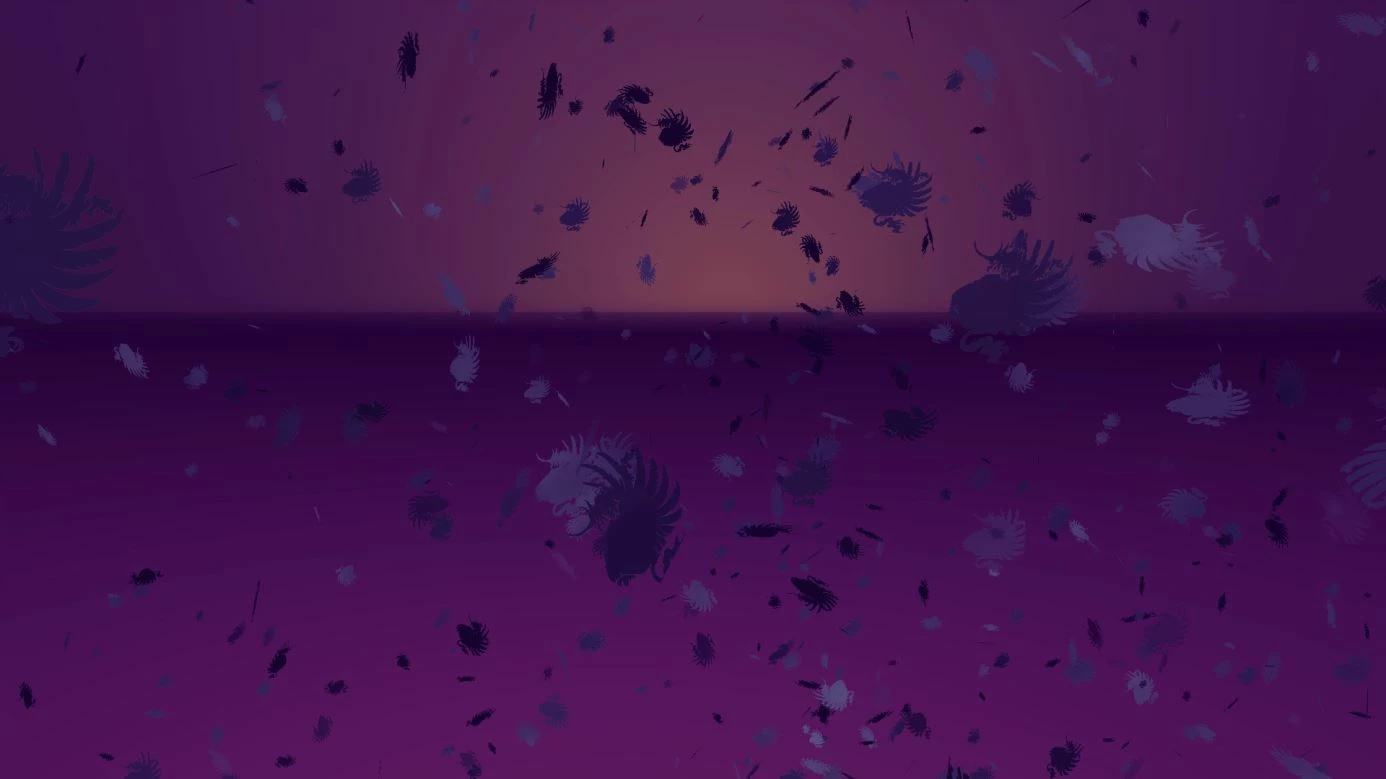
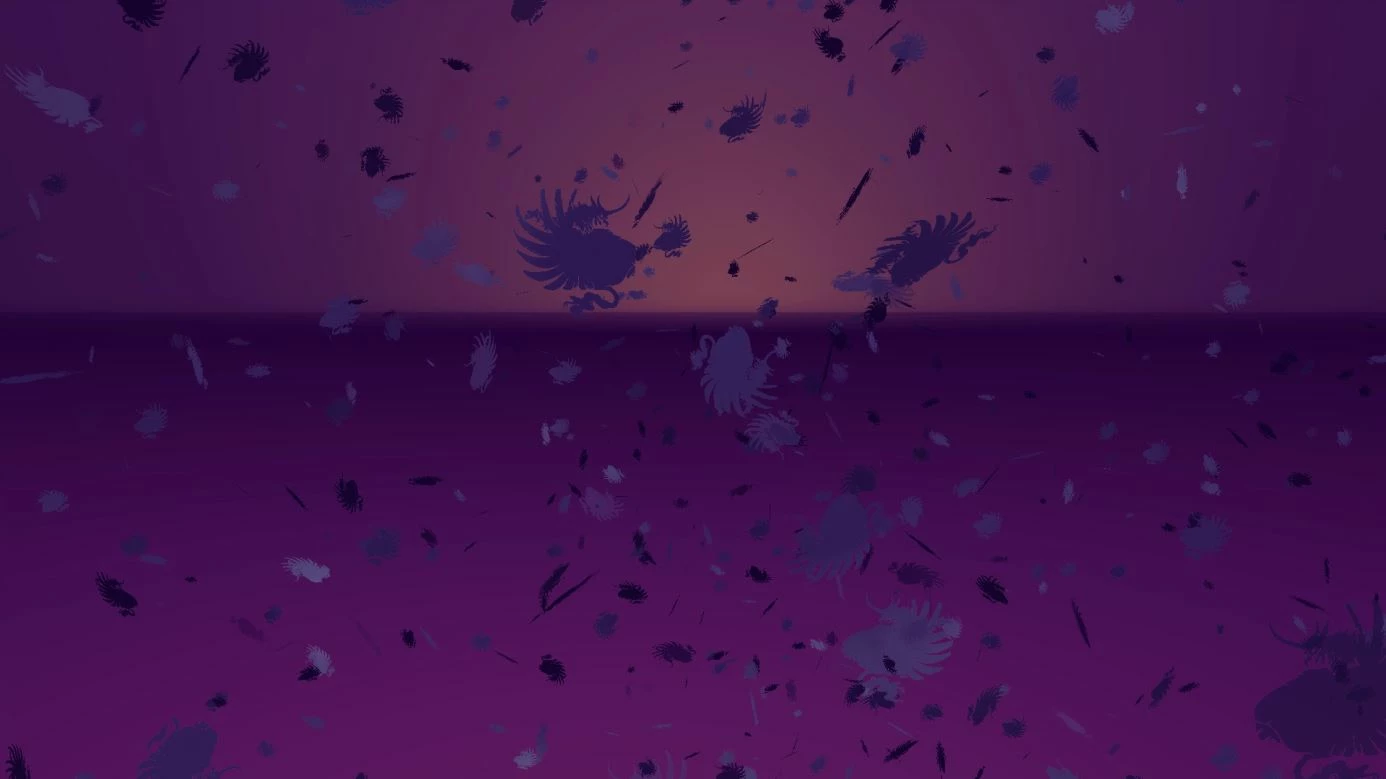
But WHAT exactly is happening here?
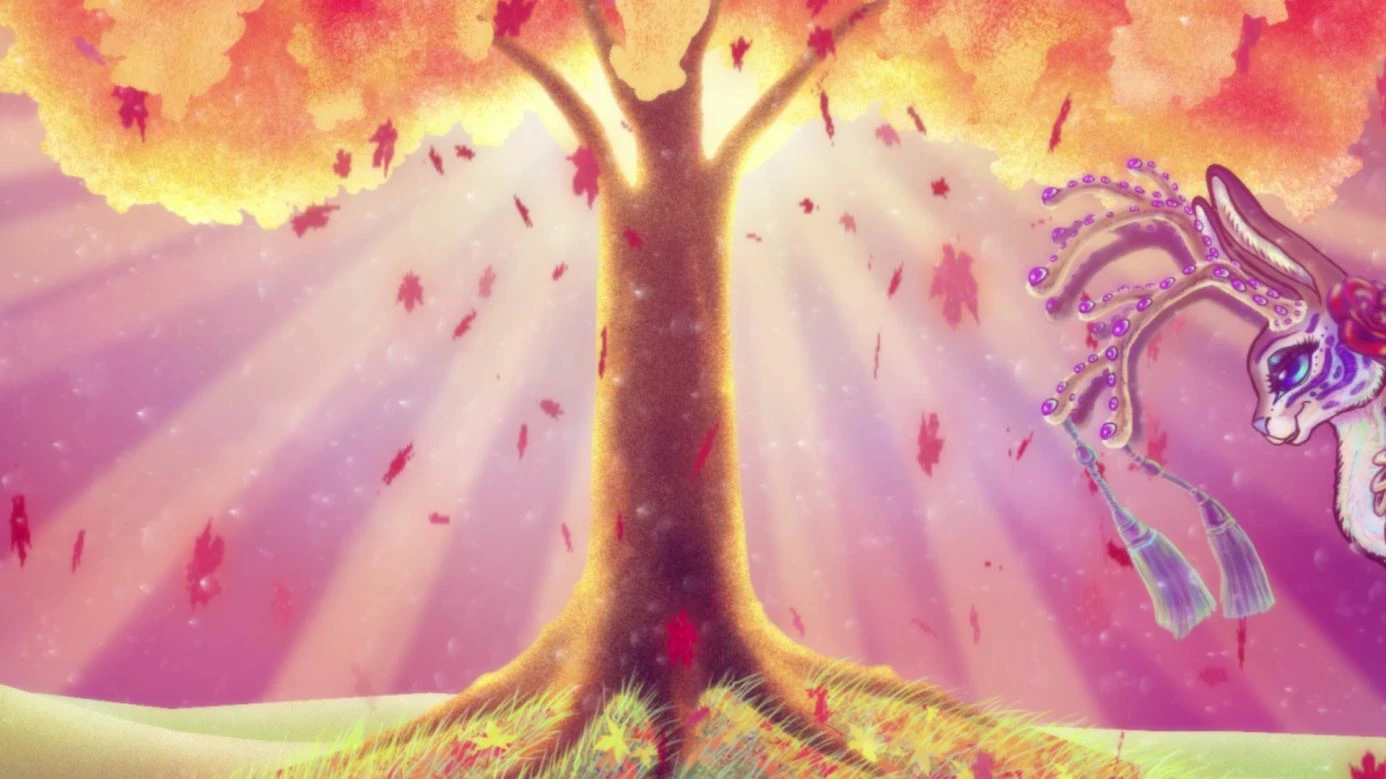
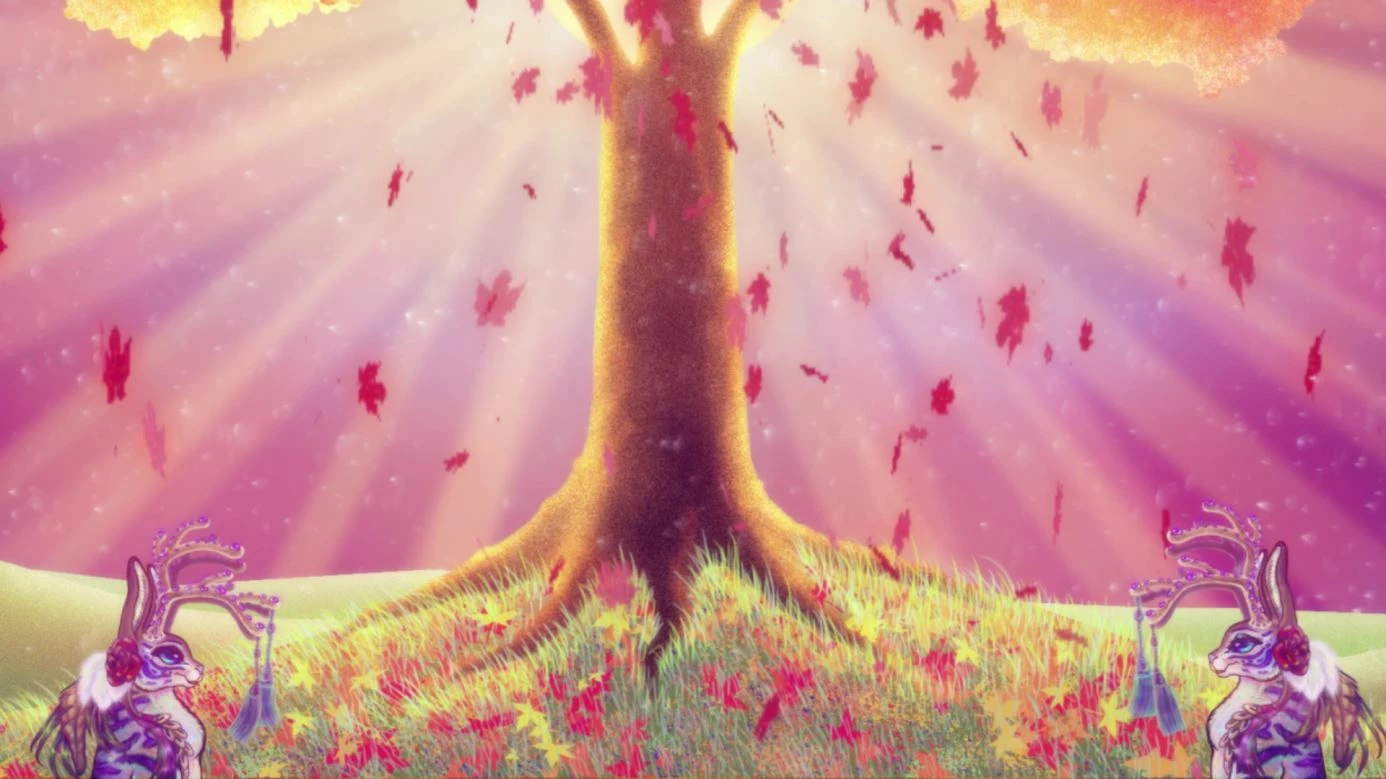
I've read in some forums some folks call this "aliasing" but there were no visuals, but it sounds like it's a low resolution pixelation issue like this.
I've tried messing with the video card settings, the draft settings, 3D, 4D, raytrace. All kinds of things. Anything I could think of.
It took a very long time to render out the video, and I even had to finess the settings on the video card to make it happen.
Videocard: NVIDIA FX Quatro 4800
Windows 10 Pro 64 bits
The particle is made in CC Particle World and the person whom helped me do it in Boston added a "Particle Playground" to it. I honestly don't understand that one, and I have no way to contact that person now.
The original file was made in Feb-April 2017 which was a Spring scenery.
Does anyone know WHY this is happening, and if it can be fixed?
Or, should I just give up and pixelate the whole thing like an old video game?
 AdChoices