
shauxgirl
Participant
February 6, 2017
Answered

Pixelated Vectors and Missing Continuous Rasterize Toggle

  • February 6, 2017
  • 1 reply
  • 921 views

(I've had little sleep the last few weeks so I'm a little loopy - hooray grad school! - AND I'm reasonably new to After Effects so please bear with me.)

I'm trying to import a vector logo into my project (import + drag and drop), and of course it's massive.
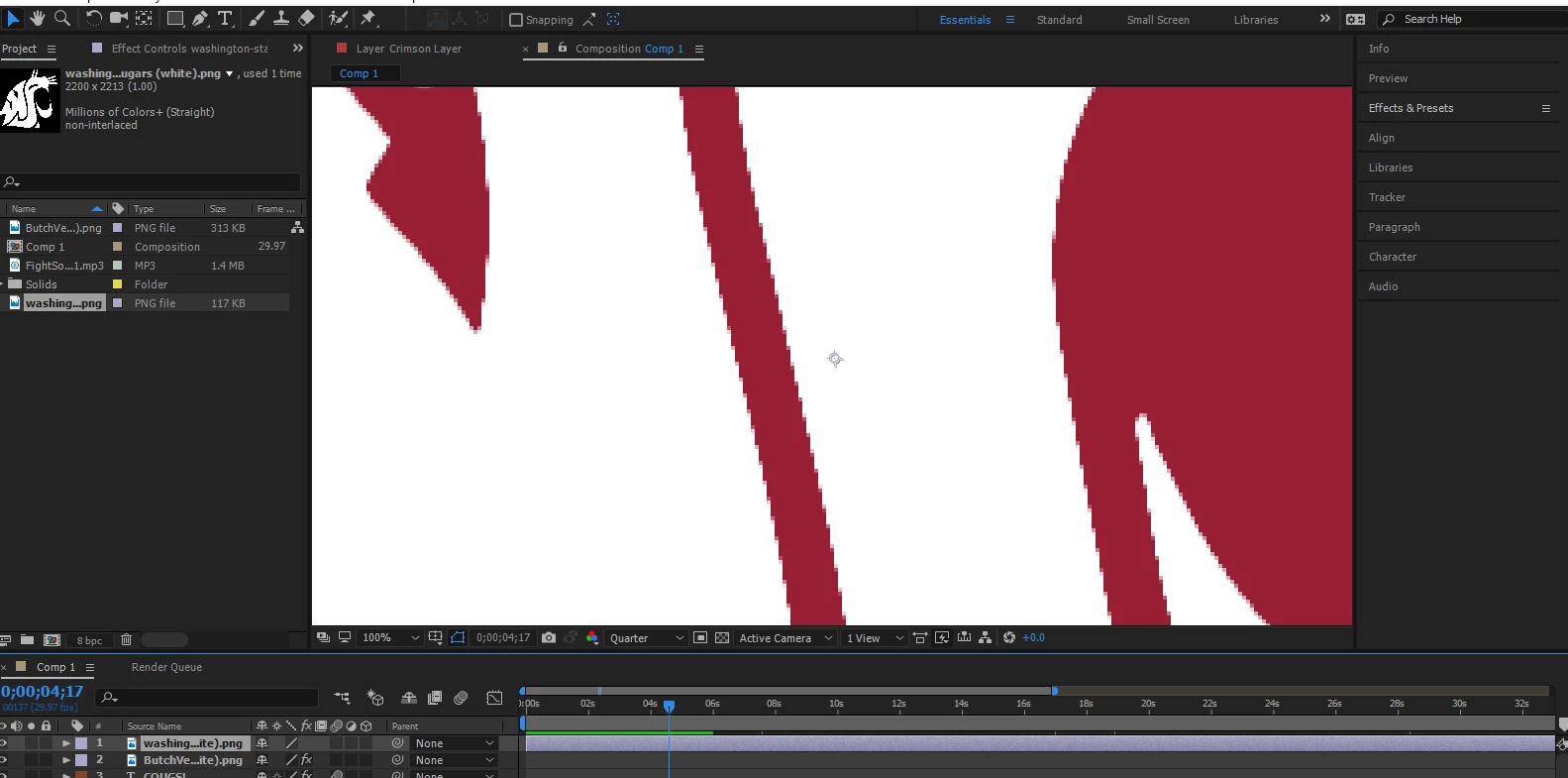
So I scale it down and it's super pixelated...
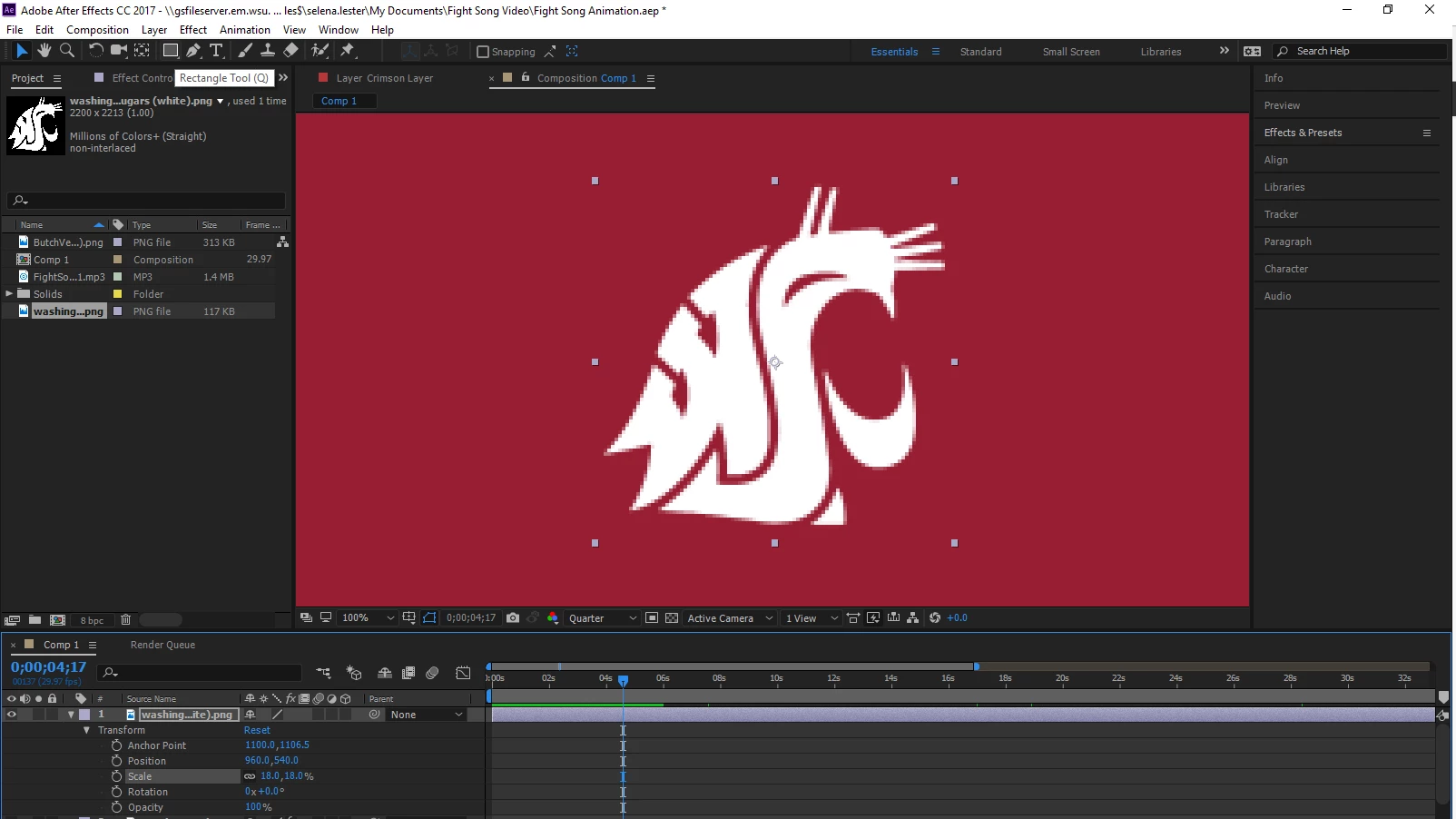
And many of the "fixes" I've found is to click "Continuous Rasterization" but... there's no option to toggle it.
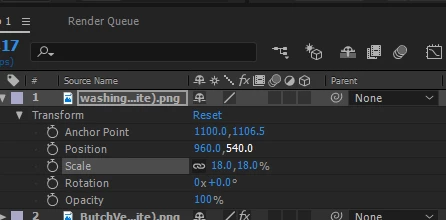
I've used this exact same file in another project before without issue, so I'm not sure where the pixelation is coming from. I've imported other vectors to see if it was the file, but every test image has also come up pixelated.

It's the last six seconds I need to finish of a project that has already consumed so much of my time, so any help would be greatly appreciated!

Cheers!
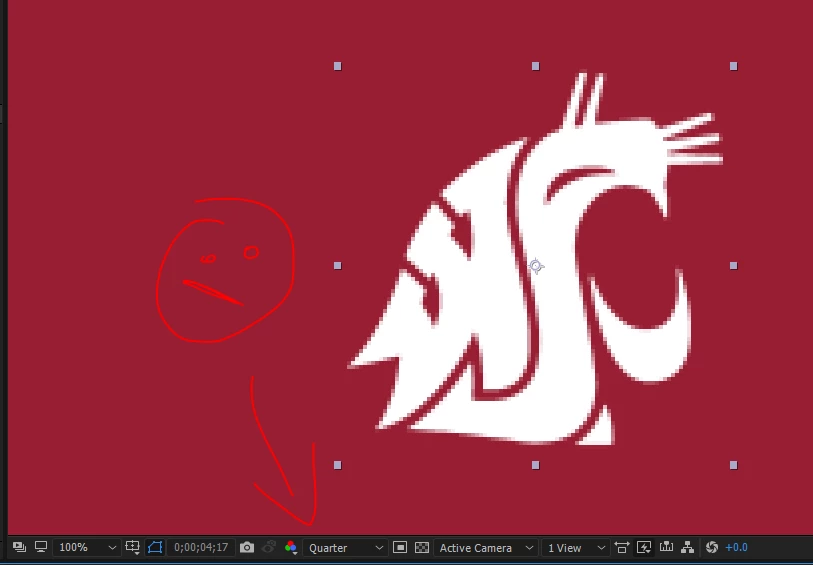
This topic has been closed for replies.
Correct answer Roei Tzoref

resolution settings are set to show quarter

maybe this is a good time to watch a few tutorials before you dive right in the software, or you will be back here in 5 minutes. start here: After Effects tutorials

1 reply

shauxgirl
shauxgirlAuthor
Participant
February 6, 2017

Okay, to update a little, I've imported the image as an .AI file and and the toggle is there (yay!) but it's still pixelated.

Roei Tzoref
Roei TzorefCorrect answer
Legend
February 6, 2017

resolution settings are set to show quarter

maybe this is a good time to watch a few tutorials before you dive right in the software, or you will be back here in 5 minutes. start here: After Effects tutorials

shauxgirl
shauxgirlAuthor
Participant
February 6, 2017

Thanks! Like I said, I'm completely sleep deprived and under the gun for a deadline, so I just missed it entirely.  I have watched all of the tutorials you linked and have completed previous projects through AE, but thank you for the suggestion.