
Participant
June 23, 2021
Question

Plugins failed to install

  • June 23, 2021
  • 4 replies
  • 823 views

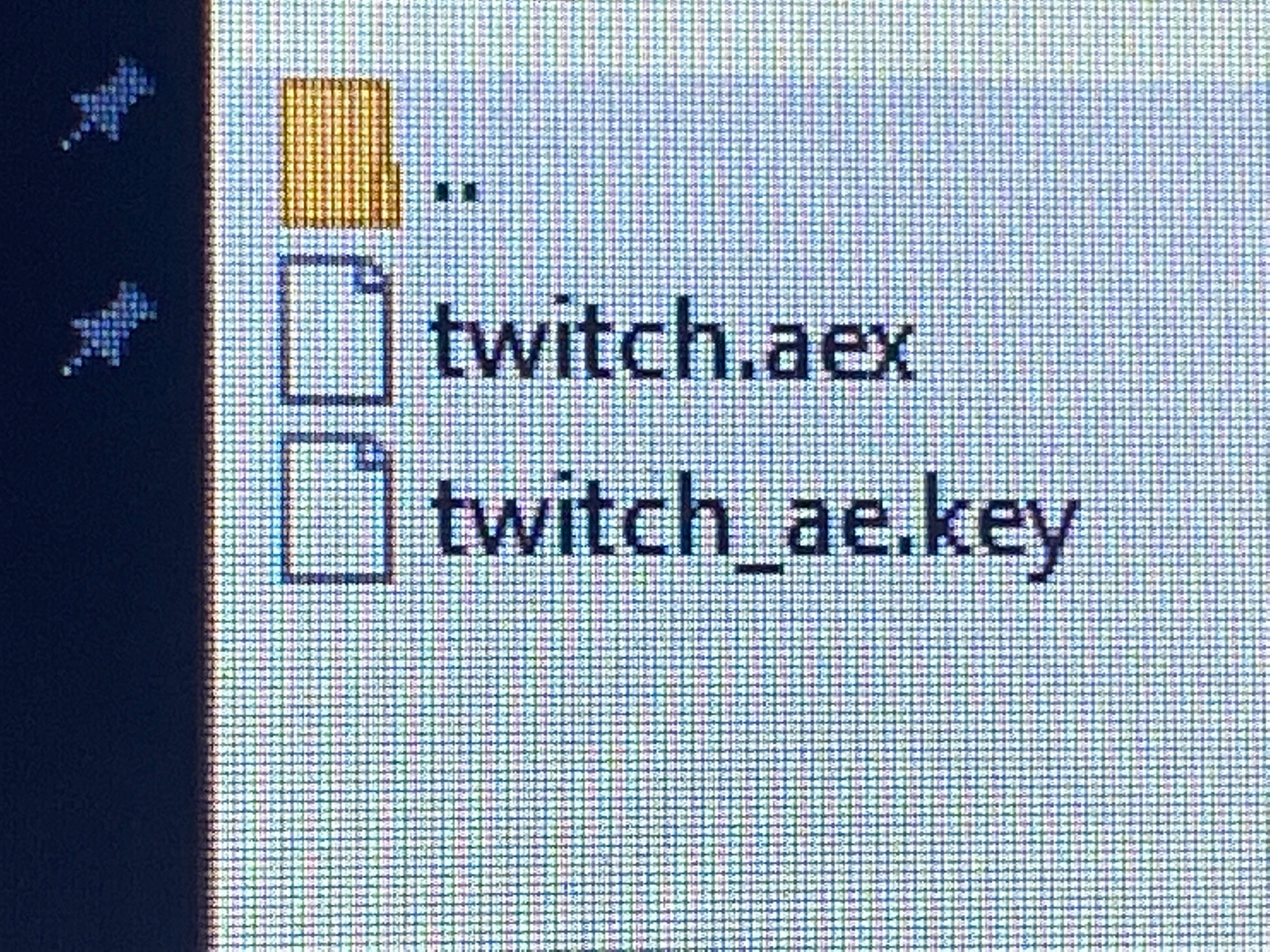
Hi, I have this problem where my .aex files don't have the usual look (?) you know how regular .aex files have a 'fx' or '.aex' and the shortcut? mine doesn't have that and when I add the .aex file to the plugin folder, it doesn't appear on my after effects
This topic has been closed for replies.

4 replies

Inspiring
June 23, 2021

The icon preview has nothing to do with whether or not the plug-in will load in After Effects. That's just Windows not displaying an icon for the given extension, it happened to me yesterday. Twitch is an extremely old plug-in and hasn't been updated in years, so it's likely not going to support the latest versions of After Effects. You can contact VCP support, but they will likely tell you it's no longer a supported plug-in.

Mylenium
Legend
June 23, 2021

From the look of your image you didn't actually unpack the zip folder, hence the normal system file associations aren't used. Other than that you simply could have messed up said file associations or the files are damaged.


Mylenium

ShiveringCactus
Community Expert
Community Expert
June 23, 2021

I take it you've followed the installation instructions and that screenshot isn't inside a zip file?


Have you emailed Video Copilot's support, they have always been very responsive with me.

ToolfarmJP
Community Expert
Community Expert
June 23, 2021

Is it Video Copilot Twitch? Do you mean you do not find twitch file after you copy it into the plug-in folder? Is it Mac or Win?