Known Participant
June 25, 2021
Answered

poor quality despite imported Illustrator file in after effects

  • June 25, 2021
  • 2 replies
  • 5135 views

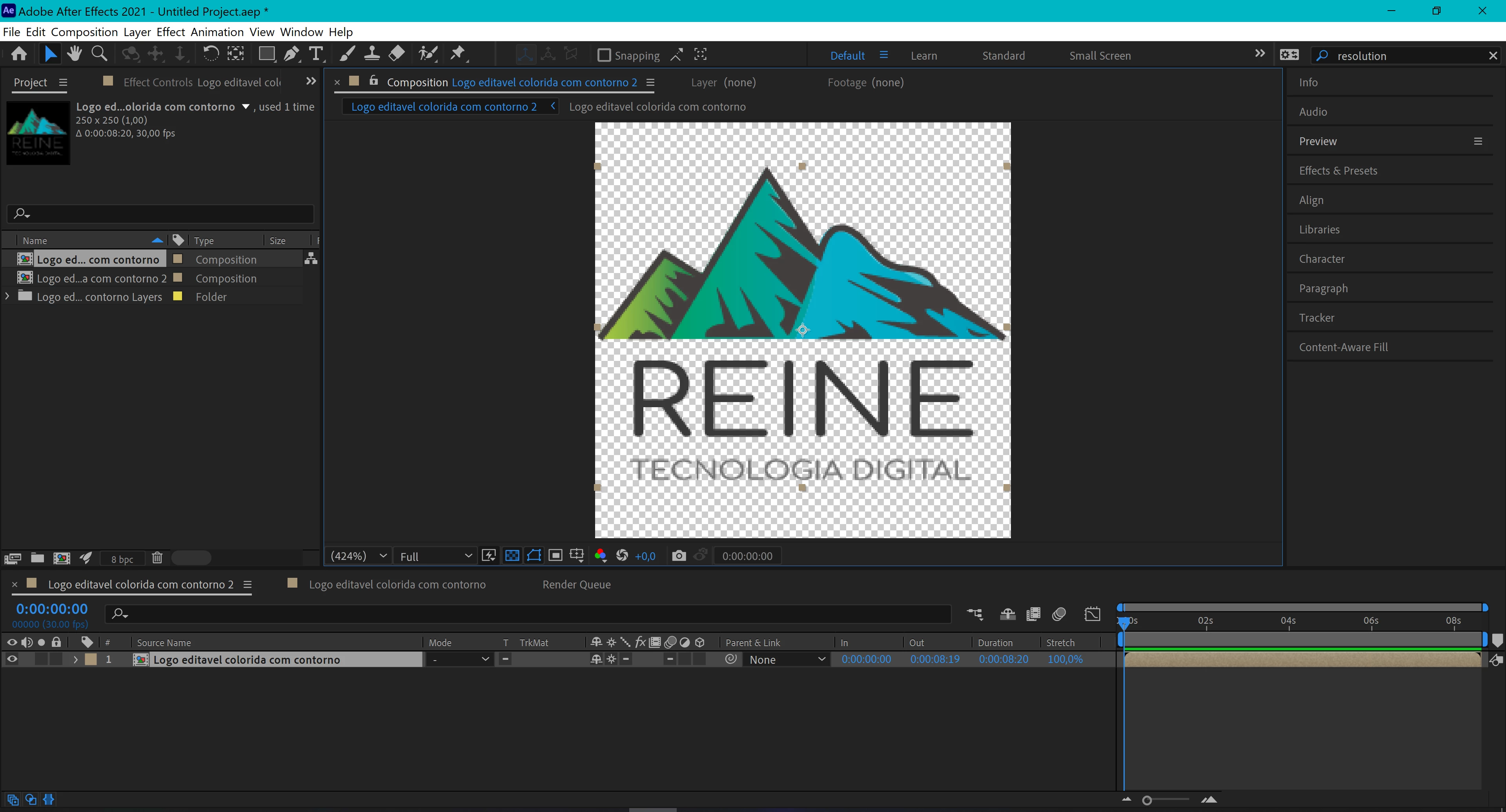
Please somebody help me, I already turn that little sun to ´´continuously rasterize´´ but dooesn´t work. Why after shows that poor resolution? Evem when I render, the video keeps that way. 


Correct answer Rick Gerard

Your comp is only 250 X 250, and that is incredibly tiny for video. Video is pixels so you need to work with a comp that is big enough for the final output. I don't know where you are going to use this video, but if it were my project the frame size would be at least a standard HD 1920 X 1080. Streaming services don't like square content. If it is for Instagram, follow their reccommendatioins. 

2 replies

Rick GerardCommunity ExpertCorrect answer
Community Expert
June 25, 2021

Your comp is only 250 X 250, and that is incredibly tiny for video. Video is pixels so you need to work with a comp that is big enough for the final output. I don't know where you are going to use this video, but if it were my project the frame size would be at least a standard HD 1920 X 1080. Streaming services don't like square content. If it is for Instagram, follow their reccommendatioins. 

Leticia22Author
Known Participant
June 25, 2021

THANK YOU SO MUCH!!!!!!

Harold Silva
Community Expert
Community Expert
June 25, 2021

Hi,
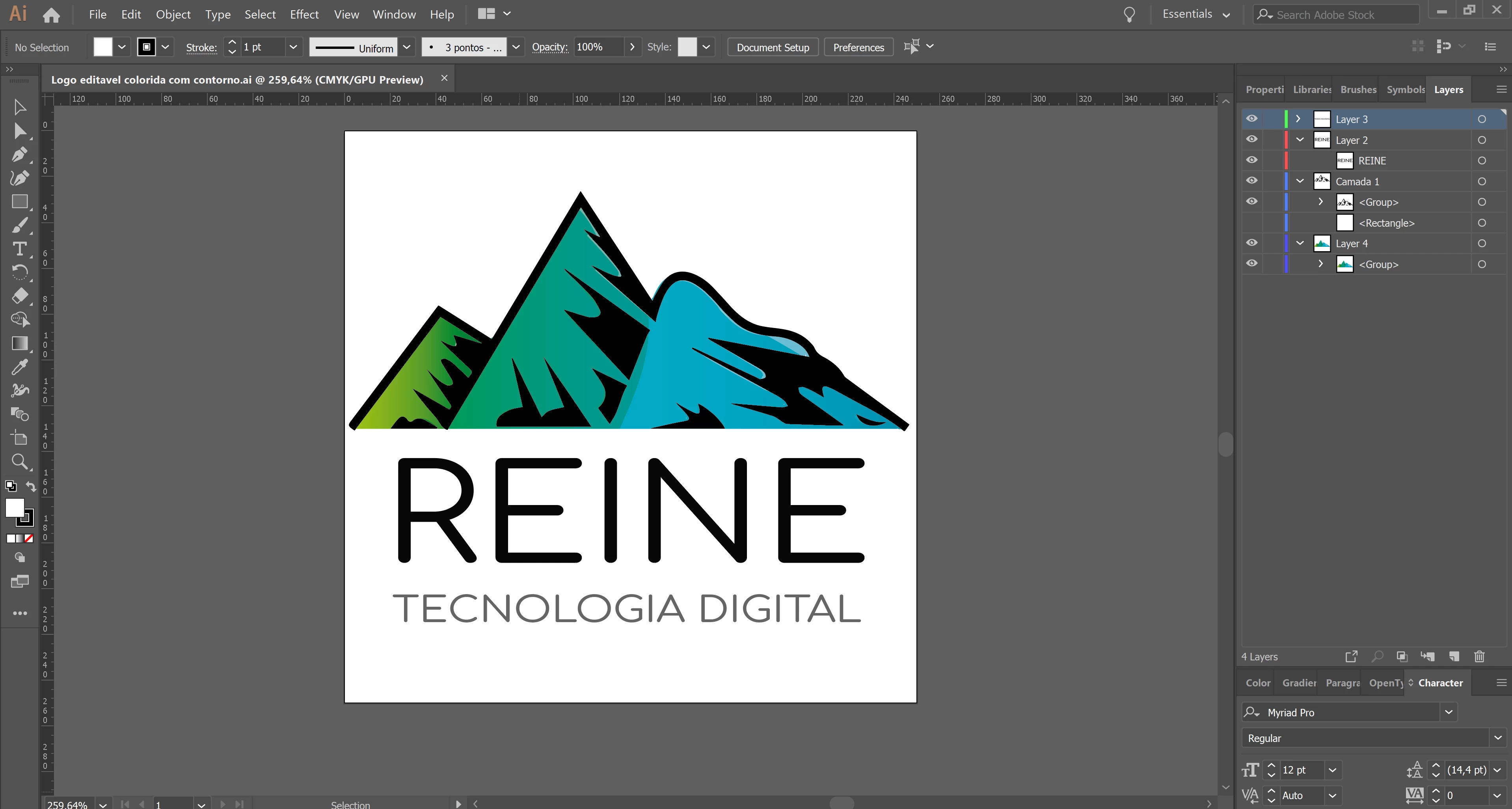
You solve the problem by rasterizing the layer as the beginning in the photo


Harold Silva B.
Leticia22Author
Known Participant
June 25, 2021

As you can see in the photos, I already did that, (I called the little sun), and it didn´t change anything... Can you think of something else? Thank you for your time!


nishu_kush
Community Manager
Community Manager
June 25, 2021

You have your composition size at 424%. After Effects will show your logo in an absolute perfect way if you use the correct 100% size for your composition. When you rasterize continuously a layer it means that you can modify the scale property and maintain the quality of your file. Zooming in your composition is not the same as scaling the layer.


Hi Leticia5C1F,


In addition to what Jose said, the Composition may not cover the whole preview area when you zoom to 100%. It may not fit the Composition panel. It's because that your Illustrator document is only 250*250. To fix that, you can either increase your artwork resolution in Illustrator and re-import it or scale it up in After Effects (depending on how you are going to use it after export).

Let us know if there are any other questions.


Thanks,

Nishu