

Precomposition issues in composition/ shape conversion, no work around
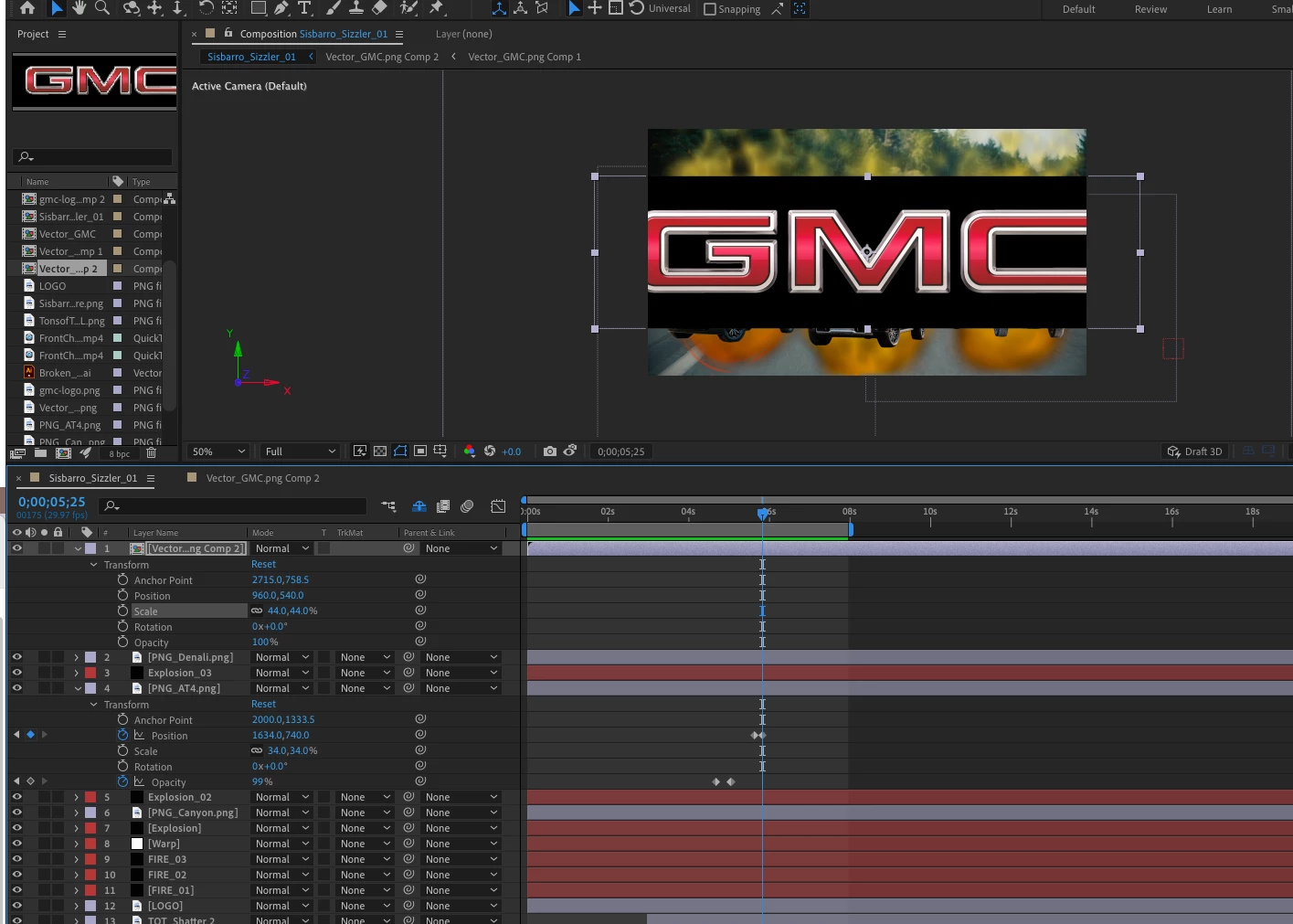
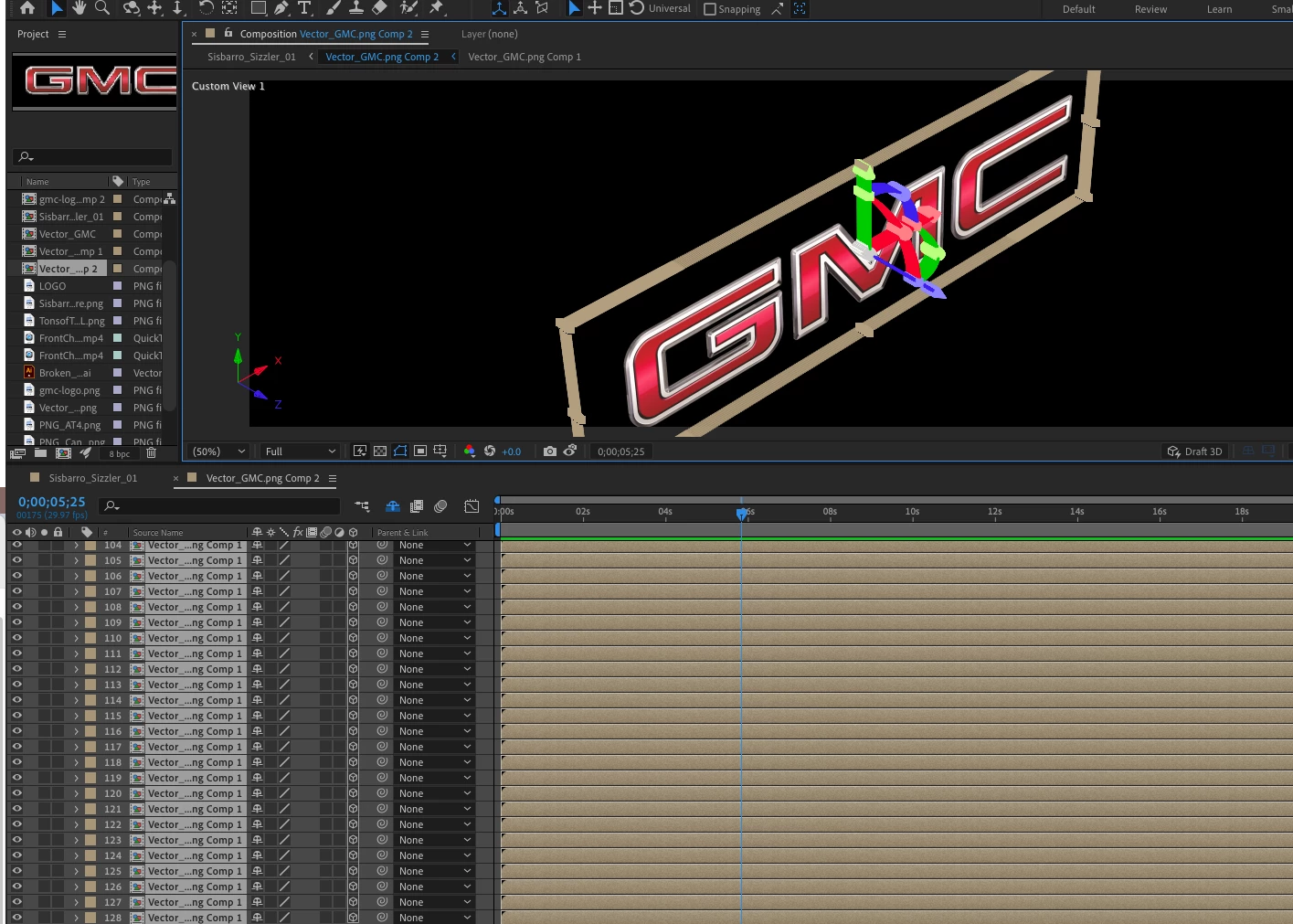
I am indexing a vector logo, because turning it into a shape and extruding it has not been working either. After a successful indexing, I return to the composition, and the logo bounding box shows a solid color around it. Blending modes do not seem to be nullifying the situation. This is frustrating, because the only other work around I can think of is to run it as an alpha in Z-brush, and repaint it. That, however runs risk of not looking exactly like the logo.
This may not be the best way to do it, but I have run the whole gambit of creating an AI file, and trying to convert it to a shape layer, yet, the bounding box is filled in, and I never even see my content, nor can it be manipulated, transformed, or used as a shape.
I have not been in the game for a while, but usually instruction videos and tutorials prove to be worthy and get the job done. This seems like a setting or a blending issue on the indexing project, but the shape layer project, (top screenshot), does not seem to be finding any path.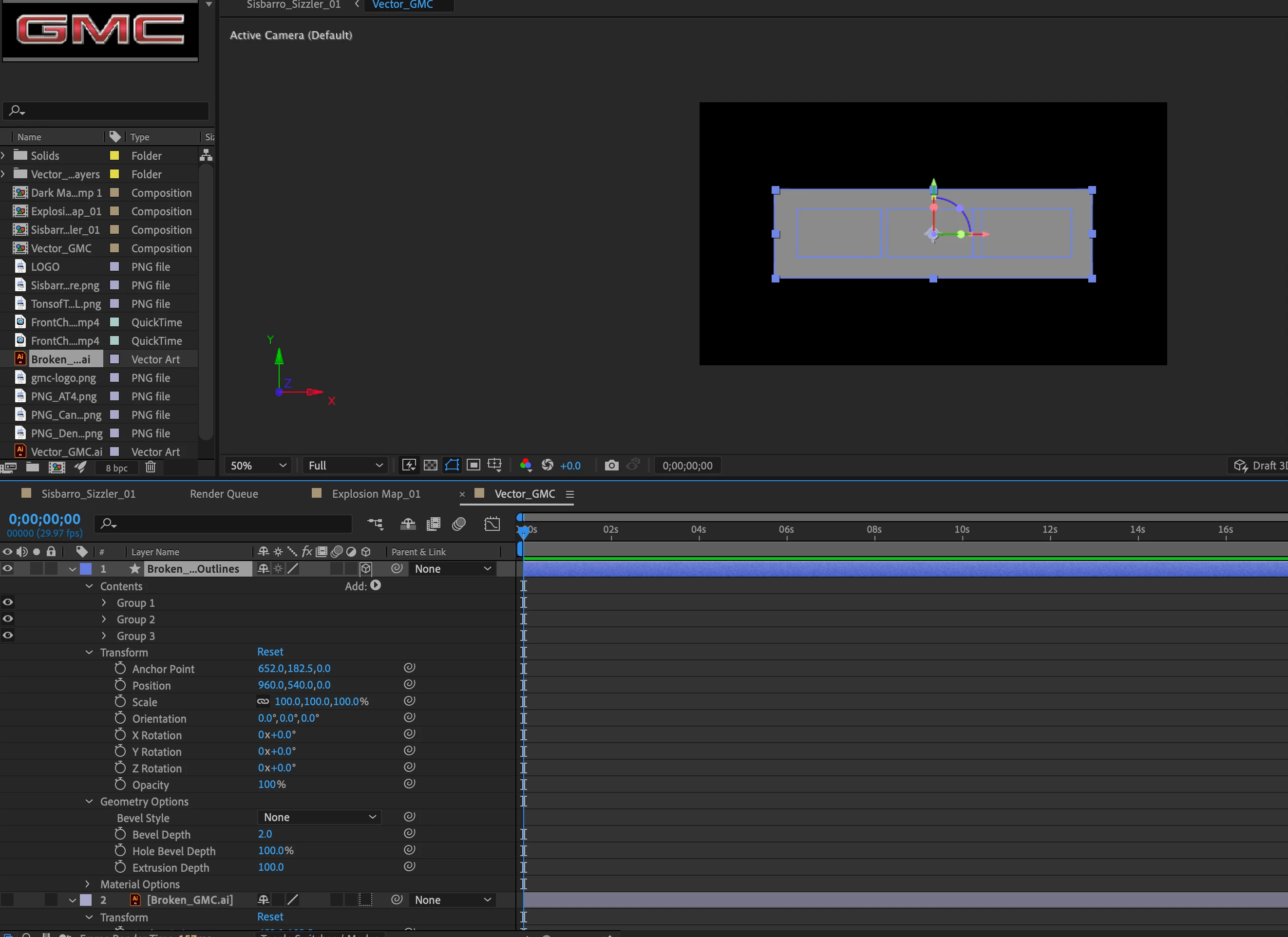
 AdChoices