Participant
November 12, 2020
Answered

Problem with Filling an Illustrator Shape

  • November 12, 2020
  • 1 reply
  • 533 views

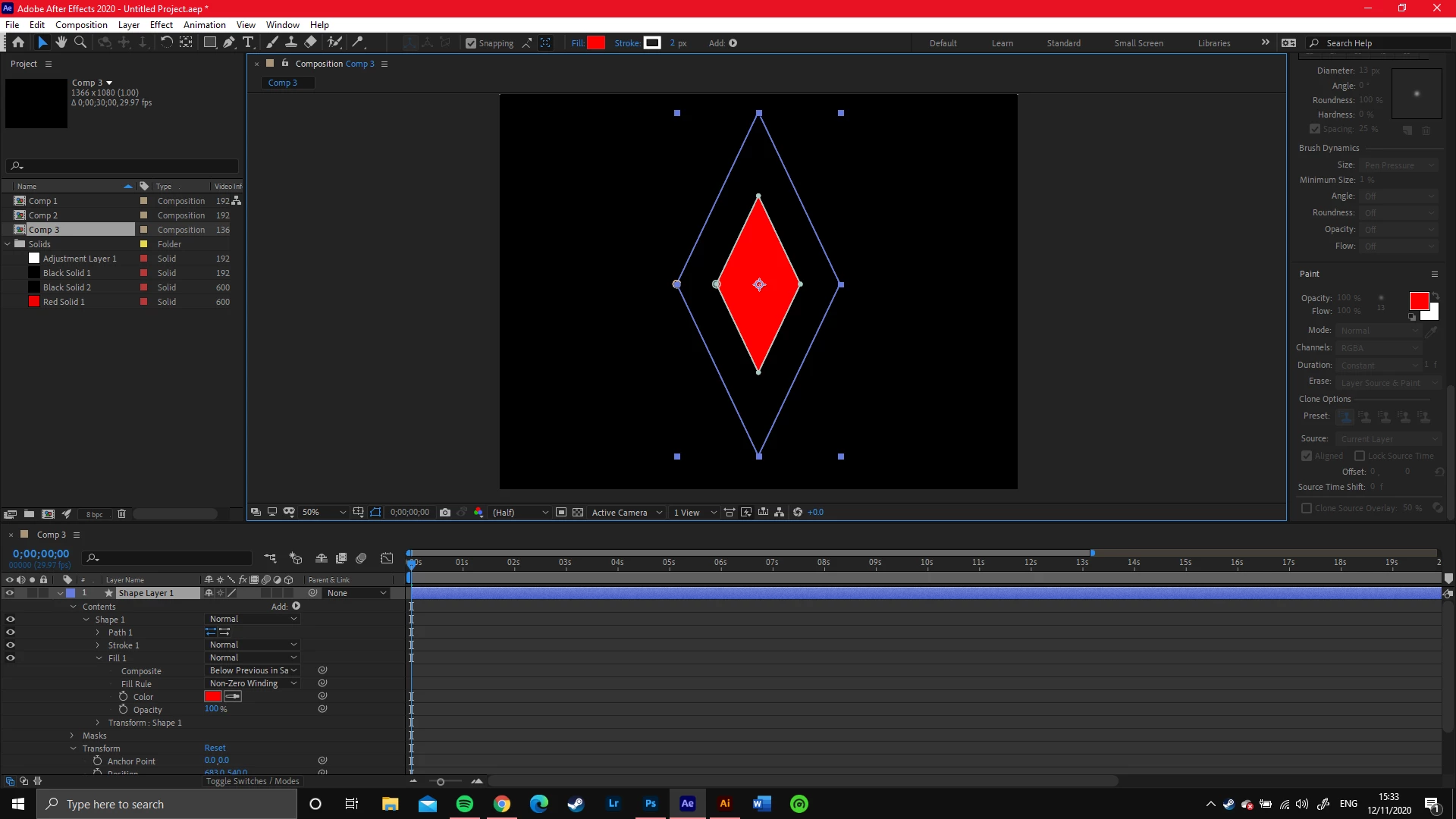
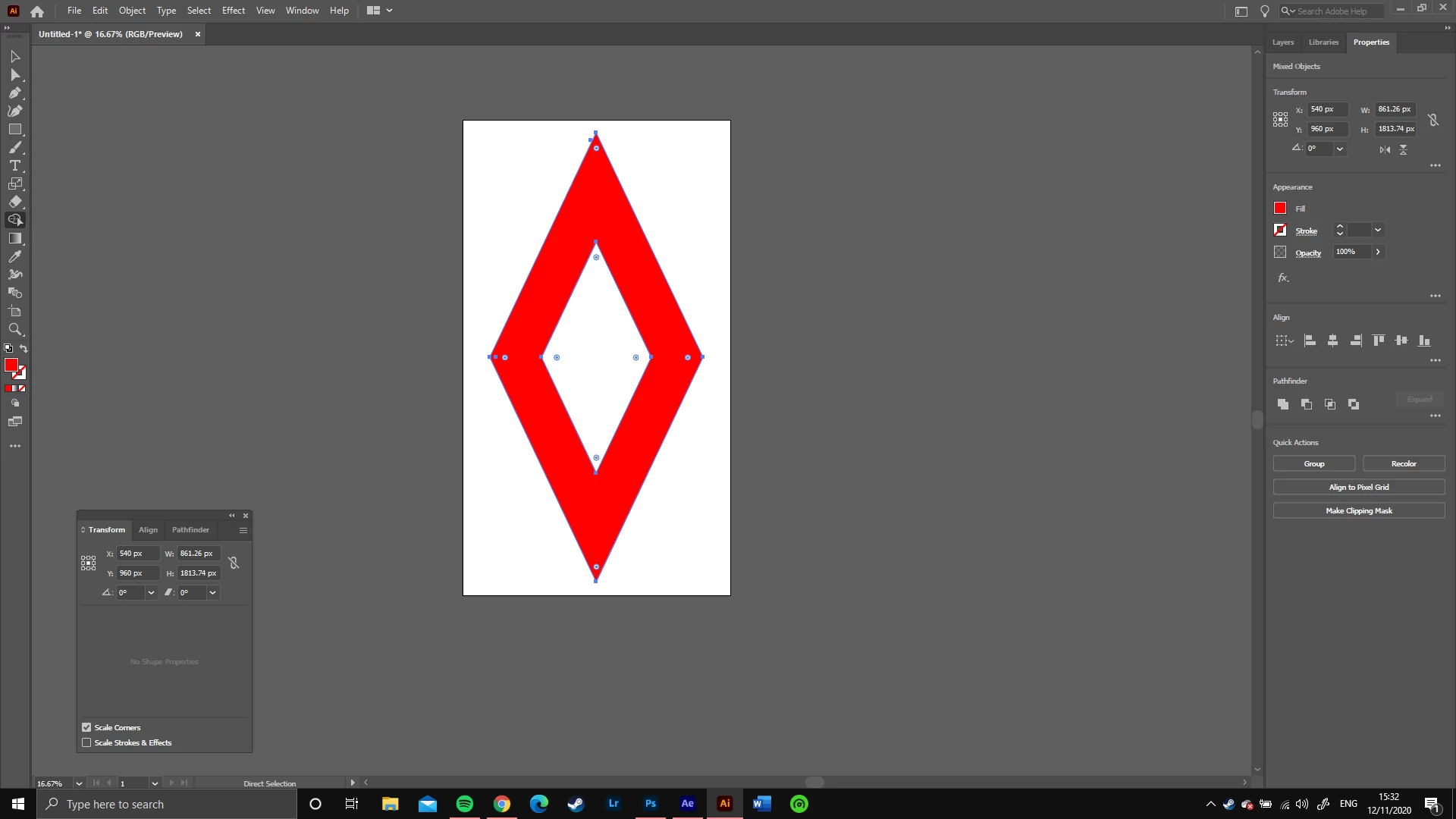
So I'm new to after effects, and i'm trying to copy an object from illustrator into my composition. The shape is a diamond with an empty middle that i made with the shape builder tool. I'd like to fill the rest of the shape with colour, as I have in illustrator (the first image) but every time i copy it into After Effects the empty hole is filled instead. 


This topic has been closed for replies.
Correct answer Mylenium

Paths need to be copied separately or else AE can't figure out the fill rules plus you may need to use the merge paths shape modifier. AE doesn't support compound paths in the same way AI does. You might want to actually read the online help on what's supported and whatnot to get an idea what works or else you'll forever get slowed down by such trivial issues.


Mylenium

1 reply

Mylenium
MyleniumCorrect answer
Legend
November 12, 2020

Paths need to be copied separately or else AE can't figure out the fill rules plus you may need to use the merge paths shape modifier. AE doesn't support compound paths in the same way AI does. You might want to actually read the online help on what's supported and whatnot to get an idea what works or else you'll forever get slowed down by such trivial issues.


Mylenium

Participant
November 12, 2020

Thanks man, sorry it is a pretty dumb issue, I just need to get my head wrapped round it all