
Participant
June 23, 2020
Answered

ProRes RAW Exposure Settings in AE?

  • June 23, 2020
  • 2 replies
  • 1989 views

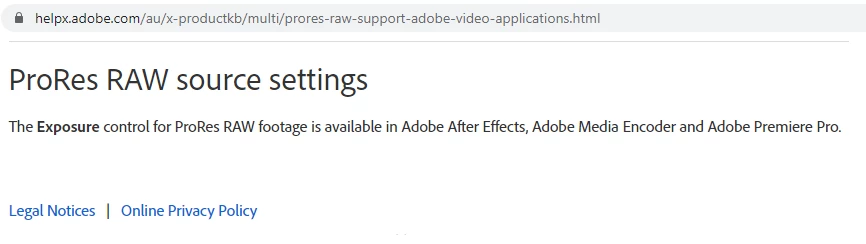
Hi, I've searched high and low for the ProRes RAW source settings/exposure control but cannot seem to find it. I've found it in Premiere Pro, but not After Effects. Could anyone point me in the right direction?
 

This topic has been closed for replies.
Correct answer Grant8

Well I found the answer to my own question in the end. For anyone searching for the same answer:

In the PROJECT panel, Right Click on your ProRes RAW file>Interpret Footage> Main. 


At the bottom of the Interpret Footage window, click "More Options..."

2 replies

Participant
February 6, 2022

Thanks for finding this buried setting!! Does anyone know how to set it so After Effects doesn't debayer clips prior to effects being added? In Premiere filters like Lumetri are accessing the raw data (so for instance an SDR Conform filter will access all the highlight data no matter where in the chain it is) but in After Effects when I try to use any color correction filters it's clearly not accessing to the raw data at all which kind of defeats the purpose.

Grant8AuthorCorrect answer
Participant
June 23, 2020

Well I found the answer to my own question in the end. For anyone searching for the same answer:

In the PROJECT panel, Right Click on your ProRes RAW file>Interpret Footage> Main. 


At the bottom of the Interpret Footage window, click "More Options..."

Participant
February 18, 2022

THANK YOU