
Participant
December 28, 2022
Answered

puppet tool

  • December 28, 2022
  • 3 replies
  • 626 views

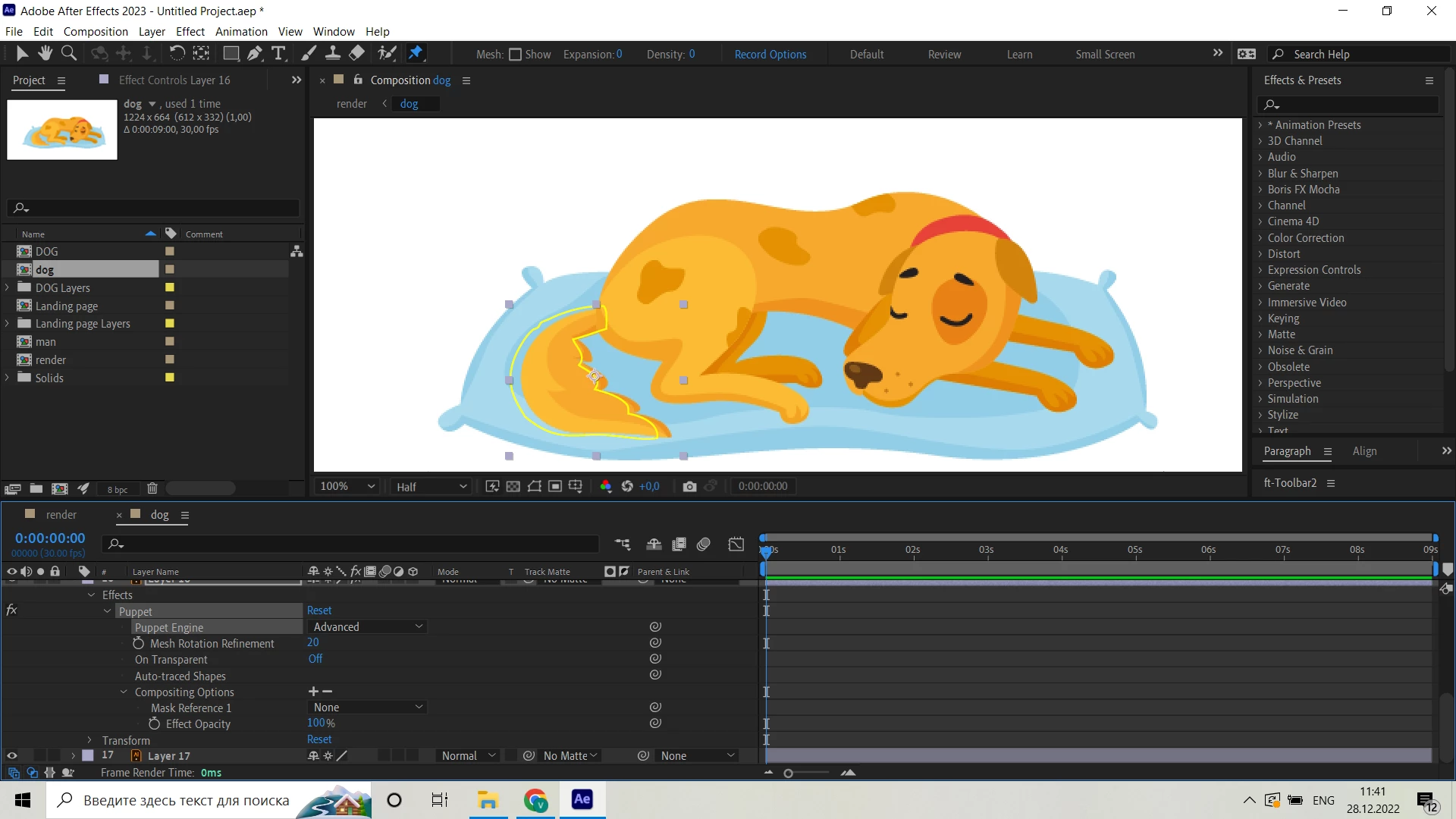
Hello! I have a very strange issue trying to use the puppet tool. I need to pin the top of the tail, but it's not possible, cause the only region I can make pins is this yellow area:
So the shape would be broken if I drag the pin:
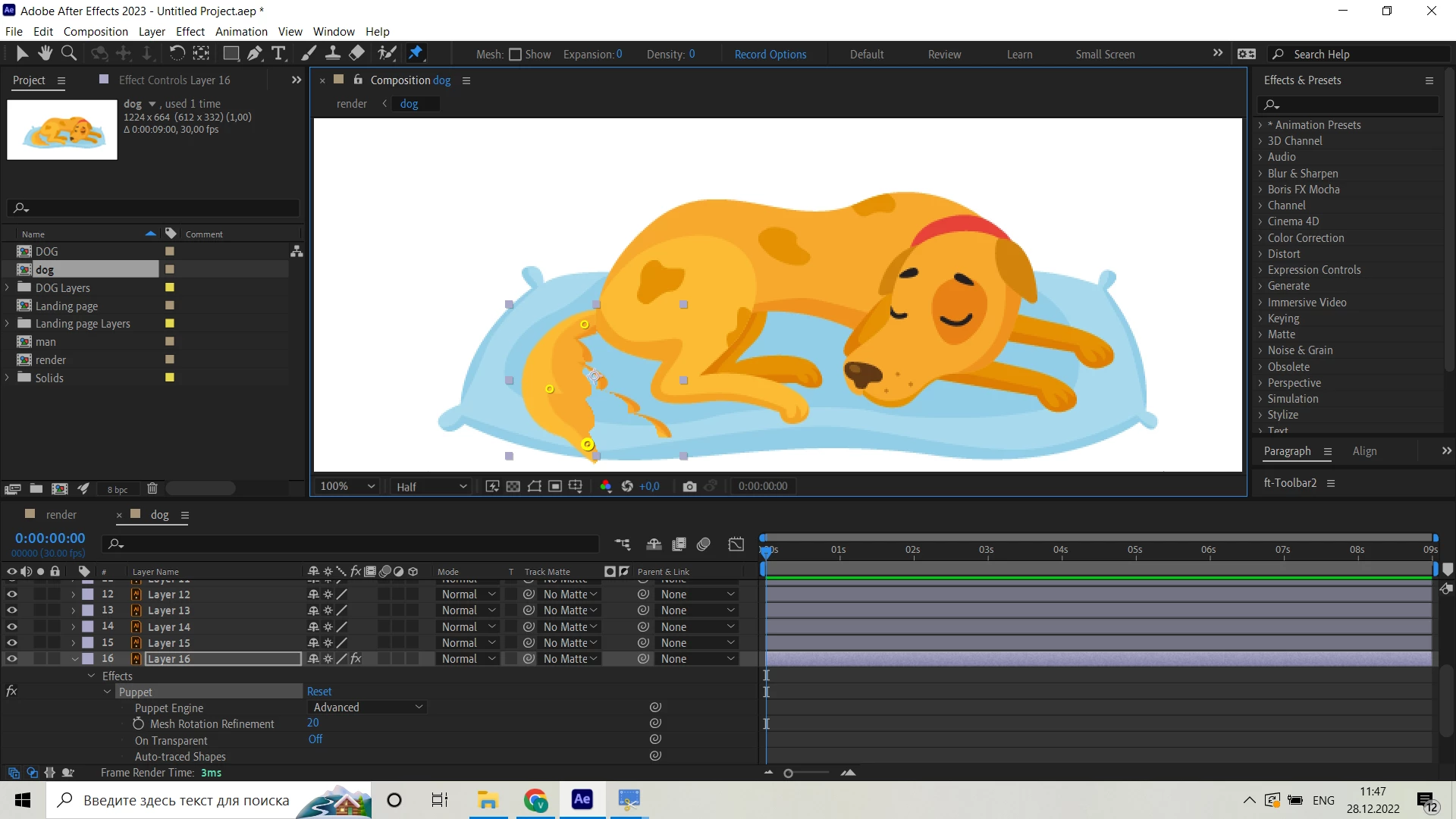
Please help, I'm desperate)

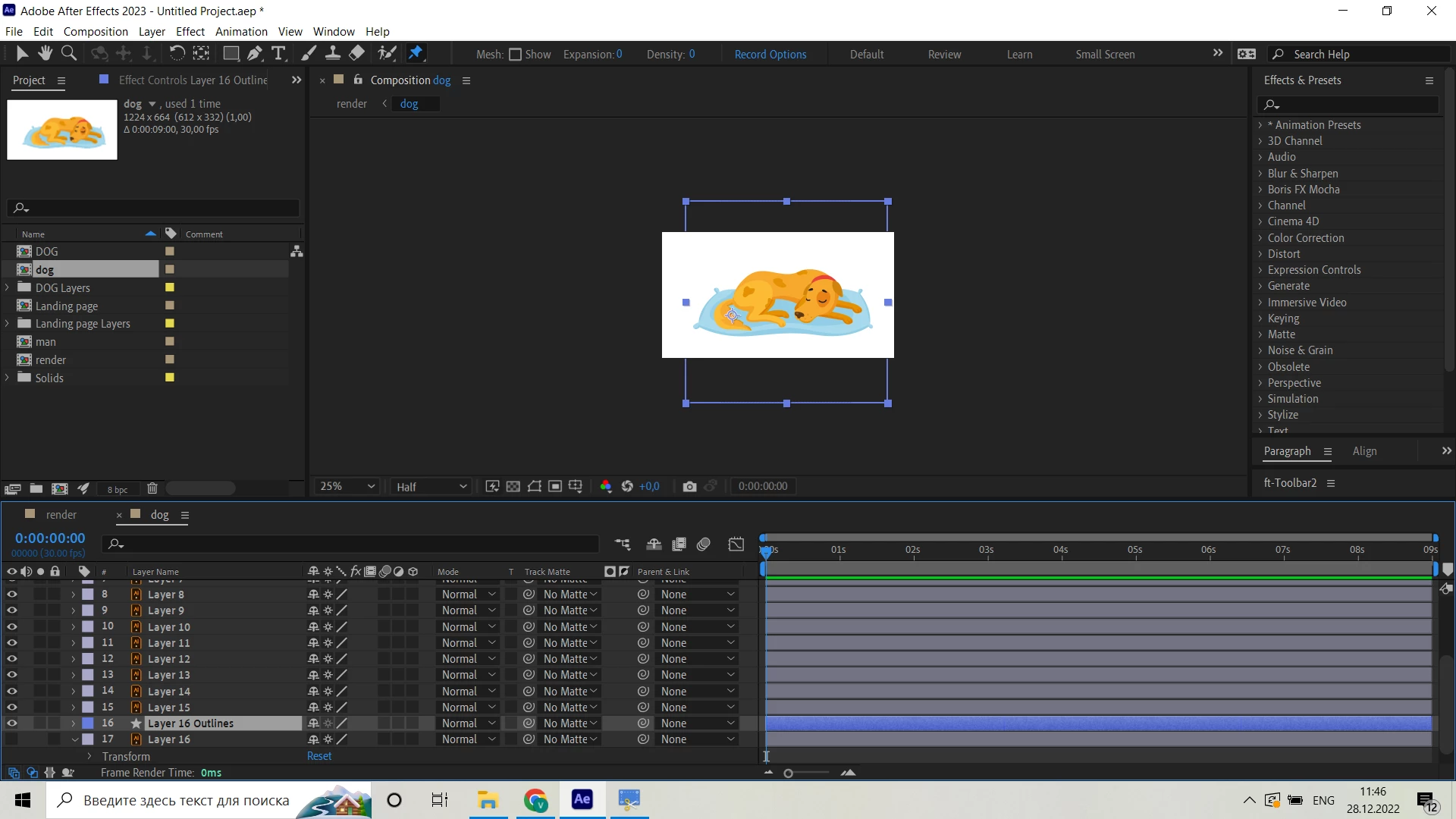
It happens with all the layers. I tried to create a shapes from vector files, but it's size is very unconvinient to work with:


This topic has been closed for replies.
Correct answer vadim27726252pm2v

I used both Advansed and Legasy engines, doesn't matter

Thing was, that Expantion parameter in Mash was set on 0, I adjusted it to 20 and all went well

3 replies

unmesh.pansare
Participating Frequently
November 24, 2024

I recommend watching the following video: https://youtu.be/T4mjkVXfG80?si=sGcmmQigPZ-xWHFx
It clearly explains all the steps to create 2D character animations using the Puppet tool in After Effects.

Mylenium
Legend
December 28, 2022

He's using the Advanced engine, but the workflow is still wrong. This is not how it should be done.


Mylenium

vadim27726252pm2vAuthorCorrect answer
Participant
December 28, 2022

I used both Advansed and Legasy engines, doesn't matter

Thing was, that Expantion parameter in Mash was set on 0, I adjusted it to 20 and all went well

Mylenium
Legend
December 28, 2022

You cannot use continuous rasterization with the Puppet Tool. There is nothing wrong. It's how this stuff works. Turn off CR and/ or pre-compose your layers to the correct size before applying Puppet.


Mylenium

Participant
December 28, 2022

Dont think thats the case, cause I'm watching someone doing it very easily:


I tried to turn off CR and/or precompose it and I still have an issue