Participating Frequently
May 14, 2024
Question

Removing old Scripts from Window menu

  • May 14, 2024
  • 2 replies
  • 657 views

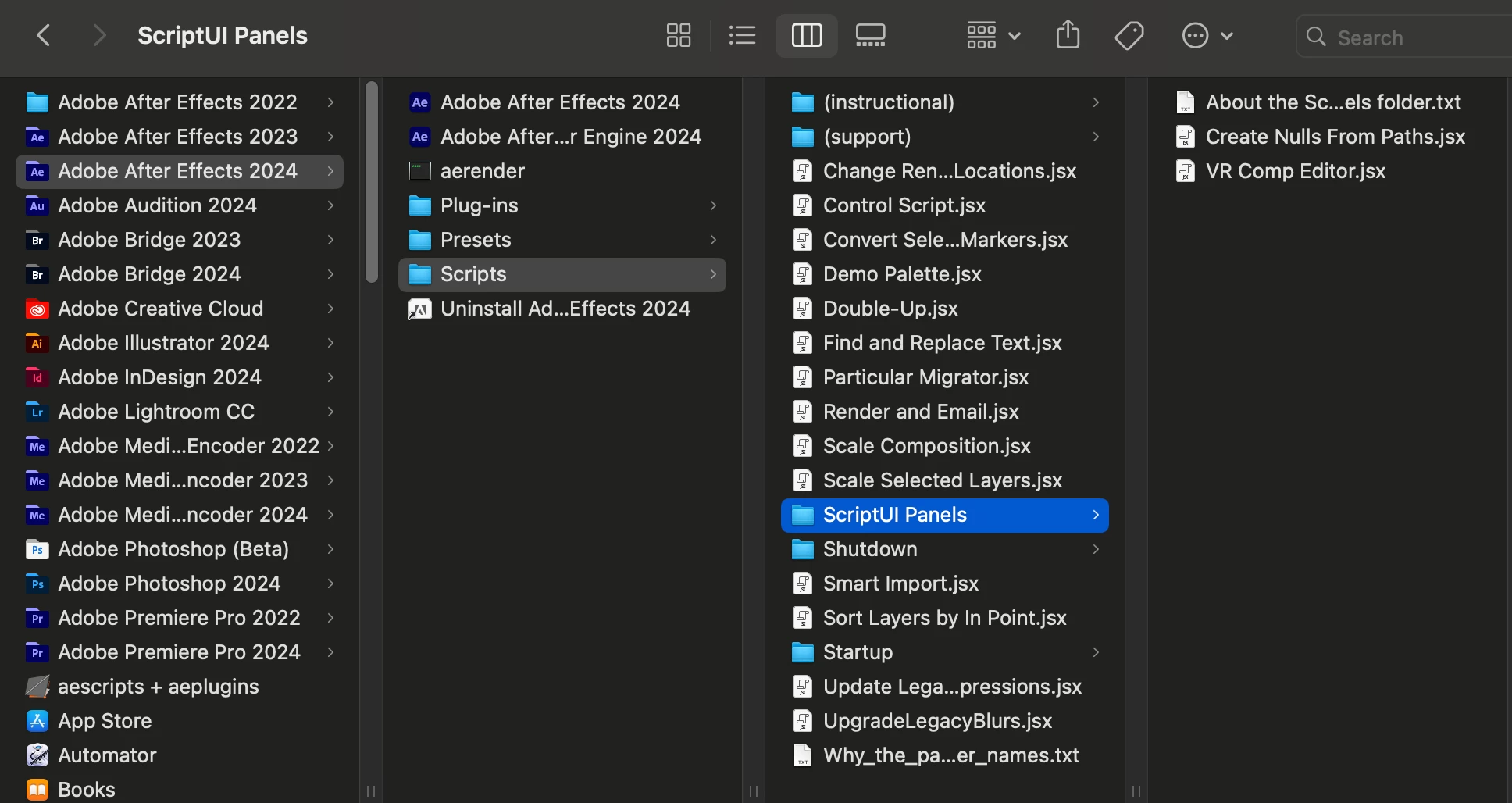
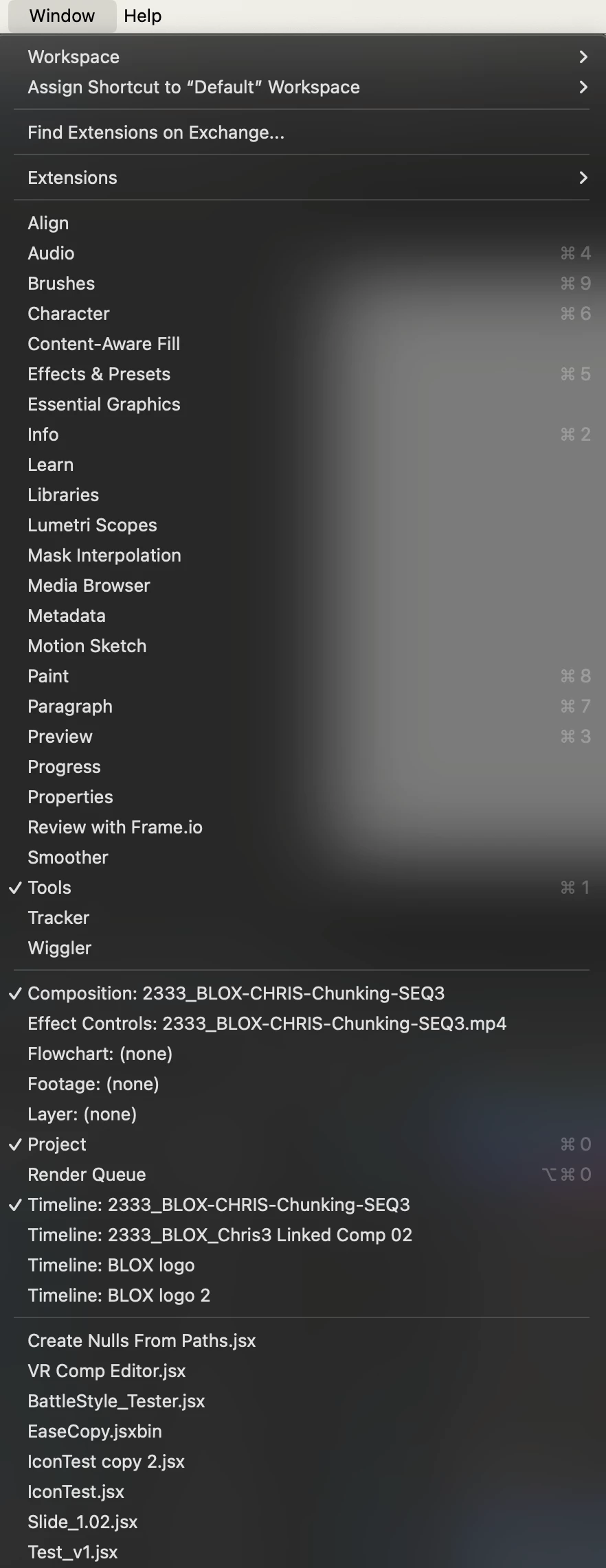
I need to remove old scripts from the Window menu. When I go to: Applications/Adobe After Effects 2024/Scripts/ScriptUI Panels, all I see are the default ones that are shipped with AE. However, in my Windows menu you can see there are many that are installed.

They were all installed using File/Scripts/Install Script UI Panel...

How can I remove these old scripts?
This topic has been closed for replies.

2 replies

ToolfarmJP
Community Expert
Community Expert
May 15, 2024

You seem to have installed other versions of After Effects. The previous setting may be taken over.  You set it as default.


After Effects (top left) > Settings > Startup and Repair > Migrate Previous Version Preferences


Legend
May 14, 2024


On Windows, scripts are installed in a hidden directory (AppData).


\AppData\Roaming\Adobe\After Effects\24.3\Scripts\ScriptUI Panels


On Mac, there's probably a similar directory.