Participating Frequently
December 2, 2019
Question

Render Issue with 3d layer

  • December 2, 2019
  • 2 replies
  • 349 views

Hi, 

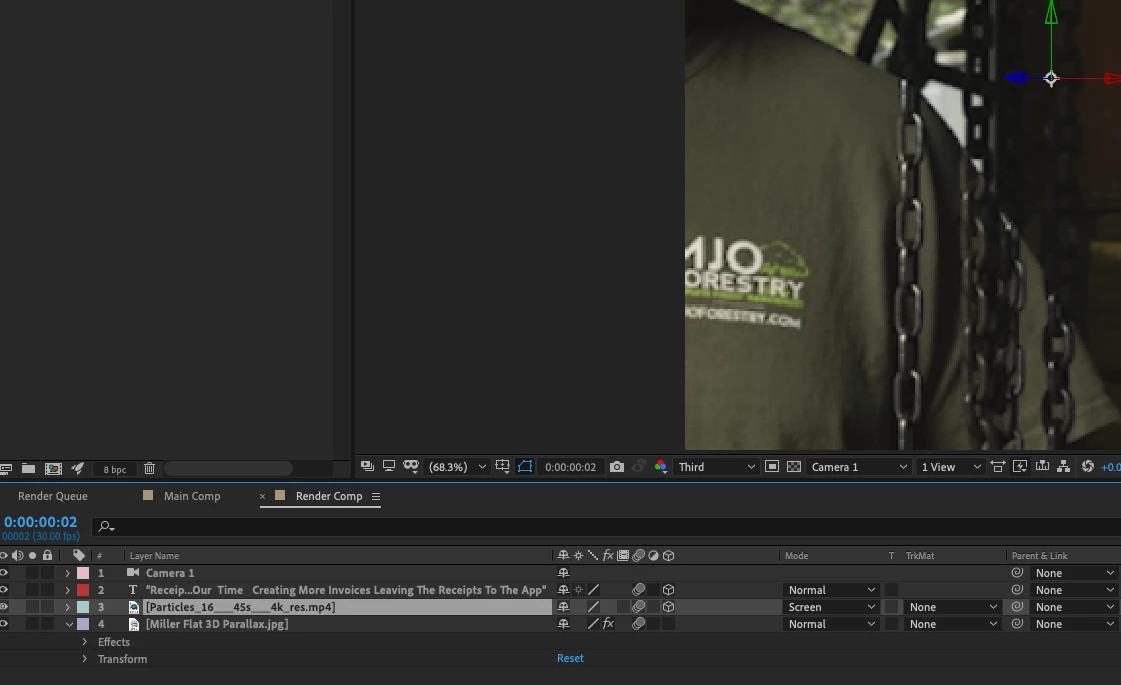
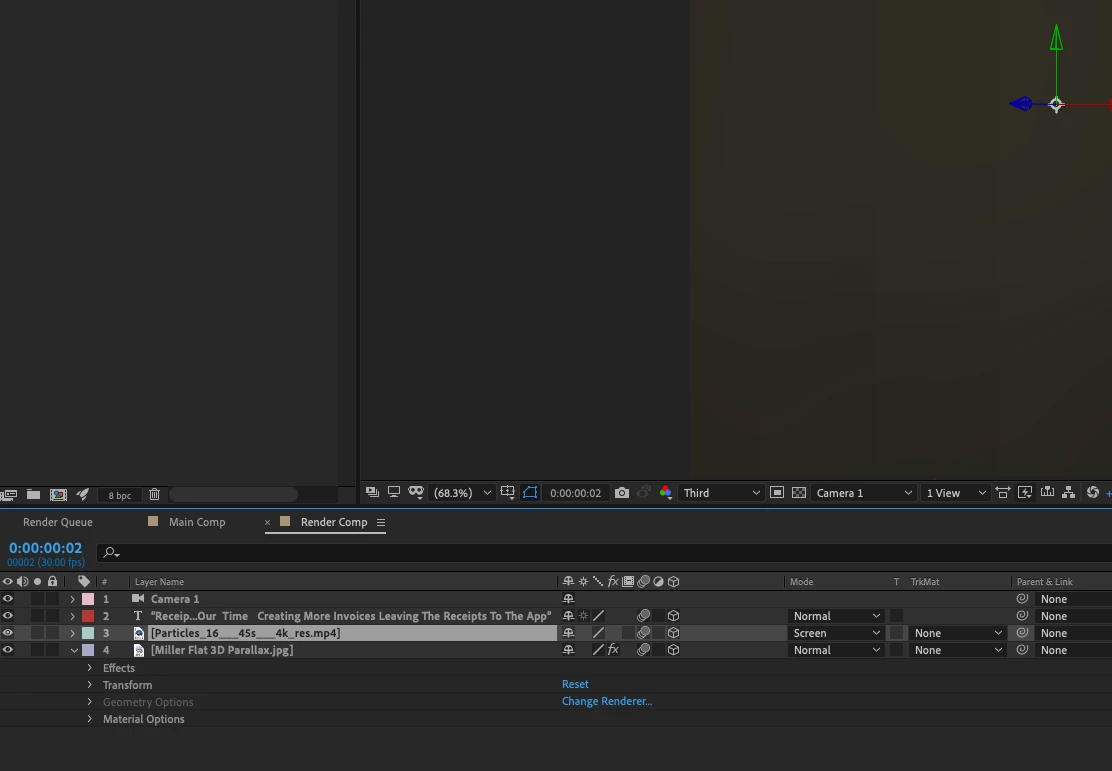
My video is not dispalying or rendering properly until I turn off 3D for the background JPEG image.

Is this normal?

Screenshots attached.

Regards Simon
This topic has been closed for replies.

2 replies

Inspiring
December 6, 2019

It's hard to tell everything that's going on with just the two screenshots and no properties revealed, but what happens if you solo your 3D layer? If it's definitely in the camera view then does it show up when it's the only one visible? Have you disabled motion blur, switched your blend mode back to Normal, checked expressions, and checked all other modified parameters? You can hit the keyboard shortcut "UU" to reveal all modified parameters. You can start going through them one-by-one and resetting them to default to see if any of them are causing the issue.

plant0101Author
Participating Frequently
December 8, 2019

Thanks David Ill check these out.

Regards Simon

Inspiring
December 2, 2019

When your JPG is 3D what is the value of the Z Position? If it's behind the camera then you won't see it. To visualize this easier you can switch your Composition pane to show 2 Views and change one of the views to Top, while leaving the other set to Camera 1. Then, with the JPG's 3D switch toggled you can select it and see where it lives in 3D space in relation to the camera's position.

plant0101Author
Participating Frequently
December 6, 2019

Hi David

I understand what you are saying but no its definately within camera view at all times.

Simon