Participant
November 16, 2023
Question

Rendered Colors are washed out

  • November 16, 2023
  • 2 replies
  • 417 views

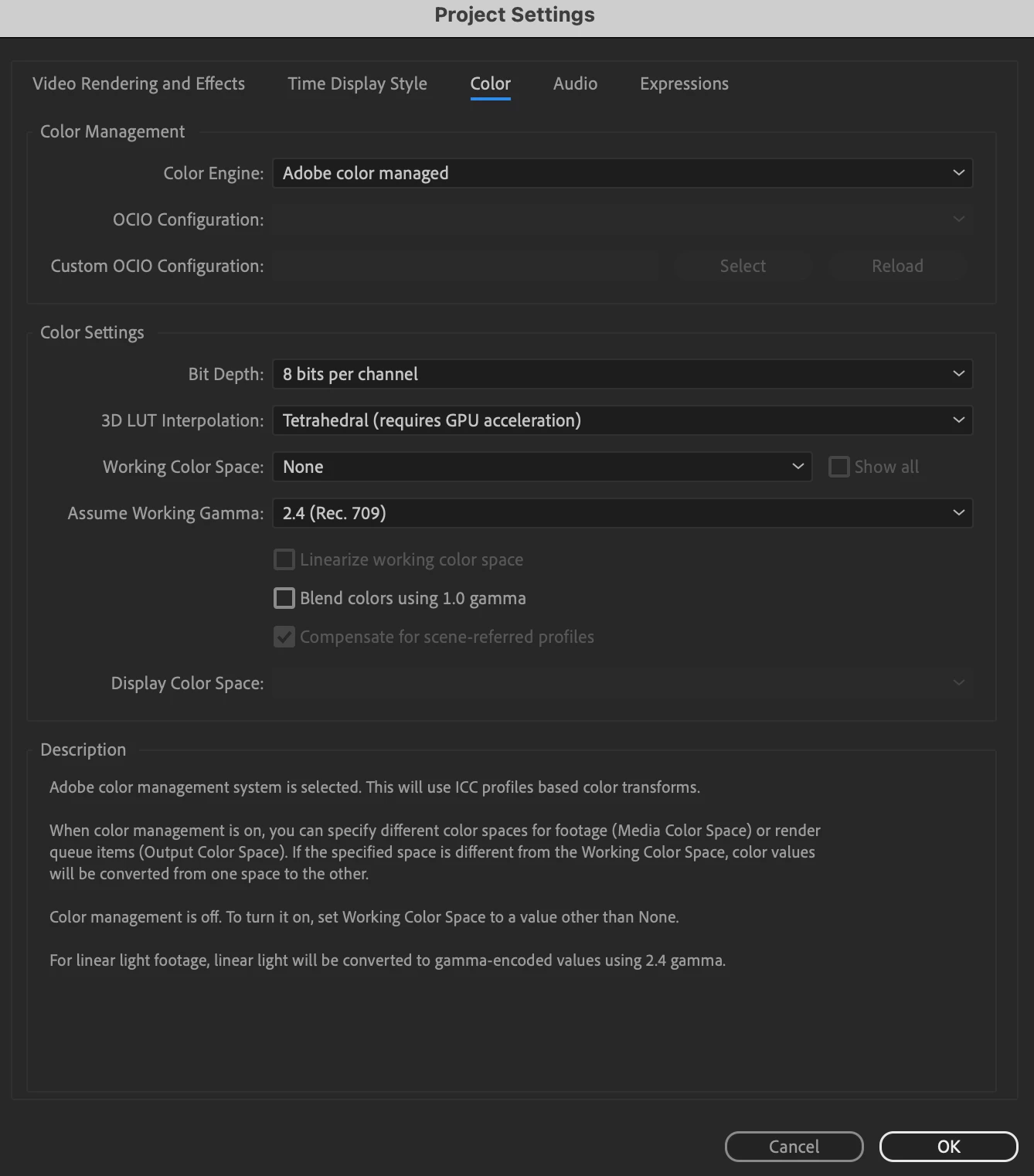
I am using both AE 2023 and 2024. When I render videos also in PR, the colors are washed out. But when I put the rendered video back in AE, the colors are fine. Does anyone know what is causing this? This issue started a week and ago and cannot figure out why. The right image is the original in AE and the right is the rendered colors.

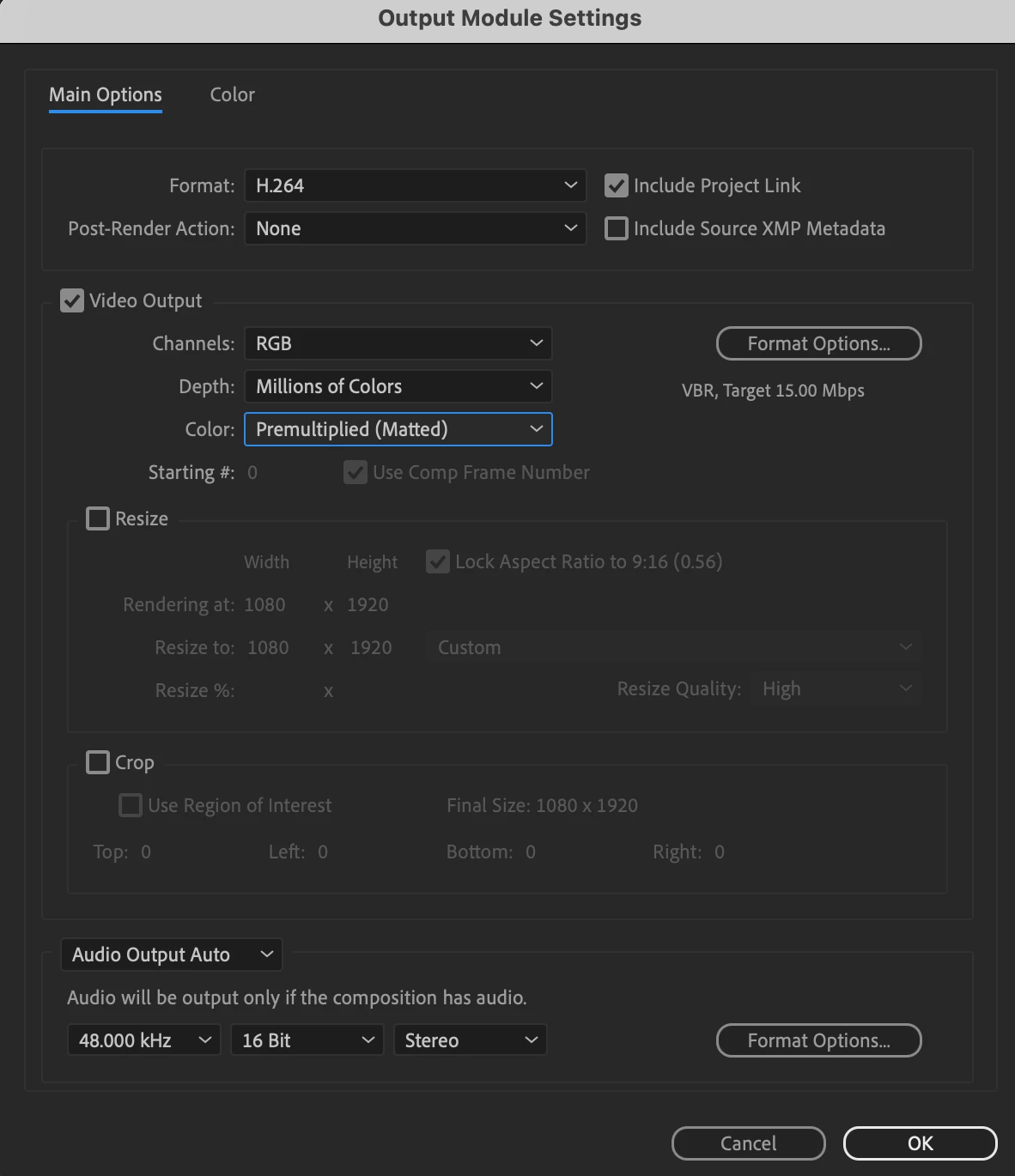
These are my current settings. I haven't changed anything so don't know what the issue is. This happens in both 8 and 16 bit. 
  

This topic has been closed for replies.

2 replies

nishu_kush
Community Manager
Community Manager
November 16, 2023

Here's the explanation for the issue: https://community.adobe.com/t5/premiere-pro-discussions/quot-why-does-my-footage-look-darker-in-premiere-quot-color-q-amp-a/td-p/4788414

The article is in the Premiere Pro community but it's more about Quick using different gamma.

Hope it helps.


Thanks,

Nishu

Participant
November 16, 2023

Follow up: After speaking with Adobe, I was advised it was an issue with QuickTime. When we played those rendered videos in VLC, the color was seen similar to AE. I was asked to use VLC moving forward. How can this be? I work with others who are not experiencing this issue but I am. Is there anyone else when similar issues? What was your solution?