
New Participant
September 20, 2018
Question

Replacing footage from psd file (ERROR: File cannot be imported first entry in folder is another folder)

  • September 20, 2018
  • 2 replies
  • 1028 views

Hi,

I am having troubles in replacing footage in a project I have received from an editor.

I have a very long list of missing files (i.e. alga dis, alga foto). They are layers contained in the psd file "Composizione per video" (screenshot below).
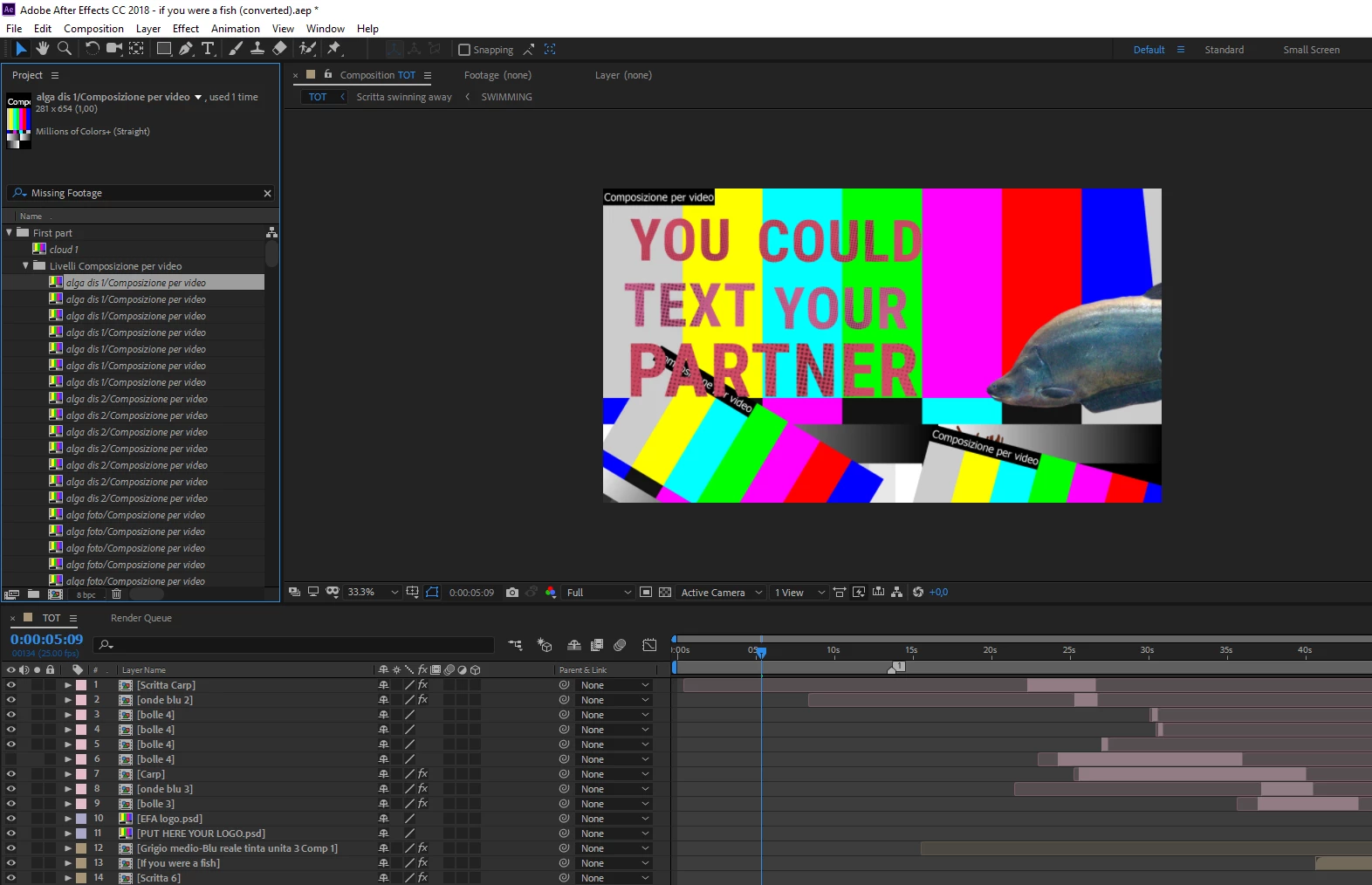

When I try and replace the footage by starting from first file "alga dis 1" I get the error message "file cannot be imported first entry in folder is another folder" (see screenshot below). It's a weird error message as on Google or in this forum no one seems to have mentioned this error message before. Or maybe I am wrong (?)
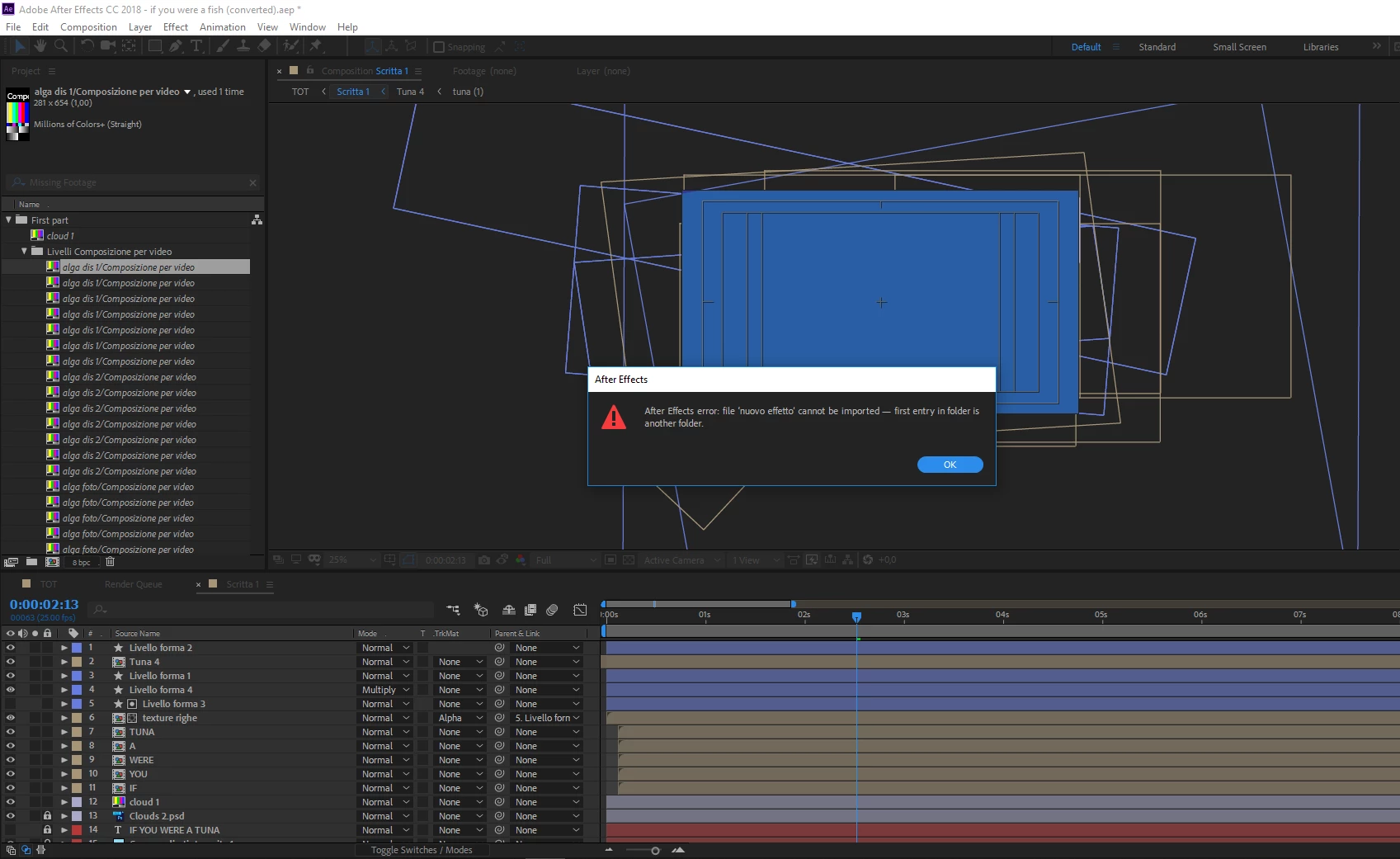
Have someone experienced something similar? Any suggestion on how to fix it?

Thank you very much in advance!

This topic has been closed for replies.

2 replies

New Participant
September 21, 2018

Thank you Mylenium! Very helpful! I confirm in the PSD file different layers share the same name and are contained in different folders/subfolders, so as you mentioned the problem could be due to the structure.

Mylenium
Braniac
September 21, 2018

Impossible to know without understanding the actual structure of the PSD. That said, it's perhaps not particularly clever to have every layer be named the same and bury them in complicated nested groups. AE has always had issues with this as it's referencing everything by name, not some abstract internal code.

Mylenium

EmmaPouladi
New Participant
September 21, 2018

could you please help me?

My output module was quick time and In quick time was a list that I always chose 274.

But in this new After effect, there is no 274.

What can I replace now?