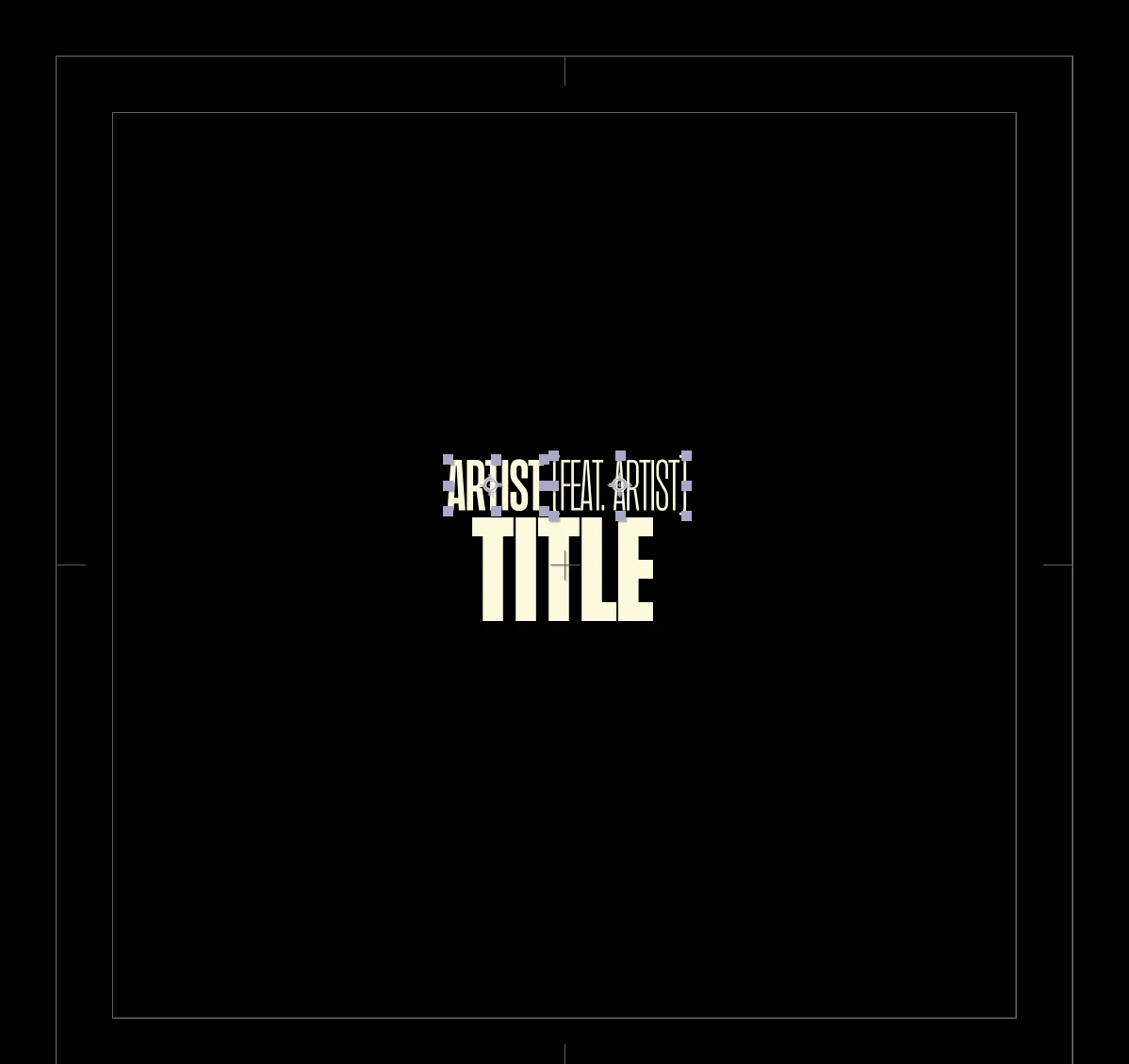
The most efficient way to line up text layers is to use the sourceRectAtTime() function in an expression on the position property of the first two text layers. The Anchor Point of a text layer combined with the height, top, left, and width values can be combined with the layer's position and even scale to tell you exactly where the text layer is in the comp frame and how big it is. All that is left is a little math.
I. would stack all text layers on top of each other in order, with the top layer being the first layer, then use the layer index instead of the layer names to line up all of the layers and set the horizontal and vertical padding between words. With your design, the bottom line would be the master layer, so it would not have any expressions, and the other two layers would be offset by the bottom layer's height and centered above it by their combined width.
If the first two layers are left-justified and the bottom layer is center-justified, these expressions should work:
// apply to the first text layer layer position property
secondTxt = thisComp.layer(index + 1);
sSize = secondTxt.sourceRectAtTime();
vPad = - 50;
p = secondTxt.position;
s = secondTxt.scale * .01;
t = sSize.top * s[1];
h = sSize.height * s[1];
w = sSize.width * s[0];
l = sSize.left * s[0];

src=thisLayer.sourceRectAtTime();
srcS = scale * .01;
srcT = src.top * srcS[1];
srcH = src.height * srcS[1];
srcW = src.width * srcS[0];
srcL = src.left * srcS[0];


x = p[0] + l + w - srcL - srcW - w  + vPad;
y = p[1] + t + h - srcT - srcH;

[x, y]


// apply to the second text layer position property
firstTxt = thisComp.layer(index - 1);
sSize = firstTxt.sourceRectAtTime();
vPad = - 50;
hPad = - 50;
p = firstTxt.position;
s = firstTxt.scale * .01;
w = sSize.width + sSize.left;
h = sSize.height + sSize.top;


srcSize = thisLayer.sourceRectAtTime();
srcScale = scale * .01;
srcWidth = srcSize.width - srcSize.left;

cntrOfst = vPad + srcWidth + w - thisComp.width;

thirdTxt = thisComp.layer(index + 1)
mstrPos = thirdTxt.position;
mScale = thirdTxt.scale * .01;
mSize = thirdTxt.sourceRectAtTime();
mt = mSize.top;


x = mstrPos[0] - (srcWidth - w) / 2;
y = mstrPos[1] + mt + vPad;

[x, y]
Save those position expressions as animation presets, and you can apply them to any set of text layers. All you have to do is animate the position of the third layer in the stack.
I didn't take the time to fully optimize the expressions for scale, baseline shift, and paragraph justification. If I get time later, I'll do that.
I have also included a project file for you to fiddle examine.

 AdChoices