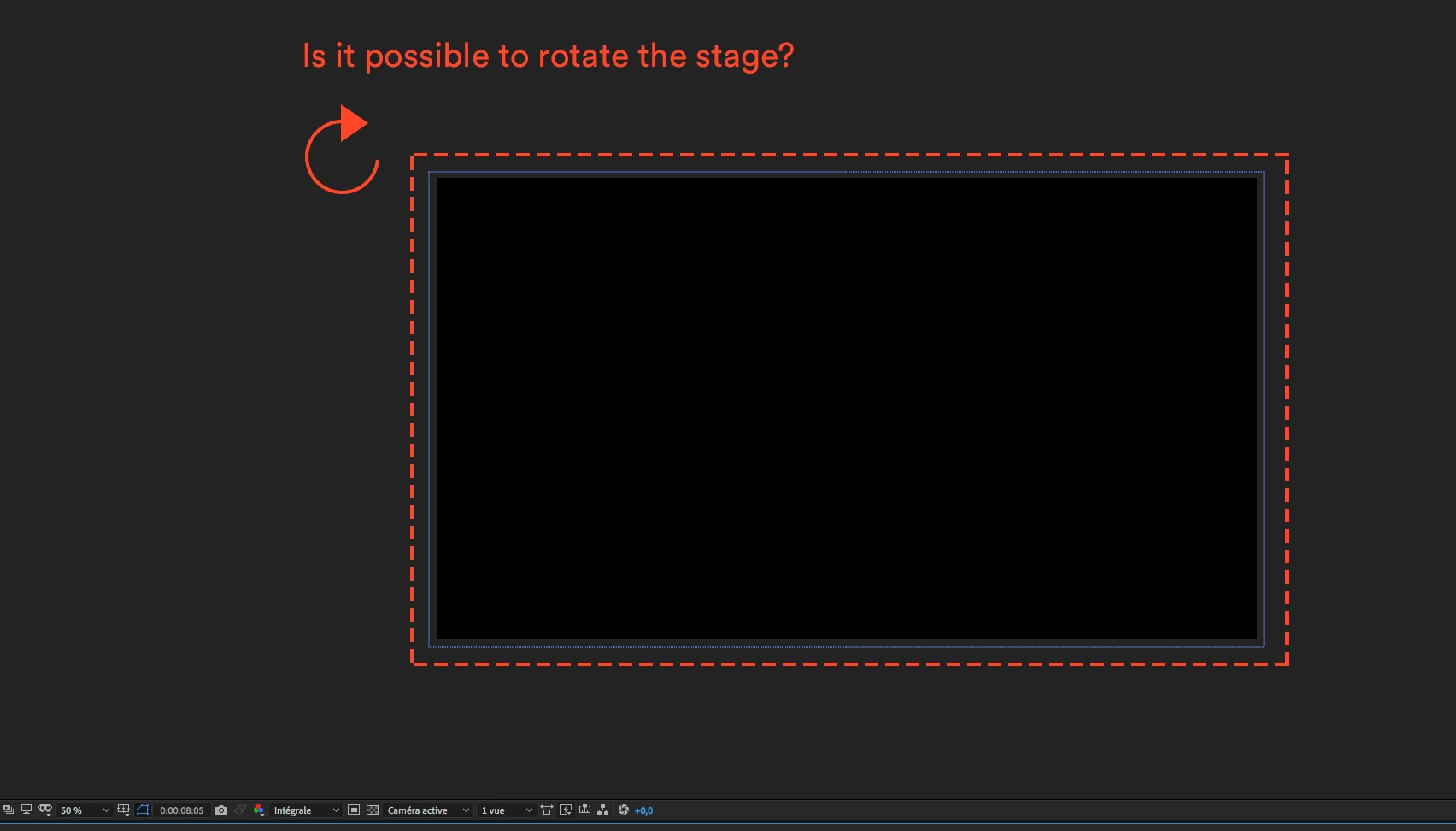
The comp panel represents the view of a media player. If you need to create a vertical project for something like a video monitor that is mounted vertically then you change the dimensions of the composition from something like 1920 by 1080 to 1080 X 1920. Unfortunately, the Monitor will probably not be able to tell that you turned it on its side so you might have to put your finished vertical comp inside a standard horizontal comp before you render it. It all depends on your application.
You also have to be aware of the frame sizes that the video player and the format support. You can't render a 1347 X 1003 comp using any MPEG based compression because that frame size is not supported, the video will be stretched to fit a standard frame size, and you'll end up with something that is either distorted, soft or has black edges. You have to have a very good understanding of formats, compression, media players, and the specifications for special devices before you start monkeying with the comp or render settings.

 AdChoices