
Answered
Roto brush's boundary not visible with hand tool
When I use the roto brush, if I switch a hand tool or move the view by middle mouse button, background disappears.
Here's the correct view, but if I switch to hand tool, or press and hold the middle mouse button and move the mouse,
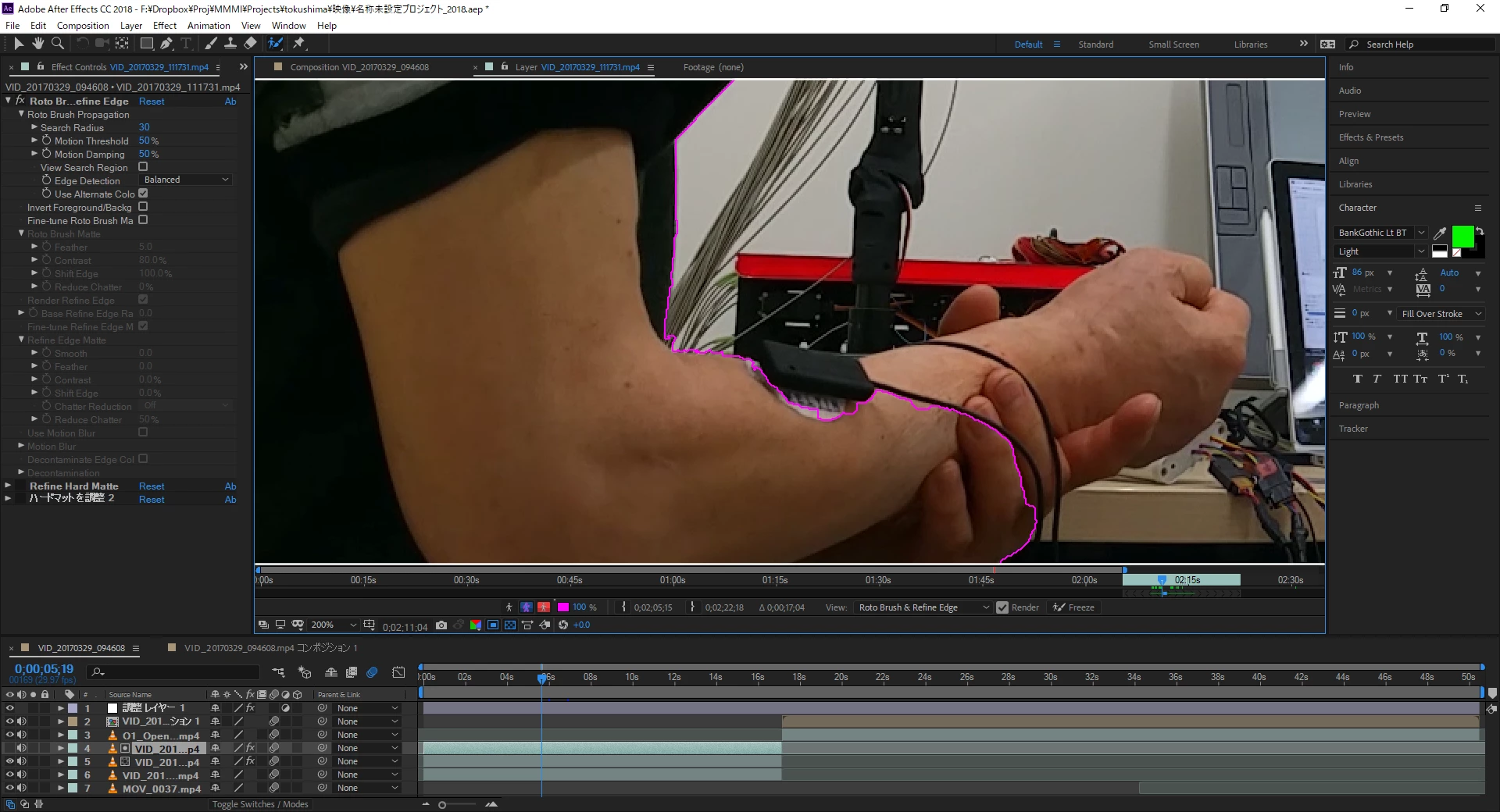
suddenly brings this view. To back to correct view, I have to zoom in/out to refresh the view.

I think there is a bug in the code of refreshing the view.
Is there any solution? Or I have to wait for next update?
--- Some updates ---
There seems to have multiple ways to back to normal view, for example
- Press alt (switch to "minus" tool)
- Move mouse cursor to outside of the viewer screen
- Zoom in/out
Win 10 Pro 64bit
i7-8700K
16GB memory
Geforce GTX 1080Ti (Latest stable driver)
 AdChoices