scott_mo
Inspiring
May 25, 2018
Answered

Seeking Advanced keylight techniques.

  • May 25, 2018
  • 2 replies
  • 976 views

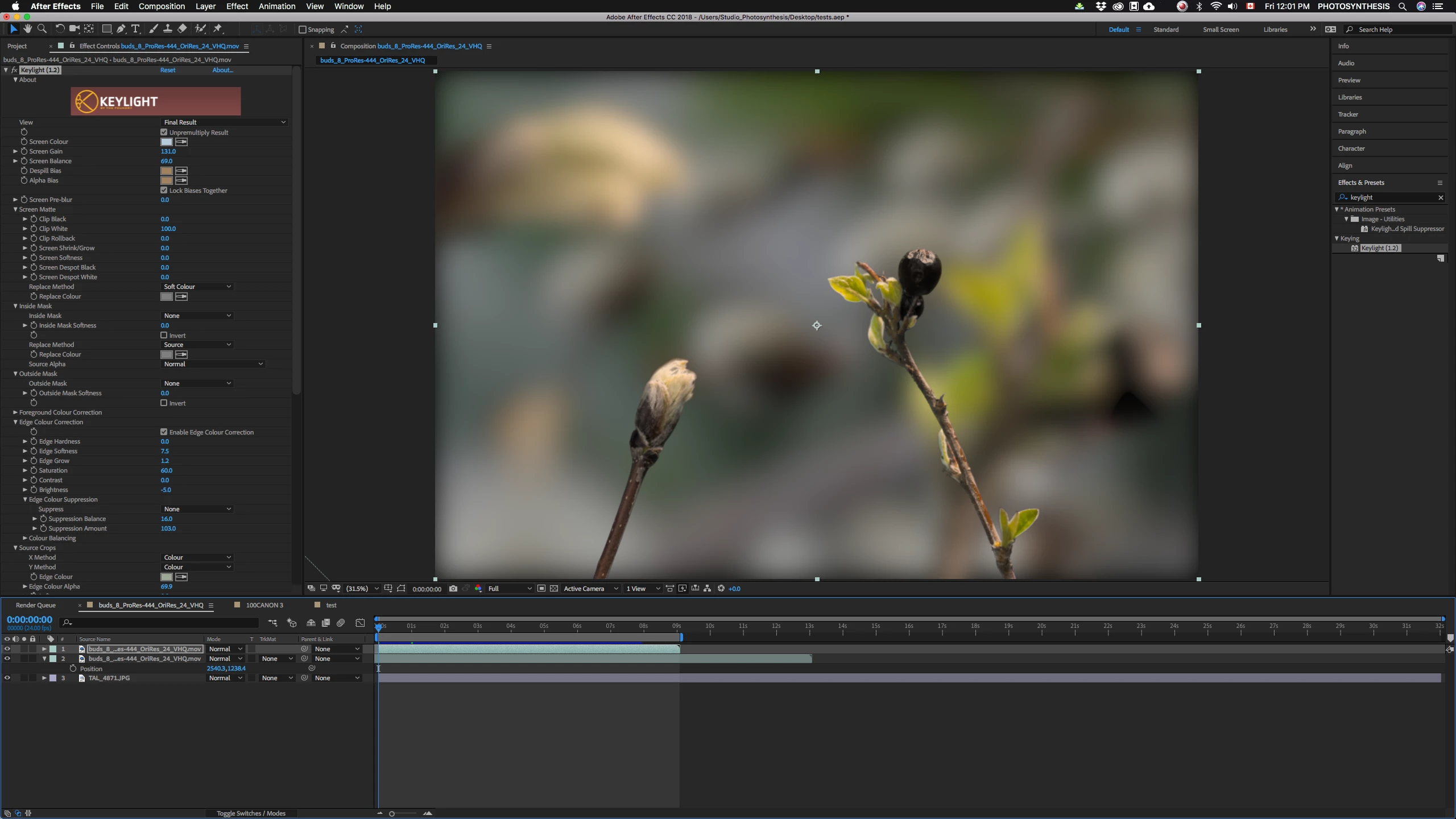
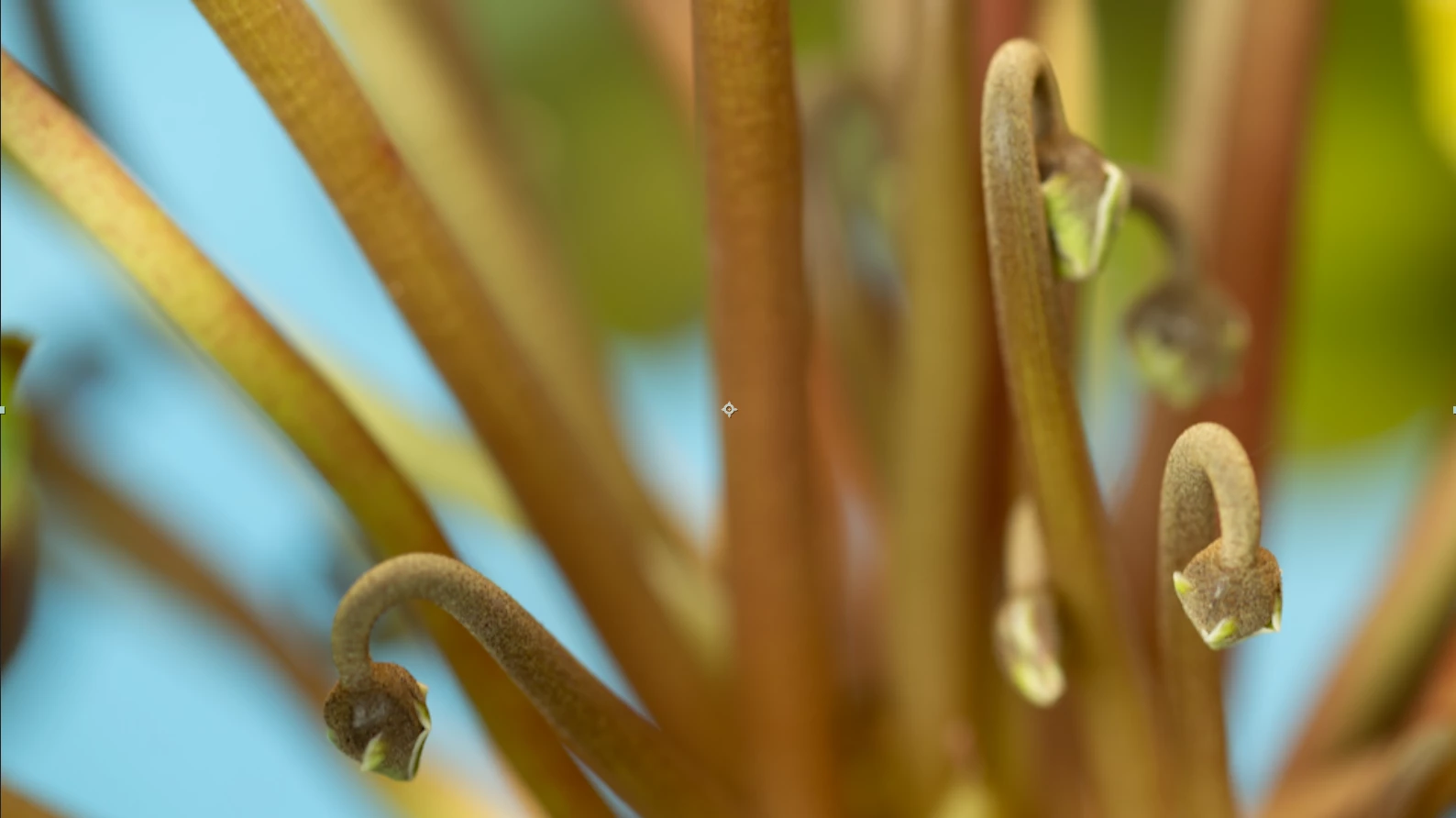
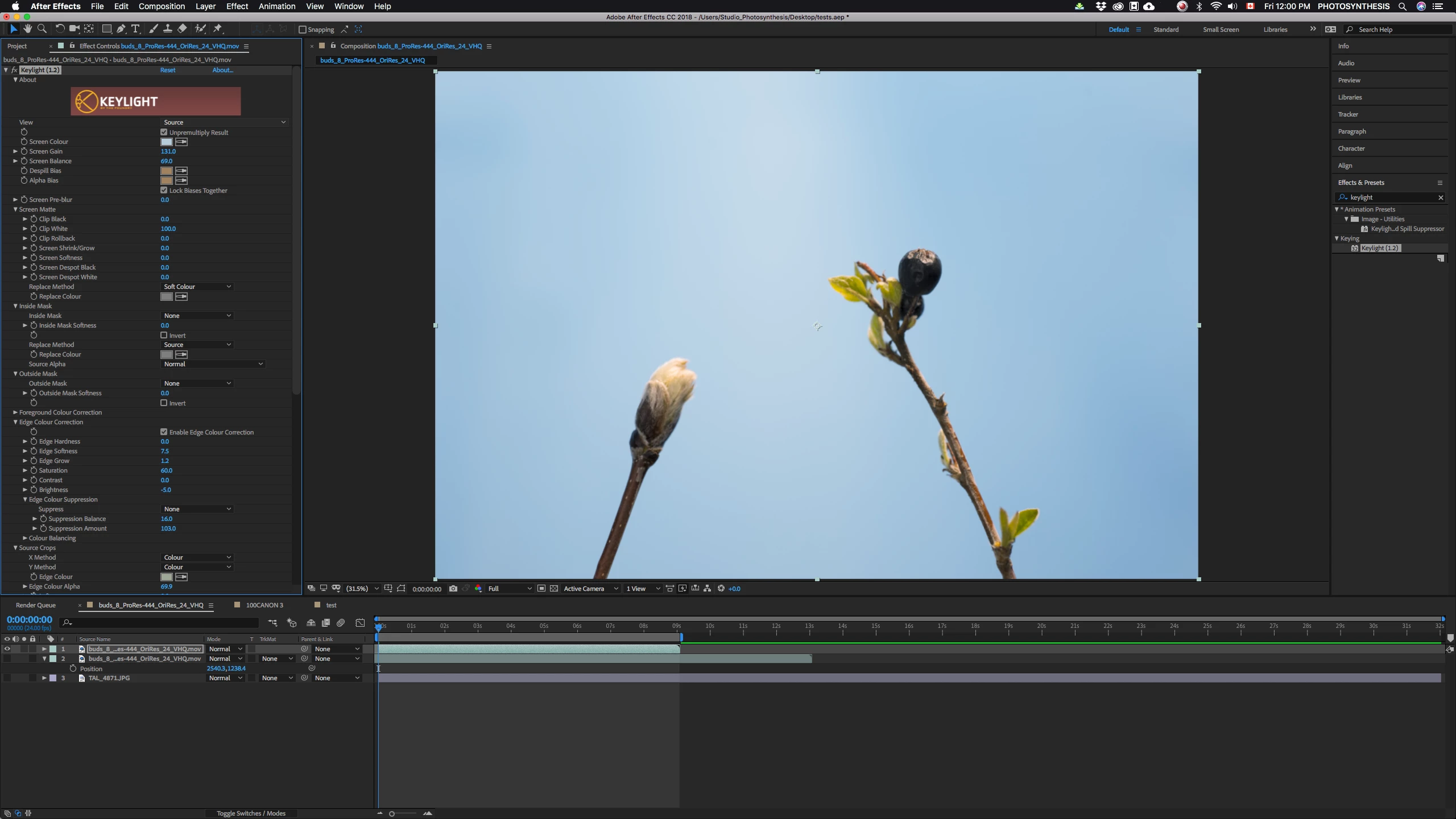
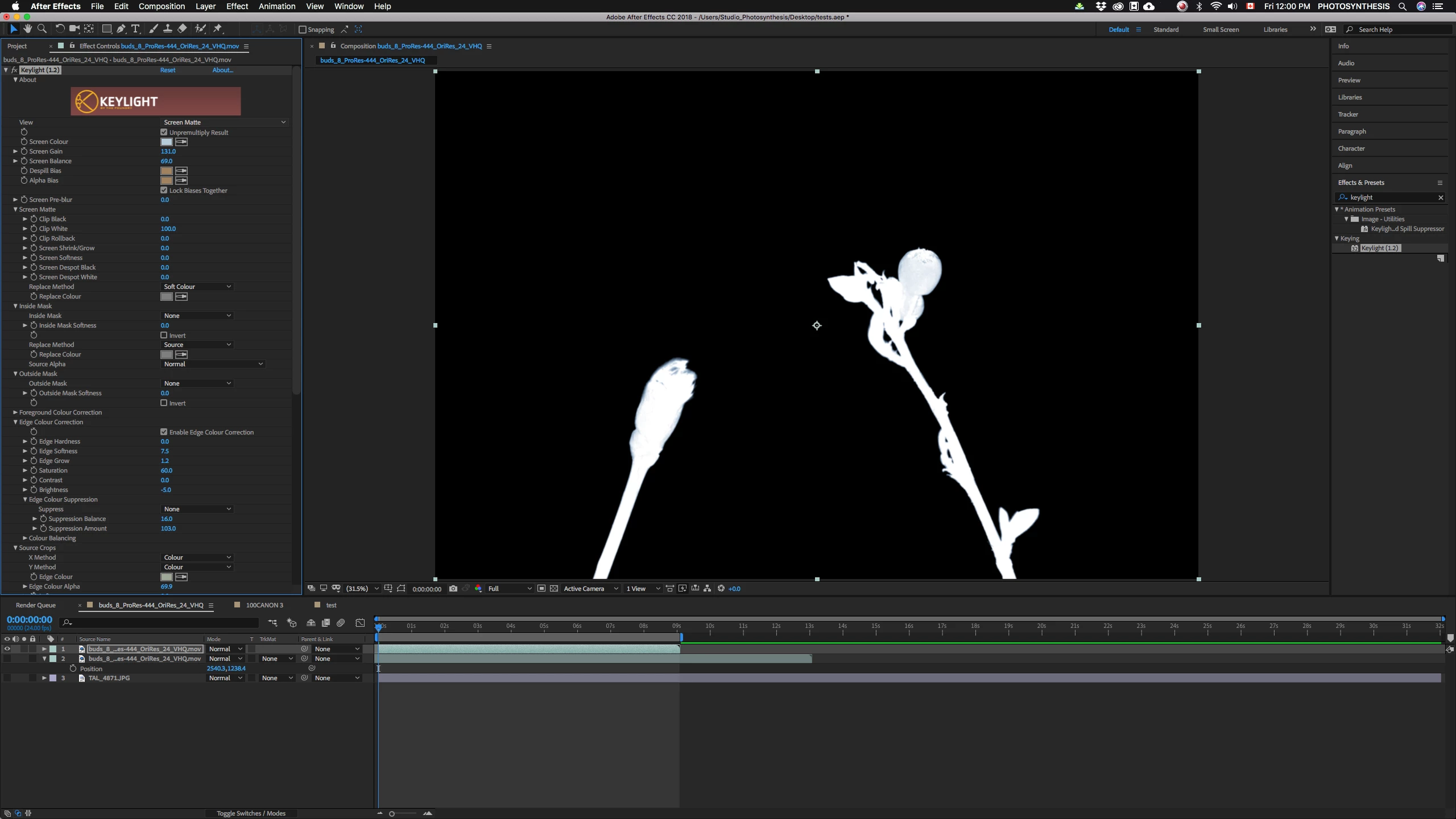
Hi, I've used key-light and I'm experimenting with different key-out colors when shooting plant time-lapse. I've had a wide variety of results mostly because when it comes to the sliders, I'm winging it. I struggle with out of focus regions and spill mostly (eg: last image). Can someone offer a video link or advice on how to use keylight in an advanced way that's comprehensive? I'm also shooting some sequences with everything in focus (first 3 images) and am still not excited about the results. Not sure if the attachment will let you see the edges in enough detail or not... That was after 10 minutes. I'm hoping to find a more efficient method with images this clean.

Thanks,

~Scott
This topic has been closed for replies.
Correct answer Roei Tzoref

Keylight is best at keying Chroma key backgrounds: green, blue or red. It will be difficult to get a good key for anything else.

For keying out sky, the Extract effect is a very decent high-contrast keyer. Set it to the blue channel and use the handles. For edges you should try refine hard matte.

I would also try Primatte which is a 3rd party tool for keying.

All the tools mentioned here require learning and practice. I can recommend Mark Christiansen's Keying course on Lynda and Steve Wright's.

2 replies

Warren Heaton
Community Expert
Community Expert
May 25, 2018

Give the trial version of Red Giant Key Correct Pro a try: Buy Red Giant Key Correct | Download the free trial

The “Smooth Screen” and “Light Wrap” effects included with it are likely to improve the results you’re getting with Keylight.

There’s also a trial version of Red Giant Primatte (recommended in an earlier post): Buy Red Giant Primatte Keyer | Download the free trial

You wouldn‘t need both as Primatte includes the Smooth Screen and Light Wrap features.  You’d use Primatte instead of Keylight while you would use Key Correct with Keylight.

-Warren

Roei Tzoref
Roei TzorefCorrect answer
Legend
May 25, 2018

Keylight is best at keying Chroma key backgrounds: green, blue or red. It will be difficult to get a good key for anything else.

For keying out sky, the Extract effect is a very decent high-contrast keyer. Set it to the blue channel and use the handles. For edges you should try refine hard matte.

I would also try Primatte which is a 3rd party tool for keying.

All the tools mentioned here require learning and practice. I can recommend Mark Christiansen's Keying course on Lynda and Steve Wright's.

scott_mo
scott_moAuthor
Inspiring
May 30, 2018

I didn't realize that keylite was designed around the chroma technology. I just thought it had to be a colour not present on what you want to keep. Gave that a try but still had issues around the edges. I'll check out those tutorials. Thanks.