That is starting to look like what I need but the pulse starts from the middle. I need the pulse to start from right to left. Attached is a shot of my desktop.
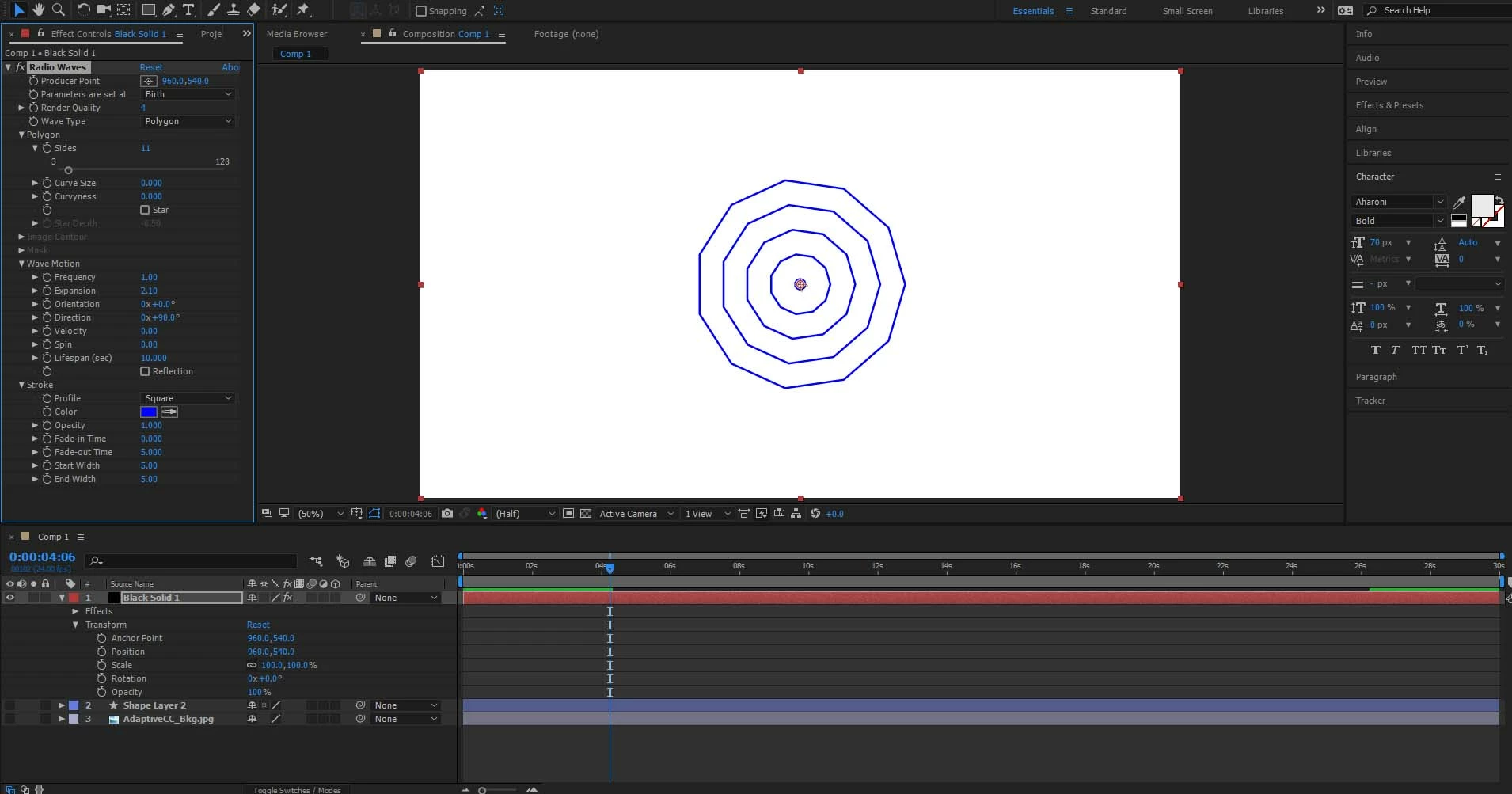
You can move the producer point, can you not?  You need to spend some time with the plug-in and learn how it works. Even if the producer point was static, you could still pre-compose the whole layer and mask it, so only one side remains, which is what I would do, anyway - create a large square comp, tweak the wave parameters, use the pre-comp as a layer in the parent comp and mask out the "cone" using a mask or a symetrrical radial wipe. And again, that also takes care of any alignment and orientation issues because you can simply rotate and move the layer as a whole.
Mylenium



 AdChoices