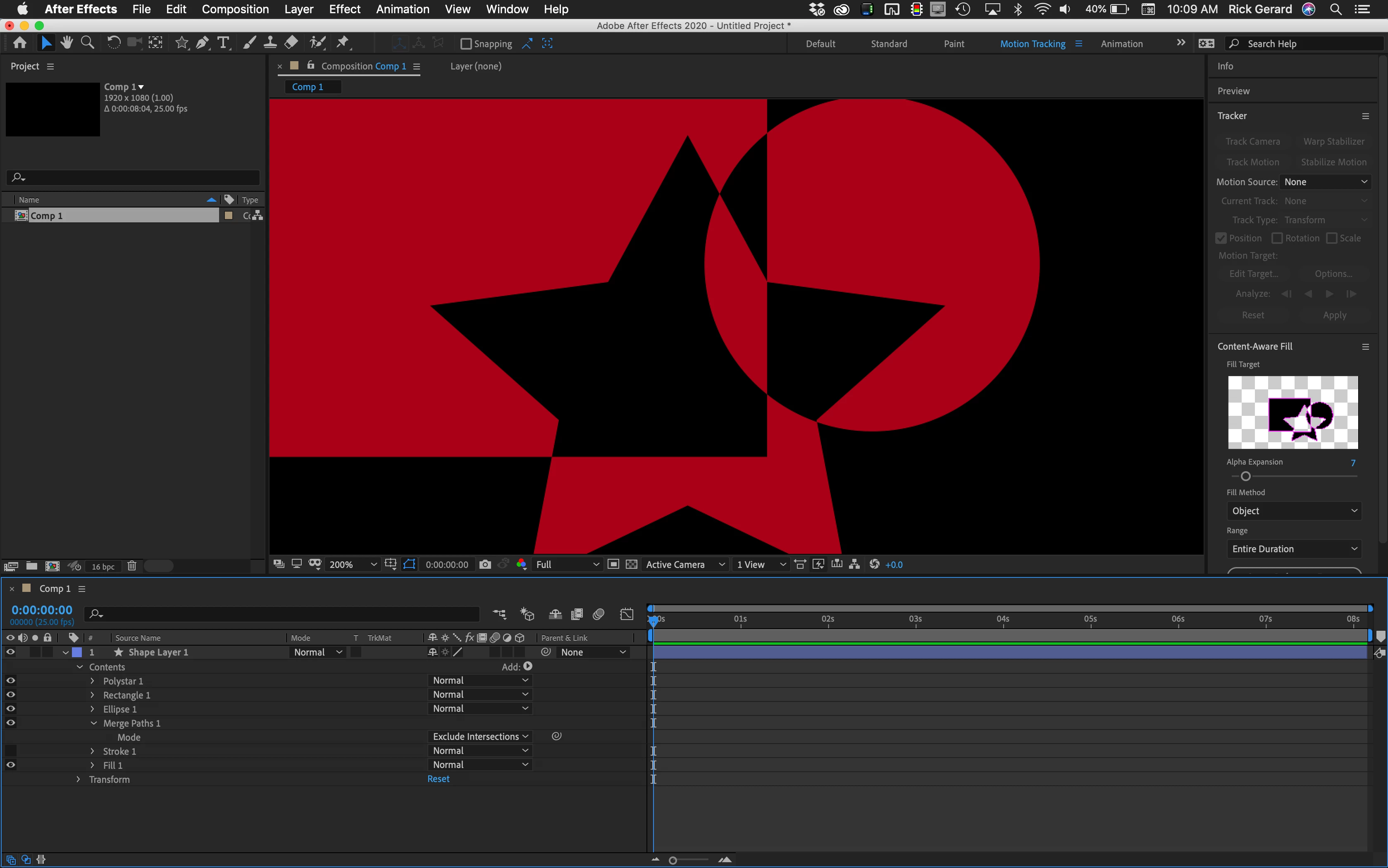
If these are shape layers you might want to explore using Merge Paths. There are lots of options and lots of ways to arrange the objects in groups.
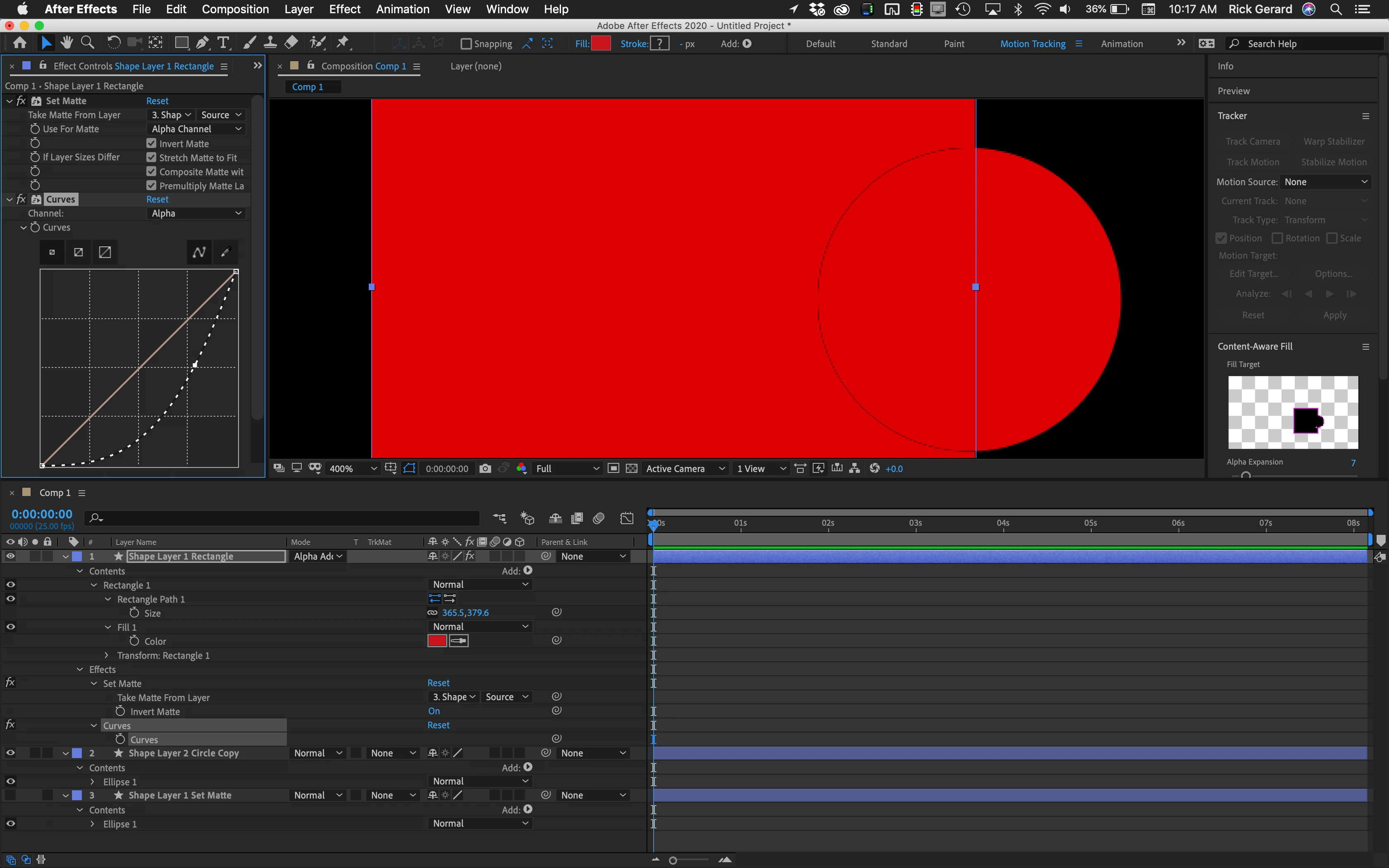
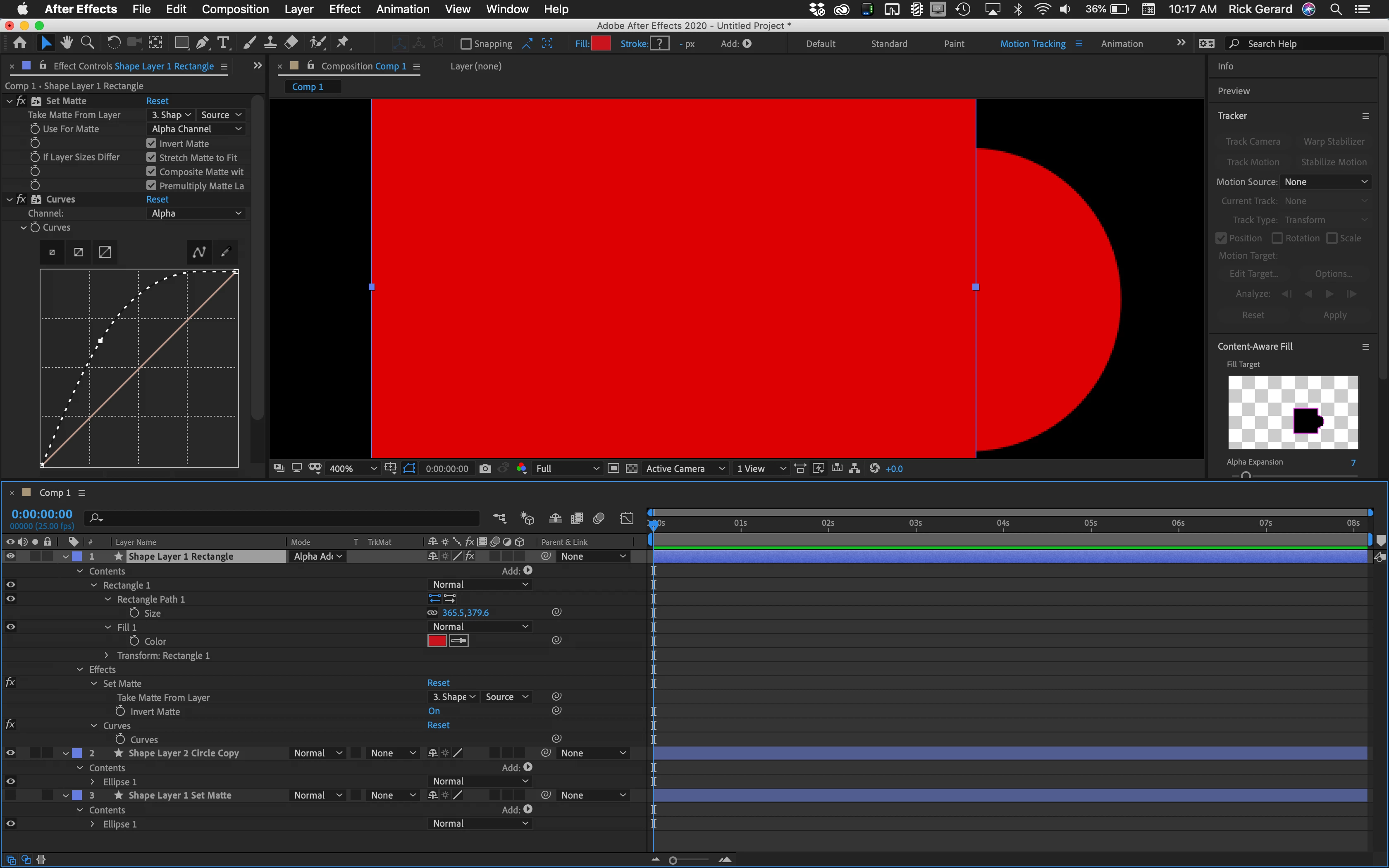
Your cropped screenshot does not tell us anything useful about what you are trying to accomplish. If you must use set matte, simply adding Curves below Set Matte, modifying the Alpha Channel, and setting the blend mode to Alpha Add can make a huge difference in how the edges are blending. I use Curves a lot when I'm doing multiple-layer composites for visual effects so I can control things like Light Wrap, matching depth of field and camera lens blur, and emphasizing or deemphasizing edges.
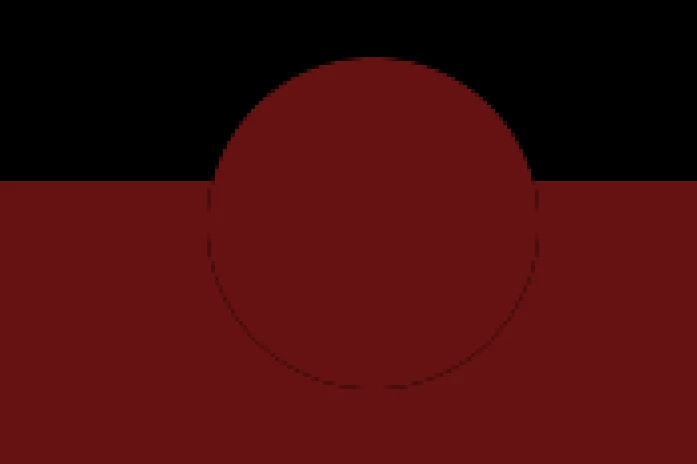
I'm taking a wild guess what your timeline looks like. Here's what adjusting the Alpha Channel curve can do to the edges.

 AdChoices