Participant
April 20, 2023
Answered

Shadow box around Text subtitles

  • April 20, 2023
  • 2 replies
  • 1589 views

Hi,

I have been using this expression for while to create a box about my text subtitles. the expression has been apllied to a shape layers size.


x=thisComp.layer(index-1).sourceRectAtTime().width+30;
y=thisComp.layer(index-1).sourceRectAtTime().height+25;
[x,y]


now for this to work I've needed a new shape layer for each new text.
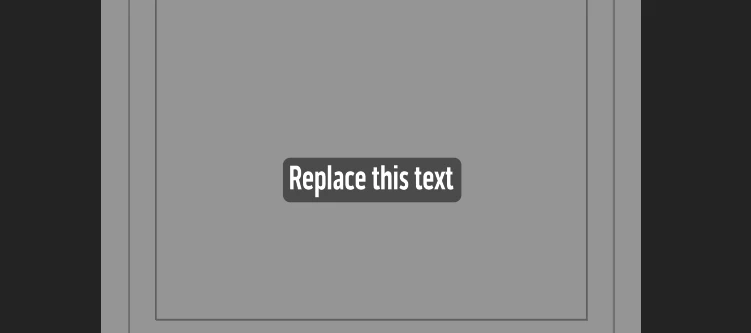
Now I am not a coder and I have been trying to get ChatGPT to help me to modify this exprresson so it will work on multiple text layers instead of just 1. So I will have only 1 shape layer with multiple text layers above it.
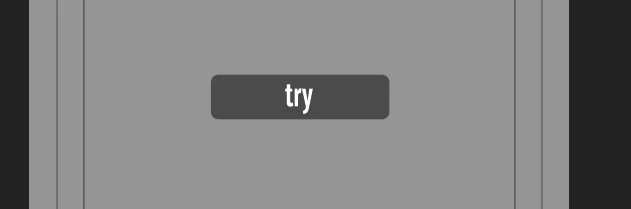
 

I did get a few eamples out of ChatGPT but they still will only work witht he first layer. here are some of the examples.


// Get the dimensions of the previous layer
prevLayer = index - 1;
if (prevLayer < 1) {
// If this is the first layer, set the dimensions to 0
x = 0;
y = 0;
} else {
// Otherwise, get the dimensions of the previous layer
x = thisComp.layer(prevLayer).sourceRectAtTime().width + 30;
y = thisComp.layer(prevLayer).sourceRectAtTime().height + 25;
}

// Return the dimensions as an array
[x, y]


There was this one but there was an error on line 3 as i'm not sure if AE expression can see the sourcetext line.


// Get the dimensions of the previous text layer
prevLayer = index - 1;
if (prevLayer >= 1 && thisComp.layer(prevLayer).sourceText) {
// If this is not the first layer and the previous layer is a text layer, get its dimensions
x = thisComp.layer(prevLayer).sourceRectAtTime().width + 30;
y = thisComp.layer(prevLayer).sourceRectAtTime().height + 25;
} else {
// Otherwise, set the dimensions to 0
x = 0;
y = 0;
}

// Return the dimensions as an array
[x, y]


any help would be great thanks!
This topic has been closed for replies.
Correct answer Owen28680643tn8t

Hi Owen!
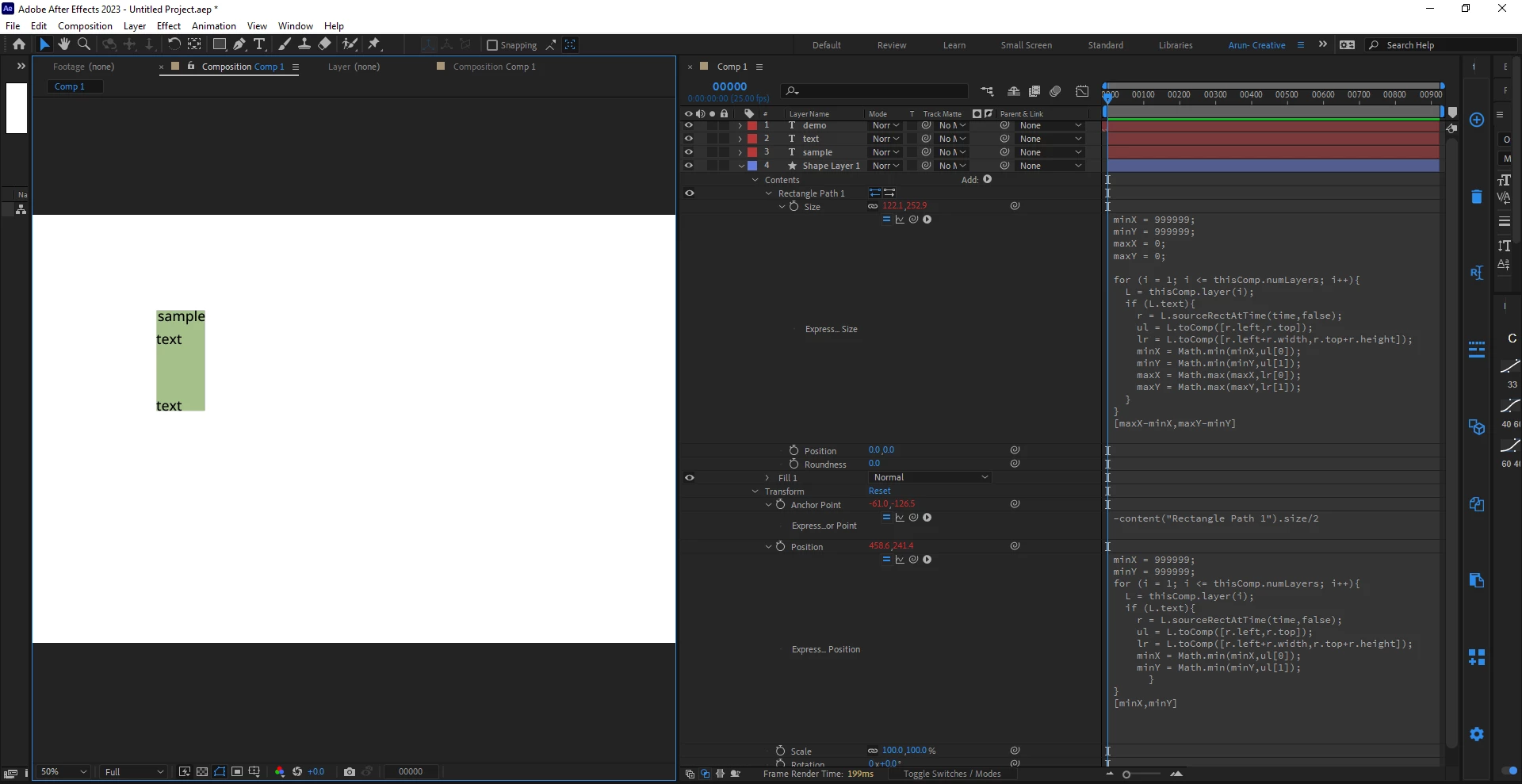
I've tried Dan ebberts expression. It worked fine for me. Except you have to take care of positioning the shape layer to match with the text layers. I've added following expressions to anchor point and position of the shape content properties.
To anchor point:
-content("Rectangle Path 1").size/2  // This would move anchor poin to the top left.


To position, reusing Dan Ebberts code to find the most top left point of all text layers within the comp:

minX = 999999;
minY = 999999;
for (i = 1; i <= thisComp.numLayers; i++){
L = thisComp.layer(i);
if (L.text){
r = L.sourceRectAtTime(time,false);
ul = L.toComp([r.left,r.top]);
lr = L.toComp([r.left+r.width,r.top+r.height]);
minX = Math.min(minX,ul[0]);
minY = Math.min(minY,ul[1]);
}
}
[minX,minY];


Thanks for the help.

I did get it to work the way I wanted. I also found the script from Dan for creating text layers from a file which will be extramly useful. Thank you for that one Dan!. An oldie but a goodie for sure.

2 replies

Community Expert
April 21, 2023

If you want a shape layer background to be accurately positioned behind a text layer, you also need to include tying the position of the shape layer to the position of the text, modify the Shape Layer/Rectangle 1/Transform Rectangle 1/ Position by using top and left. Then you need to modify which text layer you are using (I the target text layer like this: ref = thisComp.layer(layer name or index)), by using Dan's expression to figure out which layer to look at when. 


I hope this helps. 

Dan Ebberts
Community Expert
Community Expert
April 20, 2023

Maybe something like this:

minX = 999999;
minY = 999999;
maxX = 0;
maxY = 0;

for (i = 1; i <= thisComp.numLayers; i++){
  L = thisComp.layer(i);
  if (L.text){
    r = L.sourceRectAtTime(time,false);
    ul = L.toComp([r.left,r.top]);
    lr = L.toComp([r.left+r.width,r.top+r.height]);
    minX = Math.min(minX,ul[0]);
    minY = Math.min(minY,ul[1]);
    maxX = Math.max(maxX,lr[0]);
    maxY = Math.max(maxY,lr[1]);
  }
}
[maxX-minX,maxY-minY]
Dan Ebberts
Community Expert
Community Expert
April 20, 2023

BTW - thanks for the heads up that your code was from chatGPT.

Participant
April 20, 2023

No problem. My origianl expression was what I came up with while watching a bunch of turtorials. but I was looking for a way to modify it and make it simplier with only have to use 1 shape layer.


Thank you for your suggestion. Now when I use it i'm still getting an error code.