Inspiring
May 6, 2017
Answered

Slowing down particles speed in AE CC Particle World?

  • May 6, 2017
  • 4 replies
  • 60460 views

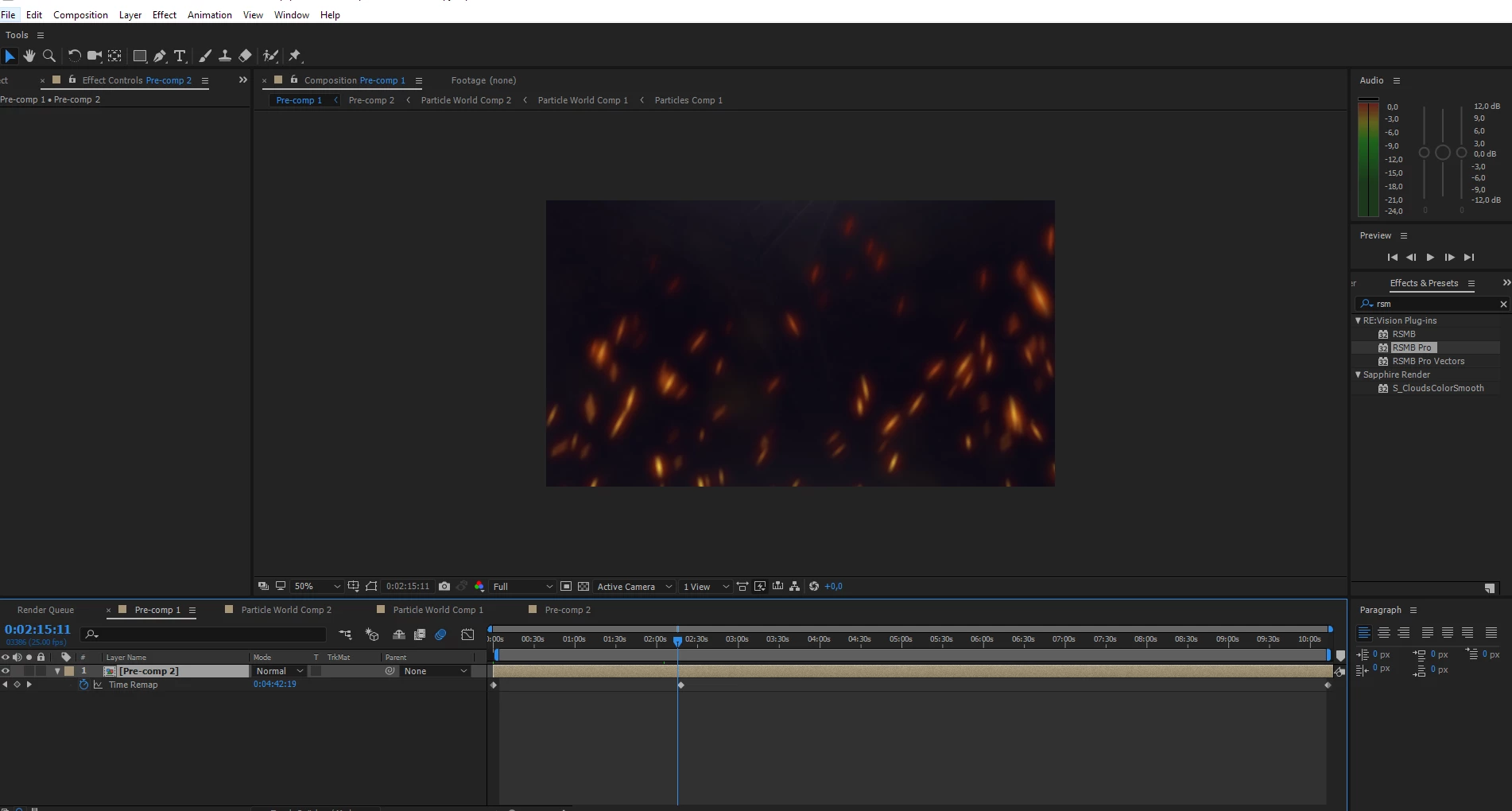
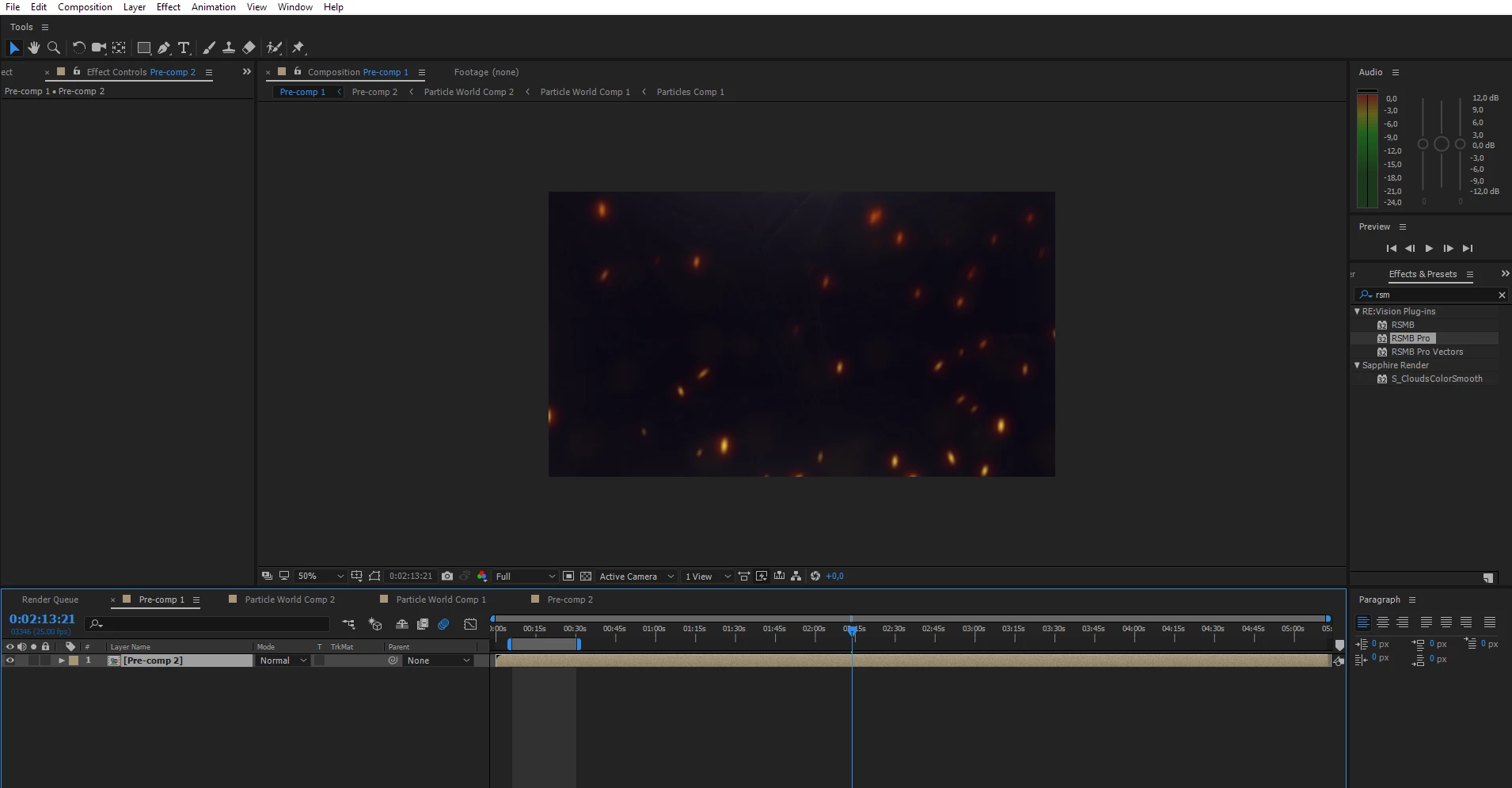
I created some particles using CC particle world, but they go way too fast. I tried precomposing my footage and slowing it down using time remapping but this is the result  :/. Does anyone know why?

Original footage:
Correct answer dbDavideBoscolo

Don't precompose and time remap mate.

Change the effect settings instead: go into physics and change velocity and gravity to something really small. Then you may want to change other parameters too, like longevity for example.

4 replies

juanfordroad
Known Participant
December 25, 2020

I have tried your suggestions without success.  Not sure what went wrong.  Here's a screenshot.


leetatham
Participant
February 26, 2021

You could also try increasing the longevity of the particle - the longer it takes to get from A to B equates to slower

jasonparker
Participant
September 27, 2019

Increase Resistance

PHYSICS > RESISTANCE


probably what is wrong is that the settings are confusing. turning down velocity screws up everything. what you need to do is increase resistance. i avoid this plugin when i have access to TrapCode Particular, but some clients dont have Particular, so i am stuck with this adobe plugin.

Mylenium
Legend
May 6, 2017

Agree. You can easily adjust the parameters in the effect itself.

Mylenium

dbDavideBoscolo
dbDavideBoscoloCorrect answer
Legend
May 6, 2017

Don't precompose and time remap mate.

Change the effect settings instead: go into physics and change velocity and gravity to something really small. Then you may want to change other parameters too, like longevity for example.

Inspiring
May 7, 2017

Will try that, thank you!