

Todd_Morgan
Legend
June 27, 2024
Question

Smooth keyframe path

  • June 27, 2024
  • 2 replies
  • 611 views

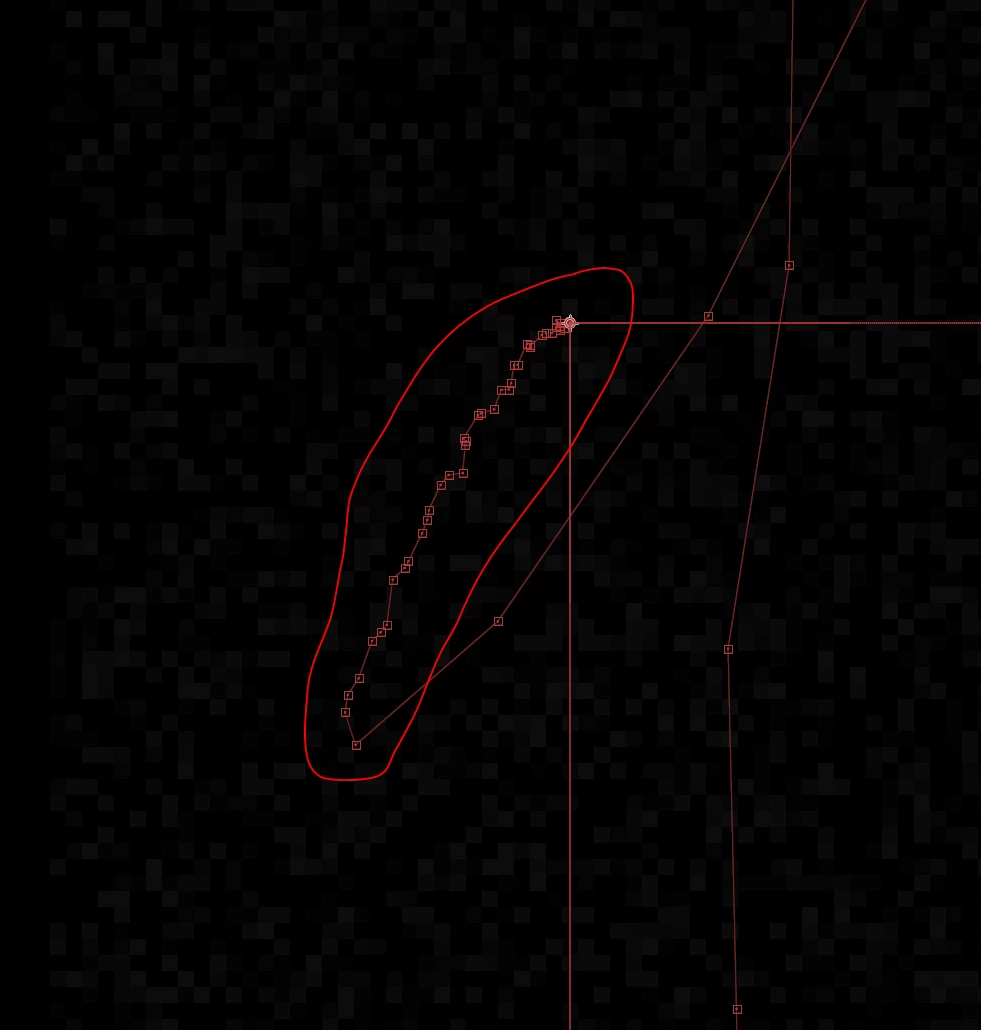
Any tips to smoothing out these keyframes (position) so it is a smooth line instead of jaggy? This is the result of a motion track, a slow zoom into our production shot live, and I am replacing the product label. It is looking good but in th render I can see the new label slightly shifting, and the zoomed in screengrab below shows the kayframed path 
 

This topic has been closed for replies.

2 replies

֑nubnubbud
Inspiring
August 4, 2024

I would say your tracker needs to be more accurate. Attempt making it larger, not just the search radius, and a common trick is to export a video with a filter like contrast, and to track that instead.

As a last resort, it's also not uncommon to need to adjust it by hand for a frame here or there, but that takes a very good eye foe detail

Mylenium
Legend
June 28, 2024

Anything from a .smooth() expression to fiddling with the graph editor, pbviously. Impossible to say without seeing what actually the problem is. If this is the start or end of a motion, apparently the first thing to try would be to delete keyframes to minimze the micro jitter.


Mylenium