
Answered
Snaphot in After Effects
Hi There !!
Greetings from Costa Rica !!
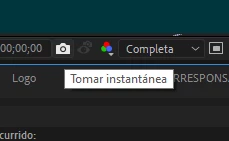
I want to know, where the snapshots taken are stored.
I add screenshot !!
Thank You

Hi There !!
Greetings from Costa Rica !!
I want to know, where the snapshots taken are stored.
I add screenshot !!
Thank You
They are only stored in memory. If you want to keep a frame you'll have to use the Composition>Save a frame as Menu or look for a script to speed up the process. I just saved an output module template and set it as the default for Frame:
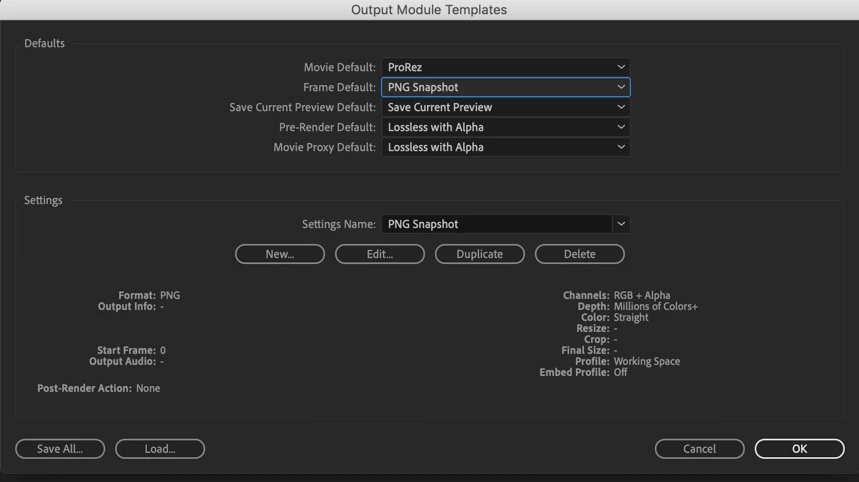
You can then just press Alt./Option + Ctrl/Cmnd + S to add the frame to the render cue and then press enter to render it.
If you want a script this is one that I used to use.
Already have an account? Login
Enter your E-mail address. We'll send you an e-mail with instructions to reset your password.
 AdChoices