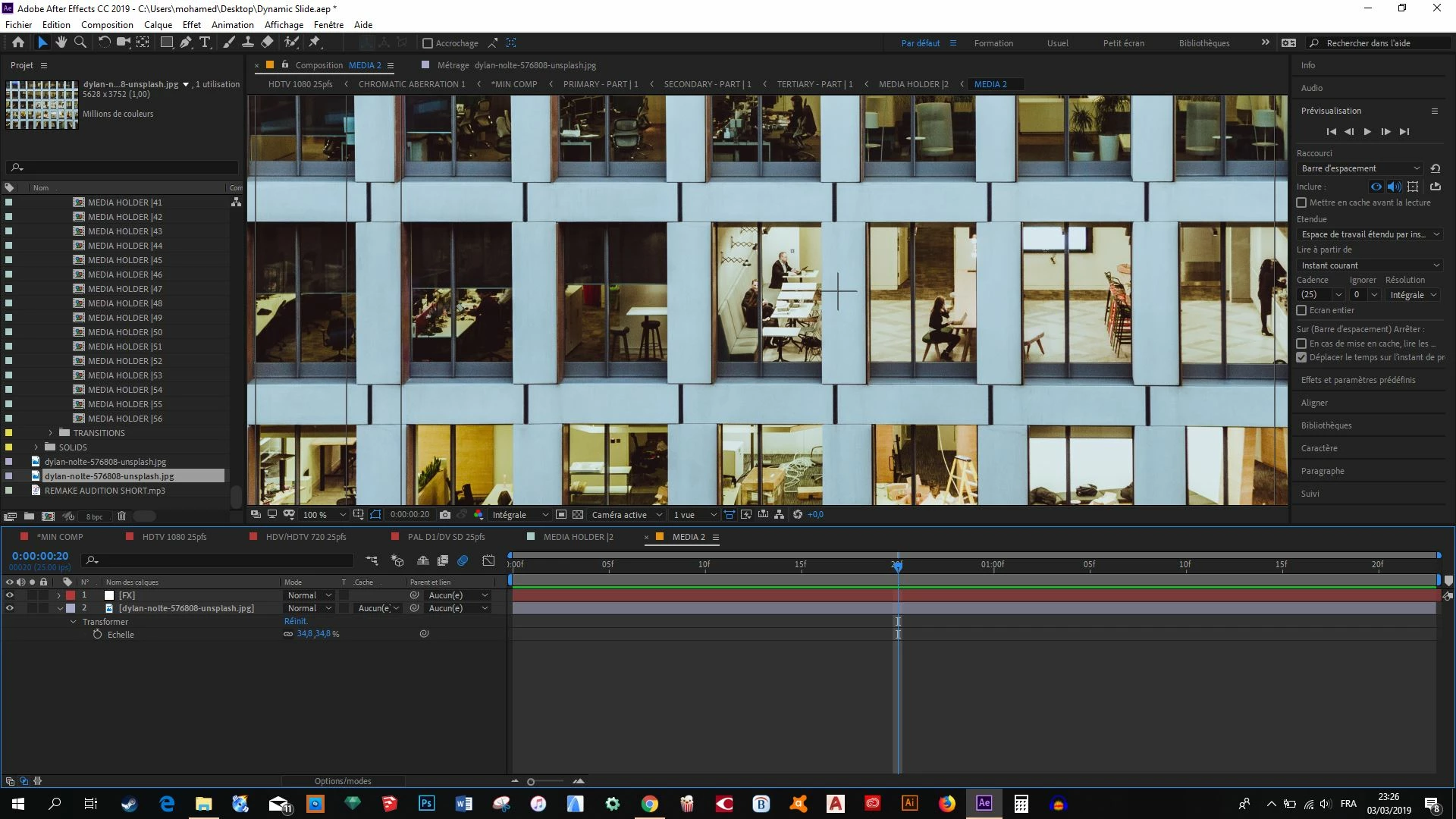
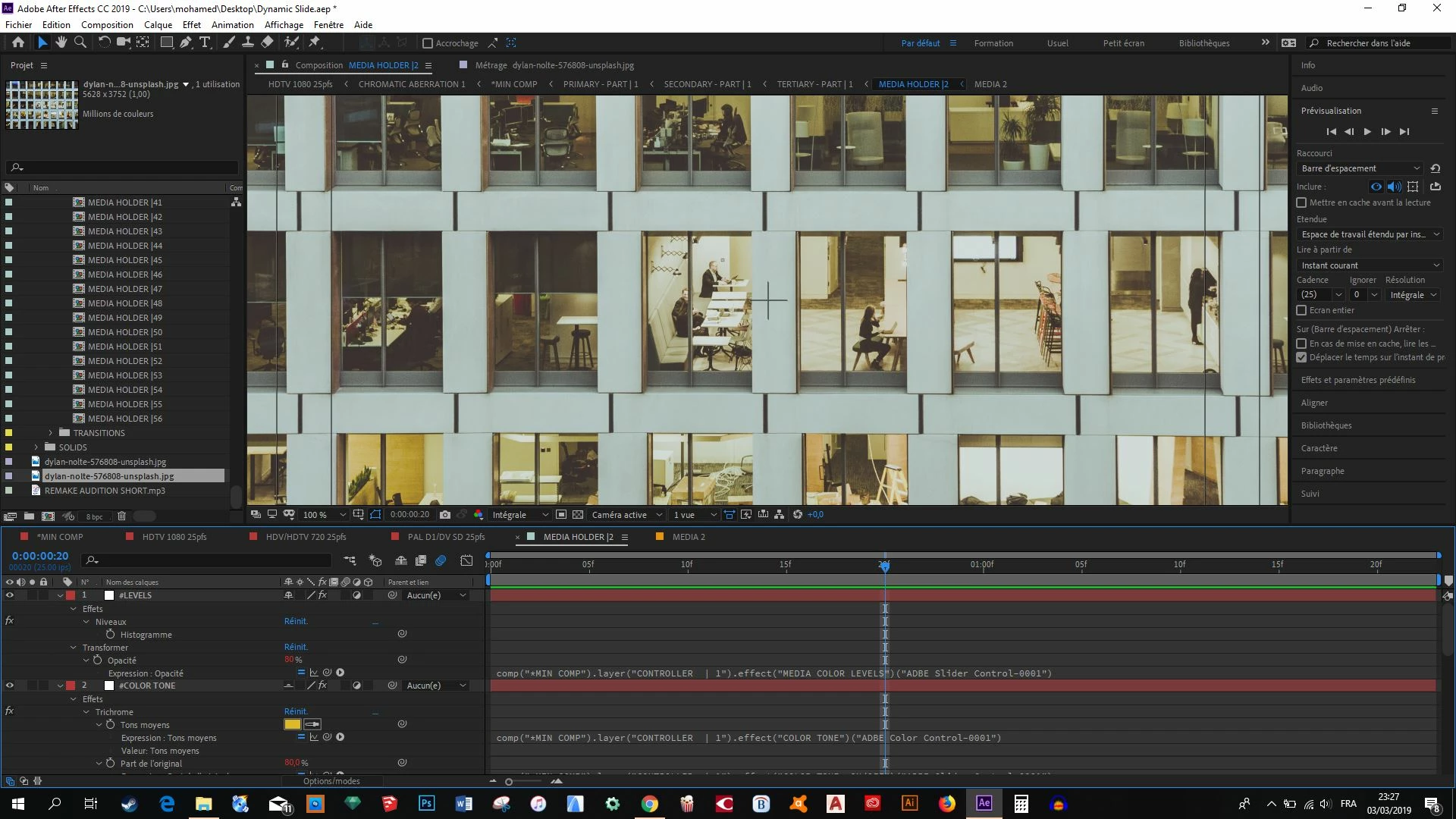
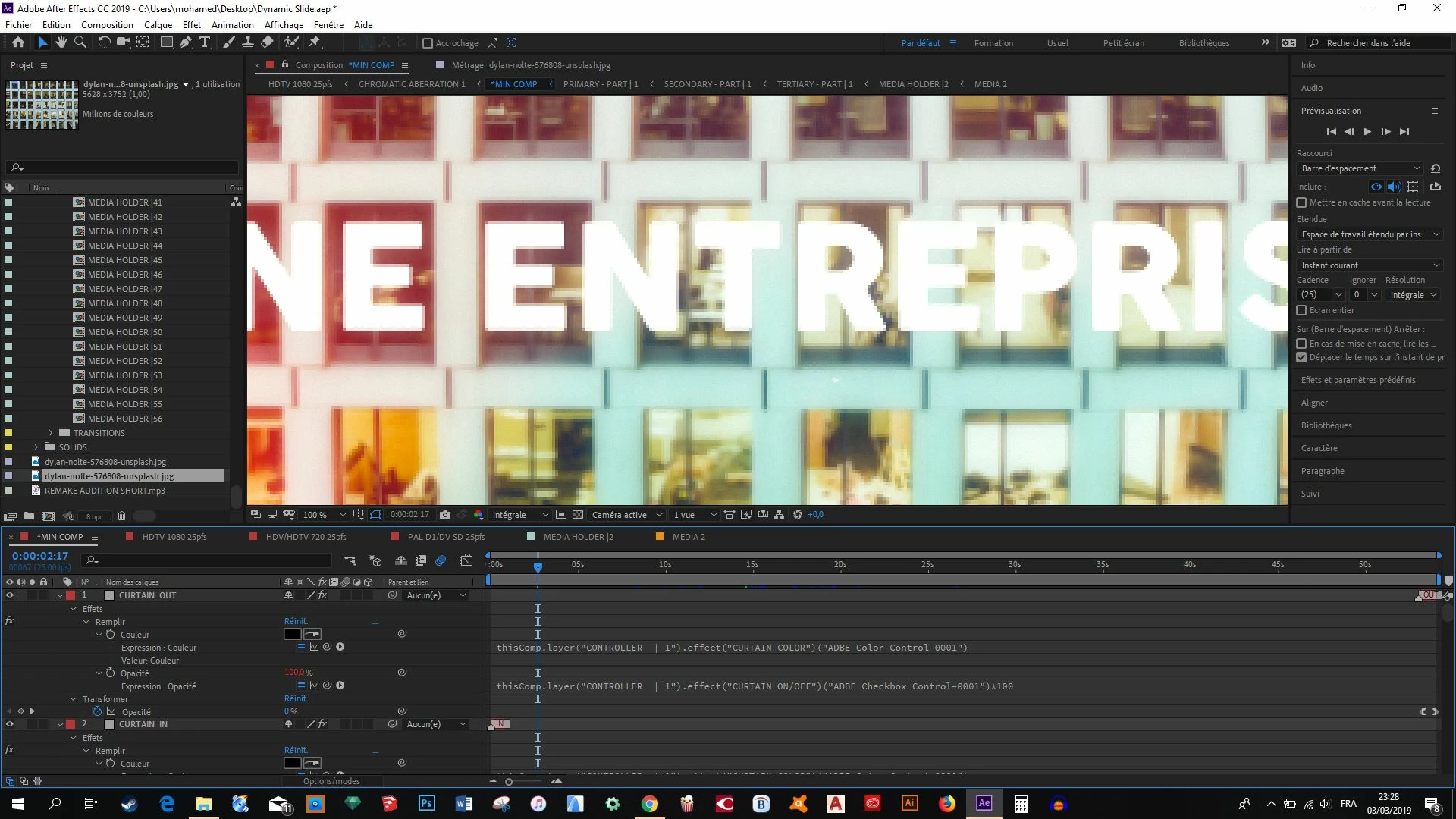
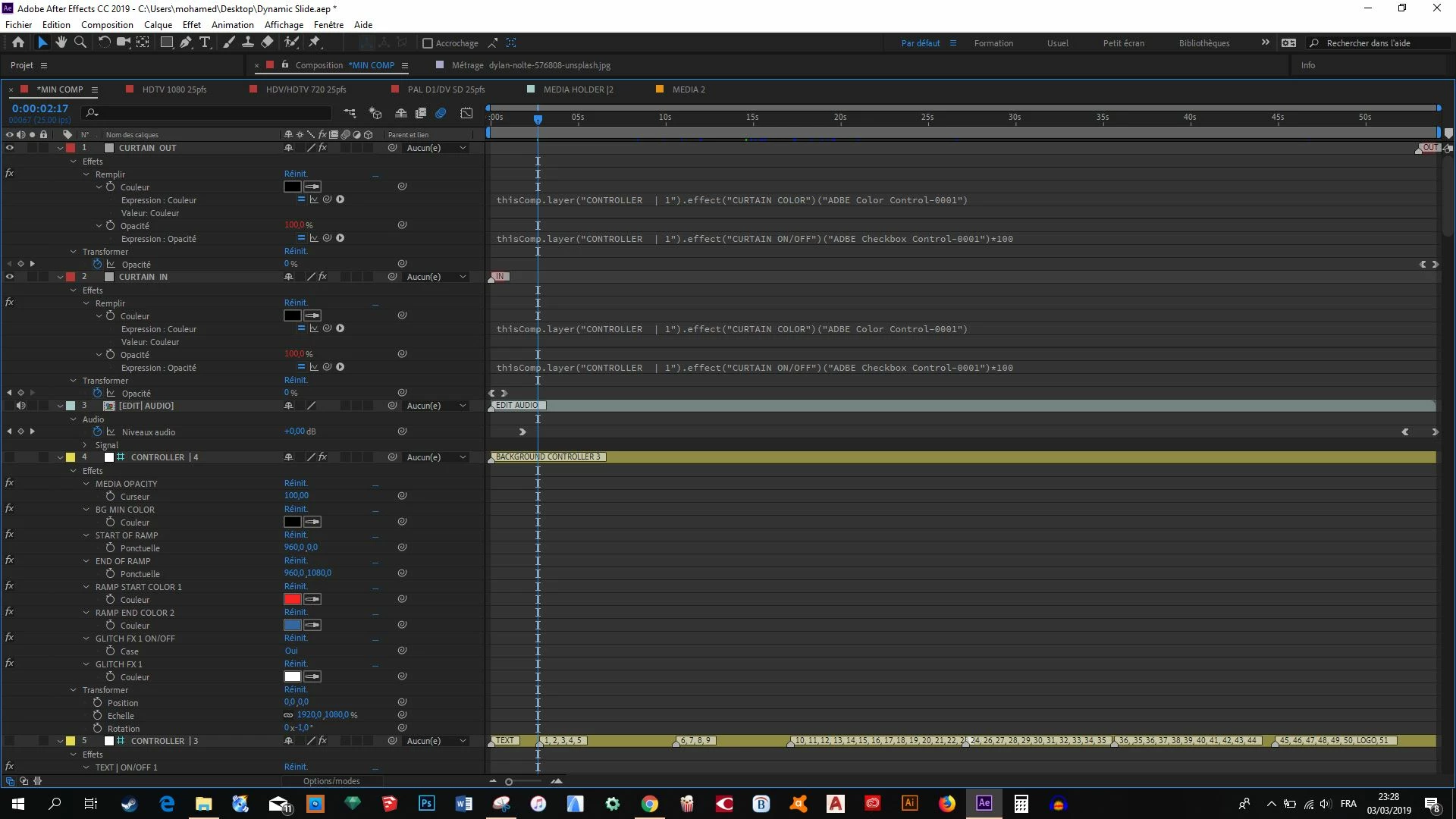
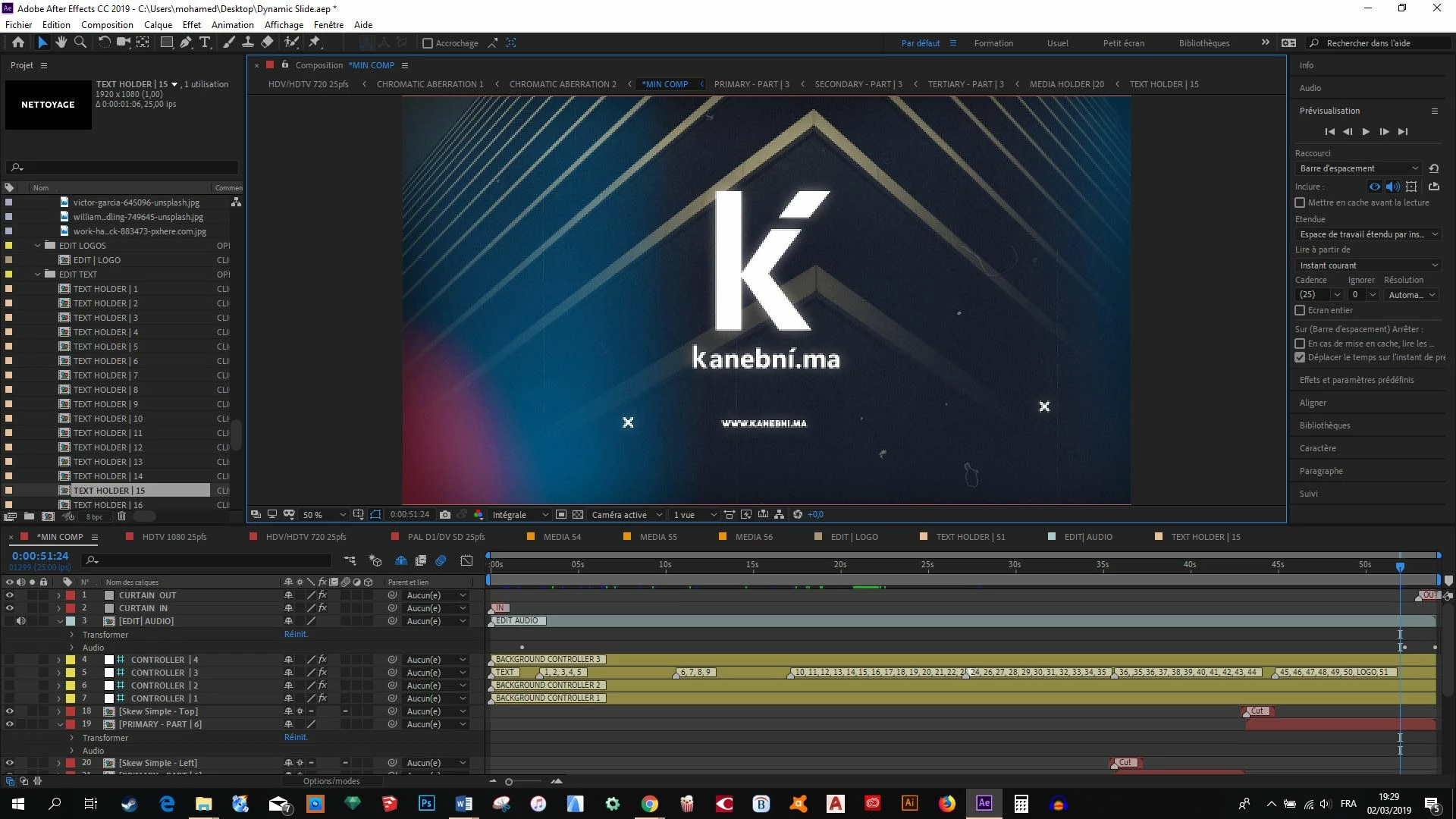
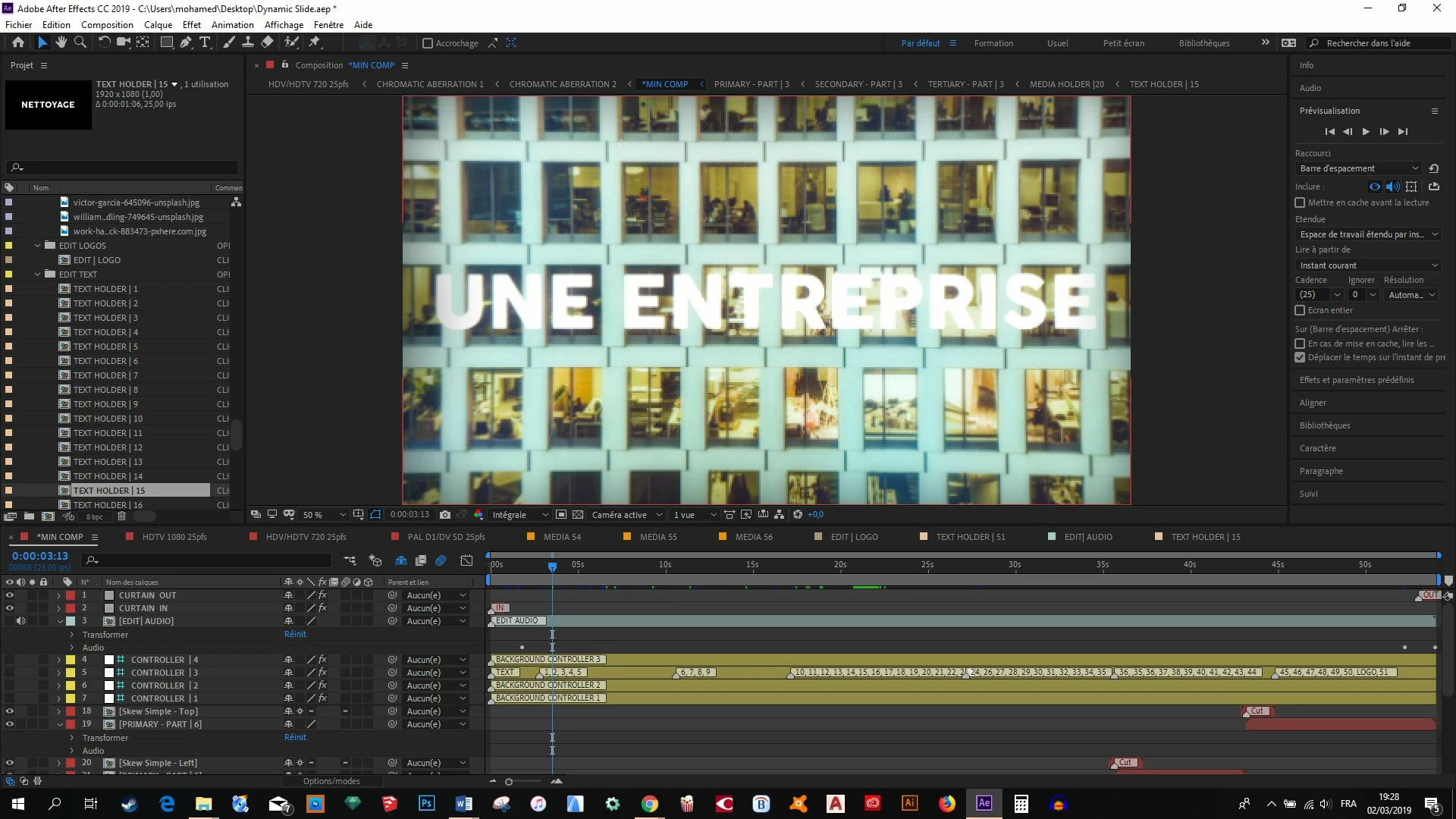
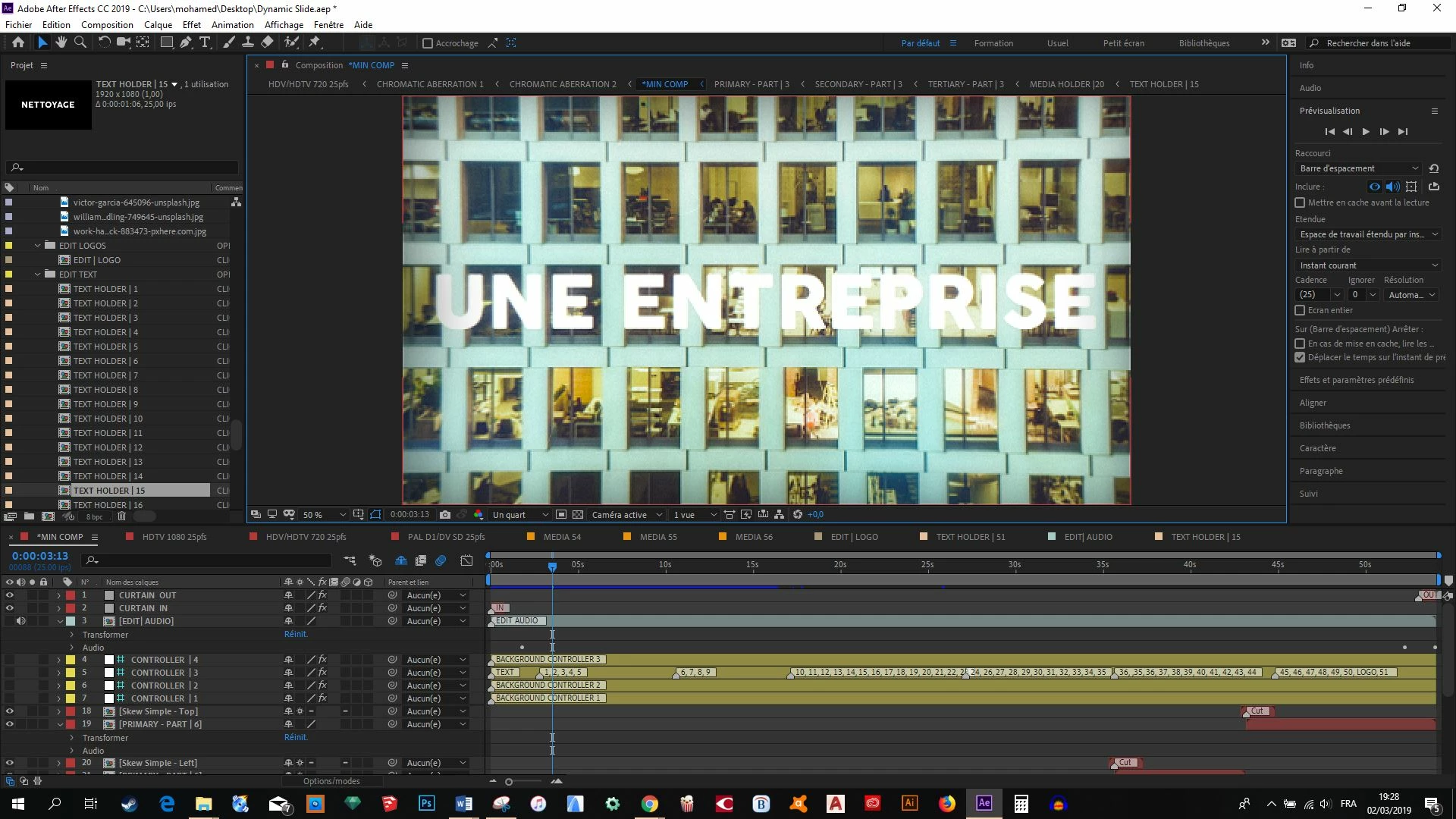
Ok, here is the screen shots of detailed informations of one of the problem layers, all at 100% magnification. First screen shot is the media, second is the pre comp (where apparently there is not problem), but other screen shots are of the final comp where there is all the media holders... The resolution breaks at that level :
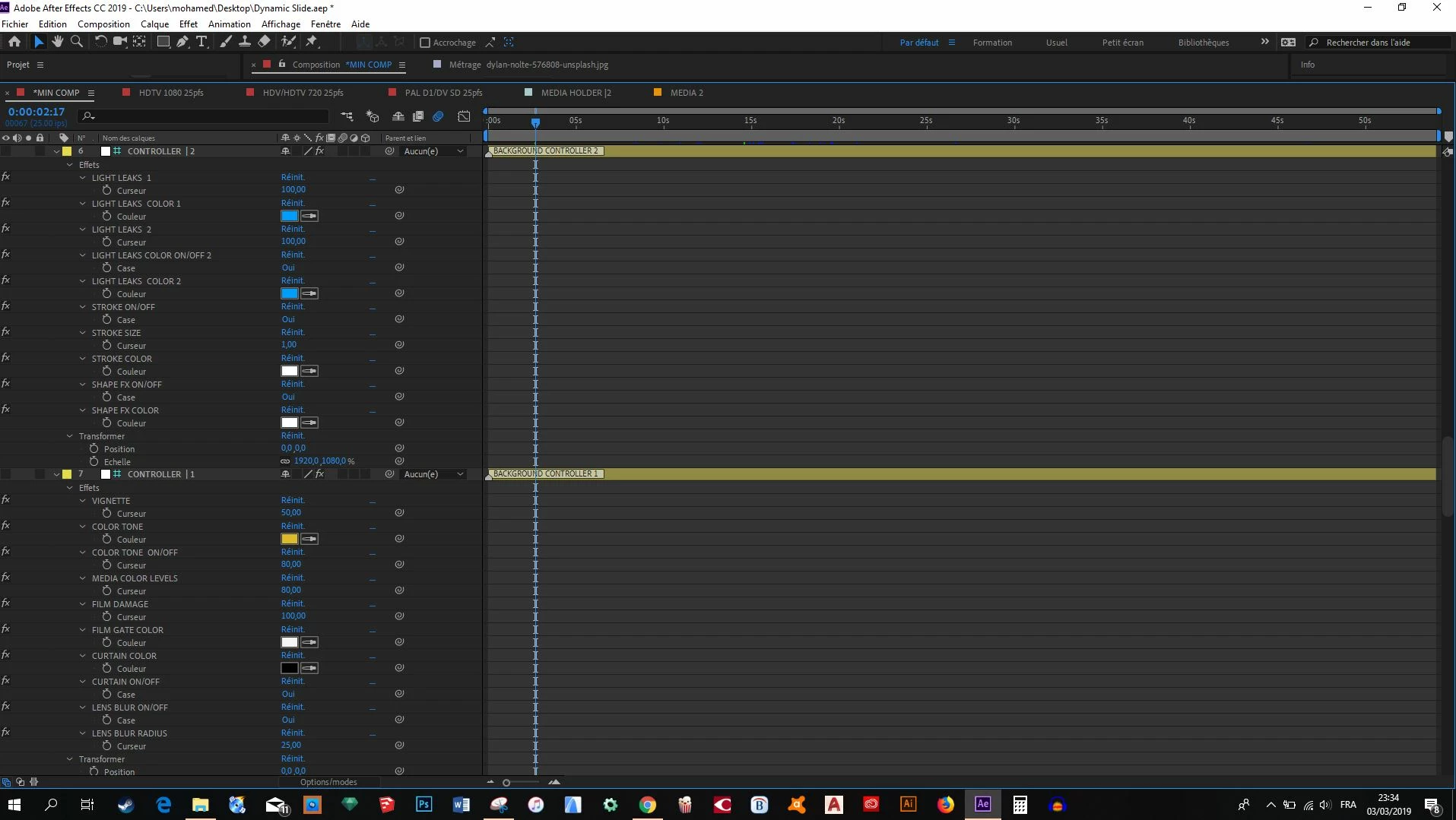
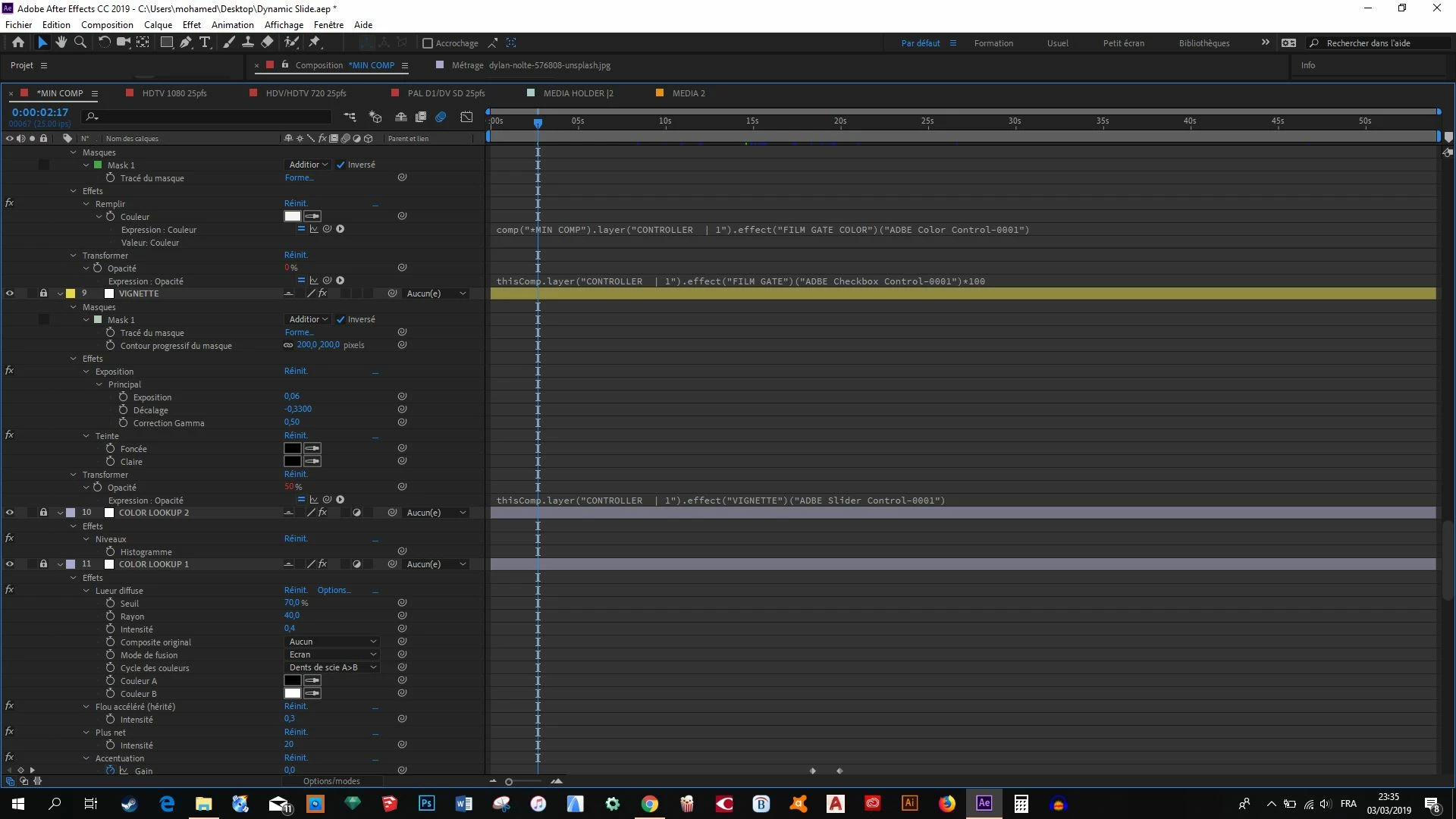
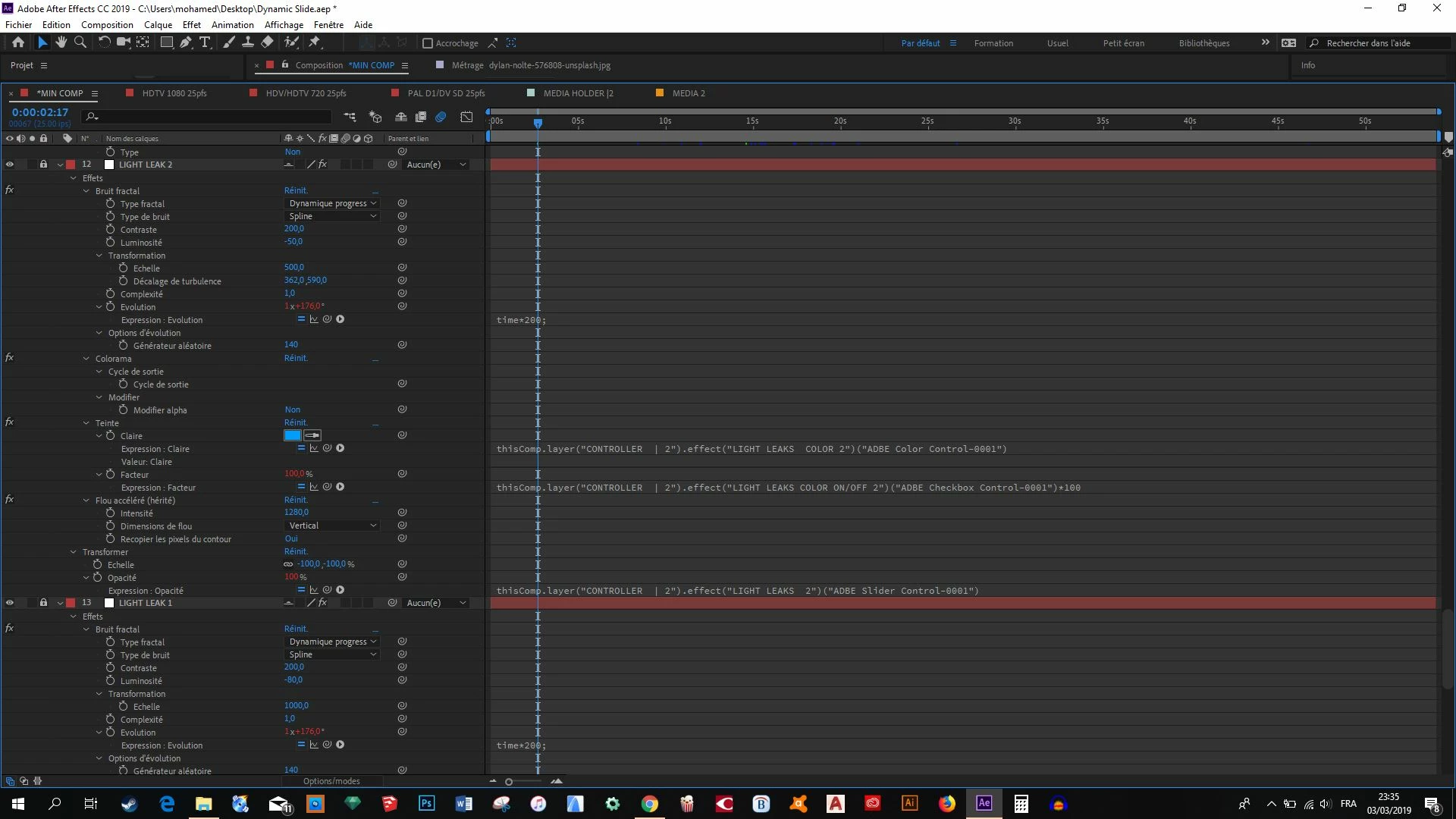
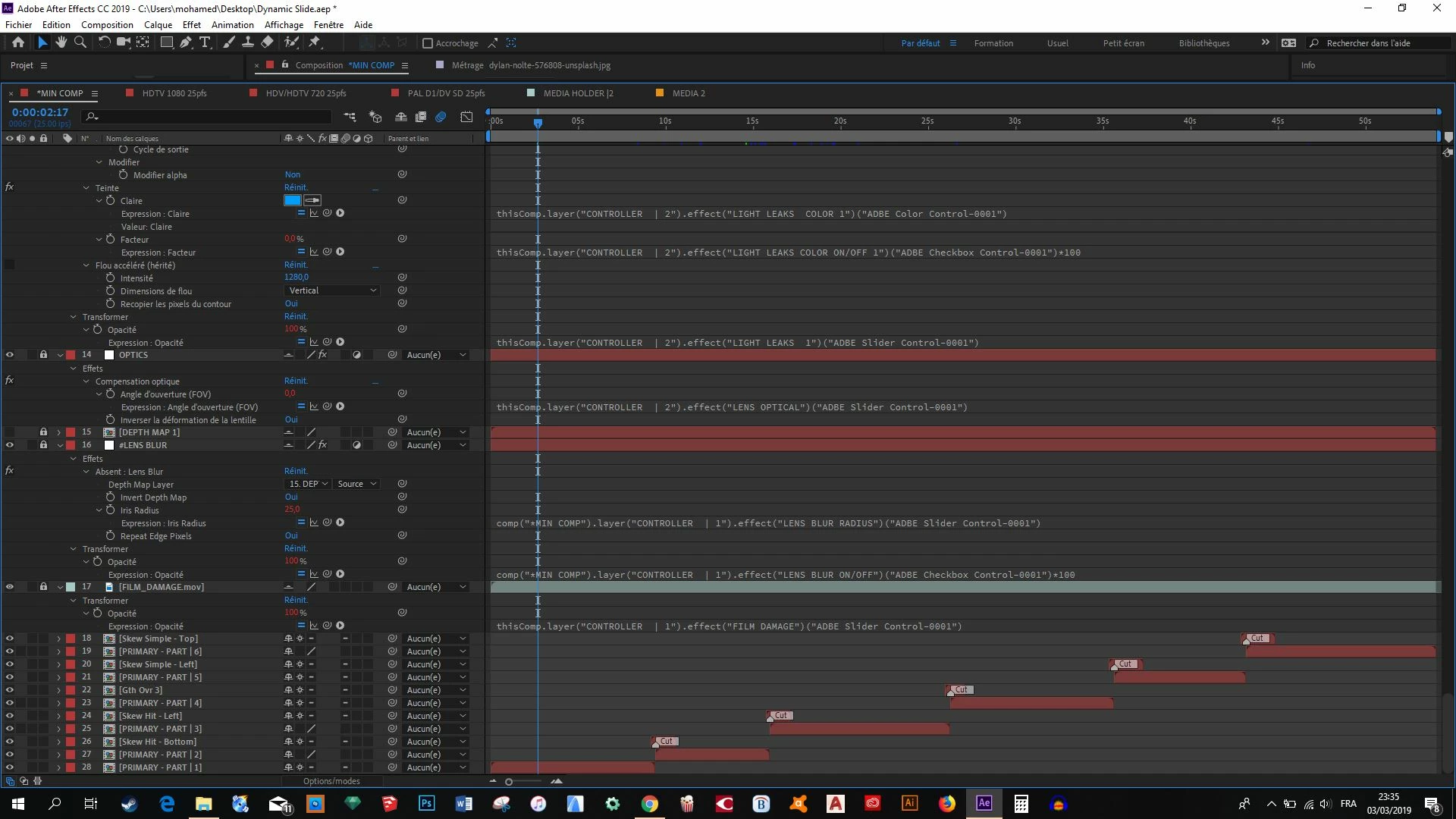
Ok, pick a layer that has the low-resolution problem in the timeline. Solo that layer. If that fixes the problem start turning on other layers until the problem returns.
If that does not solve the resolution problem with just that layer. Press e then Shift plus uu to reveal everything that is modified and all effects on the layer then start turning off effects in the timeline until the problem goes away. If the problem is still there start resetting every modified property in the layer.
If the problem still exists right click on the layer that is giving you problems and select Reveal in Project Panel. Select that comp in the project panel and use the file menu to create a New Comp from Selected. Check that comp for problems. There should be none.
If that does not solve the problem use File>Dependencies>Collect Files to save just the problem pre-comp and it's associated files in a new folder, reboot, reopen After Effects, make sure that your version is up to date, open the comp you saved when you collected files and try and create a new comp from the original problem comp.
That's every troubleshooting trick I know of.
Get back to us.


 AdChoices