
Participant
February 15, 2022
Question

Symbols simply disappeared

  • February 15, 2022
  • 2 replies
  • 224 views

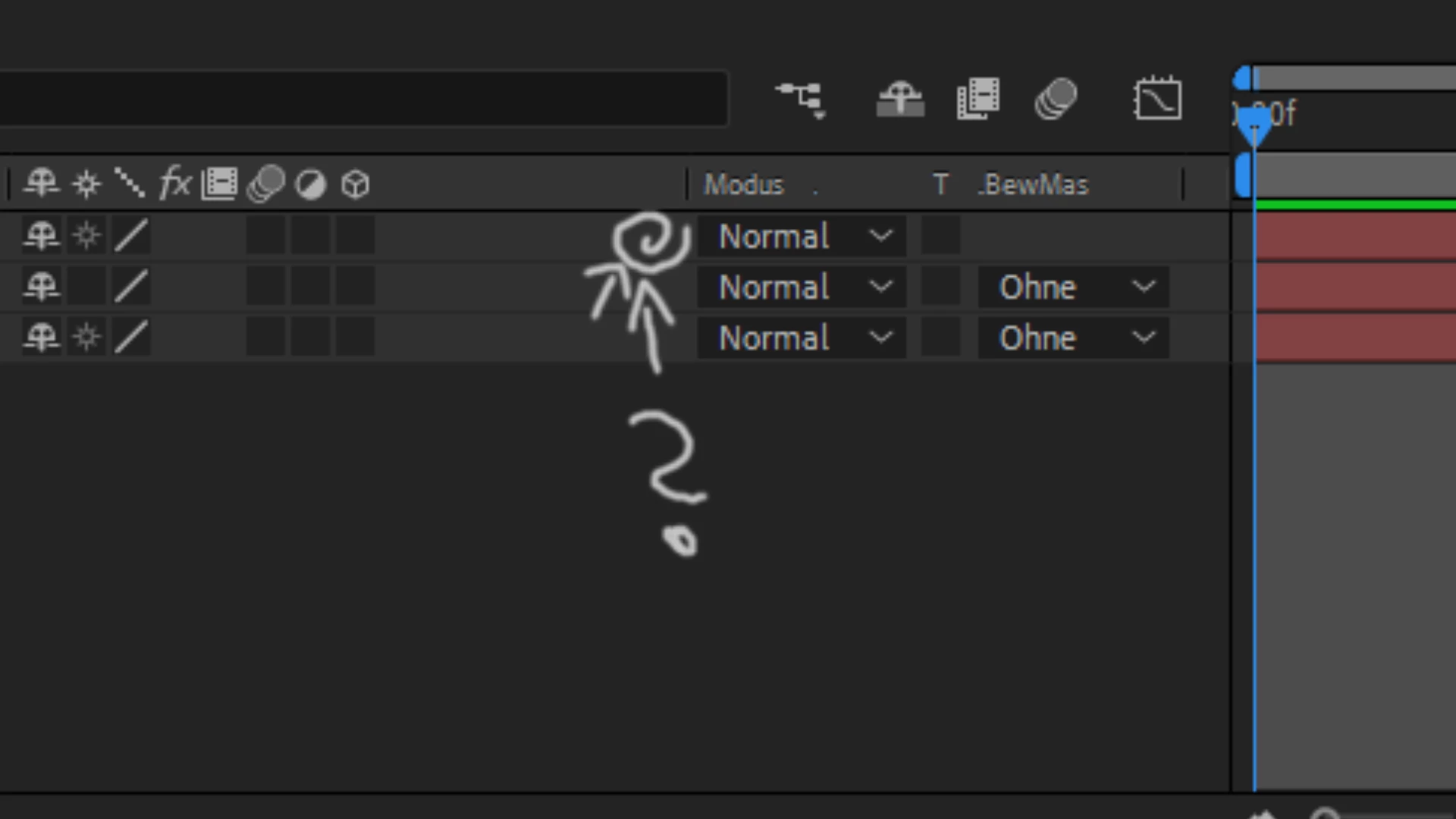
Hello, I noticed yesterday that these icons (see picture) disappeared. I have not changed anything in the settings. I have updated normally to AE 2022 Geupdatet. And now it's gone and I can't find it. Maybe you can help me. Thanks in advance
This topic has been closed for replies.

2 replies

Community Expert
February 15, 2022

Do you mean the Parent & Link column is missing? If so right-click the column header > Columns > Parent & Link

Ah, I was slow ha ha @Mylenium 

Community Expert
February 15, 2022

Parent Link column shortcut: Shift + F4


The other columns are available using the icons at the bottom left corner of the timeline. They look like this:


Mylenium
Legend
February 15, 2022

Toggle the options in the bottom left corner or right-click on the column headers to show/ hide additional columns. I suggest you read the online help on these basics.


Mylenium