we should have insisted on getting the shot earlier  this would save a lot of time here. there is a lot of movement here, the camera is moving and also the mower - doing this manually could be a nightmare. I think the solution is in between both approaches offered to you here: use the tracking for the anchor point to stabilize almost all the X and Y, and correct just a tad and zoom using Z position to only what you need - only a few key-frames, I am assuming it's not important to have a constant scale in the frame because this can look unnatural as well.
I can try showing you in more detail later but just wanted to see if it works
track the footage using stabilize motion and set a feature region. set it to adapt motion on every frame and if confidence is below 80%. when he gets to the tree there is some manual adjusting going on. you may have to move the feature region and attach point together or in separate on occasion.
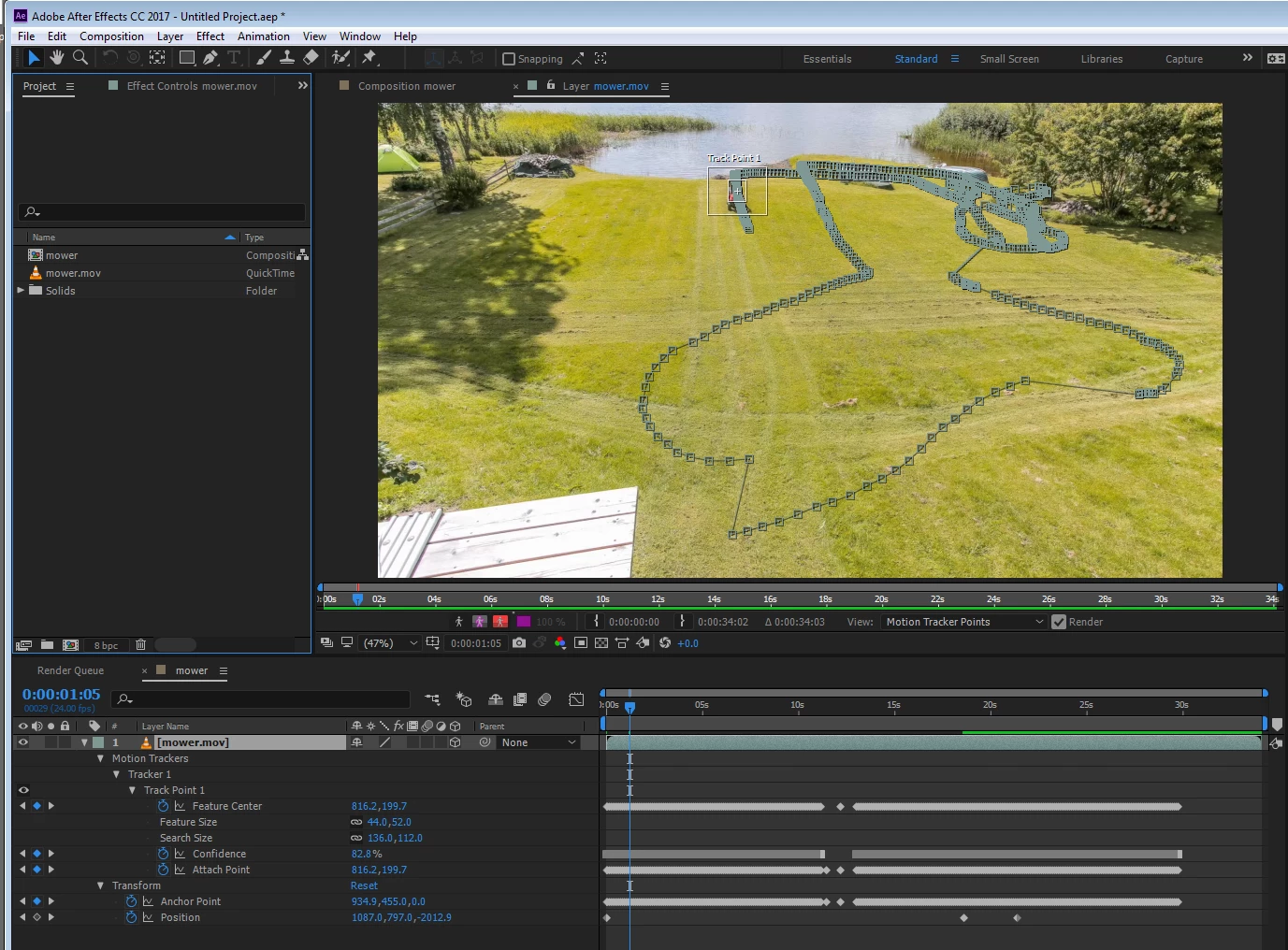
apply, set the layer as 3D so it will be easier to hover over it with just position, set the title safe markers so I can have a cross-hair right in the middle
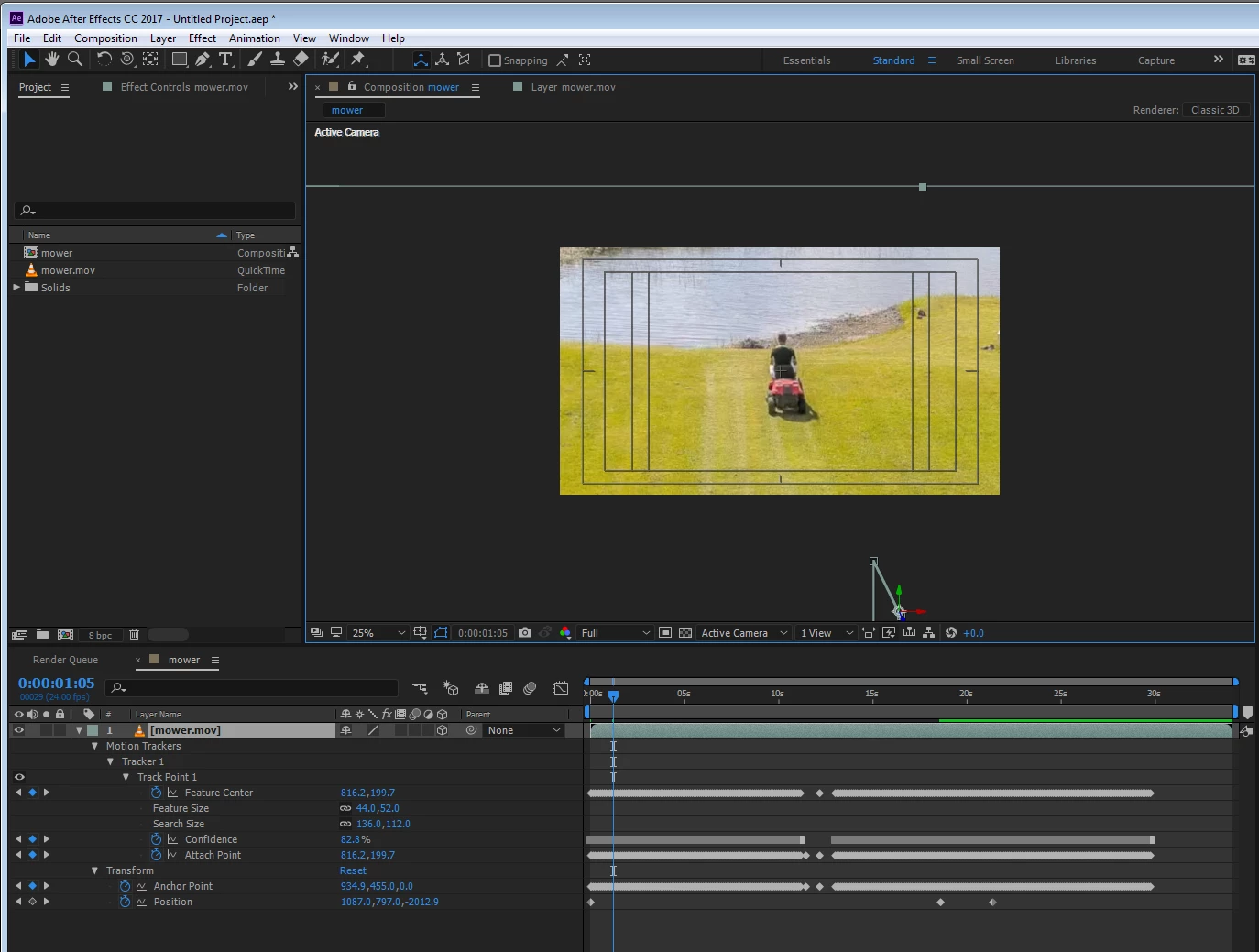
adjust the Z position to zoom in and set keyframes when I need to adjust (only a few)
and there you go in only a few minutes as my girlfriend's giving me a frown face because we need to go:
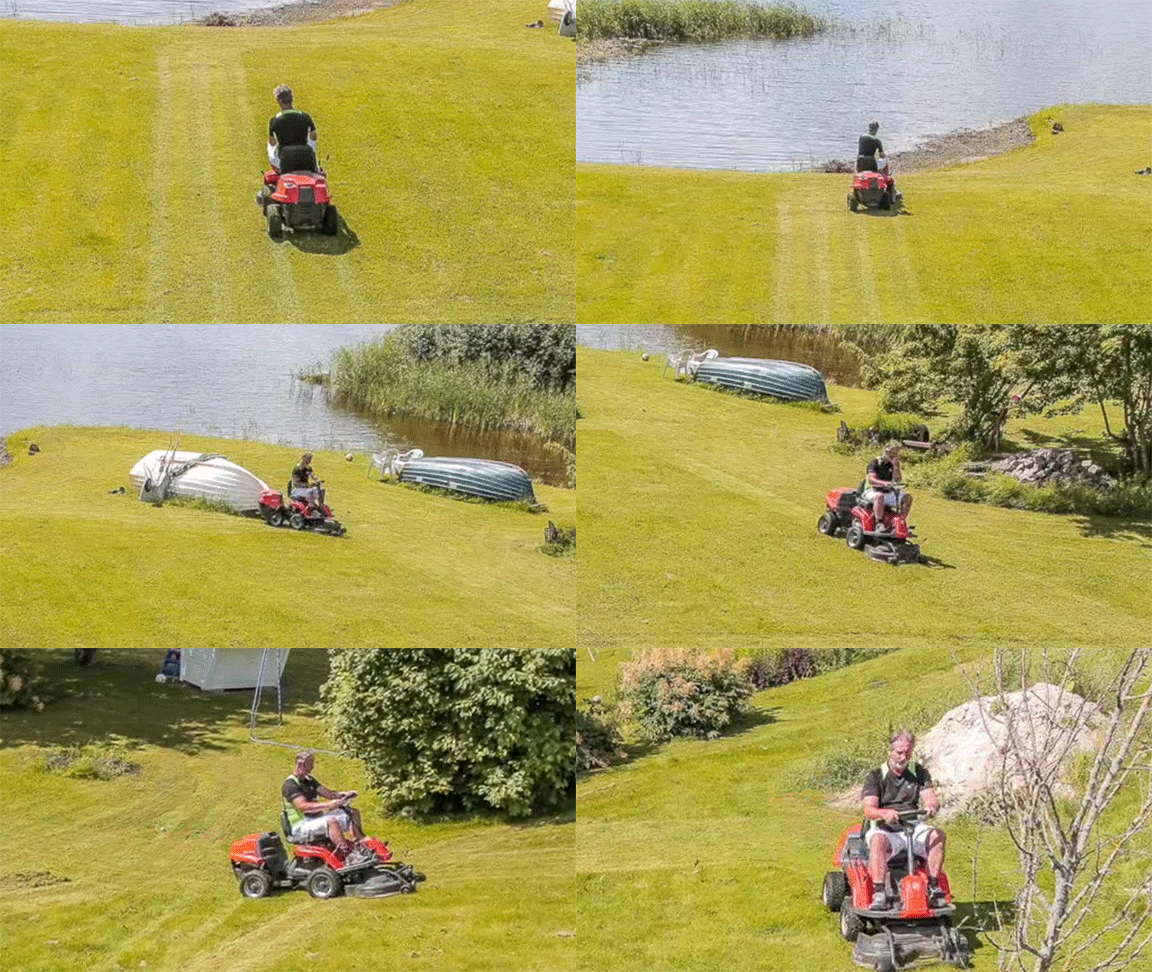
as I said, will try later to show you in more detail. curious to see how others may approach this too!
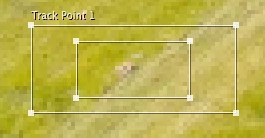
I would use a similar approach. It took just a minute or two to find a feature in the frame that stayed in the frame for the entire shot. It's just a little pile of debris. I resized the search and detail areas so I could have enough detail to get a good track:
Here it is in the full frame:
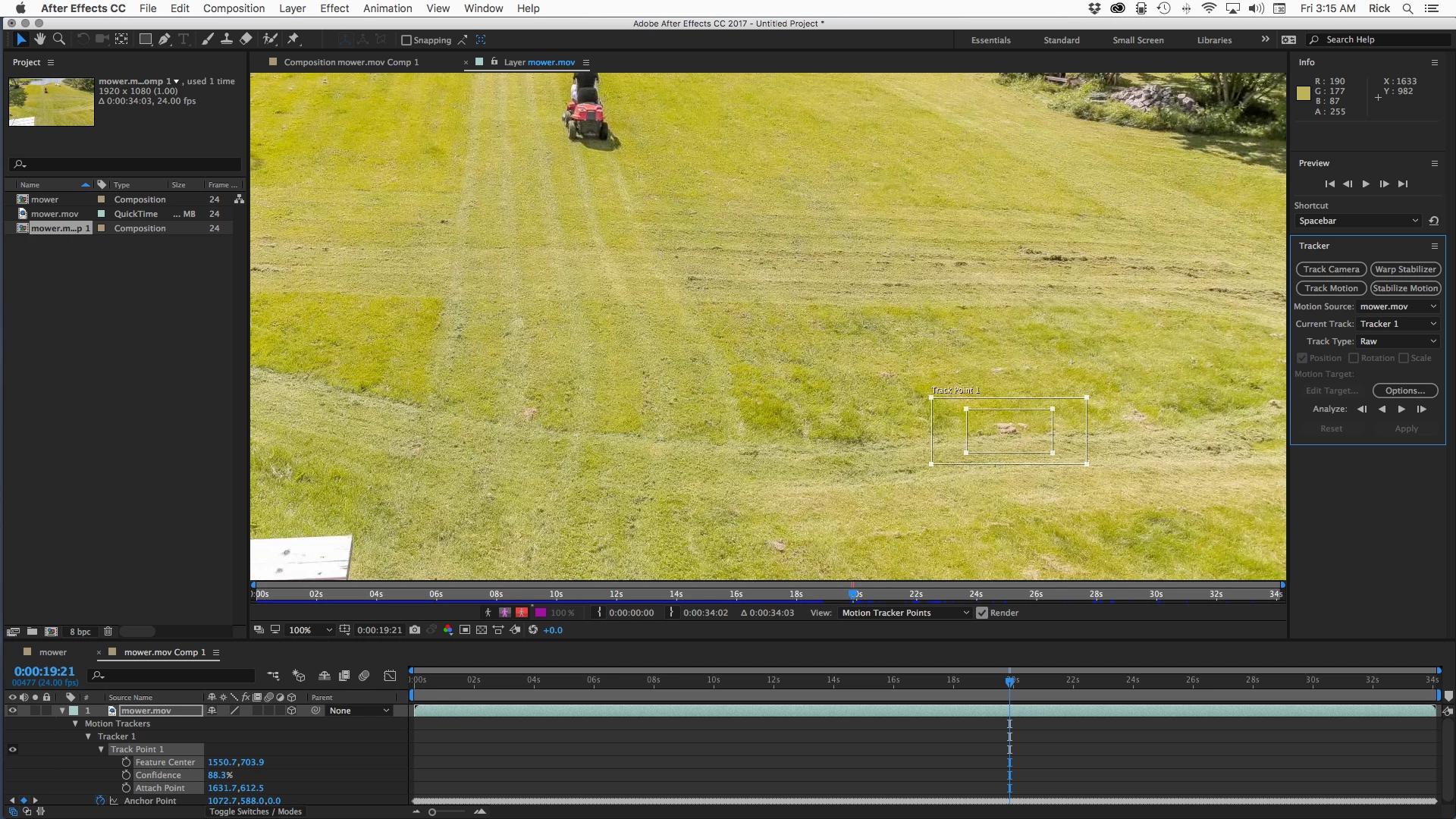
On the first attempt at tracking starting from this frame I got to about 26 seconds before the track slipped and I had to go back a few frames and start tracking. Most of the time, if you loos your detail area and you go back to the last good frame you can just track forward one frame at a time using the far icon on the right for one or two frames and then go back to automated tracking and everything will be fine. When I got to the end of the clip I pressed the U key to reveal the keyframes, moved the CTI to the left of the first keyframe and pressed the K key to select the next keyframe. I then tracked backwards to the start of the clip. I had to stop and repeat the fix the lost track trick twice. With the track locked down perfectly I applied motion stabilize to X and Y. You get a comp that looks like this:
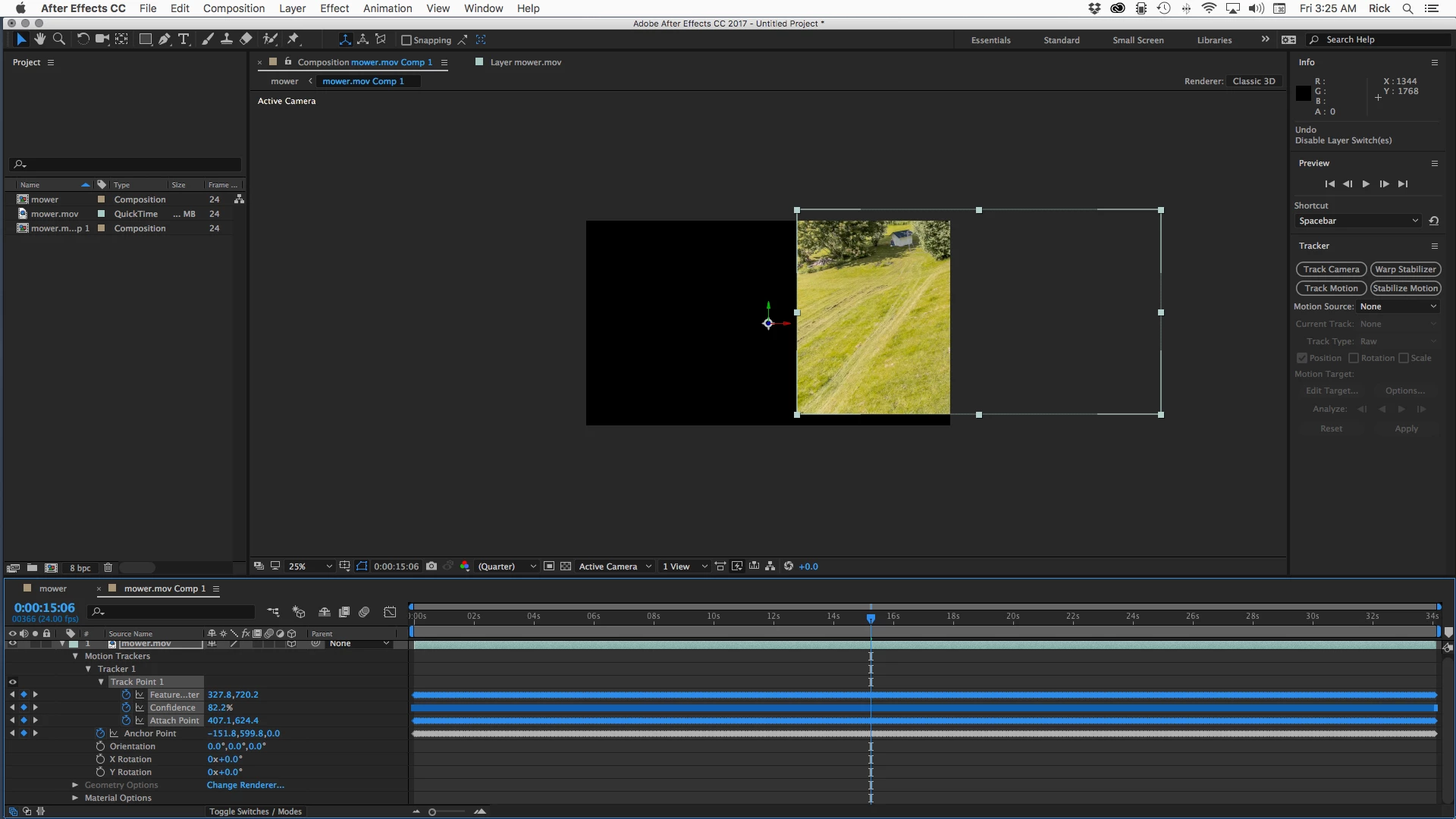
The shot moves out of frame, but that's OK, I'll fix that in the next step.
The first thing to do is change the tracked footage layer to 3D. This comp is pre-composed and a One Node camera is added. A one node camera is the easiest type of camera to control in this specific situation. If the shot was just slightly different you might be better off with a 2 node camera. Collapse transformations for the footage layer is enabled so that the nested comp (pre-comp) is treated like the 3D layer that it is and the camera can see beyond the edges of the comp frame.
To maintain the resolution of the footage so that the effective scale stays at 100% I resized the comp to a smaller size so that I framed up dad to close to the maximum size I wanted him in the frame and then adjusted the X and Y position of the camera to compose the shot. I choose the NTSC DV Widescreen Square Pixel preset because that's a standard frame size that will work in a movie player. If your footage was 4D or bigger I would have picked HD 1080 square pixels. I would not make up my own frame size.
Now I just quickly scrubbed through the footage and set a few X Y and Z position keyframes to keep dad in the shot by just scrubbing through the comp until the footage moved out of frame and then started moving back again. I then selected all of the camera position keyframes and pressed F9 to Easy Ease all of them and checked the shot. I had to go back and adjust about 3 of the keyframes to smooth out the 'camera moves' and everything was done. Total time about 10 minutes. Here's the final timeline:
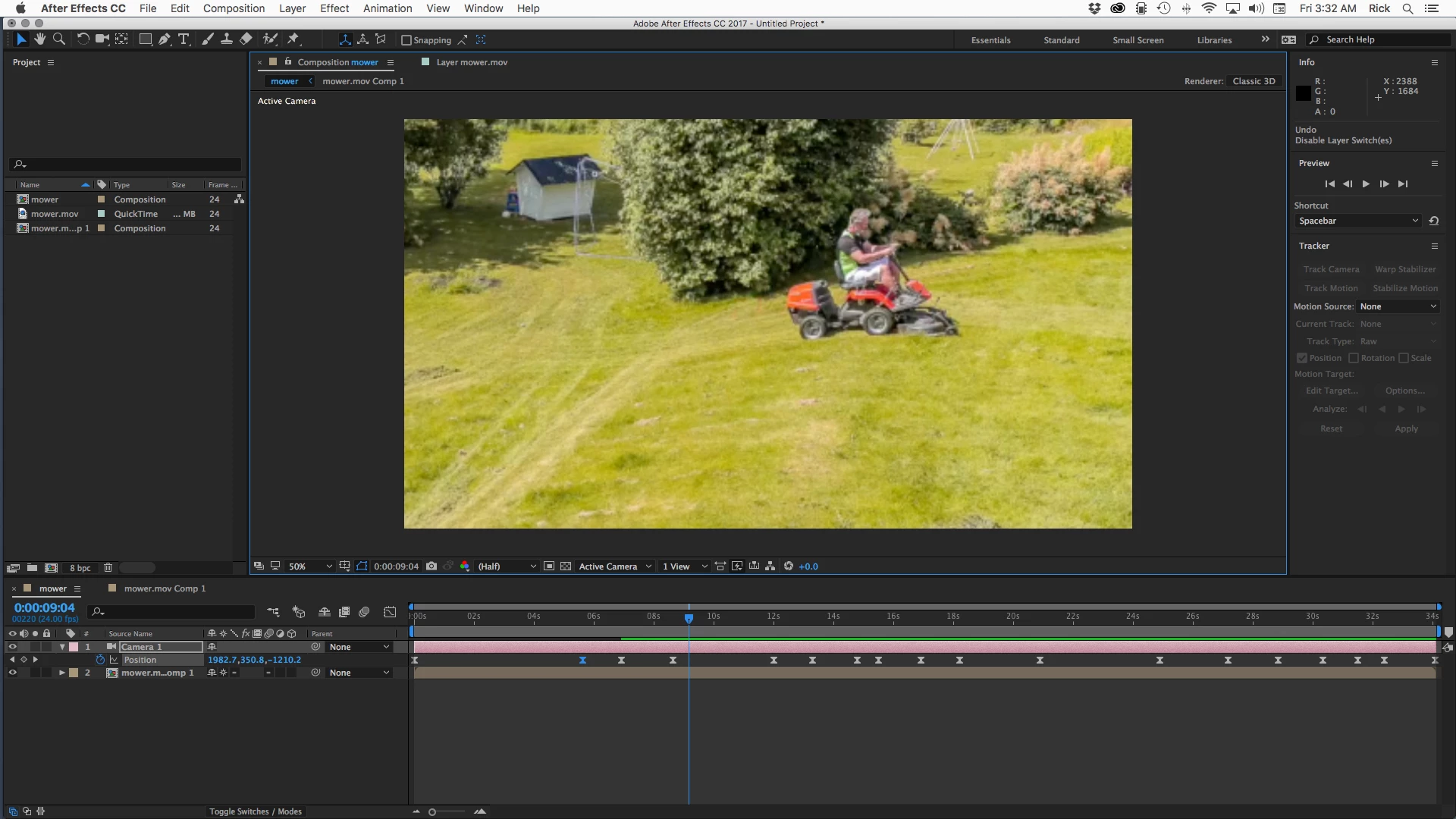
The final animation project had a natural look to it and you would never suspect that there were problems that needed to be fixed.
Tracking the mower and stabilizing that part of the shot would not be a viable option because of the way dad moves almost out of the shot up by the tree. This was the easiest way for me to get to where I needed to be in the least amount of time while maintaining the maximum quality of the video. I I had the original full size video in hand I would have probably just resized the main comp to standard HD and used that for the maximum close up so that the camera moved only back in Z space when I animated it to change the framing.
Either of these methods will give you a satisfactory result. The important lesson to learn here is not in the specific technique but in how to think about the problem. Your problem is solved by stopping as much of the camera movement as possible in the most effective way possible then by adding a virtual camera to the shot or by animating scale and position (harder to make look natural with only a few keyframes, but you would only know that after you had a bunch of experience).
Good luck with the project. Here's my completed project for you to take a look at:Dropbox - dadMowing.aep. All you'll have to do is point to your dropbox footage and you should be good to go. (note: your browser may add a .txt extension to the AEP file when it downloads. Just delete the .txt and the project should open.)

 AdChoices