Exit
  • Global community
    • Language:
      • Deutsch
      • English
      • Español
      • Français
      • Português
  • 日本語コミュニティ
  • 한국 커뮤니티
0

Text Animation

Explorer ,
Mar 06, 2019 Mar 06, 2019

Hi,

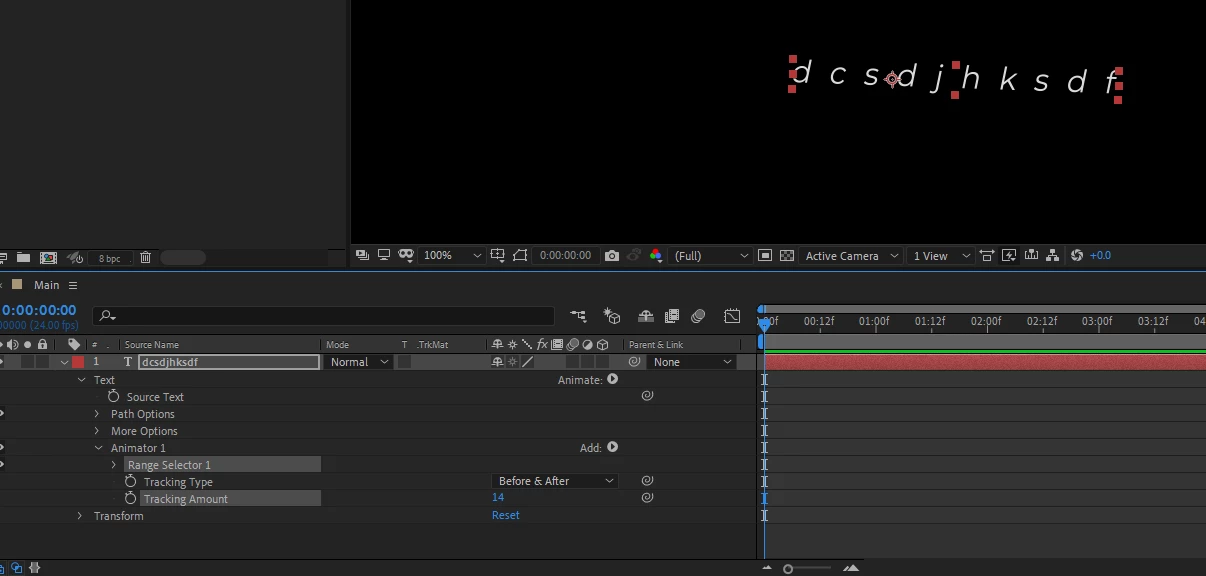
I have a problem that hopefully someone could answer. I'm trying to animate text and when I add the tracker, the text only stretch's to one side. I have the tracking type "Before and After" selected. I've uninstalled and reinstalled Ae and its still giving me a problem. The Anchor point is right in the middle so the text should stretch on both sides at the same time, not just one side.

Thanks!
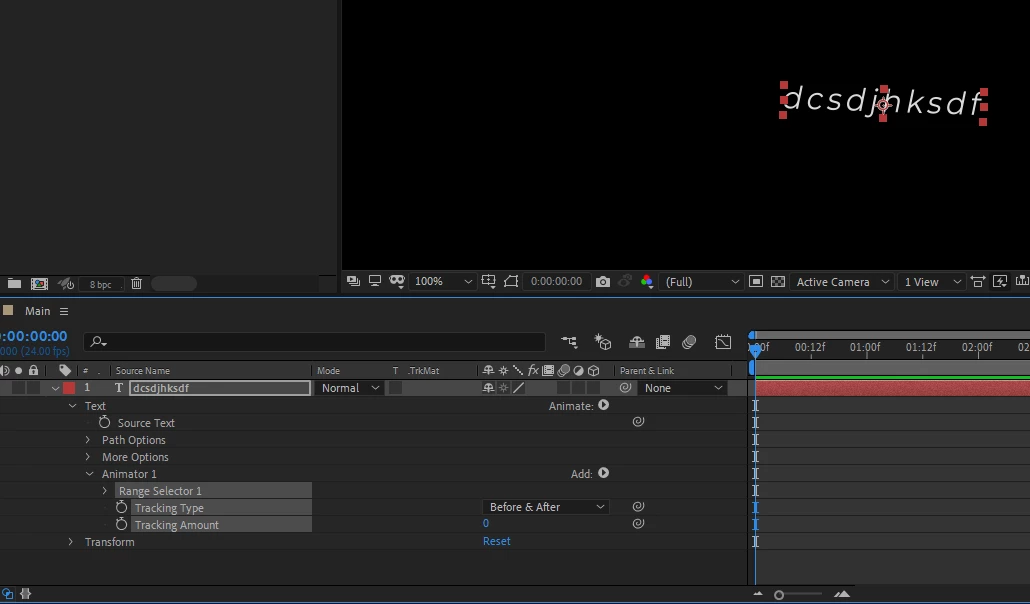
Capture.PNGCapture3.PNG

638
Translate
Report
Community guidelines
Be kind and respectful, give credit to the original source of content, and search for duplicates before posting. Learn more
community guidelines

correct answers 1 Correct answer

Community Expert , Mar 06, 2019 Mar 06, 2019

Please check your paragraph panel and see if it is set for Paragraph Center and then re-try.

Translate
Community Expert ,
Mar 06, 2019 Mar 06, 2019

Please check your paragraph panel and see if it is set for Paragraph Center and then re-try.

Translate
Report
Community guidelines
Be kind and respectful, give credit to the original source of content, and search for duplicates before posting. Learn more
community guidelines
Explorer ,
Mar 07, 2019 Mar 07, 2019
LATEST

Thank you Rob. That worked. Much appreciated.

Translate
Report
Community guidelines
Be kind and respectful, give credit to the original source of content, and search for duplicates before posting. Learn more
community guidelines
LEGEND ,
Mar 06, 2019 Mar 06, 2019

Do you have the Pan Behind tool selected?  Don't.

Translate
Report
Community guidelines
Be kind and respectful, give credit to the original source of content, and search for duplicates before posting. Learn more
community guidelines