alland.byallo
Known Participant
December 21, 2019
Question

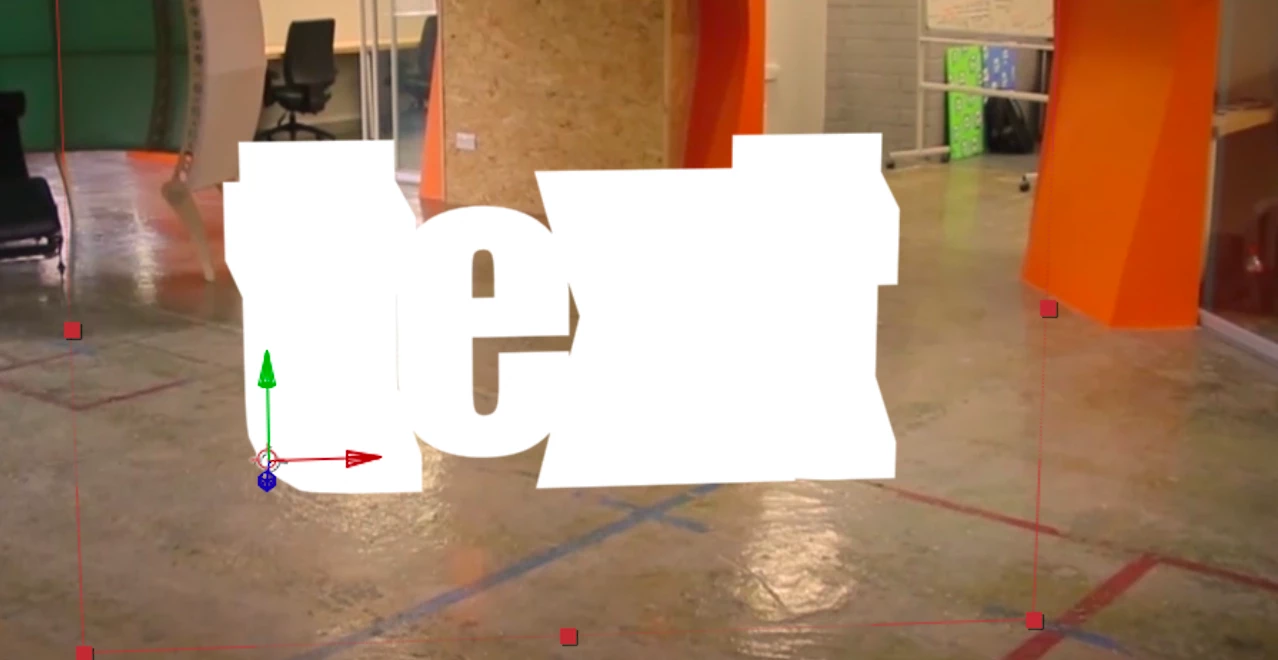
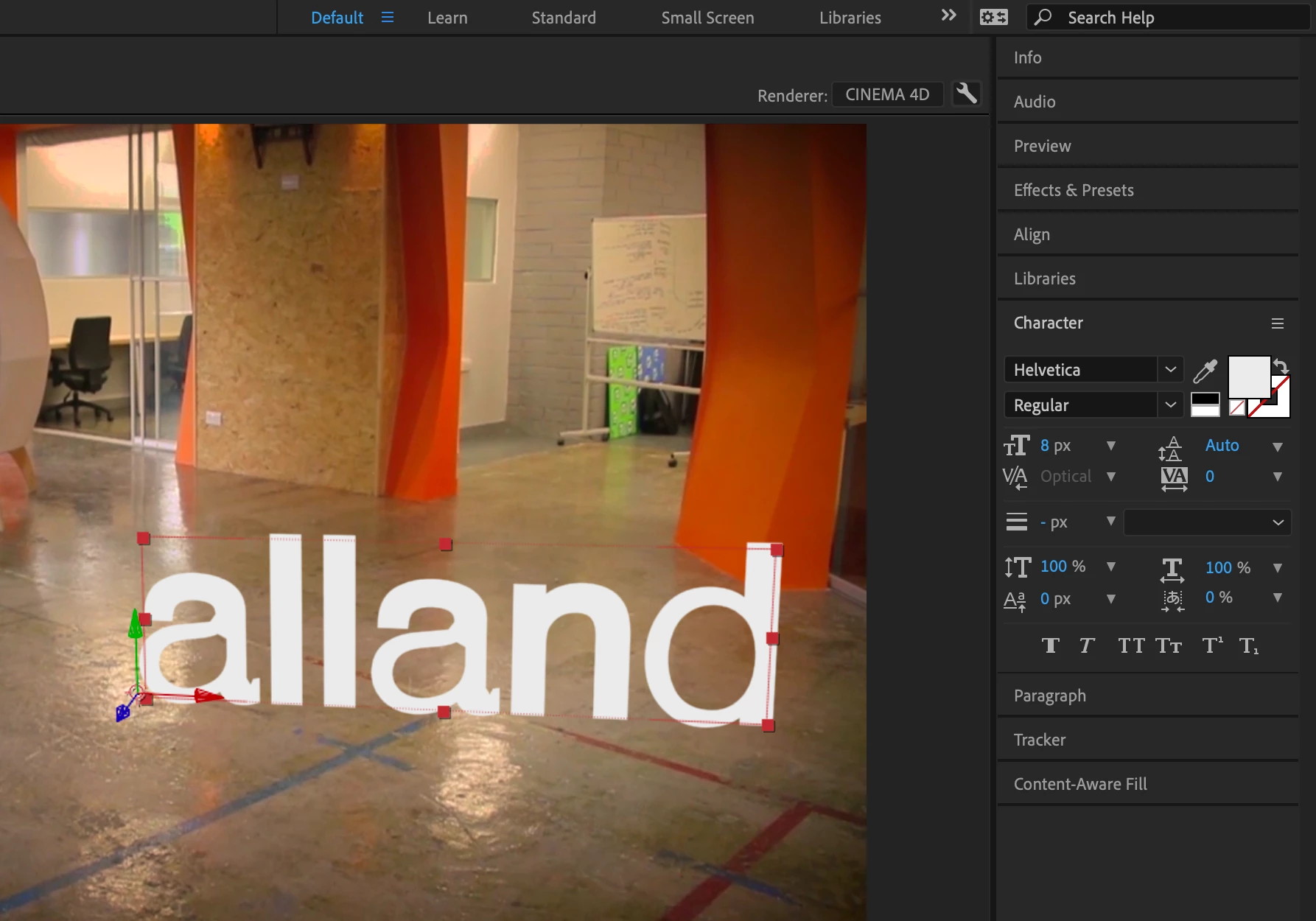
Text bug - 3d tracked text and cinema4d Renderer issue

  • December 21, 2019
  • 1 reply
  • 1497 views

Hello!

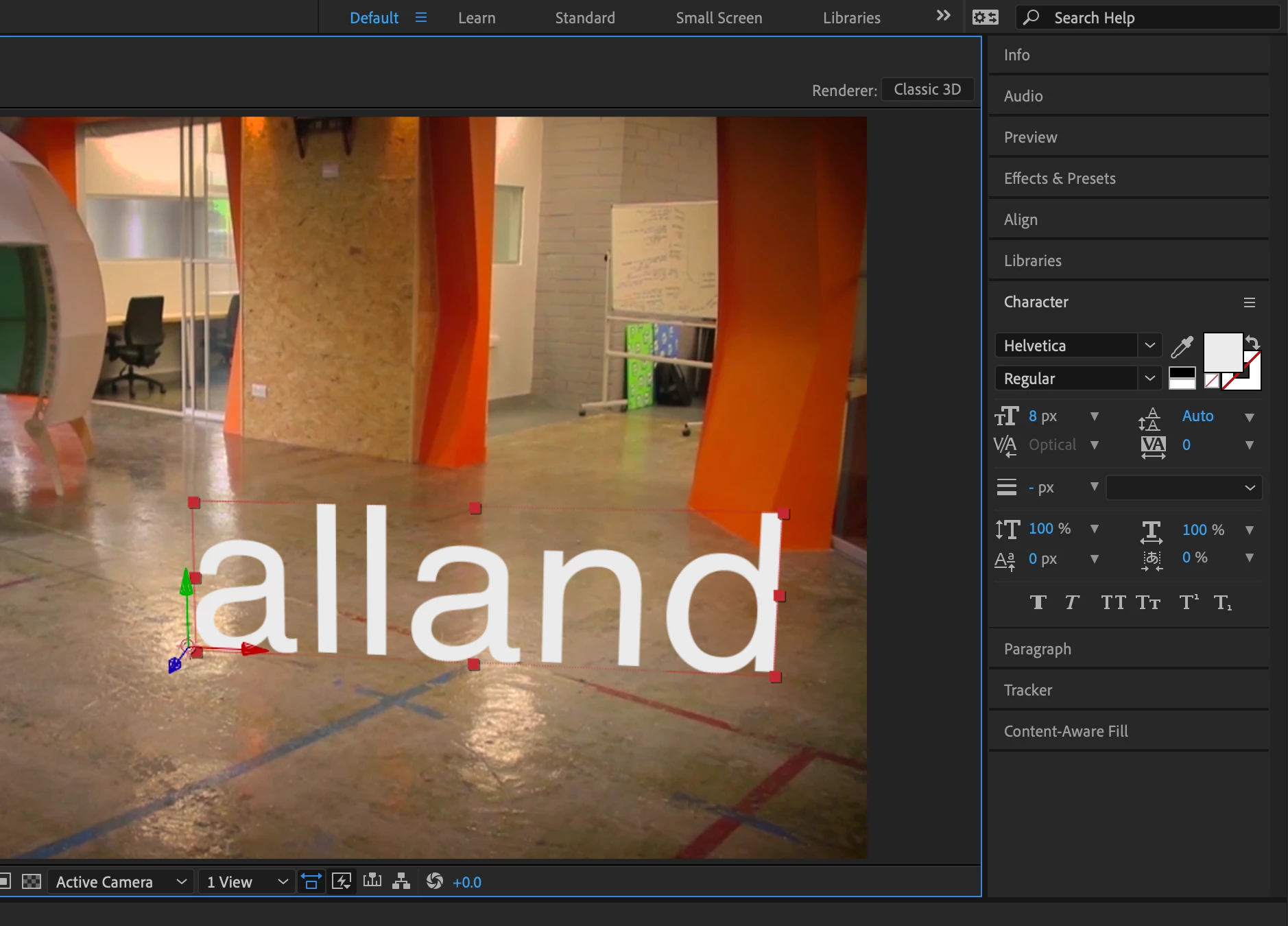
I'm totally new to AE and while doing some courses I stumbled into an issue wherein AE does strange things with tracked type. It looks like some kind of bug where the geometry or stroke just freaks out. I'm including screen shots. I've been on with support already and the agent fixed the issue via remote yesterday, but it came back today anyway. The only way I can "fix" this is by using "Classic 3D" renderer instead of Cinema4D. I'm not sure if this is something ideal or not, as yeah... I'm quite the novice still here (though using Photoshop and all since it started, pretty much --- dating myself) 🙂


Should I just keep it on Classic3D and move on or will I really want to keep Cinema4D renderer and figure out what's going on here? I've used helvetica font since it's well known, easy to see there's an issue. I've also included an example from yesterday using Impact and c4d renderer, since that's a well known font too.


For what it's worth I HAVE already a) removed an installtion of cinema4d full app I had, and b) uninstalled and re-installed AE.


Thanks in advance!

A
This topic has been closed for replies.

1 reply

Mylenium
Legend
December 21, 2019

Well, have you actually drilled into the text properties itself or for that matter the advanced comp settings (the little wrench icon)? You know, there's some critical settings for extrusions and tesseletaion buried there. Other than that it would be interesting to know if it actually works without a hitch with other fonts. This could just be a "bad" font, after all. everything beyond that will require soem actual system info, details about settings, info on your tracking results and scene scale and so on.


Mylenium

alland.byallo
Known Participant
December 21, 2019

hi tbere. thanks for taking the time to answer! let me go through this...

1. it's all fonts, not just one or two. 

2. i have gone into advanced settings and messed around, nothing there fixes anything. only "fix" is using classic3d renderer. but i don't see any other c4d options besides quality scrubber

3. i can definitely share that... should have done that from the get-go, sorry. It's not a super pro mega computer, but i think it's suited just fine for basic stuff like this... 


15" Macbook pro 2016 touch bar - 2.9 GHz Intel Core i7

Mojave 10.14.6

16 GB 2133 MHz LPDDR3

Radeon Pro 460 4 GB / Intel HD Graphics 530 1536 MB

over 250gb HD space


Not sure what else I can offer here, though happy to do whatever i need! 

I really appreciate it 🙂