Answered
Timeline missing from view
I have somehow lost my timeline and cannot get it back. I've tried resetting workspace, restarting AE etc. The "Layer Name" column is just taking up the entire width of the screen.
How do I get the timeline back?!
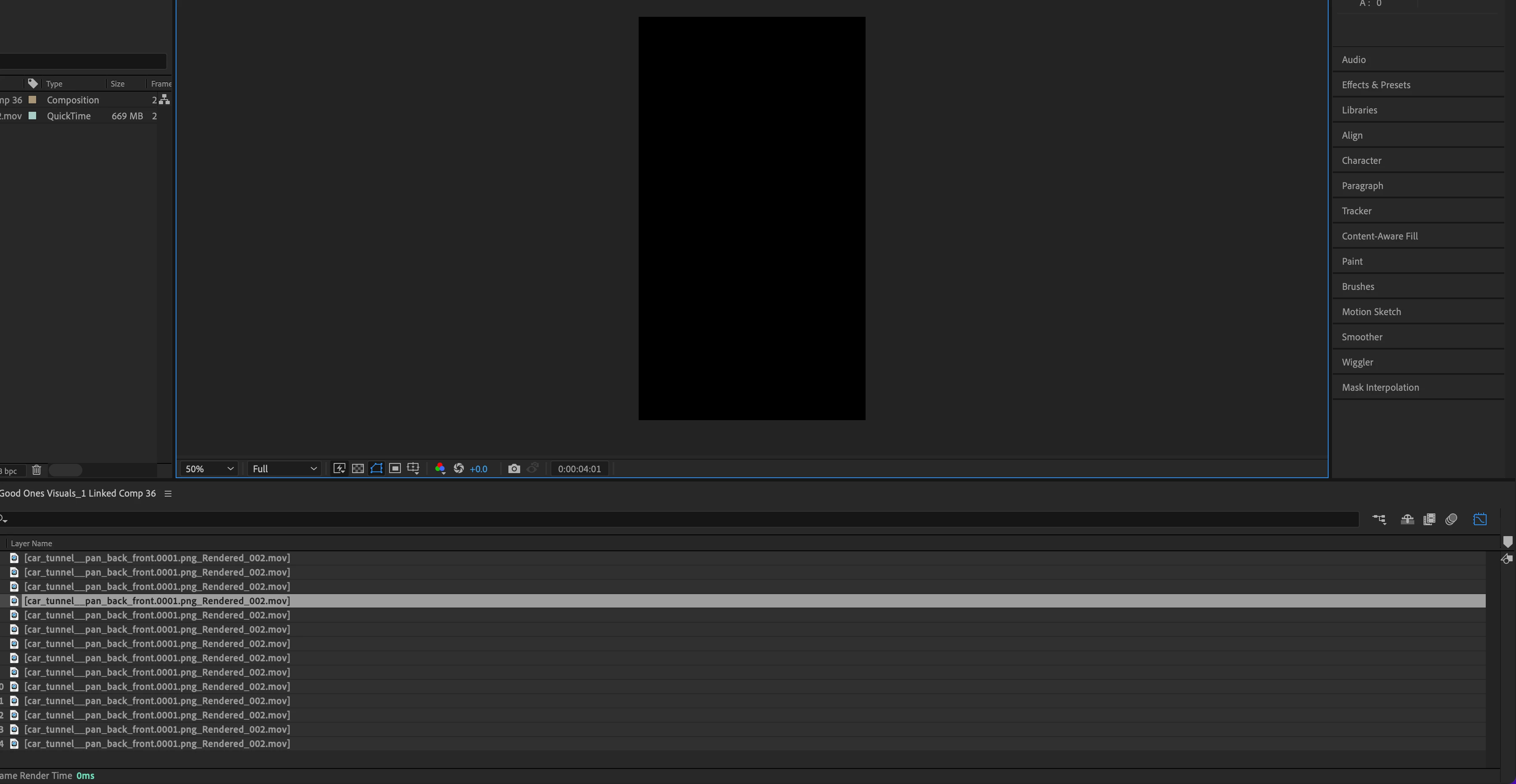

I have somehow lost my timeline and cannot get it back. I've tried resetting workspace, restarting AE etc. The "Layer Name" column is just taking up the entire width of the screen.
How do I get the timeline back?!
Change workspaces or Reset your current workspace. If the current workspace is showing in the ToolBar, you can reset it by double-clicking the Workspace name. If you have chosen a workspace that is not showing you can use the Window/Workspace menu.
Already have an account? Login
Enter your E-mail address. We'll send you an e-mail with instructions to reset your password.
 AdChoices