
Tracking And Changing Background Sky in Footage
Hello community,
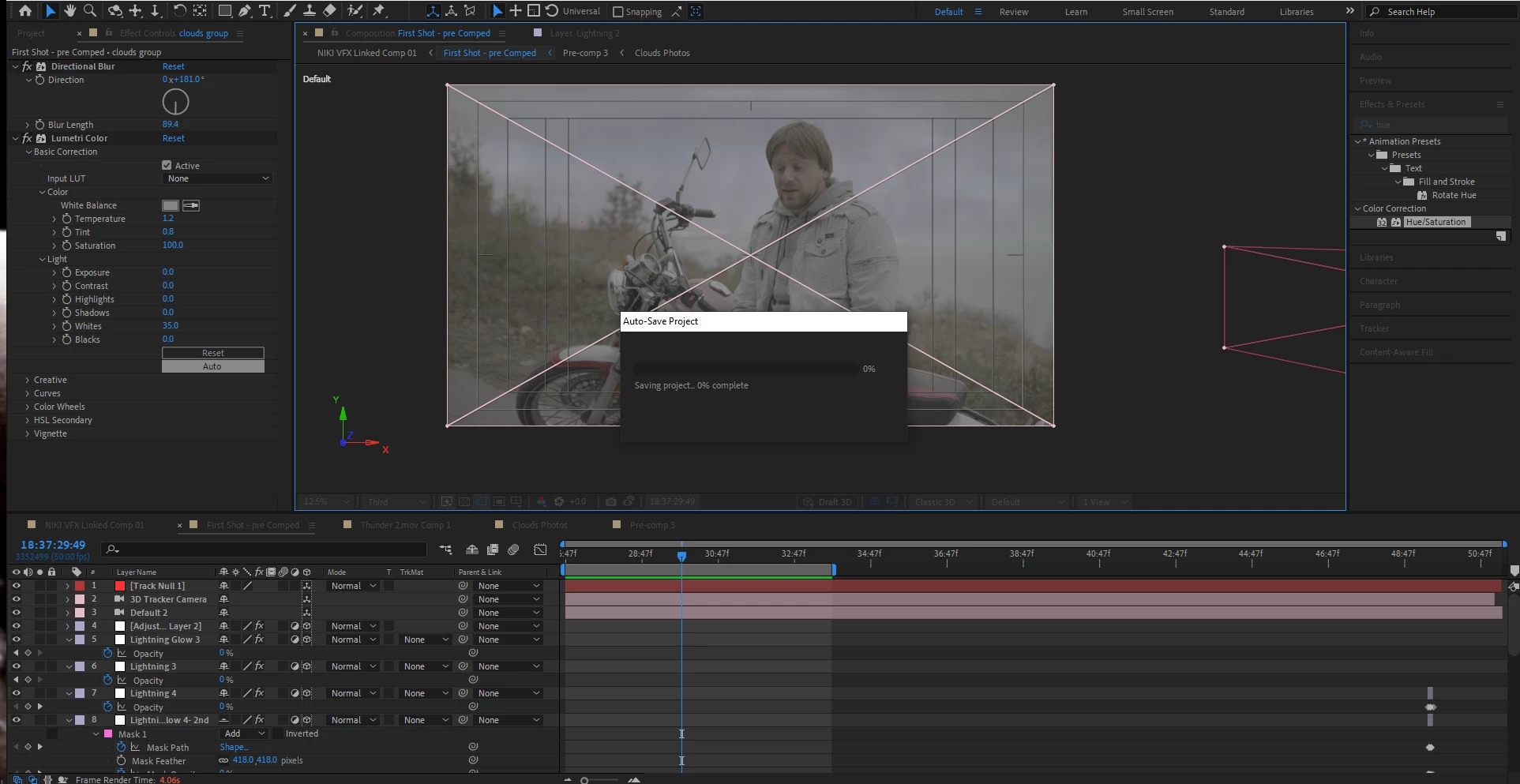
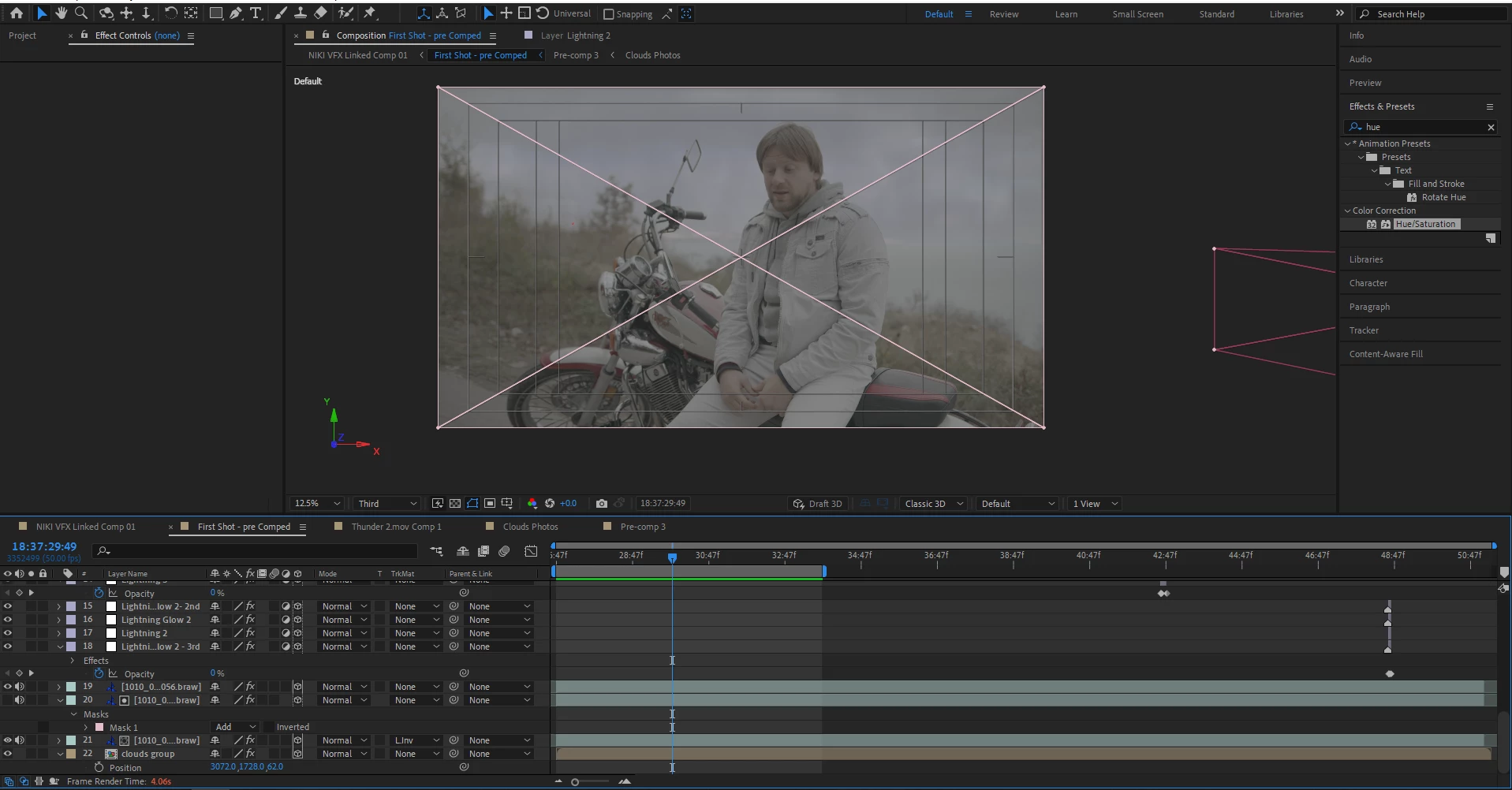
I'm currently working on a music video of mine where I'm co-editor and also decided to do some VFX where appropriate. I have shots in the open where the wheater was kind of dark and cloudy (as you'll see from the screen recording I'm uploading), so I thought I would add some more clouds and create some lightning here and there. I looked for a way to isolate the sky by duplicating original footage, working with the tint/levels effects to make the sky very bright, use luma matte, and substitute it with other assets.
I saw in tutorials that 'd have to camera-track the original shot, then create a null and a camera. Then, all I need to do is make the sky-replacement asset layer a 3D one, and it would move accordingly with the camera. However, in tutorials people use video assets for replacement, whilst I'm using dark cloud photos with a bit reduced opacity so they would kind of blend with the original video clouds. So when the camera is moving for example to the left, the original sky of the shot looks like it's going to the right, and the photo assets look like they're moving to the left (compying with the actual tracked camera movement), which creates a discrepancy between the two. So my question is - is there a way to make it look correct, using the static cloud photos I've already placed, or should I replace them with some sort of dark clouds footage?
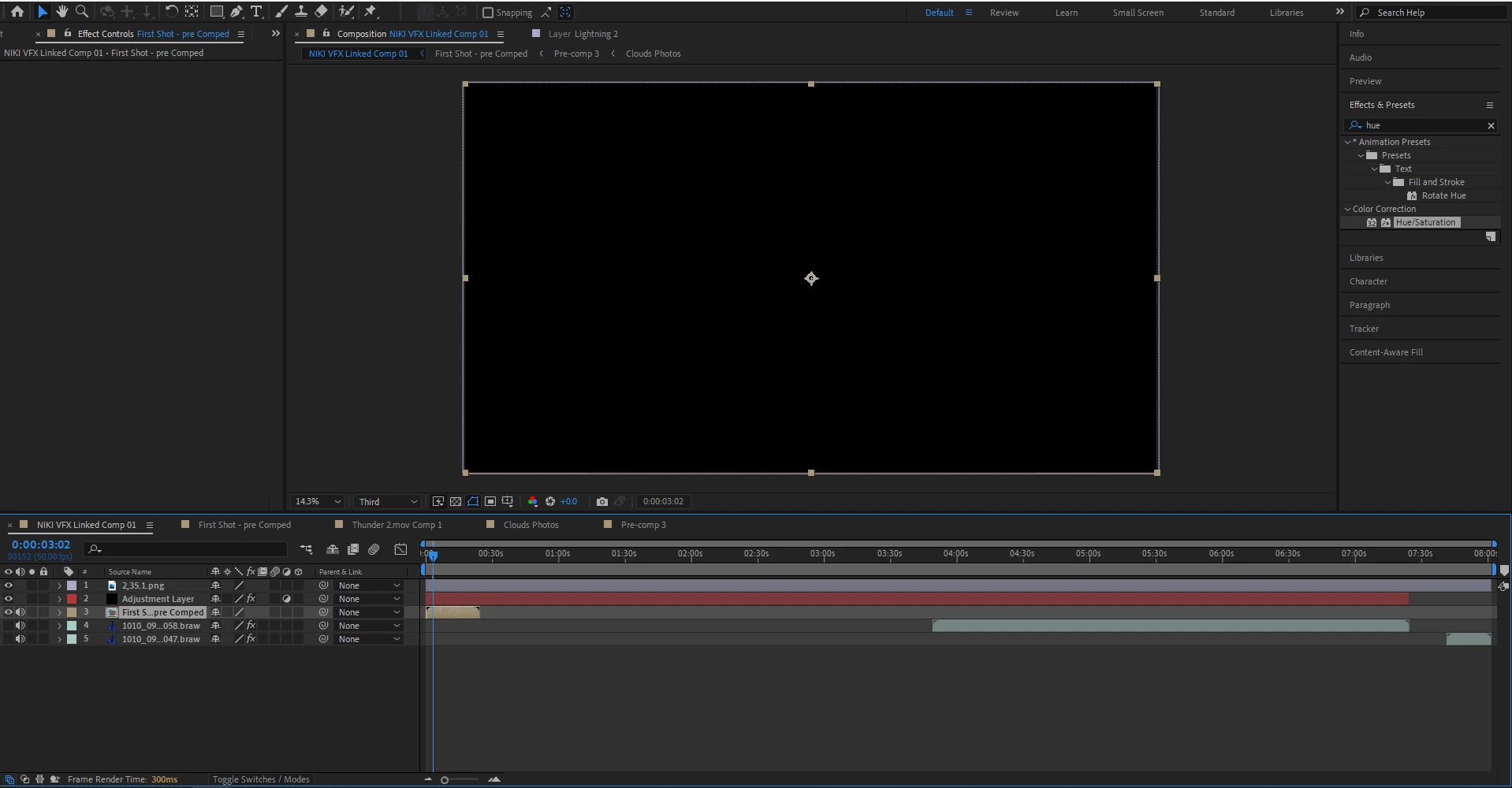
My 2nd question is -When I turn on the 3D tracker camera layer, the whole precomposed comp I'm working on makes the main comp have a blank preview as you can see from one of the screenshots. Why would that happen?
Any help is appreciated!
Nik
 AdChoices