Participating Frequently
December 3, 2016
Answered

Tracking Clone Stamp RELATIVE to Motion Tracking Position

  • December 3, 2016
  • 1 reply
  • 12325 views

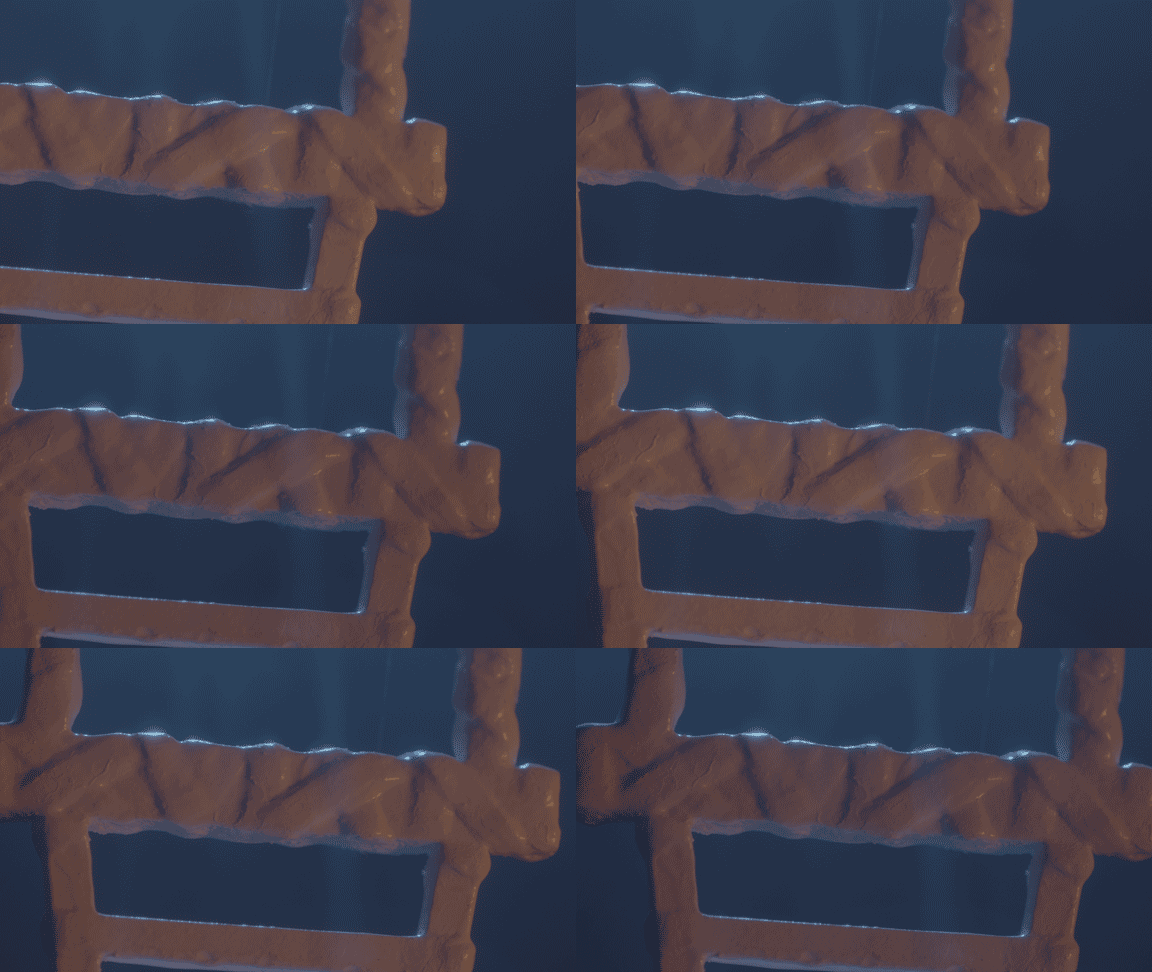
Hi everyone! I am editing a macro shot of a prop that is suspended by a fishing wire. The wire is tied around the prop and I need to remove it. I cloned out the wire and it looks great, but now I need to animate the clone stamps (there are 18) to follow a pretty straightforward pan. There are no tracking markers or anything like that, but I managed to track it somewhat - it lost it over time, but I fixed it manually. The tracking point and the location of the clone stamps are in different parts of the image. I think what I need to do is apply the tracking data to both the Clone Position and also the Position attributes of each clone stamp, but every time I try to do this, it moves the clone stamp to the location of the tracking point. I'm guessing there has to be a way to do this, but I can't find any answers for this kind of case scenario - all the videos I have found focus on clone stamping on top of the tracker. I tracked it in AE, not mocha, but I can certainly do that - I just have no idea how to make this happen and I have to do this a LOT more over the course of this project. If anyone could point me in the right direction, I would appreciate it. Thanks!
This topic has been closed for replies.
Correct answer Roei Tzoref

O.K. actually in this case because of all the light shifting, cloning is a nice option. I normally do this differently but for practice sake let's go for it.

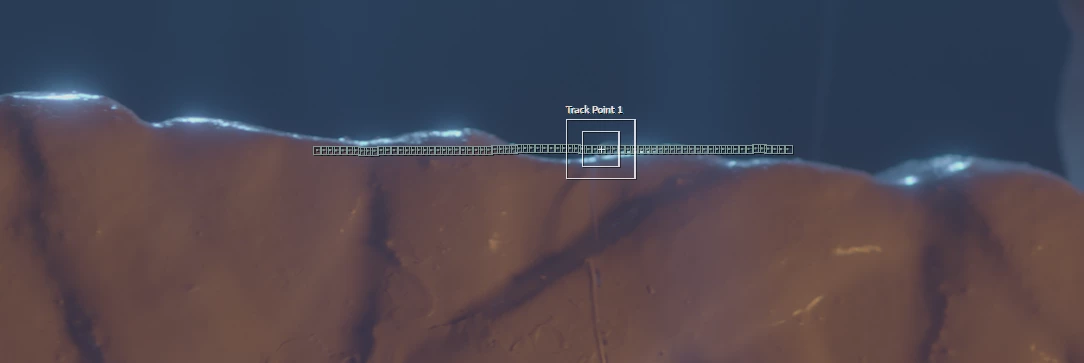
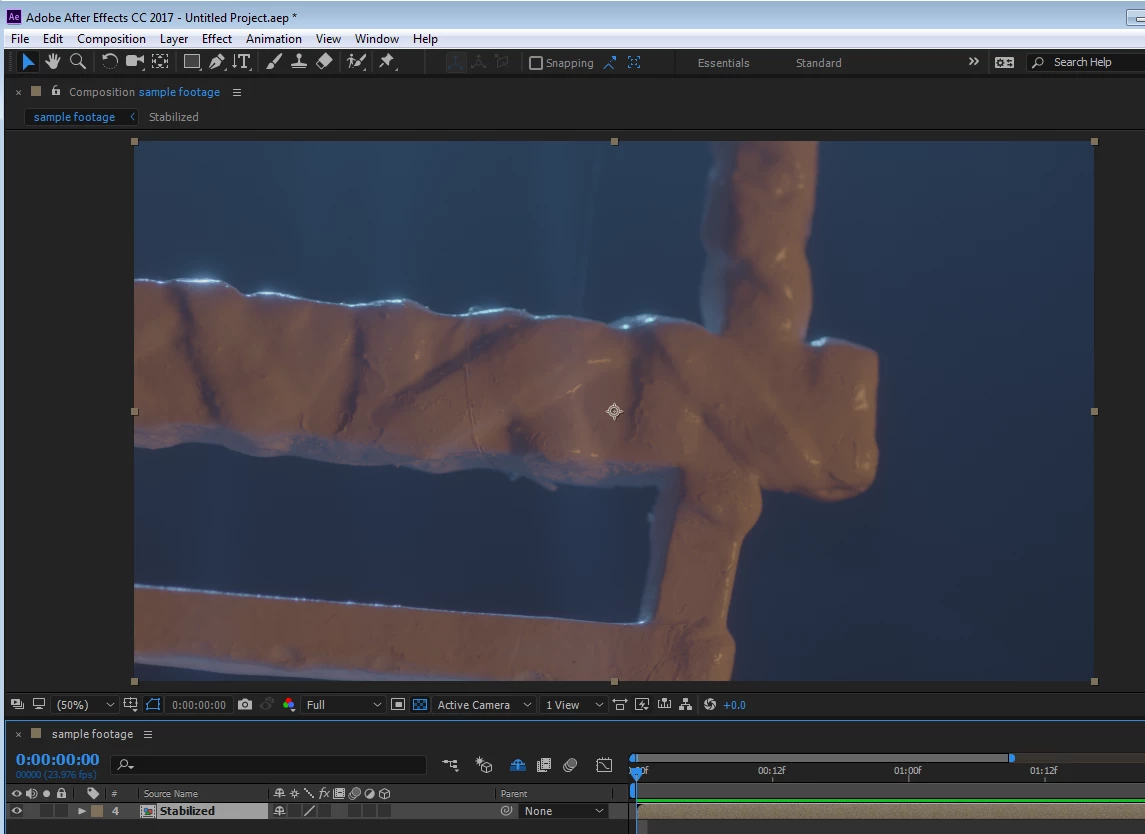
first thing you should do is stabilize the shot.  I tracked this attach point. you could find better.

once it's stabilized, I pre-comp the stabilized shot ->move all attributes

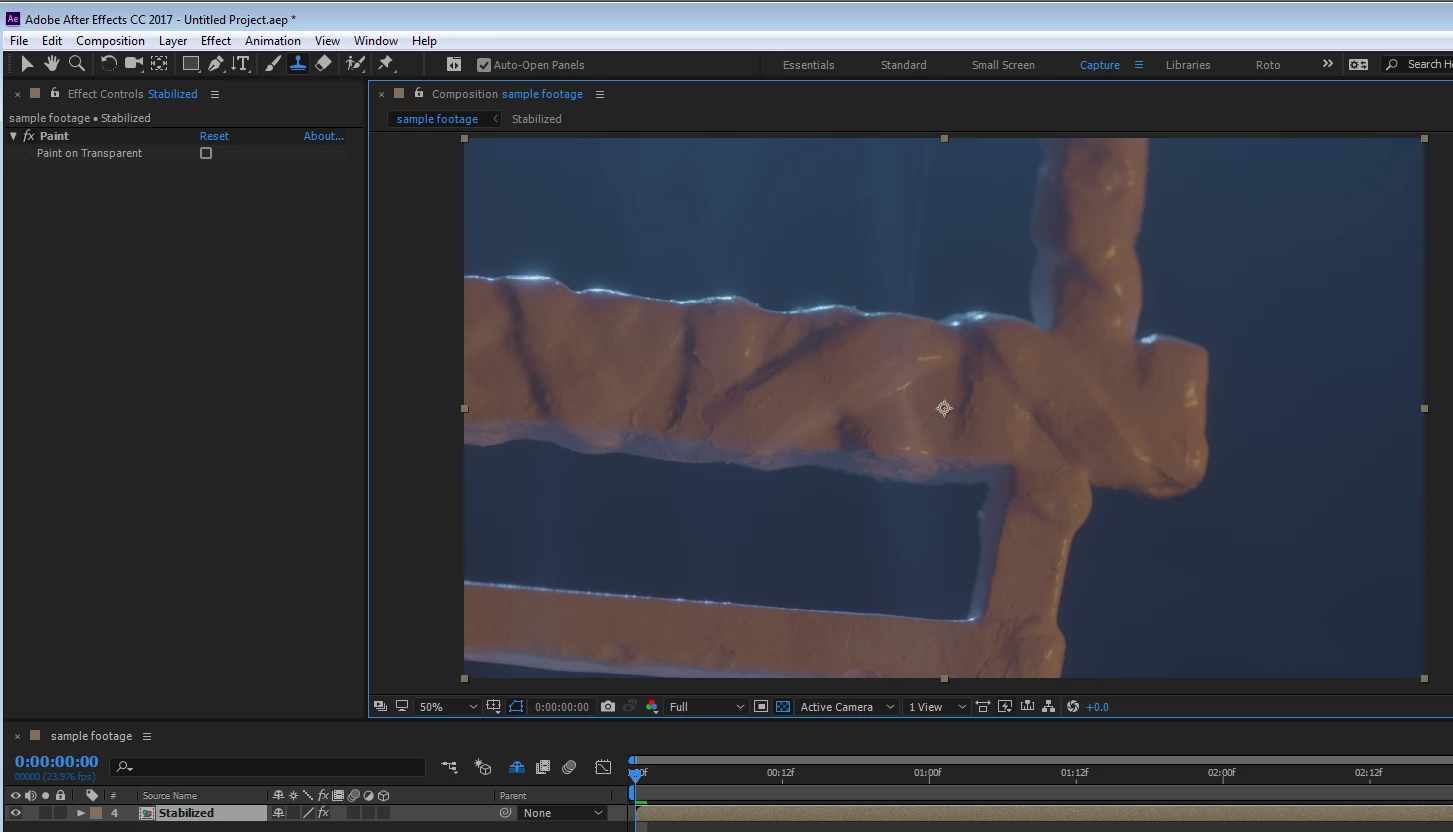
here I will do my cloning

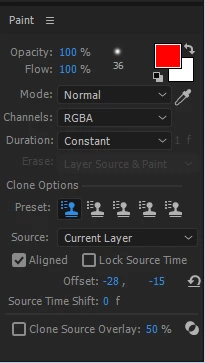
once I pick my clone tool and click twice on my pre-comp, I can clone stamp what I need. make sure you got "lock source time" OFF.

these are my settings:

(never mind the "offset" parameter - it is set from where I picked my source point).

when I finish my clone stamping, it looks like this:

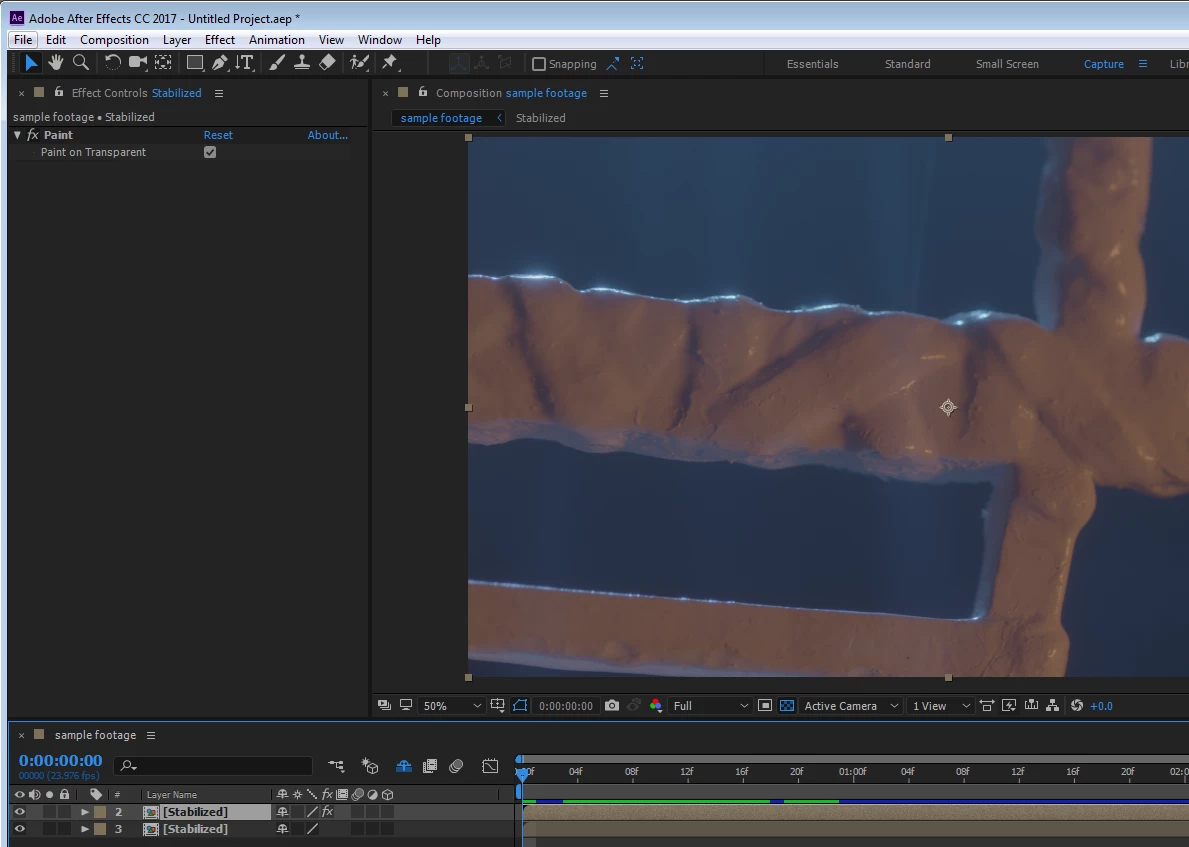
now I duplicate my layer once. set the duplicate that's on top to "on transparent" in the paint effect (it will use the layer below as a source). I will remove the effect from the layer below. like this:

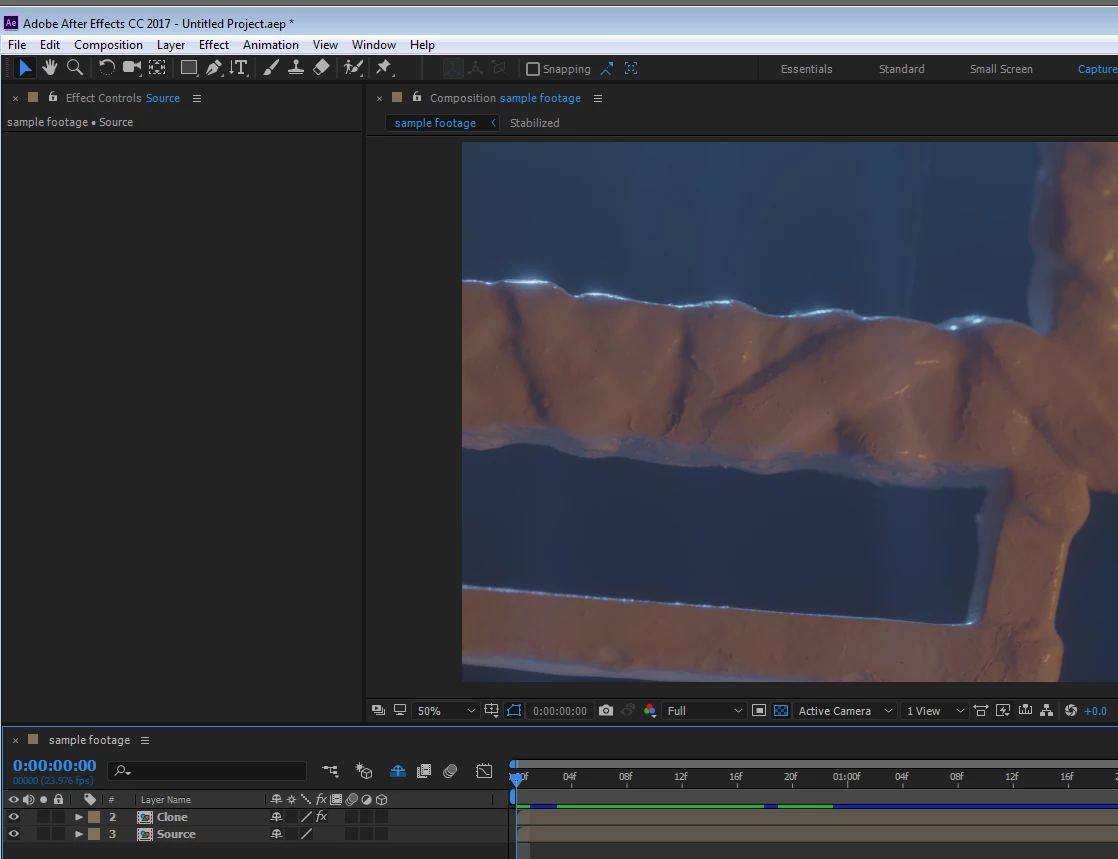
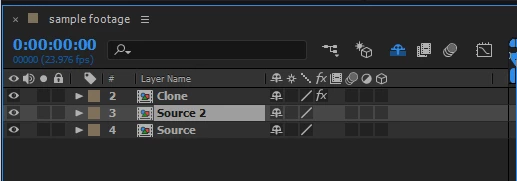
let's give them names so it will be easier to understand what's going on. Clone for the clone on transparent, source for it's source layer

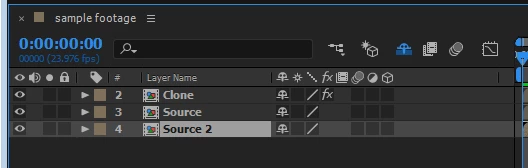
now hear this - I am going to duplicate the source layer once more

- and put it below the original source layer like this

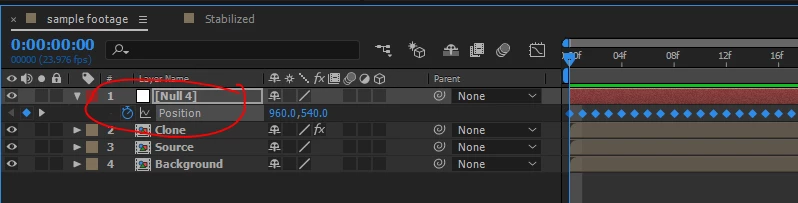
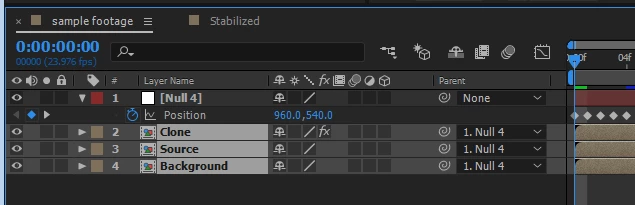
I will change it's name to background. almost done! now I have to reintroduce the motion... I need a null for that, I create my null, expose it's position

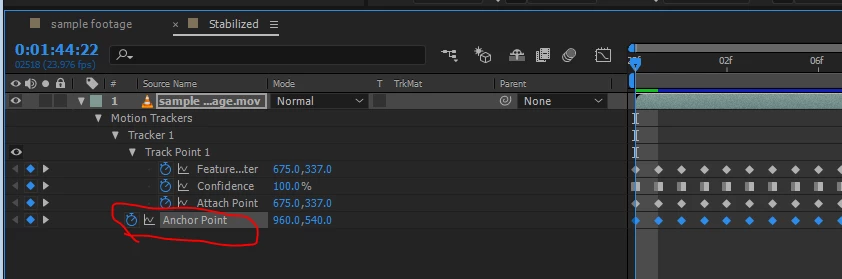
I will take the anchor point position from my stabilized precomp (reminder - they are all the same so just click one of the precomps  twice)

Copy

Paste

connect my layers to the null

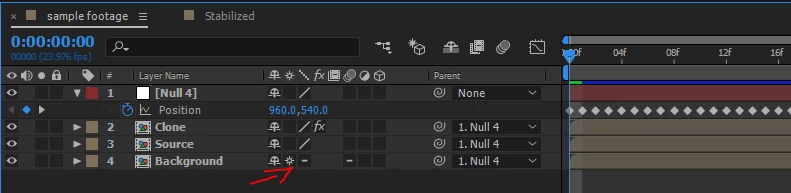
Magic time - set collapse to the background layer

enjoy my achievement in the field of clone stamping

We did it! Native all the way and even without expressions

1 reply

Roei Tzoref
Legend
December 3, 2016
I cloned out the wire and it looks great, but now I need to animate the clone stamps (there are 18) to follow a pretty straightforward pan.

it's very important to establish the right roto workflow that is fit to the task even before you start cleaning it up. personally I almost never use the clone brush tool for replacing or cleaning my footage. let's start by first seeing the footage - this will help us suggest a course of action which could involve clone stamp but more often this is not the case. please upload a sample of your footage via any legit cloud service so we can take a look what you have there.

Participating Frequently
December 3, 2016

Is dropbox ok? I uploaded a ProRes4444 at 1080 - the source is Arri Alexa 4K log. I dealt with the wire hanging it using the simple wire removal tool, but I'm trying to get rid of the wire tied around it as circled in the attached photo. Thank you!

Footage

Roei Tzoref
Legend
December 3, 2016

something wrong with your link