Inspiring
December 16, 2017
Answered

Trapcode Lux causes Shadows to Disappear (CC2018, Lux 1.4.1)

  • December 16, 2017
  • 1 reply
  • 1322 views

Hi

I've also contacted Red Giant support as I'm not sure if this is an AE or a Lux problem. I'm also quite new to After Effects and Trapcode, so this might be something simple or a newbie issue.

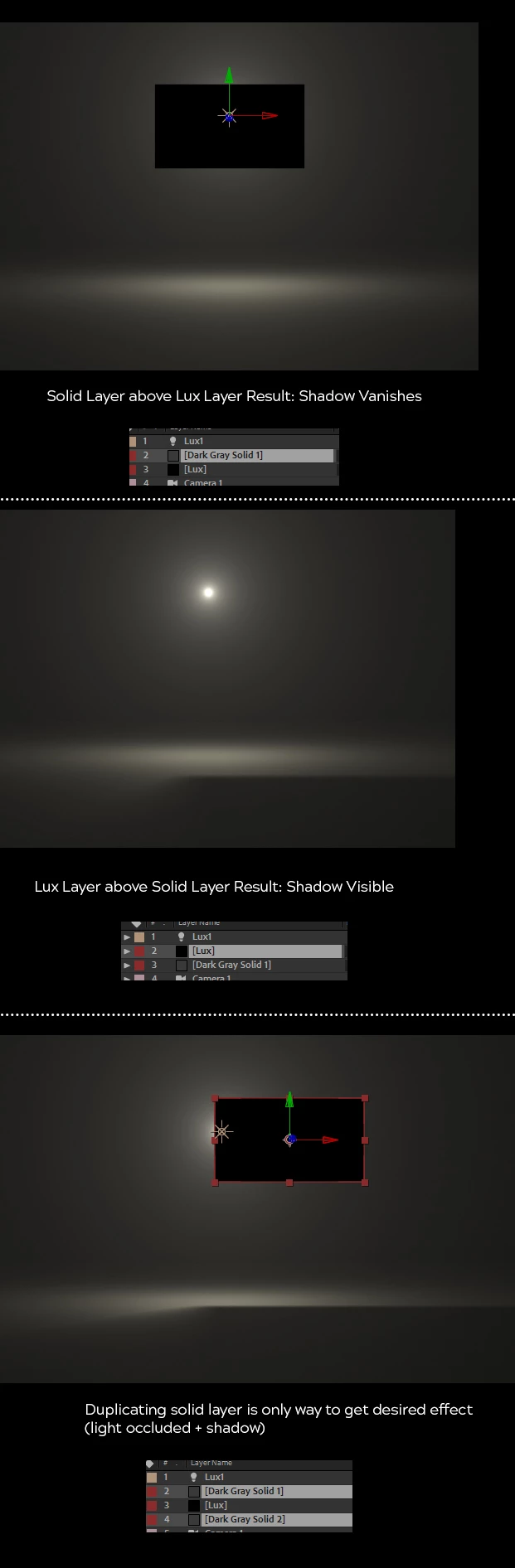
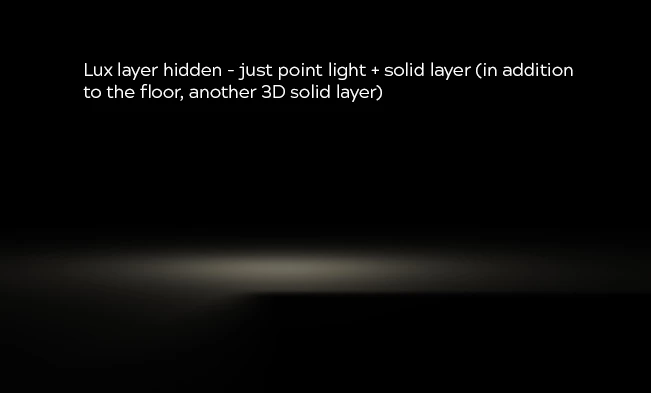
I have encountered what may be a bug with Lux causing shadows to disappear when it is lower in the layer order than a solid layer (Please see screenshot.) The point light is further away in Z-space than the black solid, so it obscures the light and casts a shadow. OK so far.

However, if I add a Lux layer and place it below the solid layer (so its volumetric light is also occluded by the solid layer) then the cast shadow disappears.

I am quite new to After Effects and Trapcode Suite, so I might be misnderstanding how this works, but why does Lux cause the shadow to disappear? Is this a bug? If not, how can I cause the Lux volumetric light to be occluded while retaining the shadow?

I hope to hear soon.

Thanks for your help

Richard
    This topic has been closed for replies.
    Correct answer Mylenium

    Nothing to do with Lux and not a bug. 2D layers sandwiched inbetween 3D layers break the 3D rendering order. You cannot do it this way. It has been forever like this. If you want to retain the shadows while at the same time obscuring the light source you need to structure your project with pre-compositions and use duplicates of the resulting comp-based layers to aact as mattes.

    Mylenium

    1 reply

    Mylenium
    MyleniumCorrect answer
    Legend
    December 16, 2017

    Nothing to do with Lux and not a bug. 2D layers sandwiched inbetween 3D layers break the 3D rendering order. You cannot do it this way. It has been forever like this. If you want to retain the shadows while at the same time obscuring the light source you need to structure your project with pre-compositions and use duplicates of the resulting comp-based layers to aact as mattes.

    Mylenium

    Inspiring
    December 16, 2017

    Thanks. Looks like I was some way towards a solution by having 2 copies of the solid... 1 to occlude the light and one to cast the shadow... Still getting my head round the use of precomps to structure projects.