
Participating Frequently
October 11, 2021
Question

Trouble exporing AE video for instagram use at 9:16 ratio

  • October 11, 2021
  • 4 replies
  • 2060 views

Hello! 


I was wondering if someone could help me figure out what is going wrong when i am rendering out my AE project. I have made a composition with the idea that it will be for an instagram story at 9:16 ratio. The composition settings have been set up so that they match this 9:16 ratio and the AE viewport seems to reflect this ratio as well.
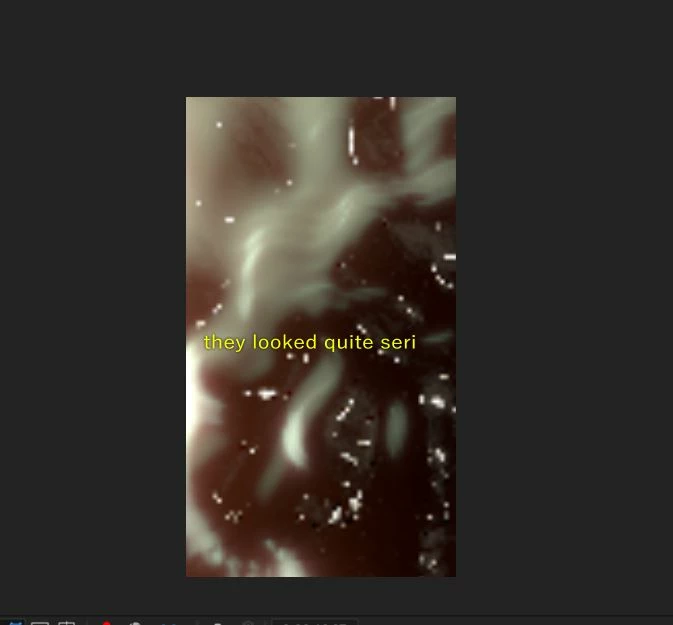
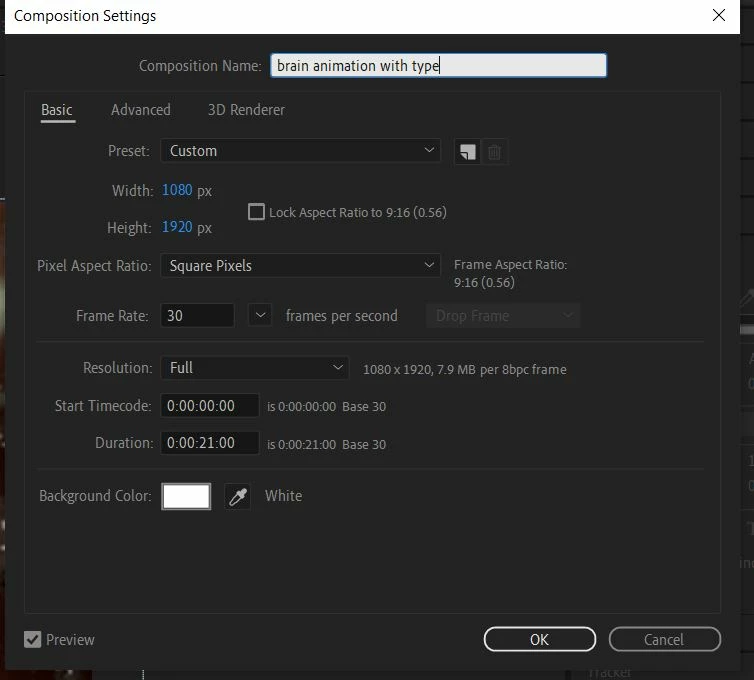
 

when i start to render it out using the media encoder i chose the following settings as they seem to matc the ratio seen in the composition settings in AE. 

however when i try and open my newly rendered project I still get a video with thick black borders showing on either side instead of just the 9:16 ratio video that should in theory be showing with no borders. 
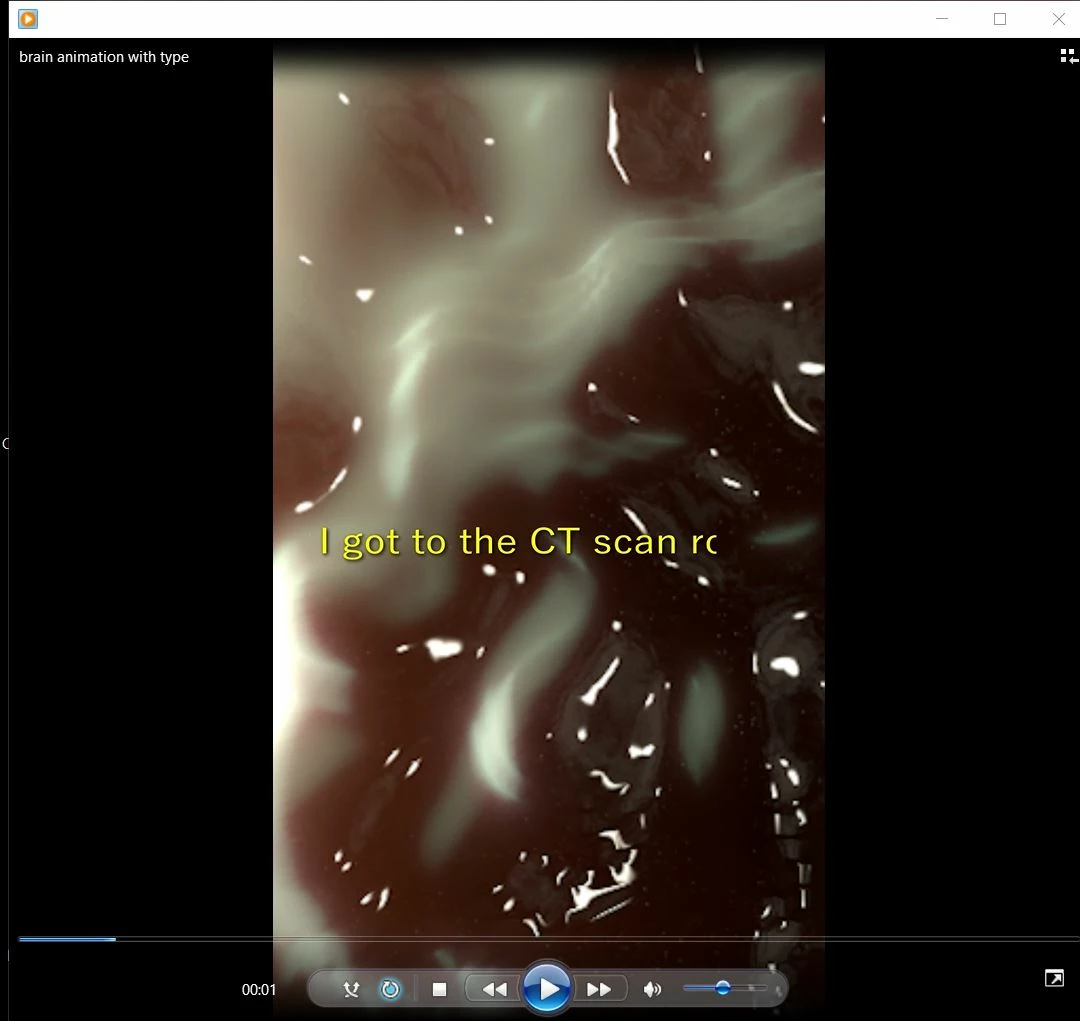
Does anyone know what i could be doing wrong?


I have attached my AE file below as well in case this is helpful. 


Any and all help is grealty appreciated!

This topic has been closed for replies.

4 replies

Averdahl
Community Expert
Community Expert
October 11, 2021
quote

I have attached my AE file below as well in case this is helpful. 


By @defaultvith4ntbkmh2


I downloaded that file and the first time i rendered out the comp the frame size were very small. Then i noticed that the Resolution in the Composition panel were set to Quarter, so i changed it to Full and then the renders came out as 1080x1920.


But if i just close the project and reopen it and try to reproduce it it always work, so it´s odd. So try to change that setting.


Community Expert
October 11, 2021

Apparently it is coming out in 16:9. So after adjusting to Match Sourse go down a bit and in the video tab make sure it is 1080 width and 1920 height. If it is not, turn off the aspect ratio lock check pin and adjust it manually.

Byron.
Participating Frequently
October 11, 2021

thanks again for your quick replies! 


So i've cheked the settings in the video tabl and the media encoder settings are correctly set to the 1080 width x 1920 height correct ratio. This is so bizarre!

Community Expert
October 11, 2021

I'm sure your video exported fine, it's just the playback from the WMP. If you can't play it without those black borders on the sides you could do a test following the steps to upload a story (even if you don't upload it) and surely your video will correctly cover the screen of your device at 9:16 or simply pass the video to your phone and play it there.

Byron.
Participating Frequently
October 11, 2021

thank you very much for your reply! I have tried saving on my phone and doing the instagram story steps as you suggested, but i'm still getting a weird version of the video. when i see it on my phone it still appears as a vertical video with two very thick black borders and when i see it in my instagram as if i were uploading it as a story its very scaled down surrounded by black borders. 


seen on iphone: 


seeon on instagram story: 


Mylenium
Legend
October 11, 2021

Verify your footage in a different media player. Windows Media Player does not handle vertical video as it always assumes a minimum width and aspect ratio. Use VLC or whatever suits your fancy.


Mylenium