New Participant
March 18, 2020
Answered

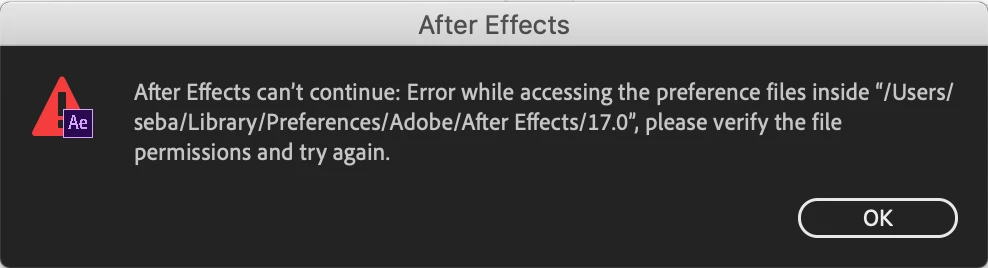
Trouble in starting up After Effects - "Error while accessing the preference files inside..."

  • March 18, 2020
  • 1 reply
  • 1123 views

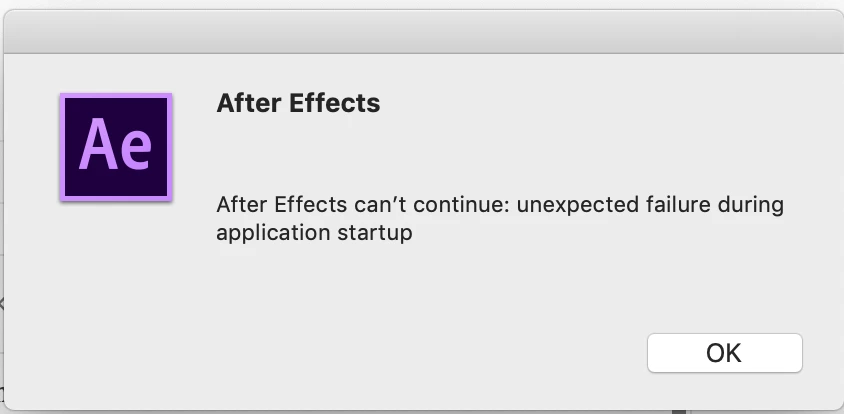
When I run the After Effects, it shows an alert as shown as below and doesn't start.

Meanwhile, I couldn't find out such a directory (no 'Library' in '/Users/Seba/' and 'Adobe' in '/Macintosh HD/Library/Preferences/') which was referred to in this alert.

And, for your information, it's the first time to install it on my laptop, MacBook Pro, which means I hadn't used this app before. So I removed an entire app and reinstall it but still the same problem occurred.


What's wrong and what do I have to do?


This topic has been closed for replies.
Correct answer Rameez_Khan

Hi there, 


Welcome to the community!

Please follow the steps given in this FAQ to resolve the problem: https://community.adobe.com/t5/after-effects/faq-after-effects-can-t-continue-error-while-accessing-the-preference-files/m-p/9726148?page=1#M53559


Thanks.

Rameez

1 reply

Rameez_Khan
Rameez_KhanCorrect answer
Brainiac
March 18, 2020

Hi there, 


Welcome to the community!

Please follow the steps given in this FAQ to resolve the problem: https://community.adobe.com/t5/after-effects/faq-after-effects-can-t-continue-error-while-accessing-the-preference-files/m-p/9726148?page=1#M53559


Thanks.

Rameez

VOMM 04Author
New Participant
March 18, 2020

Hi Rameez,


It seems to be solved. Thanks a lot!


Cheers,

Seba

Rameez_Khan
Brainiac
March 18, 2020

Awesome! Thanks for getting back.


-Rameez