I've learned on how to animate in after effects, so I am somewhat familiar with the program. Actual effects are new to me.
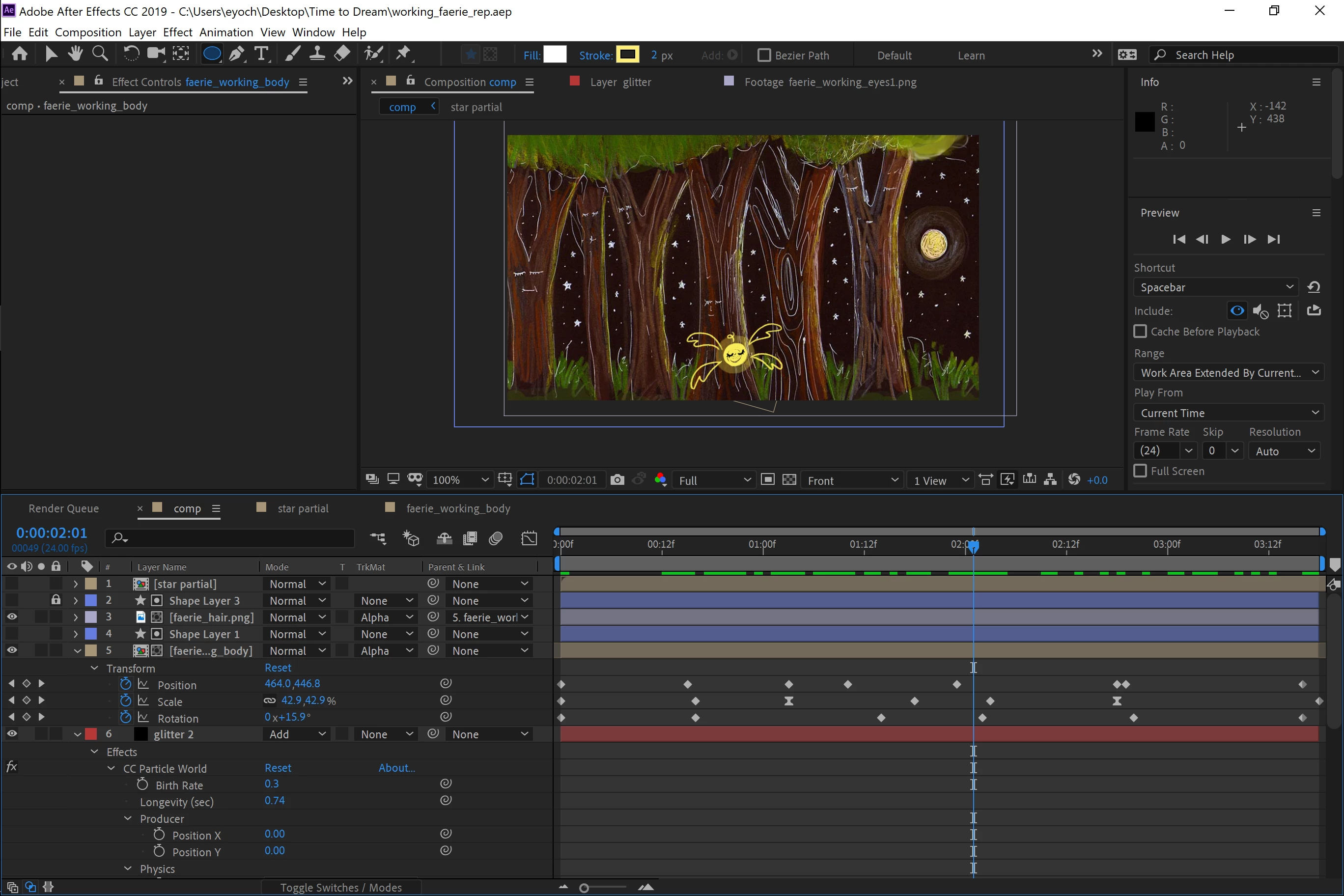

Ok, now I can help and offer some suggestions.
CC Particle world uses the width of the layer as a reference for X and Y position. This means you'll have to make some calculations instead of just directly linking X and Y position values to the producer point. Let's start with X position. I'll try and explain the thinking. First, take a look at the expression I came up with:
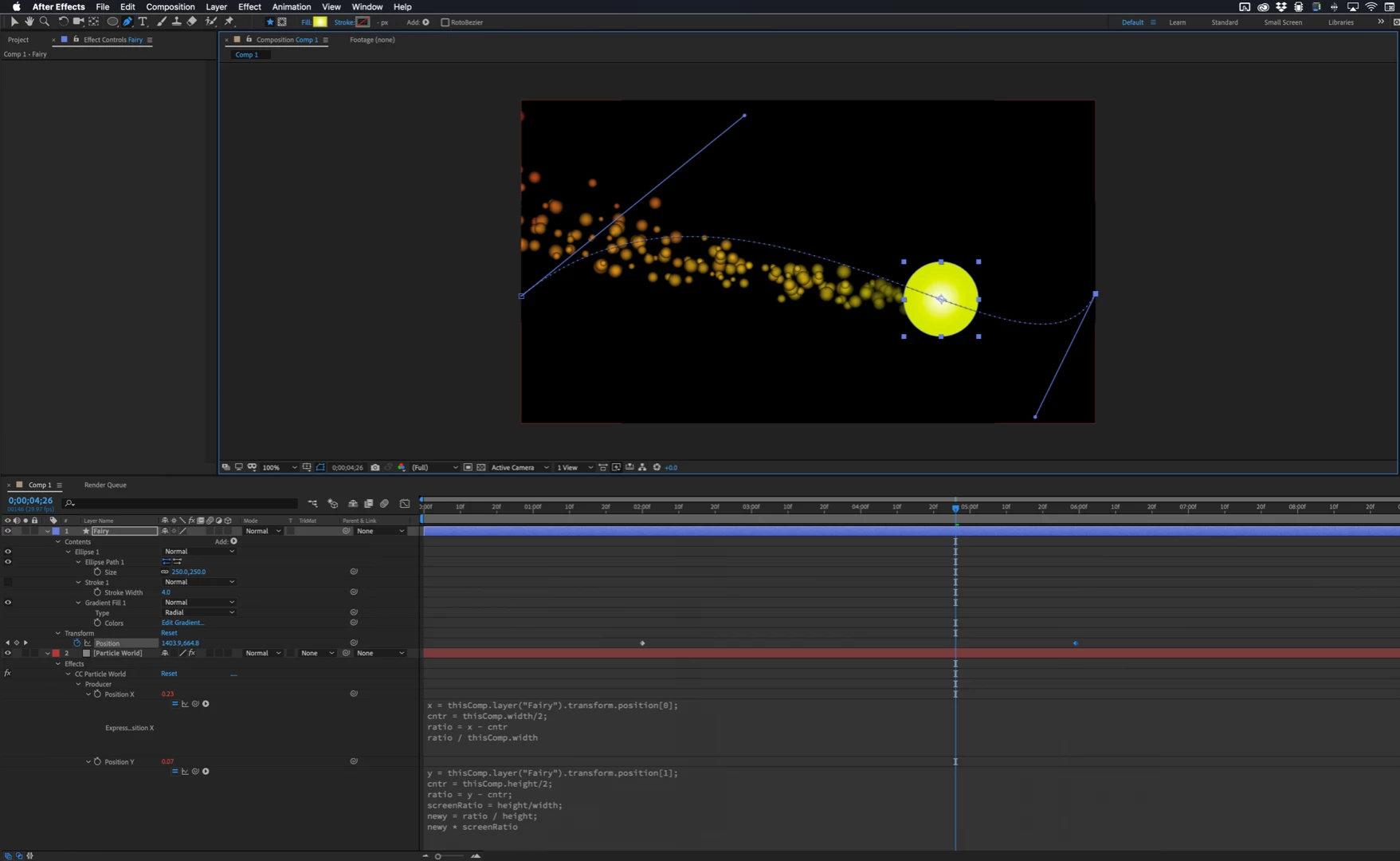
x = thisComp.layer("Fairy").transform.position[0];
cntr = thisComp.width/2;
ratio = x - cntr
ratio / thisComp.width
The first line is just the x value of the layer used for your bug.
For this expression to work the Fairy layer or pre-comp must be the same size as the comp. The second line returns a value for the X center of the comp as the "cntr" variable and stores that value. The third line subtracts the x position of the Fairy layer from the comp center and sets up a "ratio" that we can then divide by the width of the comp. If the X position is zero then the new x value is -.5 which puts the producer right on the edge of the composition. OK, that was the simple one. Here comes Y.
y = thisComp.layer("Fairy").transform.position[1];
cntr = thisComp.height/2;
ratio = y - cntr;
screenRatio = height/width;
newy = ratio / height;
newy * screenRatio
There is a wrinkle that we have to solve. CC Particle world uses the width of the layer for both x and y producer position so we will have to add in a calculation for the frame size aspect ratio. Let's get started.
The first line just defines y as the y [1] position of the Fairy layer. The second line defines the center of the comp as the variable cntr. Again I used comp center for this because the position is always defined in terms of the comp, not the layer. Once again, the third line calculates the ratio between the comp center and the position. The fourth line calculates the frame size ratio by dividing the height of the layer by the width. Then the next two lines are just about the same. Line 5 calculates a newy value the same way the x value was calculated, then in the last line, the new Y is multiplied by the screenRatio to adjust the y position of the Producer. If you set the Fairy layer's y position to zero then the Y producer position will end up being -.28 which will put the Producer right at the top of the frame.
Those two expressions will get the producer to follow the Fairy layer.
You threw in a wrinkle by also animating rotation and scale. It would have been much easier to also make the particles scale up and down if you had made the Fairy a 3D layer and animated z position instead of scale. Then the Z position of the Producer could be easily tied to the Z position of the fairy layer and everything would still line up perfectly. You can't really scale the particle layer, because that will foul up the position, but you could possibly work out an expression that tied the birth size to the scale using a simple multiplier and get some acceptable results. You could also tie the Fairy Rotation to Gravity to help sell the illustion.
I hope this helps. Here's a screenshot of the project so far:
I should mention that CC Particle System II would be a much simpler alternative because you could just PickWhip the Producer Position to the Position value of the Fairy layer and be done in about a minute.

 AdChoices