Participating Frequently
July 15, 2020
Answered

twinkling grid of dots

  • July 15, 2020
  • 2 replies
  • 3421 views

hi

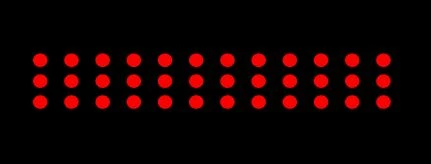
i have created a shape layer of red dots (used a repeater)

i want to make them randmoly appear and dissapear, i tried making them with trapcode particular but seems like the grid emitter doesnt have an option to make the dots randomlly appear on the grid, am i wrong?


also tried using luma matt with cell pattern effect, but i cant match the squares for the spacing of the dots, 

(also i dont know how to make the cell pattern or fractal noise to have black and white only without grey)


whats the best way to make the dots twinkle?
Correct answer Rick Gerard
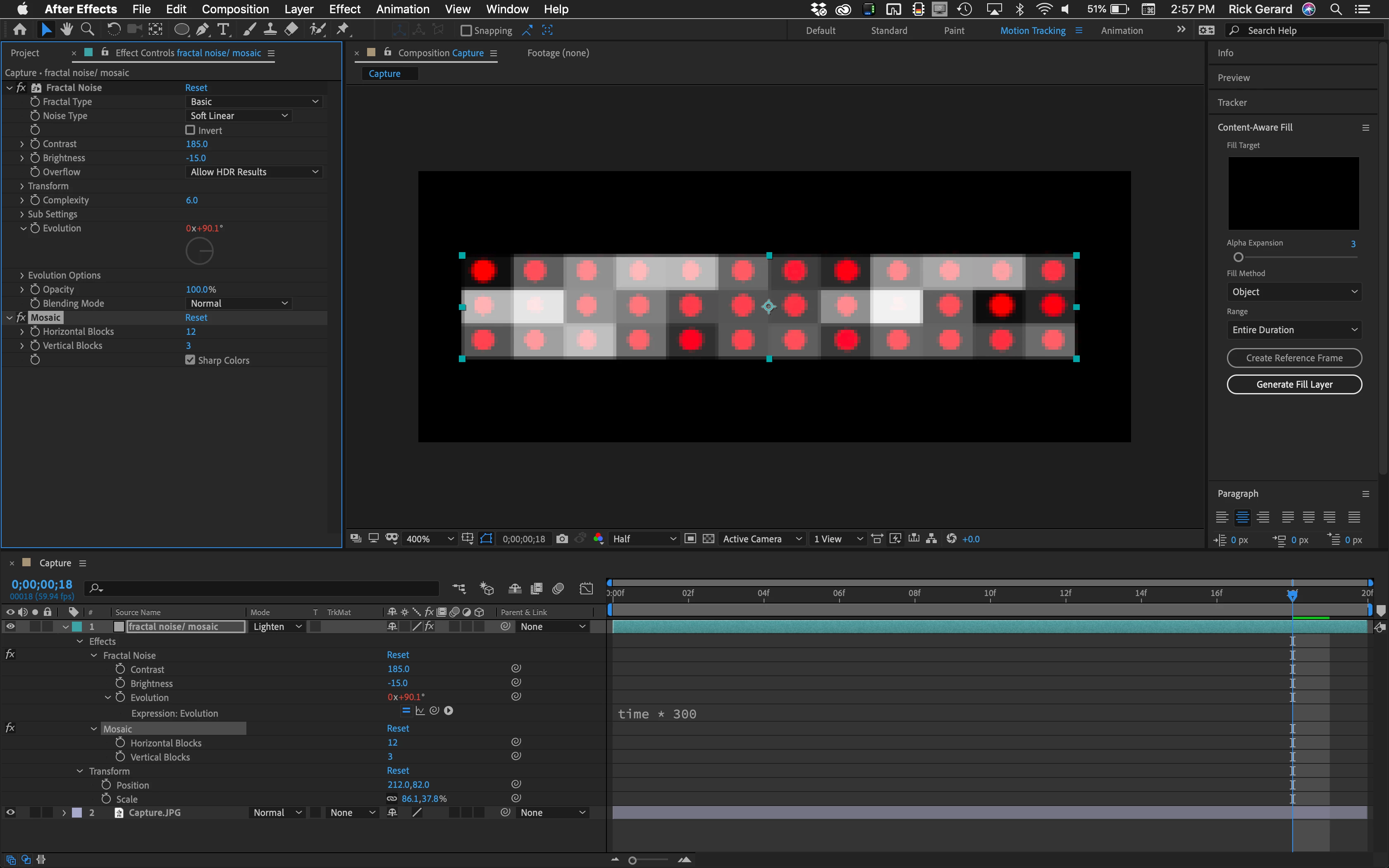
  • Create or scale a gray layer so that it is the same size as your array of dots
  • Set the blend mode to overlay so you can see through the gray layer
  • Add Fractal noise and Mosaic
  • Set the rows and columns in Mosaic to match the rows and columns of dots
  • Animate Fractal noise to get a random pattern you like

  • Set the animated solid as a luma matte for the dots layer

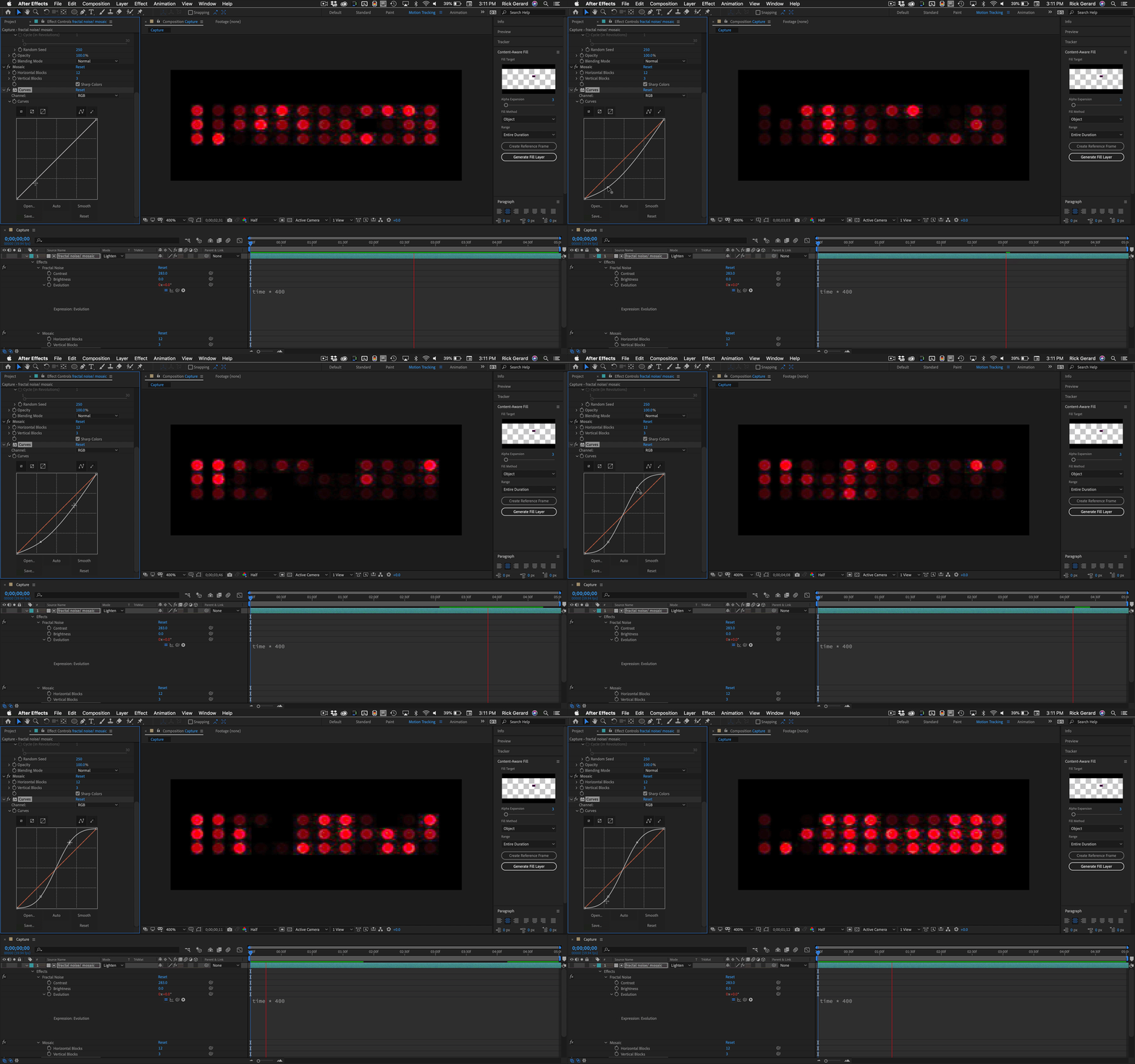
All done. Add exposure or glow to the dots layer to enhance the effect. Adding curves will also help adjust the look.

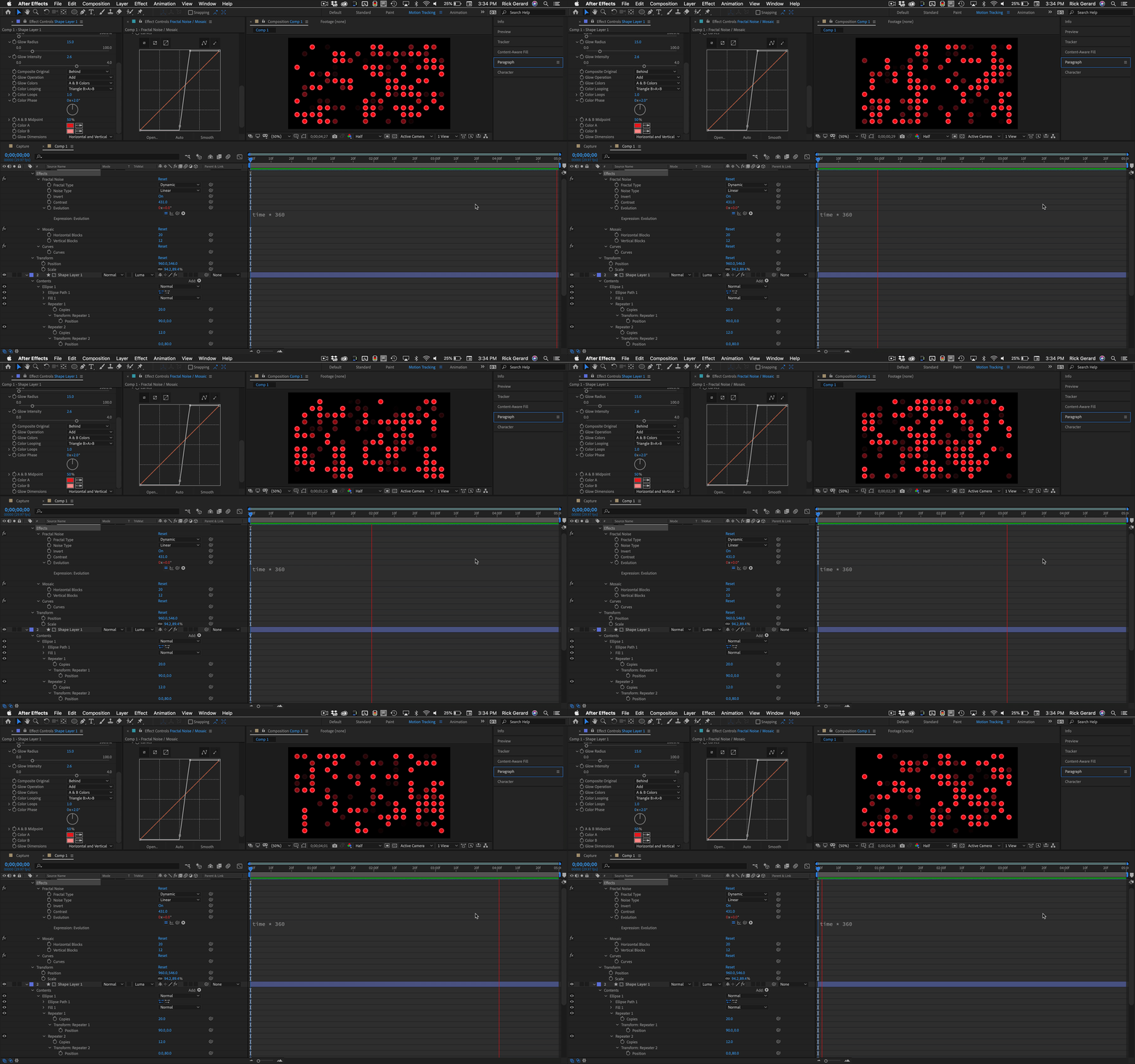
It should only take you a few minutes. It will be a lot better if the dots are on a separate layer. One shape layer, one ellipse, two repeaters, one scaled solid, 5 total effects and about 5 minutes will give you something like this:


2 replies

Rick GerardCommunity ExpertCorrect answer
Community Expert
July 15, 2020
  • Create or scale a gray layer so that it is the same size as your array of dots
  • Set the blend mode to overlay so you can see through the gray layer
  • Add Fractal noise and Mosaic
  • Set the rows and columns in Mosaic to match the rows and columns of dots
  • Animate Fractal noise to get a random pattern you like

  • Set the animated solid as a luma matte for the dots layer

All done. Add exposure or glow to the dots layer to enhance the effect. Adding curves will also help adjust the look.

It should only take you a few minutes. It will be a lot better if the dots are on a separate layer. One shape layer, one ellipse, two repeaters, one scaled solid, 5 total effects and about 5 minutes will give you something like this:


seanmcnally98
Known Participant
April 1, 2025

An incredible tutorial, this is exactly what I was looking for.  Thanks so much for taking the time to write all this out (with screenshots and gifs to help explain!)

Mylenium
Legend
July 15, 2020

That's what Trapcode Form is for. However, there's a ton of easy alternatives like Card Wipe/ Card Dance,  Ball Action, Fractal Noise in square mode or even good old Particle Playground. Likewise, effects can be mangled easy enough by stacking other adjustment effects or coloring effects like Colorama on top and quantized to your grid using the Mosaic effect. You need to think much broader here.


Mylenium