
Question
Two blue lines
Why there are two blue lines? one is hard line other one is soft line. Moving soft blue line make change in yellow line. Video is attached.
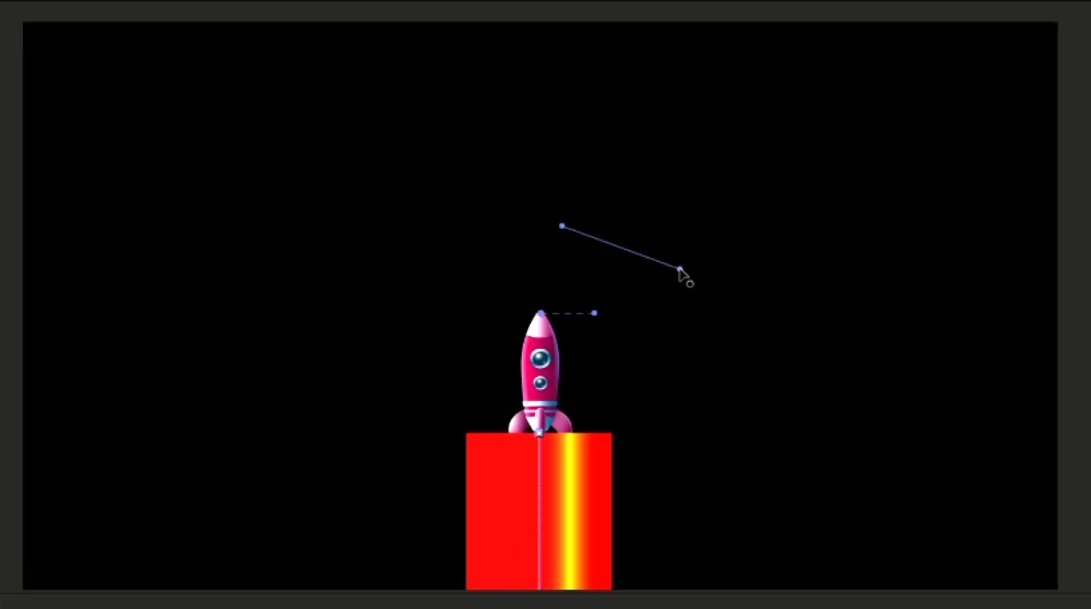

Why there are two blue lines? one is hard line other one is soft line. Moving soft blue line make change in yellow line. Video is attached.
Already have an account? Login
Enter your E-mail address. We'll send you an e-mail with instructions to reset your password.
 AdChoices