
Exit
  • Global community
    • Language:
      • Deutsch
      • English
      • Español
      • Français
      • Português
  • 日本語コミュニティ
  • 한국 커뮤니티
0

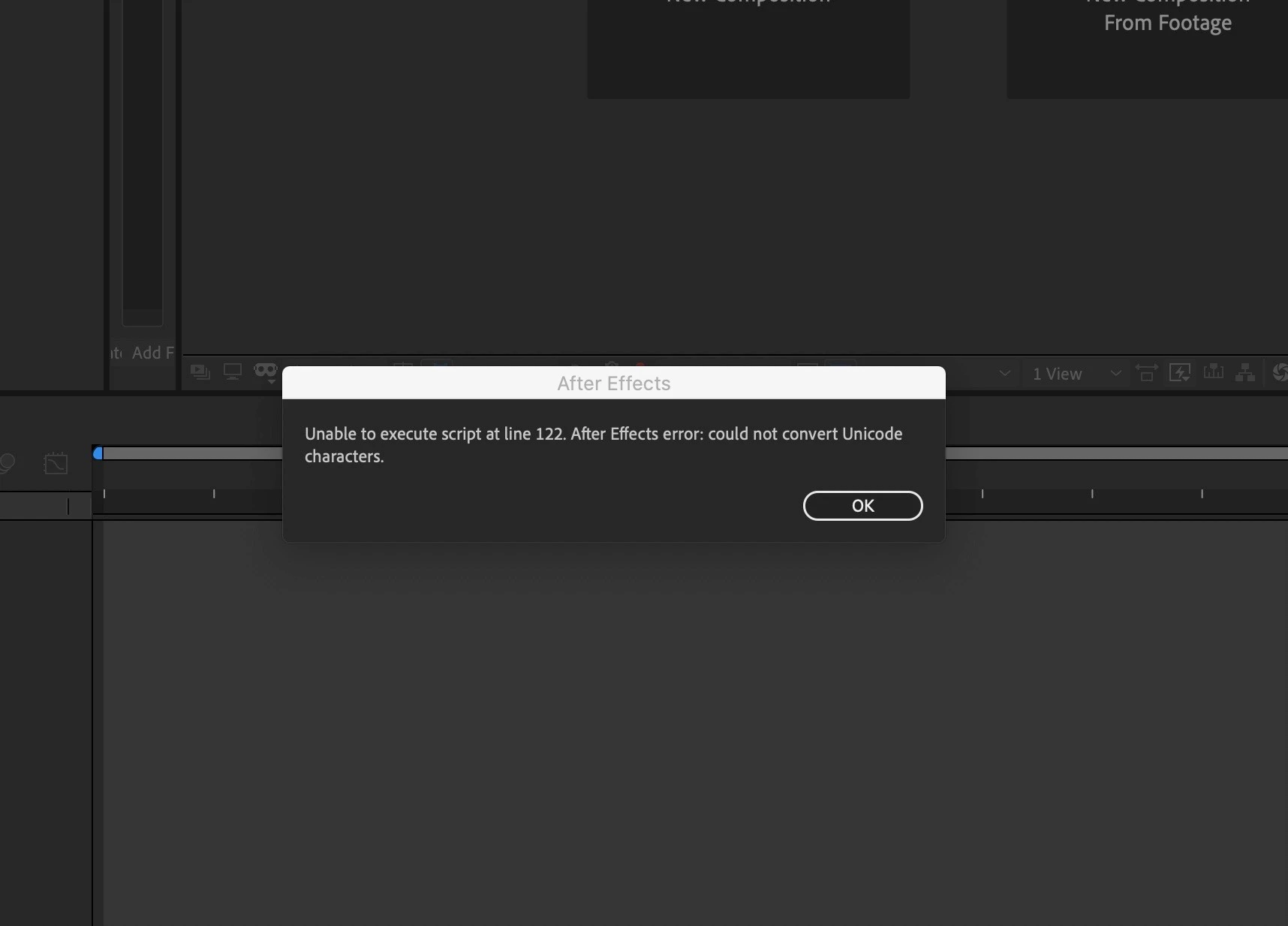
Unable to execute script at line 122. After effect could not convert Unicode Characters (ON MAC)

Participant ,
Aug 04, 2020 Aug 04, 2020

Hello everybody I am using Mac OS Catalina version 10.15.6 and my After Effect 2020 version 17.1.2 start till the execution window. And then comes this pop-up message (Unable to execute script at line 122. After effect could not convert Unicode Characters). Anybody know how to solve it.
Bless you.
screenshot_303.jpg

Erns R.
380
Translate
Report
Community guidelines
Be kind and respectful, give credit to the original source of content, and search for duplicates before posting. Learn more
community guidelines
Community Expert ,
Aug 10, 2020 Aug 10, 2020

What script is written at line 122 say? Are there any special characters in your file name and folder name?

Translate
Report
Community guidelines
Be kind and respectful, give credit to the original source of content, and search for duplicates before posting. Learn more
community guidelines
Participant ,
Aug 22, 2020 Aug 22, 2020
LATEST

Thank you ToolfarmJP, yes I am using French language so there are tons of special characters in French language.
And I think your questions have led me to this way. Thanks 
I finally solve the problem but I don’t know if that is the real way of dealing with. I would advise anybody but it has worked for me.
I delete all the custom fonts on my Mac I clean up all the junk and I restart my Mac and it works.

Erns R.
Translate
Report
Community guidelines
Be kind and respectful, give credit to the original source of content, and search for duplicates before posting. Learn more
community guidelines