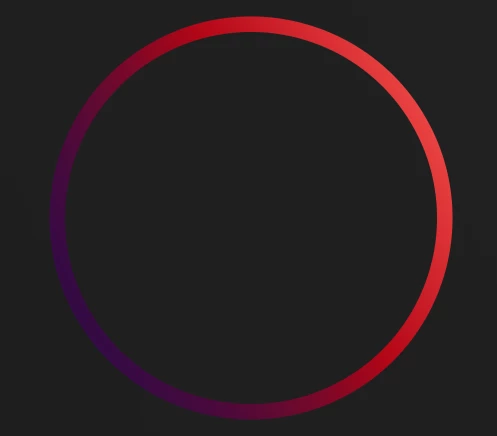
Inspiring
February 19, 2025
Answered

Unexpected Gradient Result (linear gradient on a stroke)

  • February 19, 2025
  • 1 reply
  • 273 views

I may be missunderstanding what AE is doing here, but it seems like a gradient on a path just doesn't transition that well/smoothly as I would expect. Infact, I might go as far as to say it's broken, there appears to be a ledge in AE that isn't there in other Adobe programs.


This is in Illustrator:
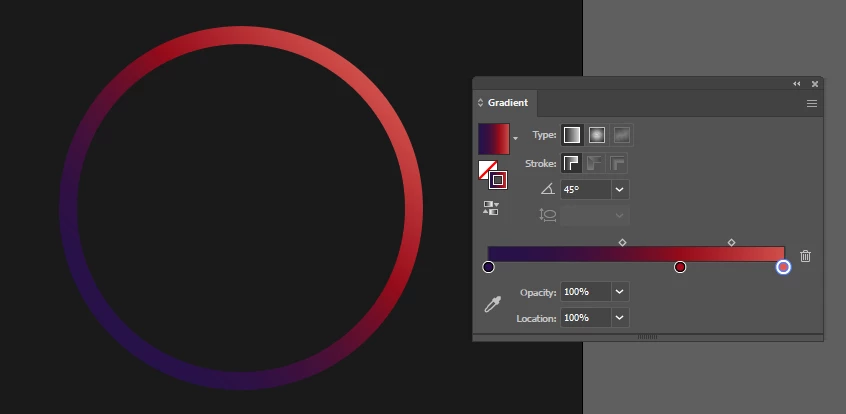
 

The same gradient in After Effects:
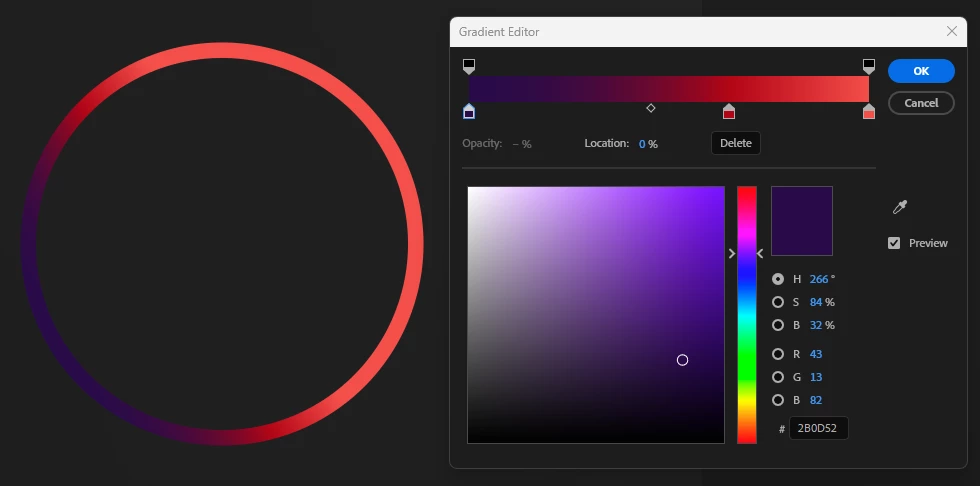
 

Exactly the same colours and positions (albiet the angles might be slightly different). In AE note how the file colour is taking up approximatly 40% of the gradient, no matter how far I move the middle colour towards the final colour all it does is change the amount of space that the colour transition takes up, instead of making the space for the final colour smaller.

Although both aren't finished, the Illustrator version is a lot closer to what I am attempting to do.


Am I doing it wrong?

I appreciate I might be able to achieve this a few different ways, this just seems the easiest way as I am animating the shape and eventually the gradient.


Regards
Paul
Correct answer Cynetix

Figured it out.


It appears I had already been playing with "Start Point" and "End Point" under the shape controls. As default the gradient is even worse so I must have already attempted to "fix it" before I had to break off and work on something else.


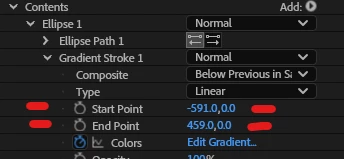
Either way, in my example these settings:


Produce this:


Which is much closer to what I was expecting. I don't know what start and end points do at the moment, but adjusting them does make a difference.


Regards
Paul

1 reply

CynetixAuthorCorrect answer
Inspiring
February 19, 2025

Figured it out.


It appears I had already been playing with "Start Point" and "End Point" under the shape controls. As default the gradient is even worse so I must have already attempted to "fix it" before I had to break off and work on something else.


Either way, in my example these settings:


Produce this:


Which is much closer to what I was expecting. I don't know what start and end points do at the moment, but adjusting them does make a difference.


Regards
Paul

nishu_kush
Community Manager
Community Manager
February 19, 2025

Thanks for updating the thread, Paul. I think the start and end points help adjust the area of the gradient better/as per your need. Here's a thread that discusses on similar topic: https://adobe.ly/4i6sofc

Hope it helps.


Thanks,
Nishu