
Inspiring
September 2, 2021
Answered

Using fade in+out - msec with multiple layers

  • September 2, 2021
  • 2 replies
  • 2795 views

Sorry this maybe be a silly question, i am still an amateur with after effects.


I have windows 10 and using the latest version of after effects.


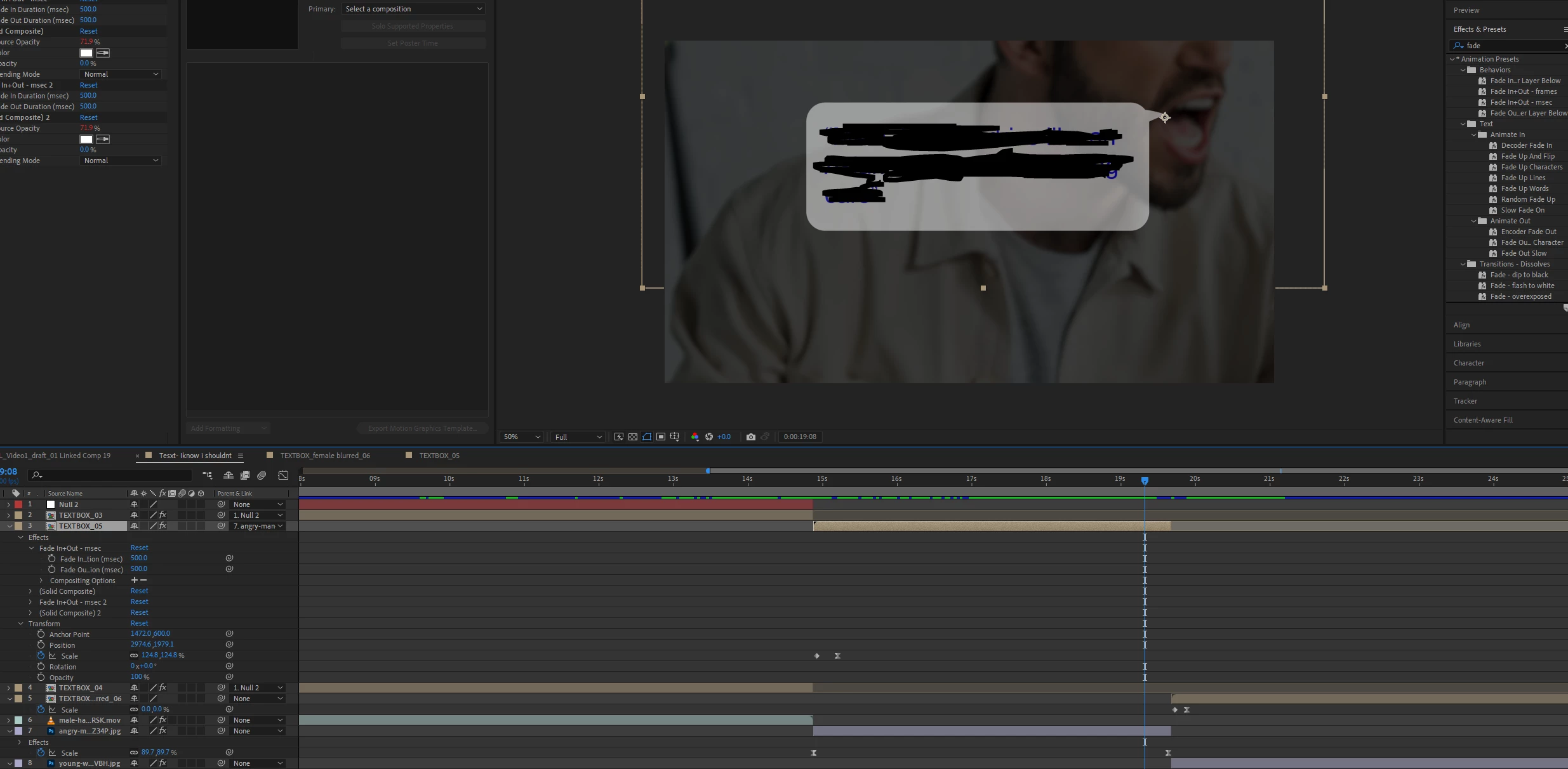
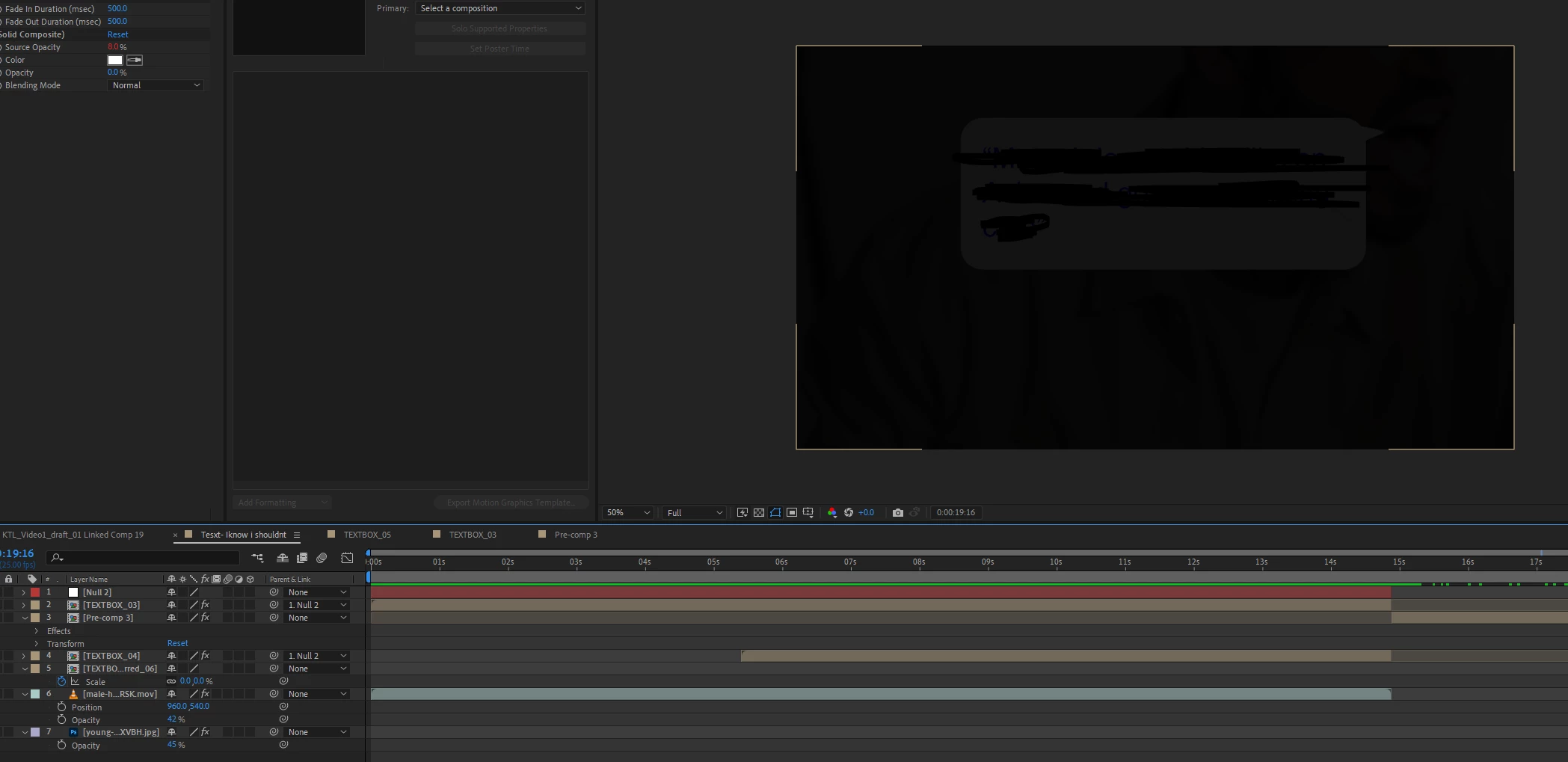
Discovered the awesome fade in/out msec effect. In the screenshot below, it shows a darkened image that is suppost to fade out. It works really well but if you see where the marker is in the timeline, as soon as it fades out my text box comment (TEXTBOX_05) starts to become transparent first, wondering if this is normal, as to me it doesnt feel like a natural fade out.


I applied the fade out effect below to each layer so that they would fade out together. But as you can see it doesnt look right and slightly transparent.


This topic has been closed for replies.
Correct answer aspire029

Got it to work.

I pre-composed the textbox and the image of the guy, and the fade effect works really well 🙂 cheers for your time 


2 replies

Mylenium
Legend
September 2, 2021

Yeah, as I explained, the effect manipulates the transparency of the layer and just adding two partial transparencies does not make 100%. That's in fact even a flaw in the preset because whoever created it did not seem to even have considered this problem. Again, perfectly normal as far as AE's blending logic goes. You may need to forego the preset and simply animate things by hand or find other methods to create your fades.


Mylenium

aspire029AuthorCorrect answer
Inspiring
September 2, 2021

Got it to work.

I pre-composed the textbox and the image of the guy, and the fade effect works really well 🙂 cheers for your time 


Mylenium
Legend
September 2, 2021

Hard to tell without seeing the content of the pre-composition. If the layer is already semi-transparent there, then of course it would be perfectly normal. The rest is probably just your inexperience biting you. I would not consider it the best approach use a specific effect that manipulates layer transparency without knowing how the effect works on its own or for that matter how blending modes interact. That may basically be what you are seeing - the effect manipulates the layer transparency and due to how these things work in AE, the cumulative opacity somewhere halfway is not 100% because these operations are not linear. Two layers with 50% opacity don't make 100%, but rather 75%. I would definitely advise to check these things and experiment a bit with this stuff in a test comp to get a better grasp of what to expect.


Mylenium

aspire029Author
Inspiring
September 2, 2021

Inside that composition for text box layer it looks like this yes the opacity is slightly lowered. I did this because pure white seemed too harsh. 


Hmm...