Participant
September 4, 2024
Answered

Video outline not showing

  • September 4, 2024
  • 2 replies
  • 768 views

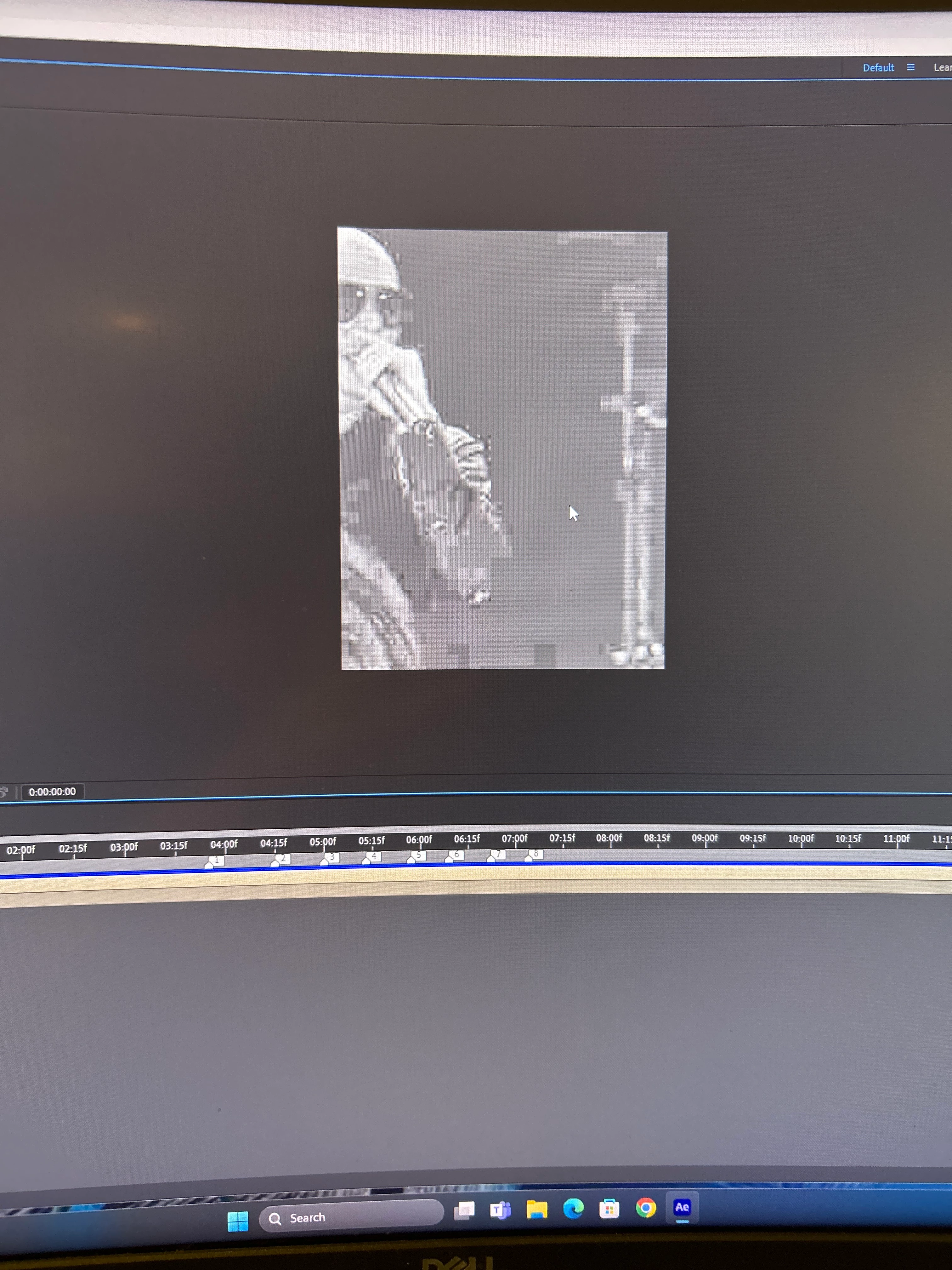
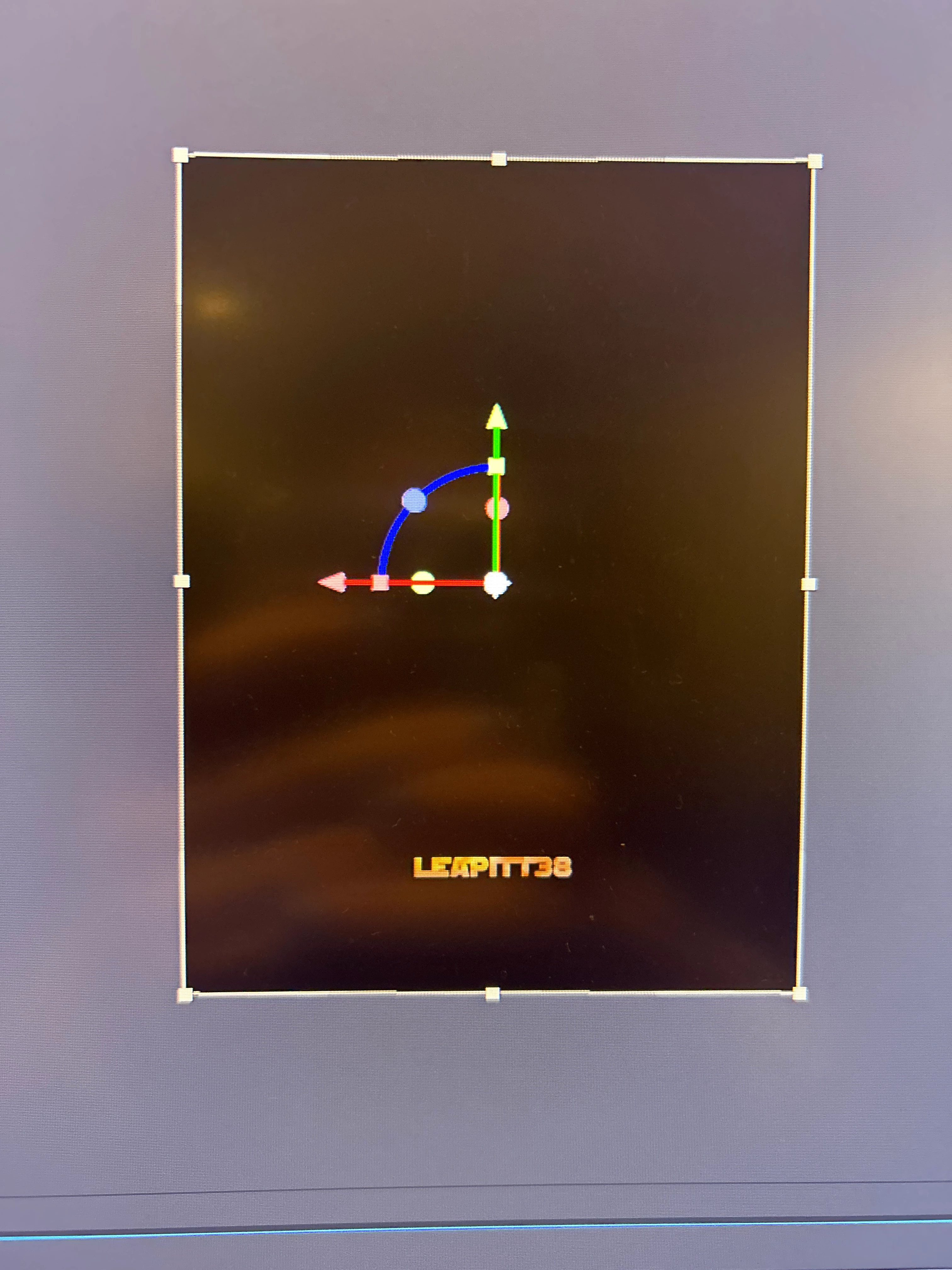
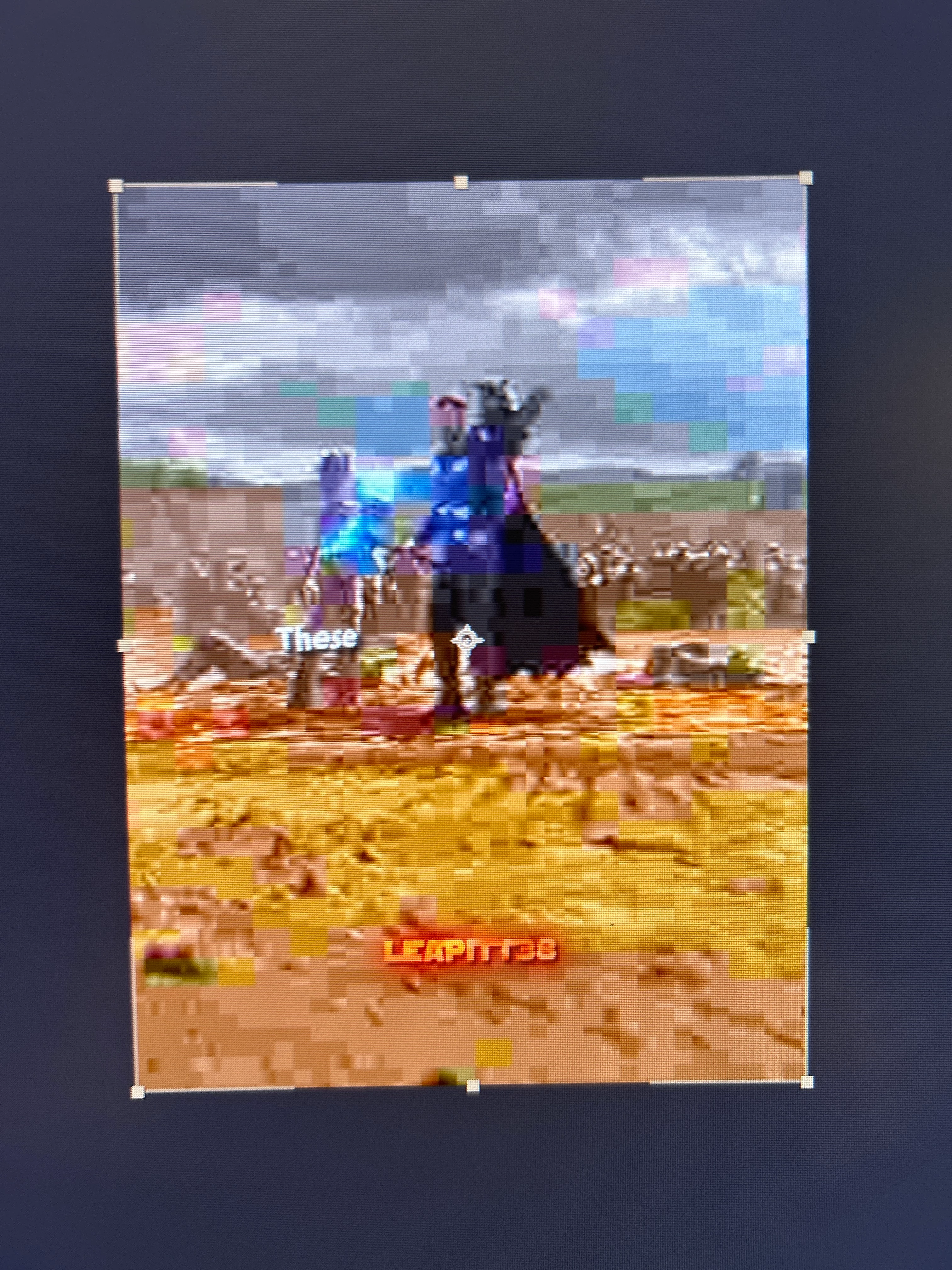
When editing on AE, usually when you click on the preview, the video that you put in will have a rectangle around it, (check photos because it's hard to explain). In one edit, this outline is showing, but in another it's not. I want it to show in both though, how can I bring it back?
Correct answer JohnColombo17100380

Hi @lwprog,

Try enabling View > Show Layer controls. That should make the bounding box around the layer appear when it is selected or goes outside the composition bounds.


Cheers,

- John, After Effects Engineering Team 

2 replies

thepixelsmith
Community Expert
Community Expert
September 5, 2024

The bounding box around the layer matches the dimensions of the layer itself.

If @JohnColombo17100380 suggestion doesn't work it could be that your layer dimensions may be a lot larger than the area you can see in the Comp panel. 

Based on your screen shot it looks like your layer is  very large when compared to the visible area in your comp.

Try slecting the layer and zooming out in the viewport. Press , (comma) a couple of times and see it you can see the layer bounding box.

JohnColombo17100380
Community Manager
JohnColombo17100380Community ManagerCorrect answer
Community Manager
September 4, 2024

Hi @lwprog,

Try enabling View > Show Layer controls. That should make the bounding box around the layer appear when it is selected or goes outside the composition bounds.


Cheers,

- John, After Effects Engineering Team 

lwprogAuthor
Participant
September 5, 2024

Hello John! Your advice worked perfectly, thank you so much!