

Washed-out colours in After Effects when rendering
I know this question has been asked a million times, even i've come up against it before and somewhow managed to solve it but with every AE update i find myself back at square one again trying to remember how to fix it again. So, for the umpteenth time... how do i stop colours getting washed out when i render out in After Effects?!
Here's some results from a test i've just made of a particular colour (#FF3E24) with screenshots taken in Illustrator and After Effects and then screenshots taken from MP4's outputted from both AE via the render queue and Media Encoder.
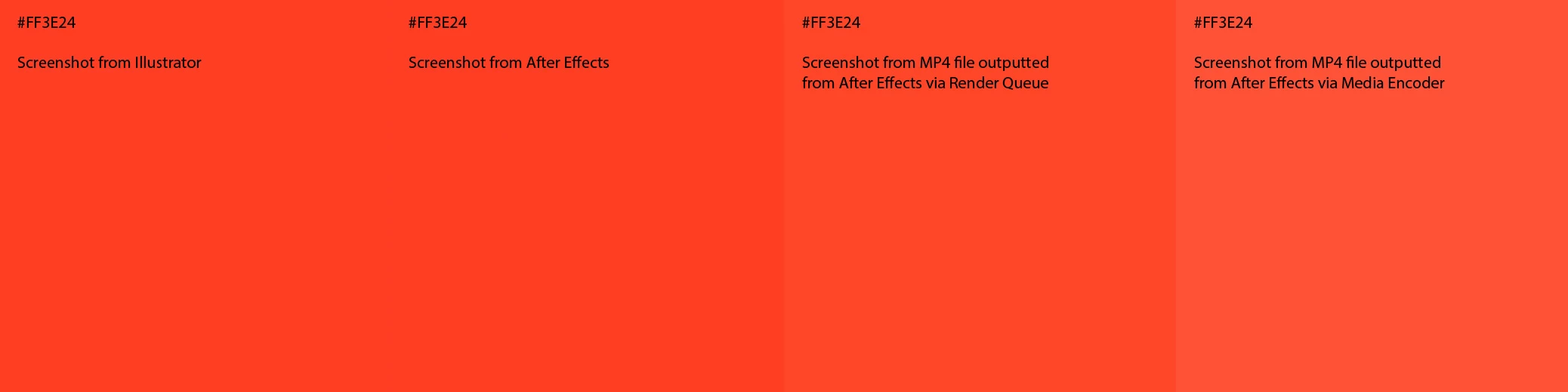
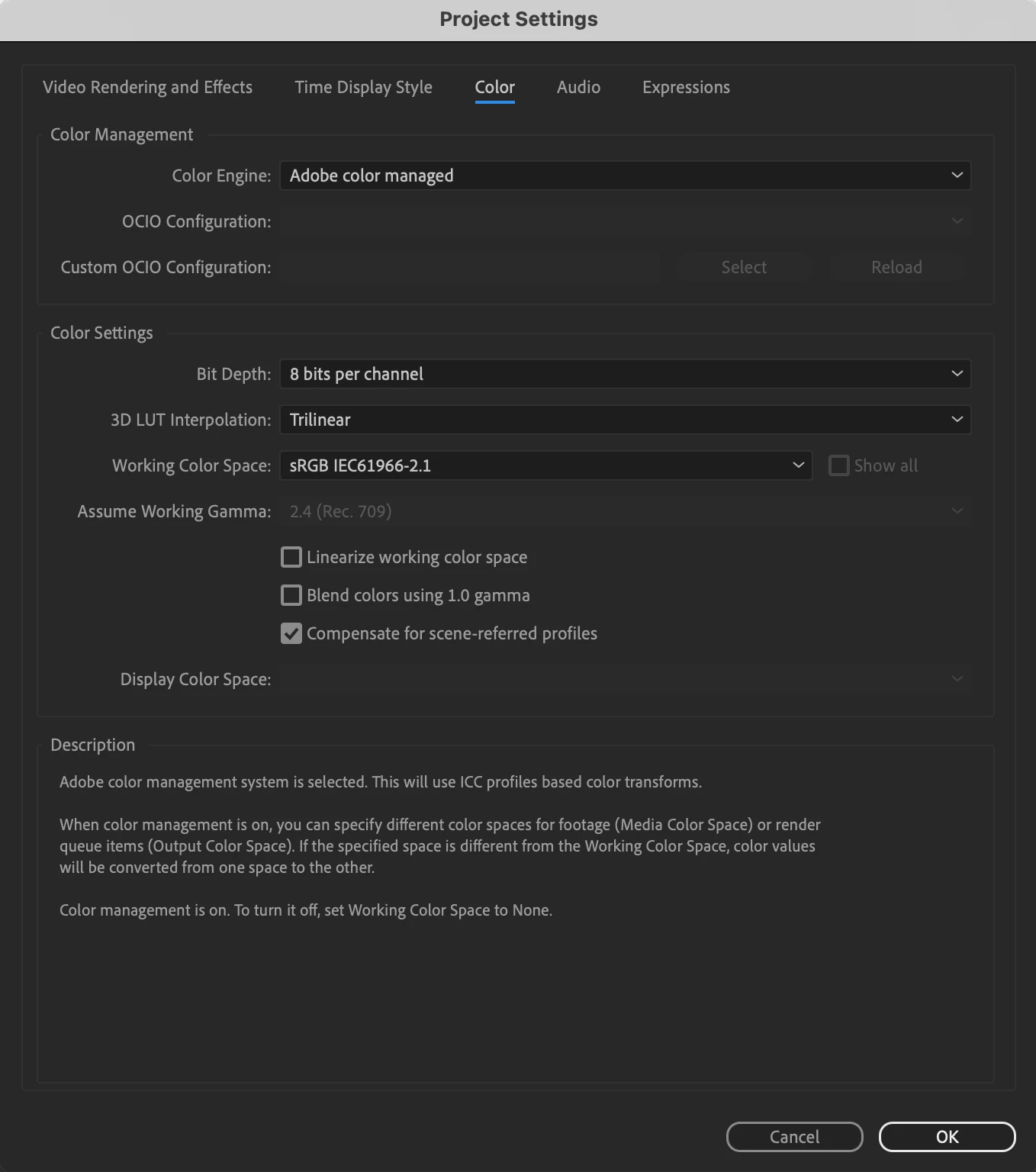
For Illustrator i always use sRGB profile, likewise the working colour space in AE project settings i also have set to sRGB and as you can see in the results the colours match between programs. When i output MP4s both via the render queue and Media Encoder however the colours wash out.
Current settings are:
MacOS Ventura 13.5
After Effects 24.0.1
Media Encoder 24.0
AE Project Settings:
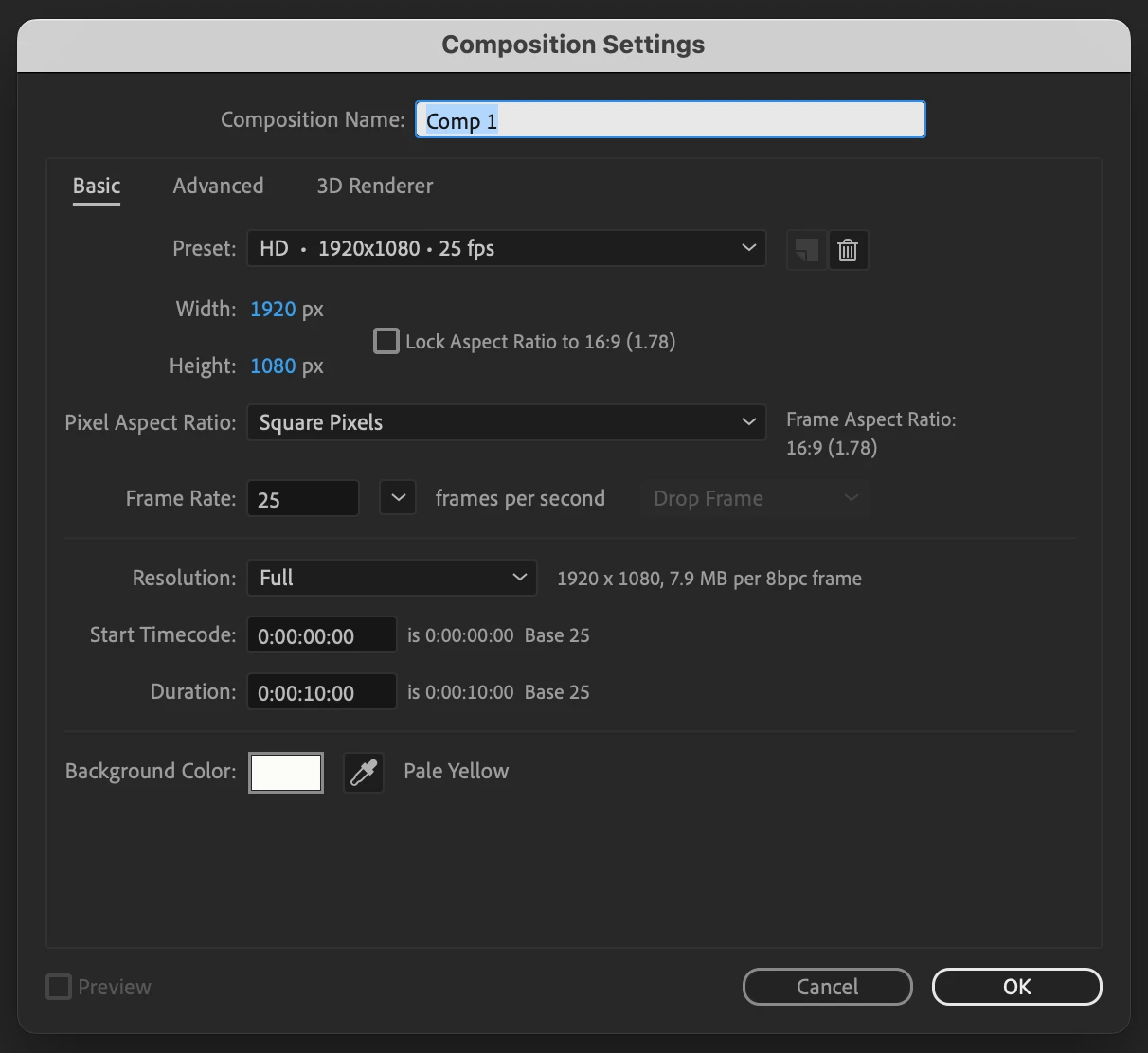
AE Comp Settings
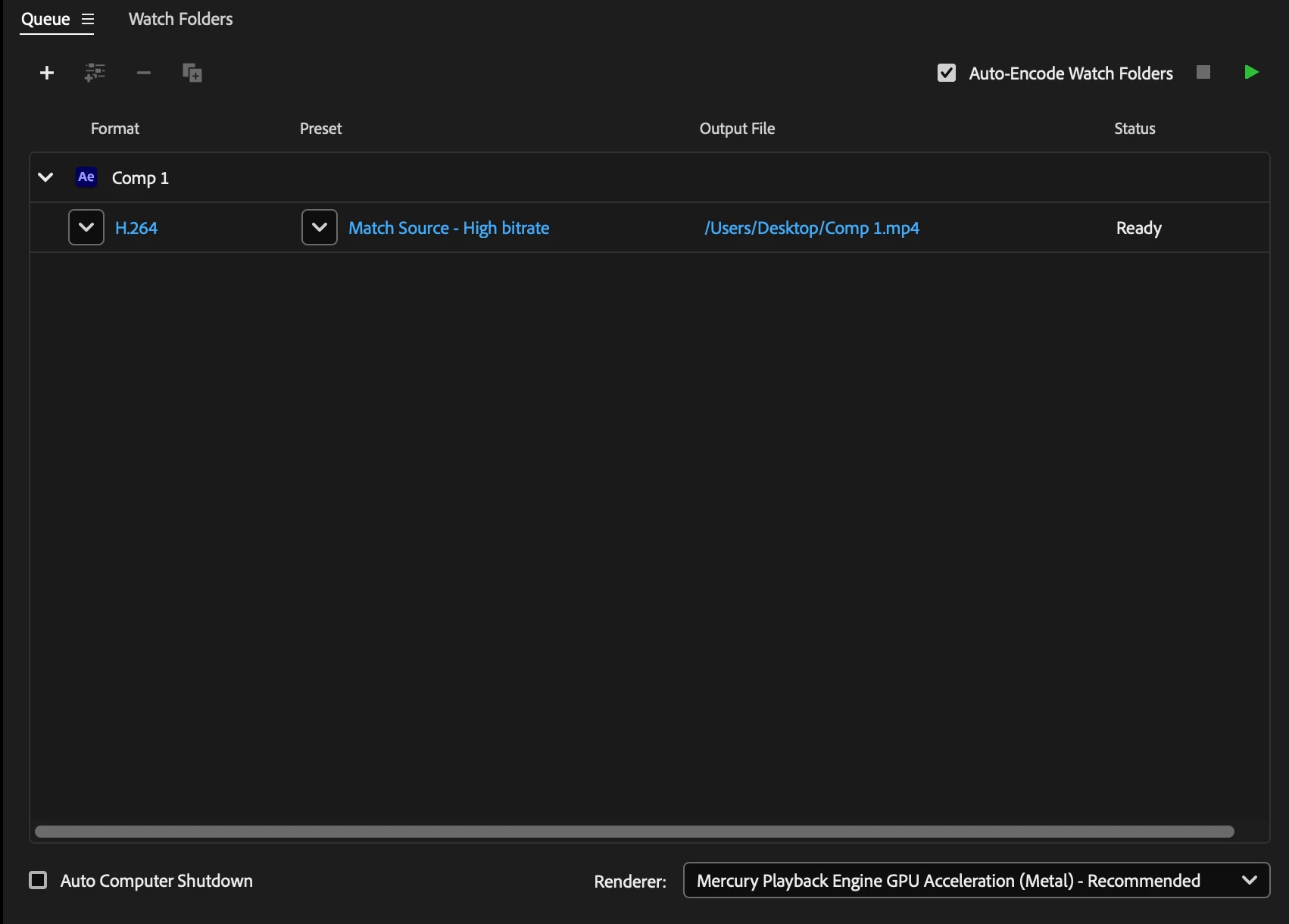
ME Output Settings:
 AdChoices