
Weird Alpha Channel bug / glitch
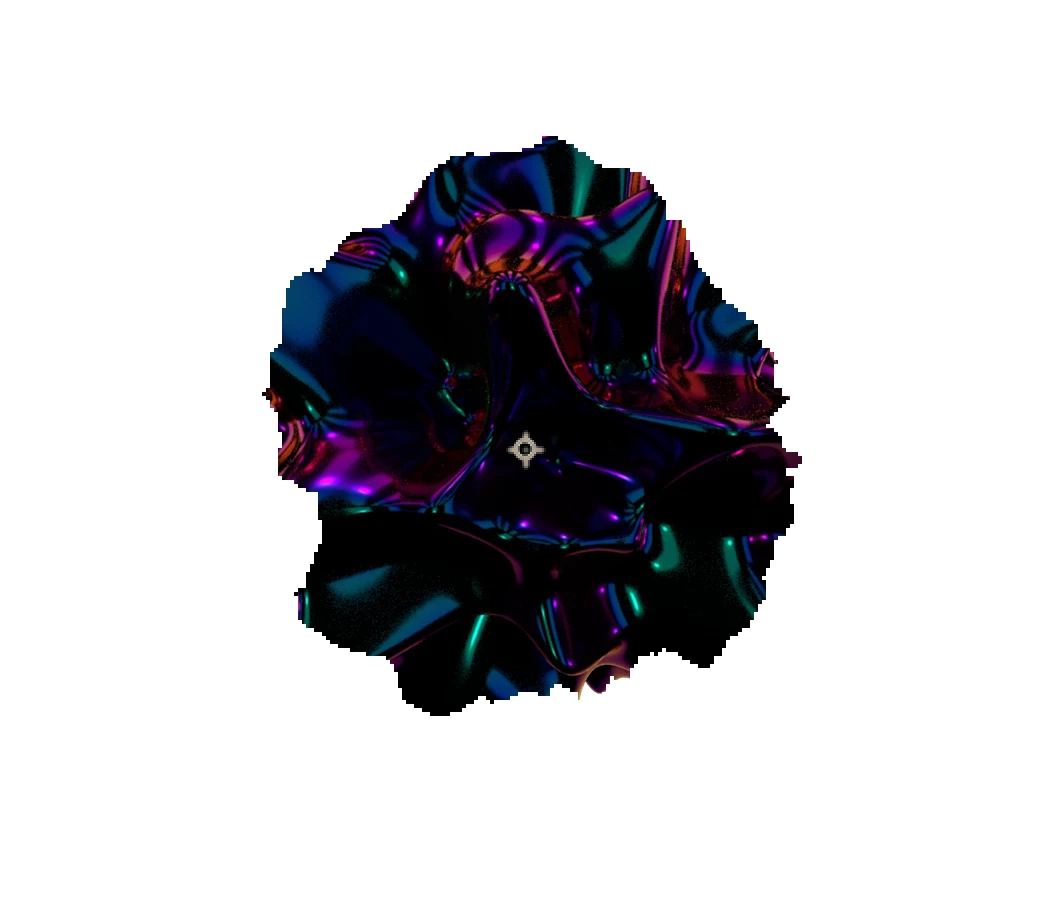
 I have a sequence of PNG images that have been rendered from C4D with the alpha channel checked. I have then imported this in to AE to find that the alpha is not working correctly. It is clearly present when I scroll across the timeline on individual frames however it is not perhaps 'caching' the whole sequence. I've imported the sequence in to PS and transparency / alpha works fine, so it's literally just AE where the problem is. I've also tried interpreting footage in AE and checking 'straight' as well as 'premultiplied'. I've tried rendering the sequence as a TIF - the issue still persists. I have checked in PS to see if the alpha channel is there in the channels window and it is. In the image below you can see what the alpha should look like versus the results achieved in AE. Any help is very much appreciated.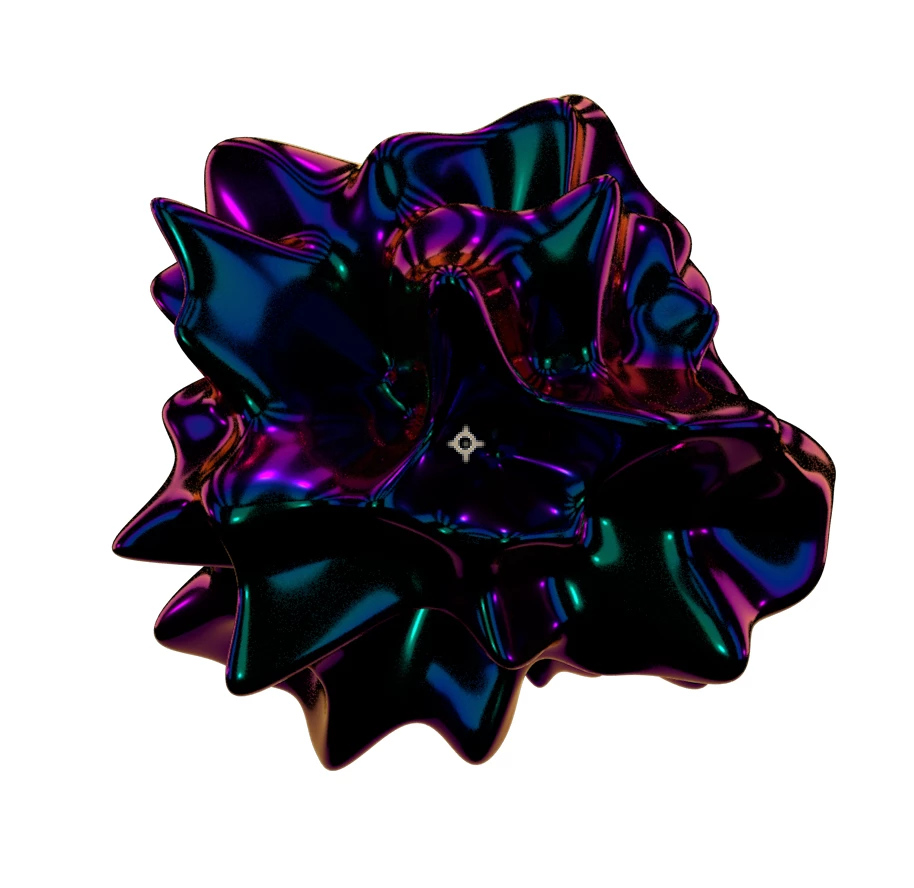
 AdChoices