
Answered
Weird glitched stroke in 3D shape when Bevel and Emboss is applied
Hi! I was trying to do a Bevel Emboss coupled with Time Displacement effect to get that twisty animation effect, trouble is after i've turned the layer 3D and rotate it at the Y axis this fuzzy outline (on the stroke) appeared and i cannot get rid of it , this is the first time i've encountered this issue and not really sure how to fix it. My renderer is definately set to Advanced 3D etc, i've turned off all shadows and light because i only wanted a flat vector look. As you can see from the screenshot in Custom View 2 it's present on the other 2 shapes but didn't appear until i set some animation key frames. It's definately in the test mp4 i rendered out in case it's just a preview glitch, any ideas? Thank you.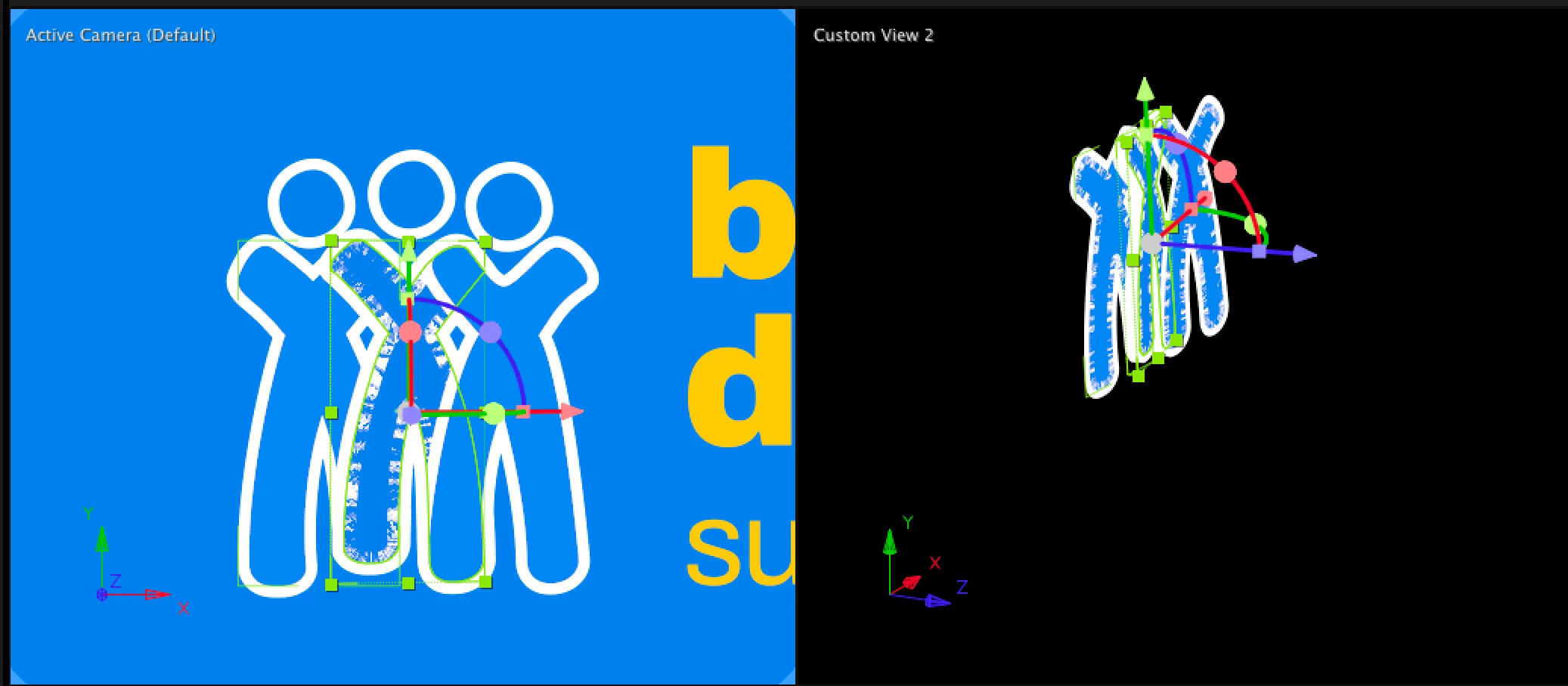
 AdChoices