

Answered
Weird things. It freezes, then a rectagle is displayed everywhere...
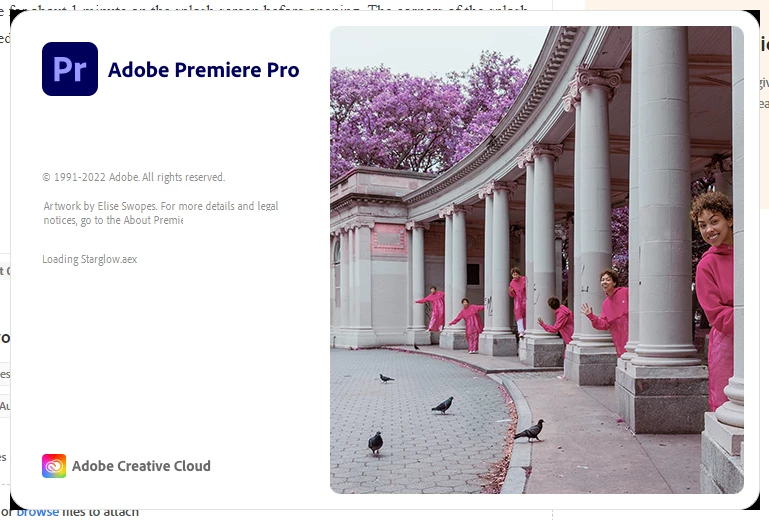
All the Adobe apps freeze for about 1 minute on the splash screen before opening. The corners of the splash screens, which are rounded, also display some black color when the splash screen freezes.
After opening, in the middle of the screen there is a rectangle
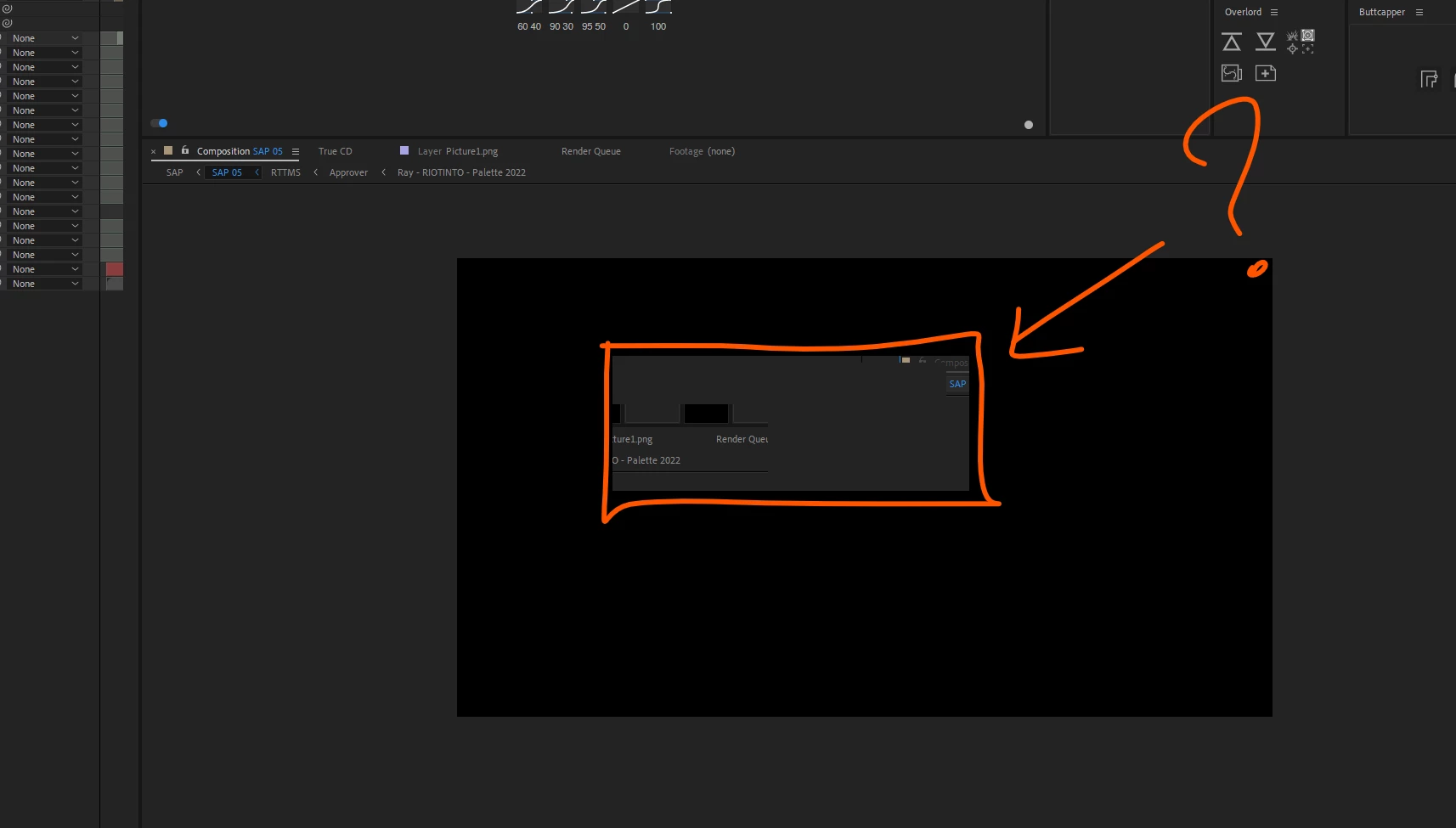
It dosn't go away. This is my browser:
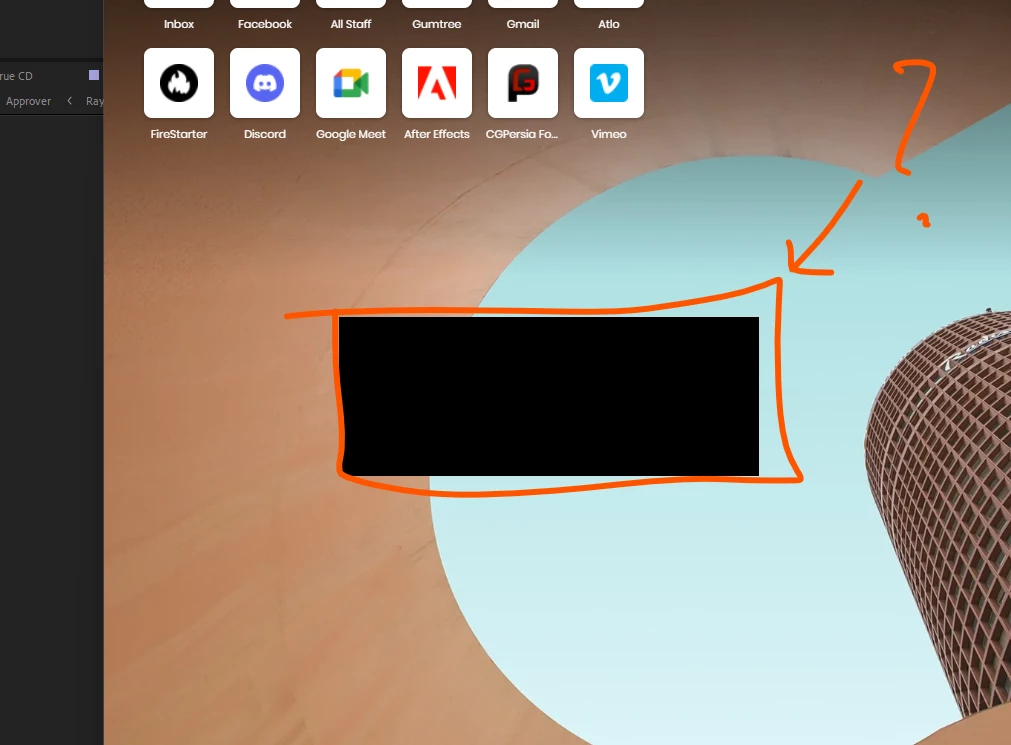
When I close all the Adobe apps it goes away...
What is that? Should I use the Adobe Cleaning Tool? Reistall what, all the suite?
 AdChoices