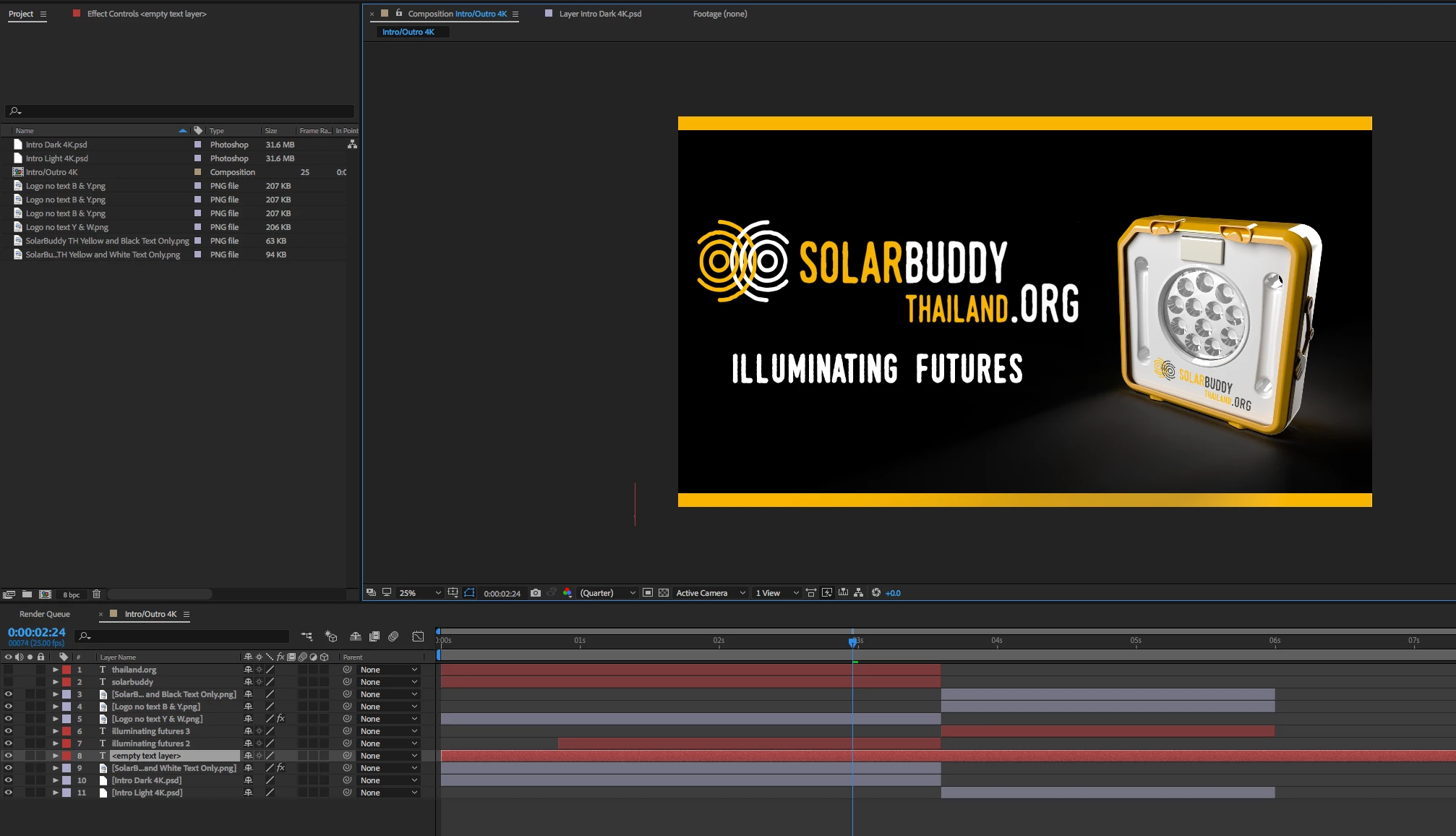
Thanks. Found it. So I've tried rendering with both settings (straight and premultiplied with RGB+Alpha, Animation, etc.) and I'm still getting the same results. I usually do everything in Premiere Pro so I haven't had much need for watching AE tutorials. I'll go and check some out.
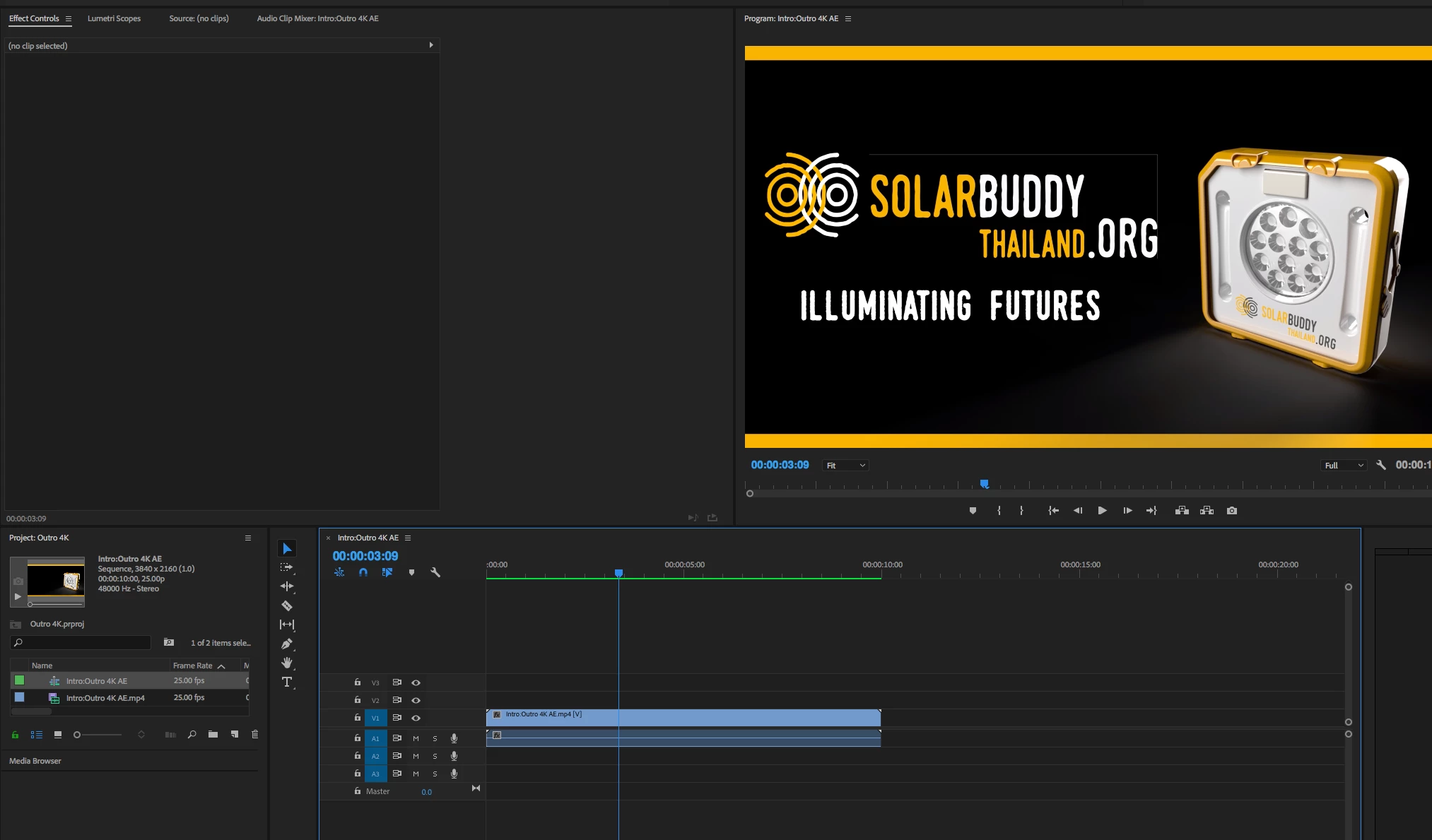
try this. in premiere, change the quality (in the program monitor wrench icon) to "high quality playback" and see if you still see it.
I am guessing this pixels exist on the edges of your artwork and you need to delete them in photoshop or mask them. in Ae you probably don't see them but in premiere you do since it defaults to reduce edge quality on preview.

 AdChoices