
Participating Frequently
August 24, 2018
Question

White fill isn't perfect white...

  • August 24, 2018
  • 2 replies
  • 1972 views

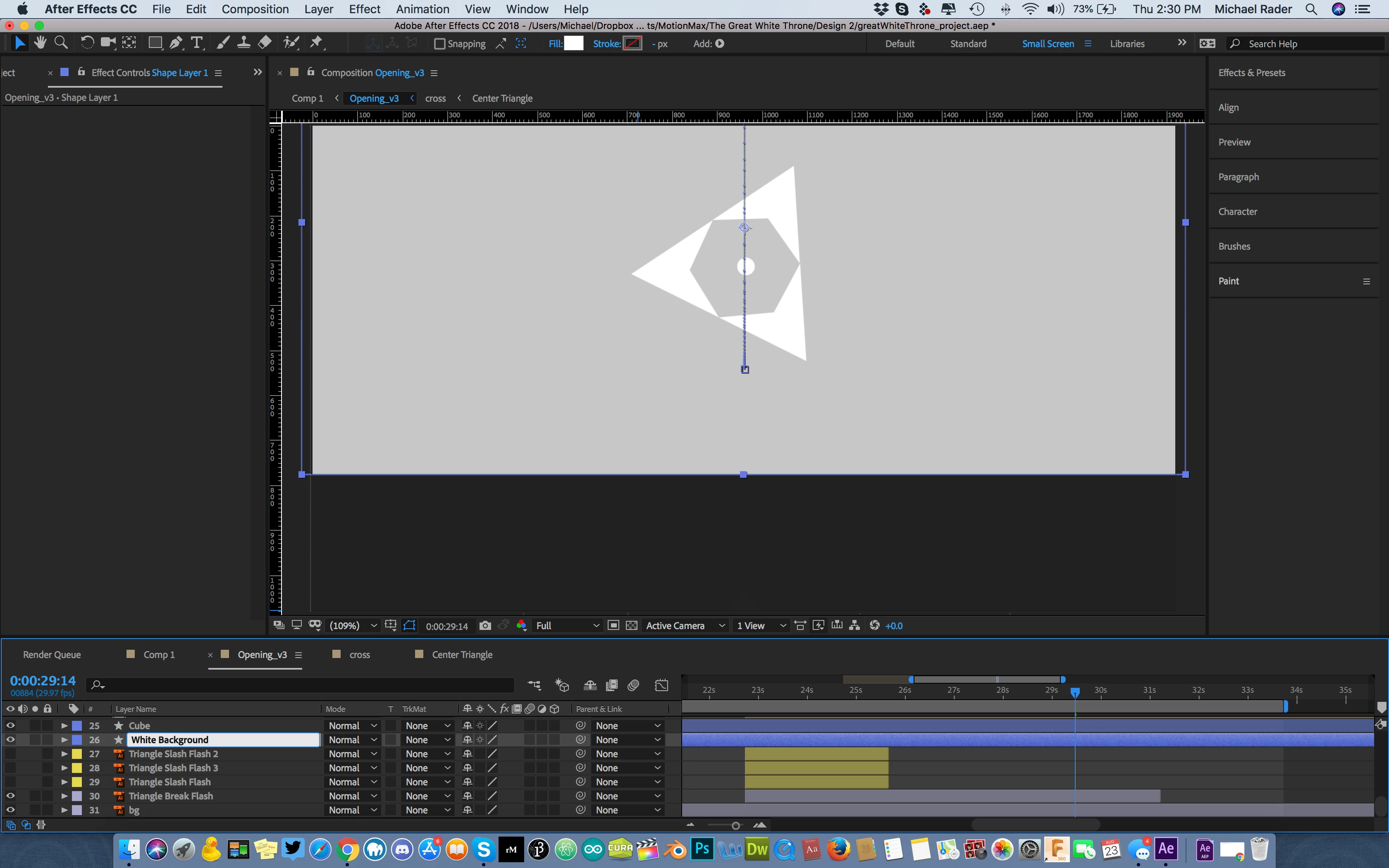
I have this white background set to white but for some reason, it won't get pure white but a grayish color. Transparency is at 100% and there are no layers above it causing any issues. I've brought the "White Background" layer to the top of the comp with the same problem. Any ideas what could be causing this? It happens to any new shape layer I create in the comp - the color won't perfectly match what I select.
    This topic has been closed for replies.

    2 replies

    istockplus
    Participating Frequently
    August 24, 2018

    Be sure to check the setting to the fill color of your shape, like opacity or other settings

    screen.jpg

    P.M.B
    Legend
    August 24, 2018

    There's no layers above it?   Looks like there's a ton of layers above it.

    ~Gutterfish
    Participating Frequently
    August 24, 2018

    Where did I say there are no layers above it?? Keep reading.  

    P.M.B
    Legend
    August 24, 2018

    What in the world are you talking about?? Where did I even slightly suggest that "I don't feel the need to "show" that all [my] settings are correct?"

    And where did I say or even slightly suggest that I did everything correctly?? I'm posting this here because I'm obviously NOT doing everything correctly! All I said was that it's not one of my above layers. Wow, you must be trolling. Why are you wasting my time?

    The purpose of the screenshot is to show the grayish layer while white is selected as the color!! HOLY SMOKES!!


    Sorry.  When I'm tired, I'm mean.  It was just my convoluted way of saying that showing us that your layer is grey is of no help & that we need to see your settings & all of your layers.

    ~Gutterfish